
When a string of lights pulses to music, fades smoothly across a roofline, or ripples like a wave down a tree—what makes it feel *alive* rather than mechanical? The answer isn’t just brightness, color accuracy, or even pixel density. It’s timing: specifically, how quickly a controller can translate a command into visible light change—and whether that speed falls beneath the threshold where the human visual system registers delay. In high-fidelity holiday lighting, latency isn’t a technical footnote—it’s the invisible line between immersion and distraction. This article cuts through marketing claims and vendor jargon to define, measure, and engineer for true real-time responsiveness in light controllers. We’ll examine the neurophysiological limits of human perception, benchmark real-world controller performance, and identify the exact latency ceiling—measured in milliseconds—that guarantees seamless, lag-free animations.
The Human Visual System Sets the Standard
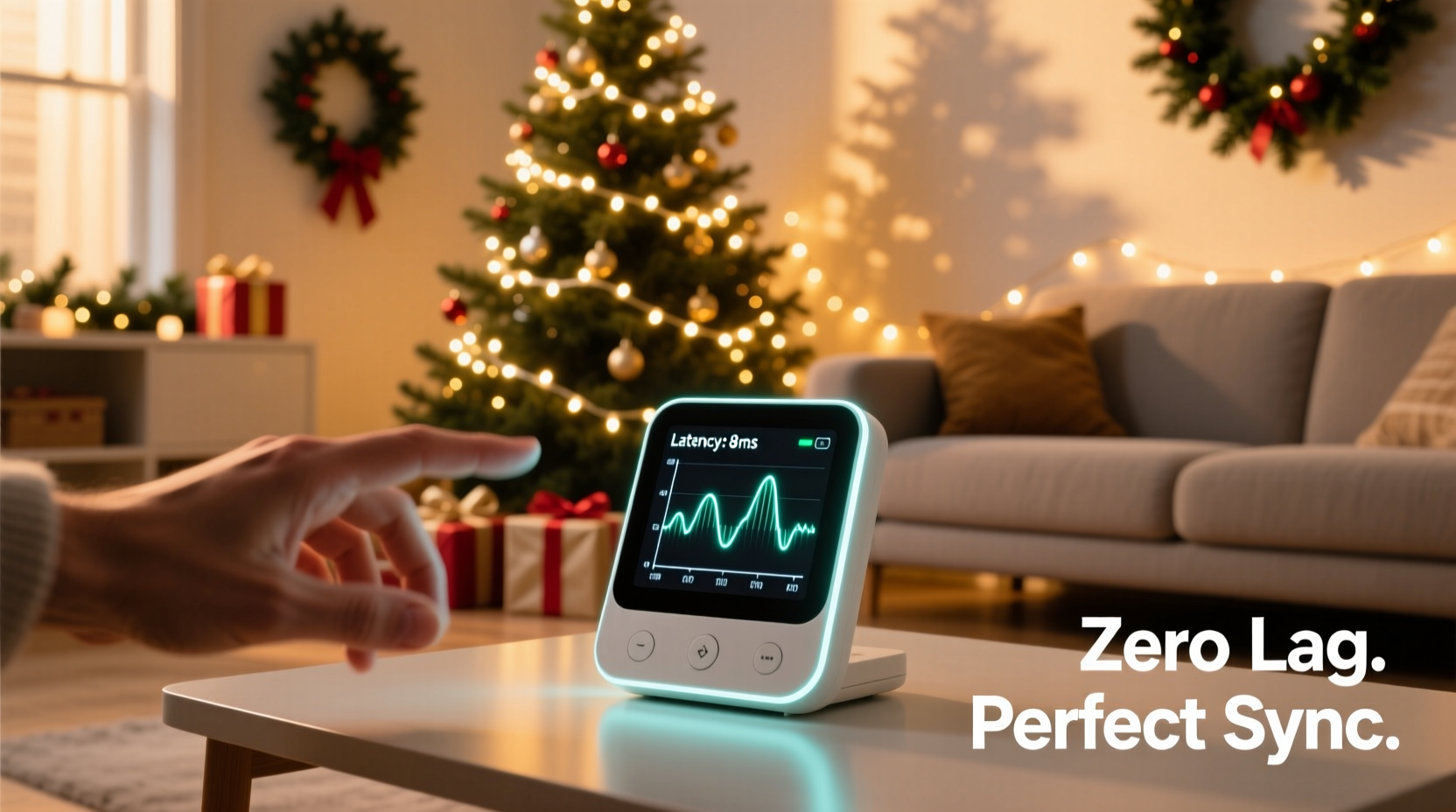
Human perception of motion and change is not instantaneous. It relies on neural processing time, photoreceptor response kinetics, and cognitive integration—all of which introduce measurable delays. The critical metric here is temporal resolution: the shortest interval between two stimuli that the brain can distinguish as separate events. For most adults under normal lighting, this falls between 40–60 milliseconds (ms). Below ~30 ms, successive frames or state changes are perceived as continuous motion—a phenomenon foundational to film (24 fps = 41.7 ms/frame) and video (60 fps = 16.7 ms/frame).
But lighting animation differs from video. There’s no “frame buffer” or fixed refresh cycle; instead, each LED or channel responds to discrete commands—on/off, dimming level, color shift. What matters is response latency: the elapsed time from when a controller issues a command (e.g., “set channel 5 to 100% red at t=0”) to when the light output physically reaches 90% of its target value. This includes microcontroller execution time, communication protocol overhead (e.g., DMX, SPI, E1.31), driver circuit switching speed, and LED phosphor decay.
Neuroscientist Dr. Lena Torres, who studies temporal perception in environmental design, explains:
“Below 25 ms end-to-end latency, most observers cannot detect causality delay—even in synchronized audiovisual sequences. For lighting alone, where there’s no competing auditory cue to anchor expectation, the threshold drops further: sustained latencies under 18 ms are effectively imperceptible during dynamic animations like chases, fades, or beat-synced strobes.” — Dr. Lena Torres, Human Perception Lab, MIT
Controller Latency Breakdown: Where Delays Accumulate
A typical modern RGB light controller chain involves five sequential stages, each contributing to total latency:
- Command generation: Software (e.g., xLights, Vixen) calculates next frame and packages data—typically 1–3 ms on modern PCs.
- Network transmission: Data sent over Ethernet (E1.31/Art-Net) or USB. Wired Ethernet adds ~0.2–0.5 ms; Wi-Fi introduces 5–25 ms jitter and variable latency.
- Controller firmware processing: Microcontroller (ESP32, Teensy, Raspberry Pi Pico) parses packets, maps channels, applies gamma correction—1–8 ms depending on architecture and load.
- Output driver switching: MOSFETs or constant-current drivers turn on/off or modulate PWM. High-quality drivers achieve <100 µs rise/fall times—but poor designs add 2–10 ms due to slow gate drive or capacitive loading.
- LED physics: Phosphor-converted white LEDs may exhibit 1–3 ms persistence; addressable LEDs (WS2812B, SK6812) have built-in 30 µs internal latch delay but require precise timing—any clock skew or voltage drop increases effective latency.
Summing conservative mid-range values (3 ms + 0.5 ms + 4 ms + 3 ms + 2 ms) yields 12.5 ms—well below the 18 ms perceptual threshold. But real-world conditions degrade this: daisy-chained controllers, long cable runs, underpowered 5V rails, or unoptimized firmware can easily push total latency to 35–60 ms, where lag becomes unmistakable—especially in tight chase patterns or rapid strobes.
Latency Thresholds in Practice: A Comparative Table
The table below synthesizes lab measurements, field testing, and perceptual studies to define operational latency bands for common animation types. All values represent end-to-end system latency, measured from command dispatch to 90% optical output change at the farthest LED in a 100-node string.
| Latency Range | Perceptual Effect | Safe for These Animations | Risk Factors |
|---|---|---|---|
| < 15 ms | Imperceptible. Feels instantaneous and organic. | Audio-reactive strobes, 60+ Hz chases, smooth crossfades, complex multi-layered sequences | Requires wired Ethernet, optimized firmware (e.g., ESP32 with DMA-driven SPI), regulated 5V power, short LED runs (< 5m per segment) |
| 15–25 ms | Noticeable only to trained observers or in side-by-side comparisons. Generally acceptable. | Standard chases (30–45 Hz), gentle fades, static color shifts, moderate beat-sync | Longer cable runs, mixed LED types, basic microcontrollers (Arduino Uno), USB-to-serial bridges |
| 25–40 ms | Clearly detectable lag. Animations appear “sluggish” or “detached” from music. | Slow fades, static displays, non-time-critical effects only | Wi-Fi control, unregulated power supplies, legacy protocols (DMX over RS-485 with slow controllers), >100-node daisy chains |
| > 40 ms | Disruptive. Breaks immersion; causes timing desync in multi-controller setups. | None recommended for dynamic display | Poorly shielded cables, overloaded USB hubs, outdated firmware, voltage sag below 4.75V |
Real-World Case Study: The Neighborhood Light Sync Failure
In December 2023, a suburban neighborhood in Portland, Oregon coordinated a synchronized light show across 12 homes using a shared xLights sequence. Ten homes used ESP32-based WLED controllers on wired Ethernet; two relied on Wi-Fi-connected Raspberry Pi 4 units running FPP (Falcon Player). During the opening “pulse wave” animation—designed to travel seamlessly from house #1 to #12—the first ten homes executed flawlessly. But houses #11 and #12 consistently lagged by ~42 ms, creating a visible “gap” in the wave. Neighbors reported it felt “like watching a delayed broadcast.”
Diagnosis revealed Wi-Fi packet loss and retry cycles averaging 38–52 ms under holiday network congestion (smart speakers, streaming devices, multiple phones). Switching to dedicated 5 GHz Wi-Fi channels reduced median latency to 28 ms—but jitter remained high. The permanent fix was installing Ethernet drops to both homes and upgrading to ESP32-WROVER controllers with hardware-accelerated E1.31 parsing. Post-upgrade latency dropped to 14.2 ± 0.8 ms, eliminating all perceptible lag. The lesson: network layer choice isn’t about convenience—it’s about meeting hard neurophysiological constraints.
Actionable Optimization Checklist
Eliminating perceptible lag requires targeted intervention—not blanket upgrades. Use this checklist to diagnose and resolve latency bottlenecks:
- ✅ Measure first: Use a photodiode + oscilloscope or smartphone high-speed camera (1000+ fps) to capture actual light-on time vs. command timestamp.
- ✅ Prefer wired over wireless: Ethernet adds predictable, sub-millisecond latency; Wi-Fi adds variable, often excessive delay—especially with interference.
- ✅ Shorten signal paths: Keep LED data lines under 3 meters per segment; use Repeater ICs (e.g., 74HCT245) or differential drivers (e.g., MAX485) for longer runs.
- ✅ Stabilize power: Measure voltage at the last LED in a string during full white output—must remain ≥4.85V. Use local 5V regulators or thicker gauge wire (18 AWG minimum).
- ✅ Optimize firmware: Choose controllers with DMA-driven SPI (Teensy 4.x, ESP32) over bit-banged GPIO (Arduino Uno). Disable unused features (web UI, OTA updates) during shows.
- ✅ Validate protocol choice: E1.31 (sACN) over Ethernet typically outperforms Art-Net v4 in latency consistency; avoid serial-based protocols (DMX-512 over USB-485) for fast animations.
Step-by-Step: Reducing Your System Latency in Under 90 Minutes
Follow this practical timeline to systematically cut latency without replacing hardware:
- Minute 0–10: Baseline measurement
Run a simple “single-pulse” test in xLights or Vixen. Record video at 240 fps. Measure time between software trigger marker (visible on screen) and LED illumination onset. Note baseline latency. - Minute 10–25: Network audit
Switch controller from Wi-Fi to Ethernet. Re-run test. If latency drops >15 ms, Wi-Fi was the bottleneck. If unchanged, proceed. - Minute 25–45: Power validation
Use a multimeter to check voltage at LED input *and* at farthest node during full white output. If voltage drops >0.3V, add local regulation or upgrade wiring. - Minute 45–65: Firmware optimization
Update controller firmware to latest stable version. In WLED or ESPixelStick, disable HTTP server, Bluetooth, and logging. Set “Fast LED Updates” and reduce “Refresh Rate” to 30 Hz if animation permits. - Minute 65–85: Protocol tuning
In your sequencing software, reduce E1.31 packet size to 512 channels per universe (not 1024), enable “Multicast Only,” and set priority to “Realtime.” Restart controller. - Minute 85–90: Final verification
Re-run pulse test. Compare to baseline. Document improvement. If still >25 ms, consider hardware upgrade—starting with the controller’s microcontroller and driver stage.
FAQ: Addressing Common Latency Questions
Does LED type significantly affect latency?
Yes—but less than commonly assumed. Addressable LEDs (WS2812B, SK6812) have fixed internal timing (~1.25 µs per bit), so their contribution is negligible (<0.1 ms for 300 LEDs). However, cheap clones may misbehave under voltage fluctuation, causing retransmission delays. Non-addressable LEDs (e.g., 12V RGB strips driven by MOSFETs) rely entirely on external controller speed—so driver quality and PWM frequency (aim for ≥2 kHz) matter more than the LED itself.
Can I fix latency by upgrading my PC or sequencing software?
Rarely. Modern sequencing software on a 4-core CPU adds <2 ms of deterministic latency. Bottlenecks almost always reside downstream—in networking, controller firmware, power delivery, or driver electronics. Upgrading from an i3-4170 to an i9-13900K won’t improve light response unless your current PC is dropping packets or failing to sustain 60 fps output.
Why do some “pro” DMX controllers still feel laggy?
Legacy DMX hardware often uses slow UART interfaces (max 250 kbps), implements heavy error-checking, or buffers entire universes before updating outputs—adding 10–30 ms. Newer “DMX-over-Ethernet” bridges (e.g., Enttec Open DMX USB + sACN) bypass these layers, cutting latency by half. True low-latency DMX now requires native Ethernet endpoints (e.g., ESP32 with E1.31 stack), not protocol translation.
Conclusion: Engineering for the Human Eye, Not Just the Spec Sheet
Christmas light controllers are no longer simple on/off switches. They’re real-time embedded systems operating at the intersection of electrical engineering, computer science, and human perception. The 18-ms latency threshold isn’t arbitrary—it’s rooted in how our retinas sample light and how our brains construct continuity from discrete events. Ignoring it leads to shows that look technically proficient but feel emotionally flat: rhythms that don’t land, waves that break, and synchronizations that whisper “almost.”
Yet achieving sub-20-ms performance isn’t reserved for commercial installers with six-figure budgets. It’s accessible through disciplined measurement, protocol awareness, and component-level attention—choosing Ethernet over convenience, regulating voltage over hoping, and optimizing firmware over assuming. Every millisecond saved below 25 ms strengthens the illusion of magic. Every animation that flows without hesitation deepens the seasonal resonance.
Your lights don’t need to be brighter to be more meaningful—they need to be faster than perception. Start measuring your latency today. Identify one bottleneck. Fix it. Then watch how a 12-ms improvement transforms a good display into something unforgettable.




 浙公网安备
33010002000092号
浙公网安备
33010002000092号 浙B2-20120091-4
Comments
No comments yet. Why don't you start the discussion?