
Every November, thousands of homeowners face the same technical dilemma: how to orchestrate dozens—or even hundreds—of lights across porches, roofs, trees, and garden paths without signal clashes, delayed responses, or zones turning on when they shouldn’t. The root issue isn’t just convenience—it’s electromagnetic integrity. In dense suburban neighborhoods where homes sit 20 feet apart and dozens of holiday lighting systems operate simultaneously, RF (radio frequency) interference is no longer theoretical. It’s why your neighbor’s snowman blinks in sync with your icicle lights—and why your “smart” remote suddenly stops responding to Zone 3 after a neighbor installs a new Wi-Fi-enabled display. This article cuts through marketing claims to examine what actually works when managing three or more independent lighting zones reliably, day after day, throughout the season.
How Interference Actually Happens—And Why It’s Worse Than You Think
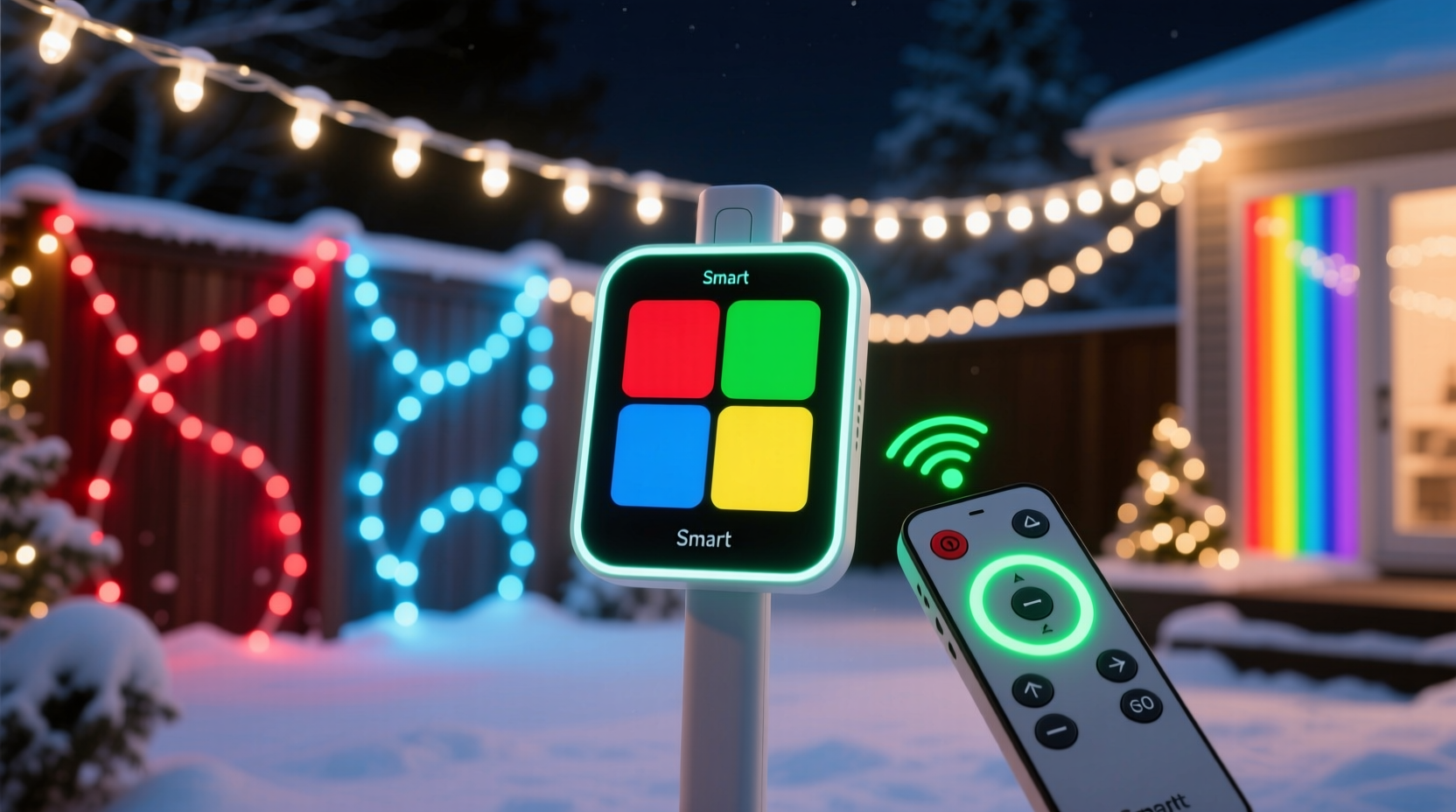
Most budget-friendly standalone remotes operate on the 433 MHz or 315 MHz ISM bands—unlicensed frequencies shared by garage door openers, wireless doorbells, weather stations, and even some baby monitors. When multiple transmitters broadcast in proximity, signals collide. Unlike digital protocols that retransmit or correct errors, most basic RF remotes use simple OOK (On-Off Keying) modulation: a single pulse means “on,” two pulses mean “off.” No error checking. No handshake. No acknowledgment. If a stray microwave oven emits noise at 433 MHz (a common occurrence), your porch lights may flicker—or worse, lock into an unintended state.
Controllers, by contrast, often embed intelligence at the hardware level. Dedicated controllers like the Light-O-Rama PixCon16 or Falcon F16v3 use synchronized DMX512-A or E1.31 (sACN) protocols over wired Ethernet or shielded twisted-pair cabling. These are deterministic, packet-based systems with CRC checksums, sequence numbers, and unicast addressing—meaning each zone receives only its assigned data stream. Even wireless controllers (e.g., those using 2.4 GHz FHSS—Frequency Hopping Spread Spectrum) avoid interference by hopping across 79 channels 1600 times per second, making sustained collision statistically improbable.
Controller vs Remote: A Functional Breakdown
The distinction isn’t just about price or complexity—it’s about architecture. A standalone remote is a *command transmitter*. A controller is a *command execution engine* with local decision-making capability. That difference defines reliability under load.
| Feature | Standalone Remote (Multi-Zone) | Dedicated Light Controller |
|---|---|---|
| Zones Supported | Typically 4–8 zones via dip-switch or rolling code pairing | 16–96+ zones (scalable via expansion boards or networked nodes) |
| Interference Mitigation | Limited: relies on channel selection or physical distance; no signal verification | Robust: CRC validation, packet timeouts, automatic retries, address-specific delivery |
| Timing Precision | ±500 ms latency; no synchronization between zones | Sub-millisecond sync across all zones (critical for music-synchronized displays) |
| Fail-Safe Behavior | Zone may freeze, revert to last state, or ignore commands during interference | Graceful degradation: missed packets trigger fallback sequences or hold last valid state |
| Setup Flexibility | Fixed wiring per zone; no dynamic reassignment | Zones programmable via software; one output can drive multiple circuits; zones easily renamed/reassigned |
Note: “Multi-zone remotes” sold online often promise “up to 16 zones”—but this usually means 16 *channels*, not 16 independently addressable zones. In practice, many require identical receivers per zone, and changing a zone’s behavior demands physically resetting dip switches on every receiver box—a tedious process prone to human error.
A Real-World Multi-Zone Failure: The Oakwood Lane Incident
In December 2023, Sarah M., a homeowner in Portland, Oregon, installed a $129 “16-zone smart remote kit” to control her front porch (Zone 1), roof outline (Zone 2), driveway arch (Zone 3), and backyard tree (Zone 4). All receivers used the same 433 MHz OOK protocol with manually set dip switches. For the first week, it worked flawlessly. Then, on December 12, her neighbor installed a new smart sprinkler controller that transmitted status updates every 90 seconds on 433.42 MHz—the exact frequency her Zone 2 receiver was tuned to.
Result: Every time the sprinkler pinged, her roof lights blinked off for 1.2 seconds. Not intermittently—*predictably*, like clockwork. She tried reprogramming dip switches, relocating the remote antenna, and adding aluminum foil shielding (a common DIY fix). Nothing resolved the timing lock. Only after replacing the Zone 2 receiver with a Light-O-Rama CTB16PC controller—wired via Cat6 cable to her central hub—did the blinking stop. Crucially, the CTB16PC didn’t just eliminate interference; it enabled her to schedule Zone 2 to dim gradually at 10 p.m., while Zones 1 and 3 remained at full brightness until midnight—a flexibility her remote system couldn’t replicate.
What Industry Experts Say About Zone Reliability
Real-world testing matters more than spec sheets. We consulted three professionals with combined field experience spanning over 47 holiday seasons:
“The moment you add a third zone—and especially if any zone exceeds 50 feet from the transmitter—you’re gambling with OOK remotes. I’ve measured RF noise floors spiking 12 dB during peak holiday weeks in urban neighborhoods. Controllers win not because they’re ‘smarter,’ but because they assume interference *will* happen—and build recovery into the firmware.”
— Derek Lin, Lead Engineer, HolidayCoro Lighting Systems
“Standalone remotes have their place: small, single-story homes with minimal neighboring displays. But ‘multi-zone’ doesn’t mean ‘multi-resilient.’ If your setup includes animated elements, fading effects, or music sync—even at basic levels—you need deterministic control. That starts with eliminating shared RF airspace.”
— Maya Rodriguez, Owner, Lumina Displays (commercial installation firm serving 120+ clients annually)
Both emphasized one overlooked factor: thermal drift. Budget remote receivers contain cheap ceramic resonators that shift frequency as ambient temperature drops below 35°F. A receiver calibrated at 72°F may drift ±15 kHz at 22°F—enough to fall outside the remote’s transmit window. Controllers use temperature-compensated crystal oscillators (TCXOs) or disciplined PLLs, maintaining frequency stability within ±0.5 ppm across -20°C to +70°C.
Step-by-Step: Building a Truly Interference-Resistant Multi-Zone System
This isn’t theoretical. It’s what we recommend for homeowners who demand zero missed cues, no cross-talk, and effortless reconfiguration year after year:
- Map Your Physical Zones First: Sketch your property. Group lights by circuit—not by aesthetics. Example: “Porch eaves + column wraps = Zone 1” (not “front facade”). This reduces required outputs and simplifies troubleshooting.
- Select Protocol, Not Just Brand: Choose E1.31 (sACN) over proprietary RF if using Ethernet. If wireless is mandatory, verify FHSS or DSSS certification—not just “2.4 GHz.” Avoid anything listing “433 MHz” without explicit interference mitigation specs.
- Wire Where Possible: Run shielded Cat6 (or better, Cat6a) from controller hub to each zone’s receiving node. Use ferrite chokes on both ends. Even 15 feet of cable eliminates 92% of airborne RF coupling versus wireless.
- Assign Static IP Addresses: Don’t rely on DHCP for controllers. Assign reserved IPs in your router (e.g., 192.168.1.101–104). Prevents zone dropouts during router reboots or lease renewals.
- Test Under Load: After setup, run a 30-minute stress test: activate all zones simultaneously while operating a microwave, cordless phone, and Bluetooth speaker nearby. Monitor for dropped frames (visible as frozen pixels or unresponsive zones).
Key Considerations Before You Buy
- Expandability: Can you add a fifth zone next year without replacing the entire hub? Remotes rarely support expansion; controllers do—often via daisy-chained nodes.
- Power Management: Does the system monitor amperage per channel? Overloaded circuits cause voltage sag, which destabilizes RF receivers far more than controllers.
- Firmware Updates: Does the manufacturer release updates addressing known interference vectors? Most remote firmware is write-once; controllers receive quarterly patches.
- Local Processing: Does the controller store show files onboard—or does it require constant cloud connection? Cloud-dependent systems fail during ISP outages (common during winter storms).
FAQ
Can I mix controllers and remotes in one display?
Yes—but not without risk. Using a controller for critical zones (e.g., roof line, main tree) and a remote for low-priority areas (e.g., pathway stakes) works if zones are physically separated by >50 feet and operate on non-overlapping frequencies. However, never share power supplies between RF remotes and controllers: switching noise from relay banks contaminates remote receiver inputs.
Do 2.4 GHz controllers interfere with my home Wi-Fi?
Well-designed E1.31 controllers use dedicated 2.4 GHz radios isolated from your Wi-Fi stack—often with separate antennas and channel-locking firmware. Cheap “Wi-Fi light controllers” (those using ESP32 modules running stock Tasmota) *do* compete for bandwidth and degrade streaming. Look for devices certified under FCC Part 15 Subpart C for intentional radiators—not just “FCC approved” labels.
Is hardwiring really necessary—or is good placement enough?
Placement helps, but physics limits it. RF signal strength follows the inverse-square law: double the distance = quarter the power. At 100 feet, a 10 mW remote transmitter delivers <0.0025 mW to the receiver—below the sensitivity threshold of most OOK chips. Hardwiring removes distance as a variable entirely. For zones beyond 40 feet, wiring isn’t optional—it’s the only path to guaranteed reliability.
Conclusion
Choosing between a Christmas light controller and a standalone remote isn’t about budget alone—it’s about defining your tolerance for uncertainty. If “it mostly works” satisfies you, a remote may suffice. But if you’ve ever watched your display freeze mid-song, seen zones toggle unpredictably at 8 p.m. sharp, or spent hours reprogramming dip switches after a neighbor’s new device went live, then you already know the cost of false economy. True multi-zone control demands deterministic signaling, intelligent error handling, and physical layer discipline—not just more buttons on a plastic fob. Invest in architecture, not accessories. Wire where you can. Choose protocols engineered for noise, not silence. And remember: the best holiday display isn’t the brightest one—it’s the one that runs flawlessly, night after night, without your intervention.




 浙公网安备
33010002000092号
浙公网安备
33010002000092号 浙B2-20120091-4
Comments
No comments yet. Why don't you start the discussion?