
As the holiday season approaches, millions of homes prepare to decorate with festive lights. A key part of maintaining that cheerful glow is automation—using timers to turn lights on and off without manual effort. But when daylight saving time (DST) shifts occur each spring and fall, not all timers respond the same way. The difference between a smart app-based timer and a traditional mechanical outlet timer can mean your lights come on at dusk—or an hour too early or late. Understanding how each system handles DST is essential for reliable, hassle-free holiday lighting.
How Daylight Saving Time Impacts Holiday Lighting
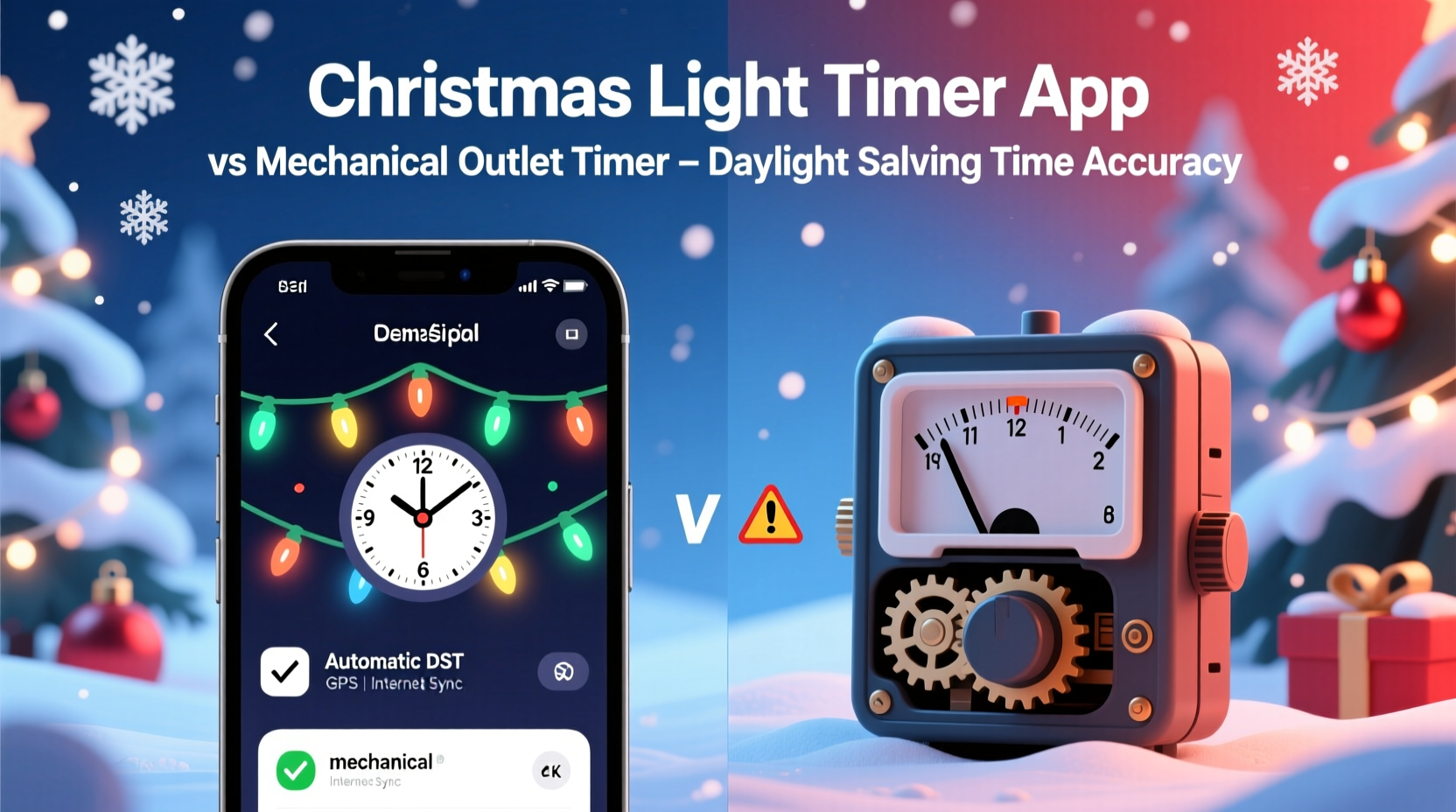
Daylight saving time begins on the second Sunday in March and ends on the first Sunday in November in most of the United States. During these transitions, clocks either “spring forward” or “fall back” by one hour. While this shift affects daily routines, it also impacts any device relying on time-based scheduling—especially outdoor lighting systems.
For holiday displays, timing is everything. Lights should ideally illuminate as darkness falls, creating maximum visual impact. If a timer doesn’t adjust for DST, your display may turn on during daylight or remain dark when guests arrive after sunset. Over time, this inconsistency reduces both convenience and curb appeal.
The core issue lies in how timers track time:
- Mechanical timers rely on internal clock mechanisms calibrated to a fixed 24-hour cycle. They do not recognize calendar dates or seasonal changes.
- Smart timers and apps connect to the internet or sync with smartphones, allowing them to access real-time data, including automatic DST adjustments.
This fundamental distinction determines whether your lights stay synchronized with natural light cycles throughout the year.
How Mechanical Outlet Timers Work—and Where They Fall Short
Mechanical outlet timers are analog devices featuring a rotating dial marked with 30- or 60-minute increments. Users manually set on/off times by pushing down tabs around the dial. These timers plug directly into wall outlets, and the Christmas lights then plug into the timer.
They are inexpensive, easy to use, and require no Wi-Fi or smartphone setup. However, they lack digital intelligence. Once set, they operate strictly on the internal clock, unaffected by external events like DST.
Consider this scenario: You set your mechanical timer to turn on lights at 5:30 PM every evening in December. When DST ends in early November, clocks “fall back” one hour. Your timer still activates at 5:30 PM according to its own mechanism—but because local time has shifted, the actual activation occurs at what now reads as 6:30 PM on your phone or watch. This means your lights come on an hour later than intended relative to sunset.
Likewise, in March, when clocks “spring forward,” the same timer will activate at 5:30 PM mechanical time, but that corresponds to 4:30 PM real local time—potentially turning lights on while it’s still bright outside.
“Mechanical timers are reliable in consistency, but their rigidity becomes a liability when calendars change. For seasonal decor, they demand seasonal attention.” — Daniel Reeves, Home Automation Technician
Smart Timer Apps: Built-In Intelligence for Seamless Transitions
In contrast, smart timer apps leverage modern connectivity to maintain accurate timekeeping. These systems typically consist of a Wi-Fi-enabled outlet controlled via a mobile app (such as those from brands like Kasa, Wemo, or Google Nest). The app communicates with cloud servers that automatically apply DST adjustments based on your time zone.
When DST begins or ends, the app updates the timer’s schedule in real time—without user intervention. If your lights are set to turn on at 5:30 PM, they will continue doing so at 5:30 PM local time, regardless of the seasonal shift.
Beyond DST handling, smart apps offer additional advantages:
- Geofencing: Lights can activate based on your proximity to home.
- Sunset/sunrise syncing: Schedules can be tied directly to local twilight times, adjusting daily.
- Remote control: Adjust settings from anywhere using a smartphone.
- Voice integration: Works with Alexa, Google Assistant, or Siri.
- Multiple schedules: Set different routines for weekdays, weekends, holidays.
For example, if you use a smart timer set to “On at Sunset,” the device pulls astronomical data to determine exact daily dusk times. As days shorten in winter, the lights gradually turn on earlier—naturally aligning with changing daylight patterns, including DST transitions.
Comparison Table: Smart App vs Mechanical Timer
| Feature | Smart Timer App | Mechanical Outlet Timer |
|---|---|---|
| DST Adjustment | Automatic (via internet sync) | None – requires manual reset |
| Setup Complexity | Moderate (requires Wi-Fi and app) | Simple (plug-and-play) |
| Cost | $15–$30 per unit | $5–$12 per unit |
| Remote Access | Yes | No |
| Sunset/Sunrise Sync | Yes | No |
| Battery Backup | Varies (some models include) | Most have none; lose time during outages |
| Lifespan | 5+ years (with firmware support) | 3–7 years (mechanical wear) |
| Best For | Year-round automation, multi-zone setups, remote users | Occasional use, budget setups, simple schedules |
Real-World Example: The Johnson Family’s Holiday Display
The Johnsons in suburban Ohio have maintained a beloved neighborhood Christmas light show for over a decade. Initially, they used two mechanical timers—one for roof lights, another for yard figures. Each November, they remembered to reset the timers after DST ended. But in 2022, they forgot.
For three weeks, their display lit up at 6:30 PM instead of 5:30 PM. Neighbors noticed the delay, and foot traffic dropped. By the time they corrected it, they’d missed prime viewing hours during early December. That experience prompted them to upgrade.
In 2023, they installed smart outlets managed through a single app. They programmed the lights to turn on at sunset and off at 10:00 PM. When DST ended that November, the system adjusted automatically. Their display stayed perfectly timed—no effort required.
“It’s one less thing to worry about during a busy season,” said Mark Johnson. “We used to set calendar reminders just for timer resets. Now, it just works.”
Step-by-Step Guide: Transitioning from Mechanical to Smart Timing
If you're considering upgrading your holiday lighting control, follow this practical sequence:
- Assess your current setup: Count how many outlets power your lights and note their locations.
- Choose compatible smart outlets: Select UL-listed, weather-resistant models rated for outdoor use if needed.
- Ensure stable Wi-Fi coverage: Test signal strength near each outlet location. Use extenders if necessary.
- Install and pair: Plug in the smart outlet, download the app, and follow pairing instructions (usually involves pressing a sync button).
- Set schedules: Program on/off times. Opt for “Sunset to Sunrise” or custom times based on your routine.
- Enable automatic time zone: In the app settings, confirm that “Use Phone’s Time Zone” or “Auto-DST” is turned on.
- Test before the season: Run a trial week to verify reliability, especially during dawn/dusk transitions.
- Create a backup plan: Keep one mechanical timer on hand in case of Wi-Fi failure.
Frequently Asked Questions
Do all smart timer apps handle DST automatically?
Most reputable smart timer apps (Kasa, Wemo, TP-Link, Google Home) automatically adjust for DST as long as the device remains connected to the internet and uses the correct time zone setting. Always verify this in the app’s settings menu under “Time & Date.”
Can I make a mechanical timer work with DST?
Yes, but only manually. Twice a year—when DST starts and ends—you must physically rotate the dial forward or backward by one hour. Some models have a “DST adjustment” notch, but these still require user action. Without resetting, the timer will drift out of sync with local time.
What happens if my smart timer loses power during a storm?
After a power outage, most smart timers will reconnect automatically once electricity returns. They retrieve the correct time from the network, so DST alignment is preserved. However, if Wi-Fi is down, some models may revert to last known settings until reconnected. Battery backups (available in select models) help maintain continuity.
Checklist: Choosing the Right Timer for Your Needs
Use this checklist to decide which option suits your holiday lighting strategy:
- ☐ Do you want hands-off DST adjustment? → Choose a smart timer app.
- ☐ Is your outdoor outlet within Wi-Fi range? → Required for smart models.
- ☐ Are you on a tight budget? → Mechanical timers are cheaper upfront.
- ☐ Do you travel during the holidays? → Smart apps allow remote control.
- ☐ Do you change your display frequently? → Smart timers offer flexible scheduling.
- ☐ Do you prefer simplicity over features? → Mechanical may suffice.
- ☐ Will multiple people manage the lights? → Smart apps support shared access.
Expert Insight: The Future of Holiday Automation
As home technology evolves, standalone mechanical timers are becoming relics in automated households. According to Dr. Lena Patel, IoT researcher at MIT Media Lab:
“The expectation for ‘set-it-and-forget-it’ functionality is rising. Devices that don’t adapt autonomously to calendar changes are increasingly seen as outdated. In five years, we’ll look back at manual DST resets the way we now view VCR clock blinking.” — Dr. Lena Patel, IoT Researcher
This shift reflects broader trends toward context-aware automation. Modern smart systems don’t just tell time—they understand it, adjusting not only for DST but also for seasonal daylight variation, user behavior, and even weather conditions.
Conclusion: Make the Switch Before Next Holiday Season
When it comes to handling daylight saving time changes correctly, smart Christmas light timer apps clearly outperform mechanical outlet timers. They eliminate manual resets, adapt seamlessly to seasonal shifts, and integrate with modern lifestyles. While mechanical timers serve a purpose for simple, low-cost applications, they demand ongoing attention that undermines their convenience.
The transition to smart timing isn’t just about technology—it’s about reclaiming time, reducing stress, and ensuring your holiday spirit shines at exactly the right moment. Whether you manage a modest porch display or a full-yard spectacle, investing in a smart timer pays off in reliability and peace of mind.




 浙公网安备
33010002000092号
浙公网安备
33010002000092号 浙B2-20120091-4
Comments
No comments yet. Why don't you start the discussion?