
Nothing ruins the holiday spirit faster than a string of Christmas lights that won’t turn on — especially when you’re certain they worked yesterday. More often than not, the culprit isn’t the bulbs or the power outlet. It’s the timer. These small, plug-in devices automate your display but are prone to malfunctions due to weather exposure, electrical surges, or mechanical failure. The good news? Most issues can be diagnosed and fixed in under 10 minutes without tools or technical expertise.
Understanding why your Christmas light timer fails — and knowing how to troubleshoot it quickly — saves time, prevents frustration, and keeps your holiday display glowing on schedule. This guide breaks down the most common causes of timer malfunctions, offers a step-by-step repair process, and shares expert-backed tips to prevent future issues.
Why Christmas Light Timers Fail: Common Causes
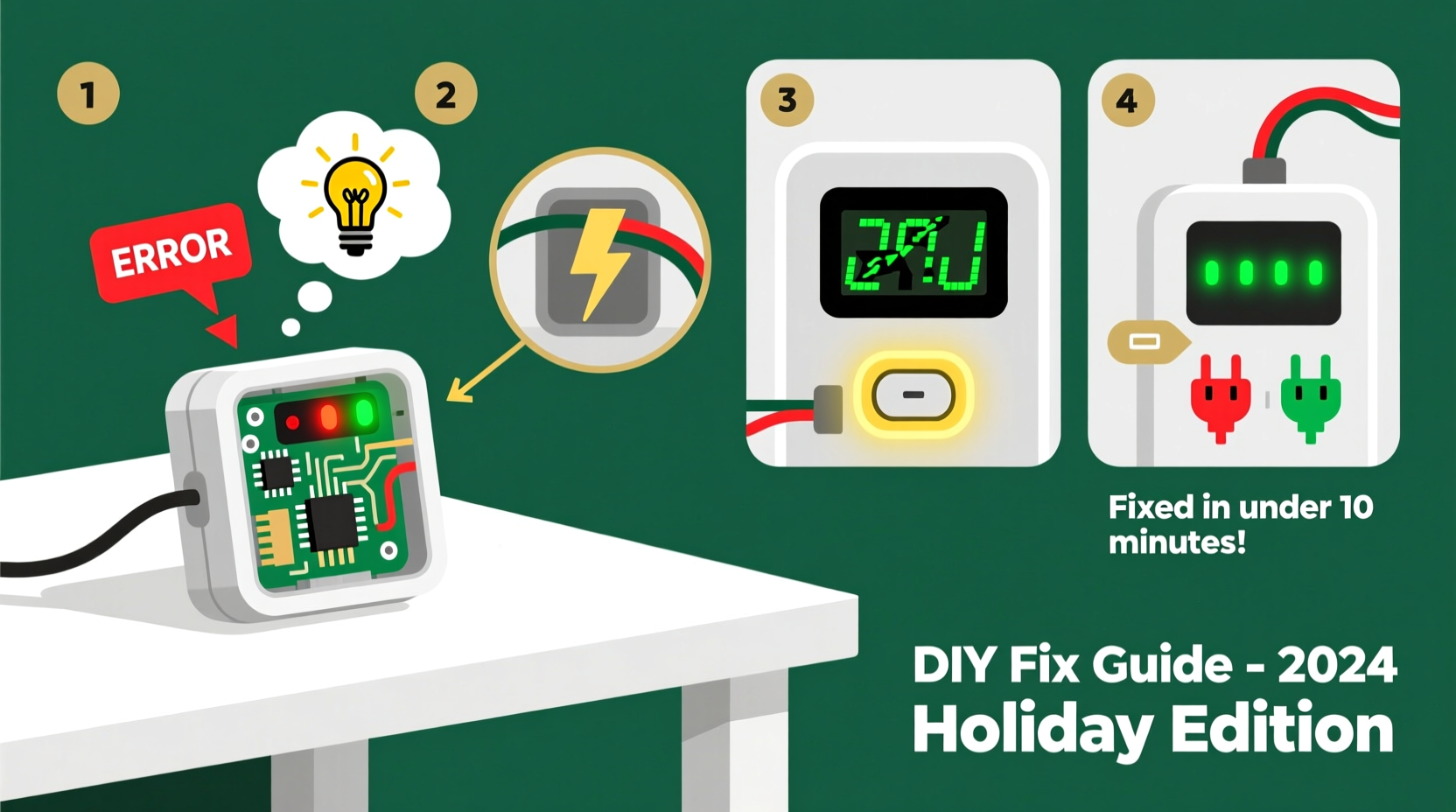
Timers seem simple, but they contain sensitive internal components vulnerable to environmental and electrical stress. Below are the top reasons your timer may stop working:
- Power surges or voltage spikes: Sudden increases in electrical current, especially during storms, can fry the timer’s circuitry.
- Moisture damage: Outdoor timers exposed to rain, snow, or condensation can corrode internal contacts.
- Overloading: Plugging in too many light strands exceeds the timer’s rated wattage, causing overheating and failure.
- Battery depletion (digital models): Many digital timers use backup batteries to maintain settings during outages. A dead battery resets the clock.
- Physical wear and tear: Repeated plugging/unplugging or dropping can loosen internal connections.
- Time setting errors: Accidental bumps or power interruptions can shift the programmed schedule, making lights appear “off” when they’re just mistimed.
According to appliance engineer Marcus Tran from the Consumer Lighting Safety Institute, “Over 60% of timer failures we see during the holiday season are due to overloading or moisture ingress. These aren’t manufacturing defects — they’re usage issues that can be avoided.”
“Most people don’t realize their $30 light display is drawing 400 watts — far beyond what a standard timer can handle safely.” — Marcus Tran, Appliance Engineer, Consumer Lighting Safety Institute
Step-by-Step Fix: Repair Your Timer in Under 10 Minutes
Before replacing your timer, follow this efficient troubleshooting sequence. Most problems can be resolved in five steps or less — and typically take under 10 minutes total.
- Unplug everything – Disconnect the timer and lights from the wall outlet. Safety first.
- Inspect for physical damage – Look for cracks, burn marks, or warped plastic. If the casing is compromised, replace the unit immediately.
- Check the outlet – Plug in a phone charger or lamp to confirm the outlet is live. A tripped GFCI or blown breaker could mimic timer failure.
- Test the lights directly – Bypass the timer by plugging the lights straight into the outlet. If they don’t turn on, the issue is with the lights, not the timer.
- Reset and reprogram – For digital timers, press the reset button (if available) and re-enter the on/off times. For mechanical timers, rotate the dial to the current time and ensure the manual override is set to “Auto.”
Do’s and Don’ts: Avoiding Future Malfunctions
Prevention is the best fix. Follow these guidelines to extend your timer’s lifespan and avoid repeat issues.
| Do’s | Don’ts |
|---|---|
| Use a weatherproof timer cover for outdoor units | Expose the timer directly to rain or snow |
| Calculate total wattage before plugging in lights | Chain more than three strands unless labeled safe |
| Store timers in sealed containers with silica gel | Leave them in damp garages or basements |
| Replace backup batteries annually | Assume settings will save through long-term storage |
| Use surge-protected outlets | Plug high-wattage items like inflatables into the same timer |
Real-World Example: How One Homeowner Fixed His Display in 7 Minutes
David Reynolds, a homeowner in Denver, CO, noticed his front yard lights weren’t turning on at dusk. He had installed six strands of LED lights on a single outdoor digital timer. After checking the outlet and confirming power, he bypassed the timer — the lights worked fine. That narrowed the issue to the timer.
He opened the timer’s protective case and noticed slight fogging inside. Wiping it dry and resetting the device didn’t help. Then he checked the manual override switch — it was accidentally set to “Off.” Flipping it to “Auto” restored function instantly. Total time: 7 minutes.
“I felt silly,” David admitted, “but I’ve been using the same timer for five years. Never thought a tiny switch could cause so much panic.”
Quick Checklist: Diagnose & Fix Any Timer Issue
Keep this checklist handy for fast troubleshooting next time:
- ✅ Unplug timer and lights
- ✅ Verify wall outlet has power
- ✅ Test lights without timer
- ✅ Inspect timer for cracks, burns, or moisture
- ✅ Reset digital timer or realign mechanical dial
- ✅ Confirm manual override is set to “Auto”
- ✅ Reprogram on/off times accurately
- ✅ Reconnect and test
If all steps fail, the timer likely has internal damage and should be replaced. Do not attempt to open or repair sealed units — this voids safety certifications and risks shock.
Frequently Asked Questions
Can I use an indoor timer outdoors?
No. Indoor timers lack weather resistance and can short-circuit when exposed to moisture. Always use timers rated for outdoor use (look for UL listing and “Suitable for Wet Locations” labels) when placing them outside.
Why do my lights turn on at the wrong time?
This usually means the timer’s clock is off. Digital timers may lose time after a power outage if the backup battery is weak. Mechanical timers can drift if the dial isn’t set precisely to the current time. Reset the clock and ensure daylight saving adjustments are made.
How many lights can I plug into one timer?
Check the timer’s maximum load rating — typically 360W for mechanical and 500–1800W for heavy-duty digital models. Add up the wattage of all connected light strands. For example, 10 strands of 9W LED lights = 90W total, well within safe limits. When in doubt, use multiple timers or a smart plug with higher capacity.
Smart Alternatives and Long-Term Solutions
While traditional plug-in timers are affordable and simple, newer technologies offer greater reliability and control. Consider upgrading to:
- Wi-Fi smart plugs: Allow scheduling via smartphone apps, remote monitoring, and integration with voice assistants. Brands like TP-Link Kasa and Amazon Smart Plug offer weather-resistant models.
- Solar-powered timers: Automatically adjust on/off times based on daylight, eliminating manual programming.
- Heavy-duty outdoor relays: Designed for high-wattage displays, including inflatables and commercial-grade lighting.
Smart timers also send alerts if a device loses power and can be programmed to simulate occupancy during vacations — a bonus for home security.
Conclusion: Keep the Holidays Bright Without the Hassle
A malfunctioning Christmas light timer doesn’t have to mean dark nights and tangled cords. With a clear understanding of common failure points and a systematic approach to diagnosis, most issues can be resolved in under 10 minutes. From checking outlets to resetting schedules, the solution is often simpler than expected.
By following proper usage guidelines — avoiding overloads, protecting against moisture, and storing units correctly — you’ll extend the life of your timers and enjoy hassle-free holiday displays for years. And if it’s time to upgrade, modern smart options offer unmatched convenience and reliability.
The holidays are about joy, not frustration. Take a few minutes now to inspect your setup, apply these fixes, and ensure your lights shine exactly when they should.




 浙公网安备
33010002000092号
浙公网安备
33010002000092号 浙B2-20120091-4
Comments
No comments yet. Why don't you start the discussion?