
As holiday seasons roll around, homeowners face a familiar decision: how to manage Christmas lights efficiently without sacrificing convenience or peace of mind. The traditional mechanical or digital timer has long been the go-to solution, but with the rise of smart home technology, smart plugs now offer an alternative that promises greater flexibility. Yet, with added features often comes complexity—and the risk of app fatigue. Choosing between a simple timer and a smart plug isn’t just about technology; it’s about balancing precision, ease of use, and long-term sustainability in your holiday routine.
The core question isn't whether one is better overall, but which delivers more precise control while minimizing user burden. For many, the ideal system turns on reliably, adapts to changing schedules, and doesn’t require daily interaction with an app. This article dives into both options, compares their capabilities, and helps you decide based on real-world performance and usability.
Understanding the Basics: Timers vs Smart Plugs
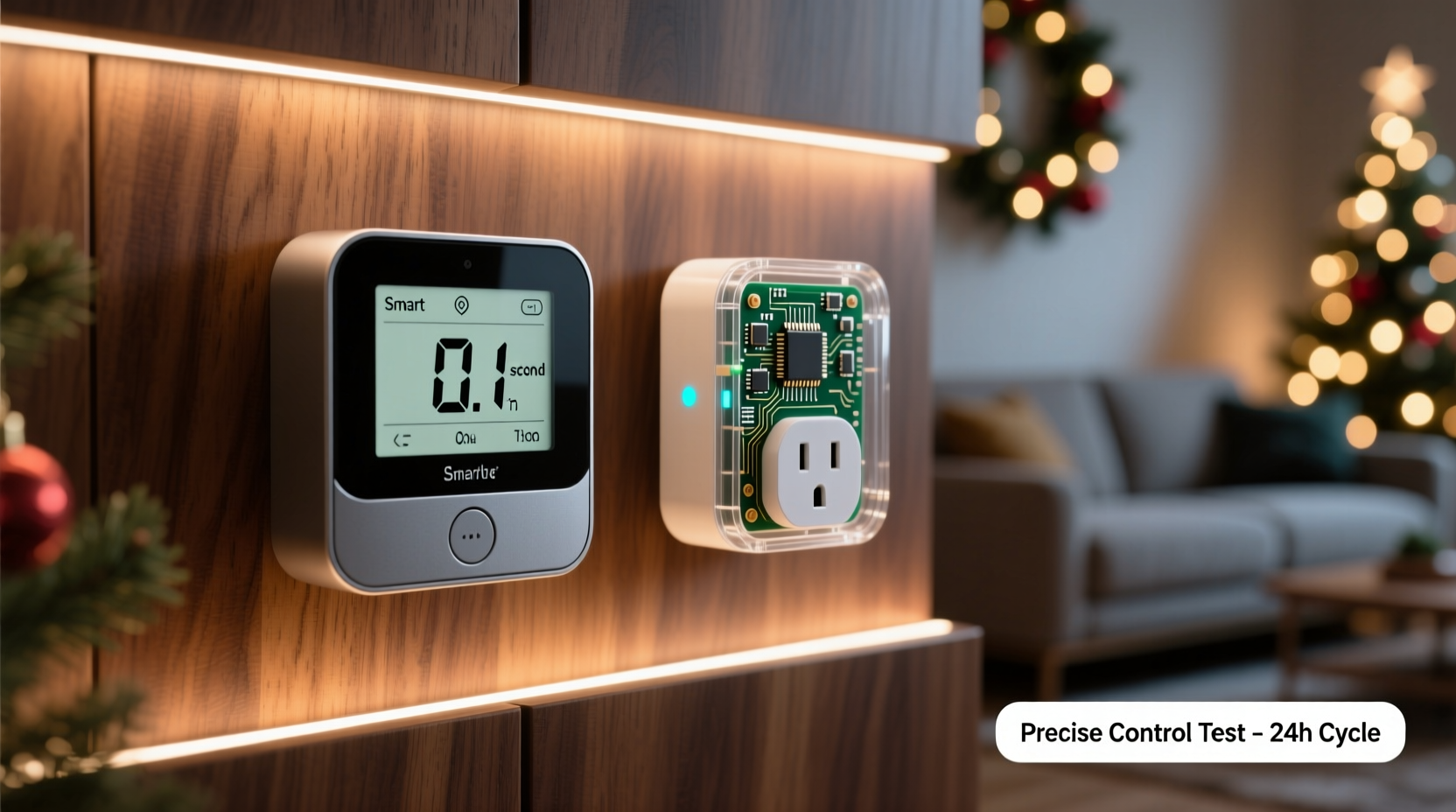
A Christmas light timer is typically a plug-in device with either mechanical dials or digital programming that allows users to set specific on and off times for connected lights. These are standalone units—no Wi-Fi, no apps, just direct scheduling. Most models support multiple programs per day and some include photocell sensors to activate lights at dusk.
In contrast, a smart plug connects to your home Wi-Fi network and is controlled via a smartphone app or voice assistant (like Alexa or Google Assistant). Once configured, it can be scheduled remotely, triggered by geofencing, or integrated into broader smart home routines. Some even allow real-time adjustments from anywhere in the world.
On paper, smart plugs seem superior due to remote access and customization. But practicality matters. If your goal is reliable, hands-off operation during the holidays, simplicity may outweigh advanced features.
Precision Control: What Each Option Offers
Precision in this context refers to how accurately and flexibly a device can turn lights on and off according to desired conditions. Let’s break down key aspects:
- Time-based scheduling: Both timers and smart plugs allow time-based control. Digital timers usually let you set up to four on/off cycles per day. High-end models support different schedules for weekdays versus weekends.
- Adaptive behavior: Smart plugs win here. They can adjust based on sunset/sunrise times using location data. A timer with a built-in light sensor can mimic this, but less accurately and only if placed where ambient light is detectable.
- Remote modification: Only smart plugs allow changes after installation. If you're traveling and want to surprise family with early lights, a smart plug lets you do so instantly. A physical timer would require someone onsite to reprogram.
- Consistency: Mechanical timers can drift over time. Digital ones are better, but battery backups are essential during power outages. Smart plugs rely on stable Wi-Fi and router uptime—interruptions can delay commands unless local execution is supported.
“Smart devices offer granular control, but true precision also means reliability under stress—like during winter storms when connectivity drops.” — Derek Lin, Home Automation Engineer
Comparing Features Side-by-Side
| Feature | Digital Timer | Smart Plug |
|---|---|---|
| Scheduling Precision | High (fixed intervals) | Very High (dynamic sunrise/sunset) |
| Remote Access | No | Yes (via app) |
| App Required? | No | Yes (initial setup + ongoing use) |
| Battery Backup | Some models have it | Depends on model; most don’t retain settings without power |
| Integration with Other Devices | No | Yes (e.g., sync with doorbell cameras or music systems) |
| Vulnerability to App Fatigue | None | Moderate to High |
| Initial Setup Time | 5–10 minutes | 15–30 minutes (including app download, login, pairing) |
| Lifespan (Typical) | 5+ years | 3–5 years (software updates may discontinue support) |
This comparison shows that while smart plugs offer richer functionality, they come with higher cognitive load and dependency on external systems. For users seeking minimal maintenance and consistent behavior, the digital timer remains compelling.
App Fatigue: The Hidden Cost of \"Smart\" Convenience
App fatigue occurs when users become overwhelmed by the number of applications they must manage daily. Holiday lighting might seem trivial, but adding another app to monitor—even one used once a year—can contribute to digital clutter. Studies show that average smartphone users already juggle 80+ apps, and each new addition increases mental overhead.
Consider this scenario: You install a smart plug in November. By December, you’ve downloaded the brand’s app, created an account, verified your email, connected the plug to Wi-Fi, and tested the schedule. In January, you unplug everything. Next November rolls around—will you remember the password? Is the app still compatible with your phone’s OS? Has the company discontinued cloud services?
These friction points lead to abandonment. In fact, research from Parks Associates indicates that nearly 30% of consumers stop using smart home devices within two years due to poor usability or lack of perceived value.
In contrast, a well-labeled digital timer requires no login, no permissions, and no software updates. Plug in, set the times, forget it. That simplicity translates into sustained use and fewer frustrations over time.
Real-World Example: The Johnson Family's Holiday Lighting Dilemma
The Johnsons live in suburban Minnesota. Every year, they decorate their home extensively, including roofline lights, yard displays, and pathway markers. For years, they used a basic digital timer. It worked fine—lights came on at 5 PM, off at 11 PM—but adjusting for daylight saving time meant manual recalibration.
Last year, they upgraded to a smart plug system. Excited by automation potential, they set up sunset-triggered activation and voice control. At first, it felt futuristic. Then came the hiccups: their guest Wi-Fi blocked IoT device access, causing delays. One evening, a firmware update reset all schedules. Another time, the app crashed during a snowstorm, leaving them unable to turn lights on remotely for visiting relatives.
This season, they’re reverting to a hybrid model: a premium digital timer with astronomical clock function—one that auto-adjusts for sunset times without needing Wi-Fi. No app, no login, just accuracy built into the hardware. “We wanted smarter control,” said Mark Johnson, “but ended up wanting simpler reliability.”
Step-by-Step Guide: Choosing and Setting Up Your Ideal System
- Assess your needs: Do you travel frequently? Want remote access? Or prefer a “set it and forget it” approach?
- Evaluate your tech environment: Is your outdoor outlet covered? Is Wi-Fi signal strong near the plug location?
- Decide on control type: Choose a digital timer if you value simplicity and reliability. Opt for a smart plug only if you actively use a smart home ecosystem and won’t mind annual reconfiguration.
- Select the right model: Look for timers with battery backup and 7-day programming. For smart plugs, pick ones supporting local execution (e.g., Thread/Zigbee) to reduce cloud dependency.
- Install and test: Plug in your device, connect lights, and run a 48-hour trial. Verify timing accuracy, especially around dawn/dusk transitions.
- Document settings: Write down your configuration. Store instructions in a holiday prep folder—digital or physical—for next year.
- Review annually: Before decorating, check device function. Replace batteries, update apps (if applicable), and confirm schedules align with current plans.
Checklist: Making the Right Choice Without Overcomplicating It
- ☐ I understand my primary goal: convenience, precision, or remote access?
- ☐ My outdoor electrical setup supports safe plug usage (covered outlet, GFCI protection)?
- ☐ The chosen device has reliable scheduling (multiple programs, battery backup)?
- ☐ I’m willing to maintain an app account—or prefer zero-digital-dependency?
- ☐ The product integrates well with my existing habits (not the other way around)?
- ☐ I’ve considered long-term usability beyond this season?
Frequently Asked Questions
Can a smart plug really save energy compared to a timer?
Not significantly. Both devices cut power completely when off. Any energy savings depend on precise timing—turning lights off earlier or syncing with natural darkness. A smart plug may offer slightly better alignment with sunset times, but the difference is marginal for most households.
Do digital timers work during power outages?
It depends. Models with battery backup will retain time and program settings through short outages. Without backup, you’ll need to reset the clock and schedule manually. Always check product specs before purchase.
Is app fatigue really a concern for holiday lighting?
Yes, especially if you view holiday prep as a low-priority task. Requiring app interaction once a year creates friction. Many users abandon smart setups not because they fail technically, but because they disrupt established routines. Simplicity often wins in long-term adoption.
Conclusion: Precision Meets Practicality
The debate between Christmas light timers and smart plug automation ultimately hinges on lifestyle, not technology. While smart plugs offer unmatched flexibility—remote access, dynamic scheduling, integration with voice assistants—they demand ongoing engagement. For many, that trade-off introduces unnecessary complexity, especially when used infrequently.
Digital timers, particularly modern models with astronomical clocks and multi-program support, deliver remarkable precision without any digital footprint. They operate independently, survive power glitches (with battery backup), and remain functional across device generations. Their strength lies in doing one thing exceptionally well: turning lights on and off exactly when needed.
If your priority is reliable, hassle-free control with minimal upkeep, a high-quality digital timer likely offers more sustainable precision. But if you're deeply embedded in a smart home ecosystem and enjoy tinkering with automation, a smart plug can enhance your holiday experience—with awareness of its long-term demands.




 浙公网安备
33010002000092号
浙公网安备
33010002000092号 浙B2-20120091-4
Comments
No comments yet. Why don't you start the discussion?