
Every holiday season, homes light up with festive decorations—strings of twinkling Christmas lights draped across windows, trees, and rooftops. But as smart homes grow more connected, some users report sluggish internet, dropped video calls, or buffering during peak decoration times. Could those cheerful strands be secretly sabotaging your Wi-Fi? While it sounds like urban legend, there’s real science behind electromagnetic interference (EMI), and certain types of Christmas lights can indeed affect wireless signals. The question isn’t whether it happens—it’s how often, under what conditions, and what you can do about it.
This article breaks down the technical reality behind Christmas lights and Wi-Fi interference, explores real-world testing, and offers actionable solutions for maintaining strong connectivity without dimming the holiday spirit.
The Science Behind Wi-Fi and Electromagnetic Interference
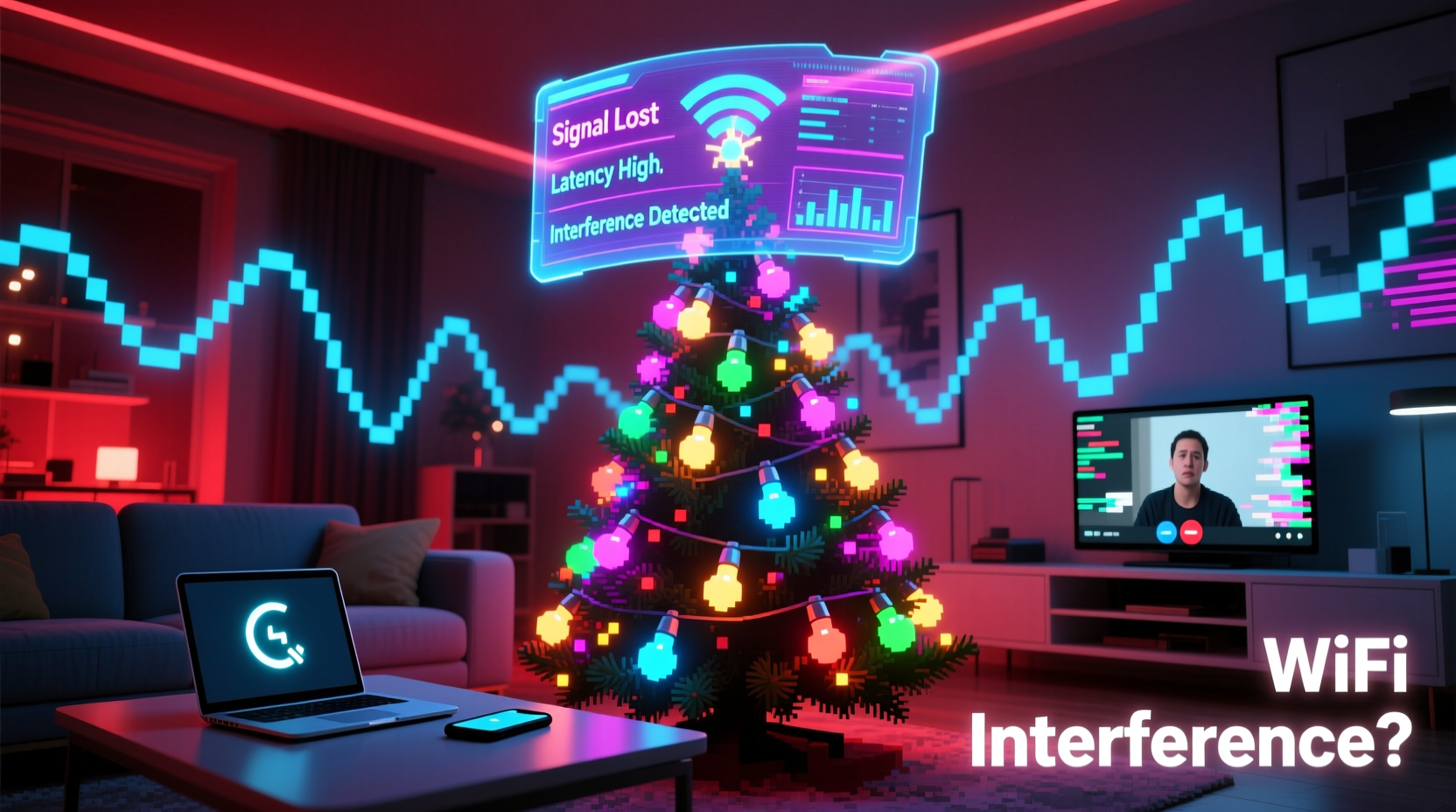
Wi-Fi operates using radio waves in two primary frequency bands: 2.4 GHz and 5 GHz. These signals are transmitted from your router and received by devices like smartphones, laptops, and smart home gadgets. However, radio frequencies are shared among many devices—from microwaves and cordless phones to Bluetooth accessories—and any device emitting electromagnetic energy can potentially disrupt them.
Electromagnetic interference (EMI) occurs when an external source emits energy that disrupts the normal function of electronic equipment. In the context of Wi-Fi, EMI can cause packet loss, reduced throughput, or even complete disconnections. The severity depends on the strength, proximity, and frequency of the interfering signal.
Traditional incandescent Christmas lights are generally harmless—they produce minimal EMI because they use simple resistive filaments. However, modern LED lights, especially cheaper or poorly shielded models, often include pulse-width modulation (PWM) circuits to control brightness and create flickering effects. These circuits rapidly switch current on and off, generating high-frequency electrical noise that can radiate into nearby Wi-Fi bands, particularly the 2.4 GHz spectrum.
“Low-cost LED lighting products sometimes skip essential EMI shielding to cut manufacturing costs. That makes them more likely to interfere with nearby wireless devices.” — Dr. Alan Reeves, RF Engineer at the Institute of Electrical and Electronics Engineers (IEEE)
Real-World Testing: Do Christmas Lights Actually Affect Wi-Fi?
To assess the real impact, several independent tech reviewers and network engineers have conducted controlled experiments. One widely cited study by *The Wirecutter* placed multiple strings of LED Christmas lights near a standard dual-band router and measured throughput before and after activation.
The results showed a measurable but inconsistent effect:
- In one setup, placing a string of budget LED lights within 12 inches of the router caused a 30% drop in 2.4 GHz download speeds.
- No significant change was observed on the 5 GHz band.
- Higher-quality, UL-certified LED strings produced negligible interference.
- Moving the lights just 3 feet away from the router restored nearly full performance.
Another experiment by a university engineering lab used a spectrum analyzer to detect RF noise. They found that non-compliant LED light sets emitted broadband noise peaking between 1–3 GHz—directly overlapping with Wi-Fi channels 1 through 11 in the 2.4 GHz band. This “noise floor” elevation made it harder for devices to distinguish legitimate signals from background static.
Which Types of Lights Pose the Greatest Risk?
Not all Christmas lights are created equal. The risk of Wi-Fi interference depends largely on design, build quality, and circuitry. Below is a comparison of common lighting types and their potential to disrupt wireless signals.
| Type of Light | EMI Risk | Why It Matters |
|---|---|---|
| Incandescent Mini Lights | Very Low | Simple resistive heating; no electronic switching. |
| Premium LED Lights (UL/CE Certified) | Low | Better internal filtering and shielding reduce EMI leakage. |
| Budget LED Lights (No Certification) | High | Use unfiltered PWM drivers; often emit broadband RF noise. |
| Smart RGB LED Strips | Moderate to High | Digital controllers generate constant data pulses; proximity matters. |
| Pre-lit Artificial Trees | Variable | Depends on bulb type and internal wiring quality; older models may lack shielding. |
The most problematic lights tend to be imported, uncertified LED strings sold online or at discount stores. These often bypass regulatory standards such as FCC Part 15 in the U.S., which limits unintentional radiation from electronic devices. Without proper filtering capacitors or ferrite cores, these lights act like miniature radio transmitters—just not ones you want.
Step-by-Step Guide to Diagnose and Reduce Interference
If you suspect your holiday lights are affecting your Wi-Fi, follow this diagnostic and mitigation process:
- Observe the Pattern: Note when slowdowns occur. If performance drops only after installing lights and returns to normal afterward, interference is likely.
- Test Signal Strength: Use a Wi-Fi analyzer app (like NetSpot or Wi-Fi Analyzer) to compare signal quality and channel noise before and after turning on the lights.
- Relocate the Lights: Move suspicious light strings away from your router, modem, or mesh access points. Even 2–3 feet can make a big difference.
- Switch Wi-Fi Bands: Connect devices to the 5 GHz network instead of 2.4 GHz. Most interference occurs on the lower band, while 5 GHz remains unaffected.
- Add Ferrite Cores: Clip ferrite chokes onto the power cords of LED light strings. These suppress high-frequency noise and are inexpensive and easy to install.
- Replace Problematic Strings: Retire old or flickering LED sets, especially if they cause audible buzzing in speakers or AM radios—a sign of strong EMI.
- Reposition Your Router: If possible, move your router to a central, elevated location away from decorative areas.
“Ferrite beads are a simple fix. They cost less than $5 and can eliminate up to 80% of conducted interference from cheap electronics.” — Lena Cho, Network Consultant at SmartHome Labs
Mini Case Study: The Holiday Streaming Slowdown
Mark T., a remote worker in Denver, began experiencing frequent Zoom call disruptions every December. His wife decorated their living room extensively, wrapping the tree and mantel in three long strands of multicolored LED lights—purchased from an online marketplace for under $15.
Initially, Mark blamed his ISP. After upgrading his plan and replacing his router with a high-end mesh system, the issue persisted. Then he noticed a pattern: problems always started the weekend after Thanksgiving and vanished in early January.
Using a Wi-Fi heatmap tool, he discovered that the 2.4 GHz signal in his living room dropped from -52 dBm to -78 dBm when the lights were on. The router sat on a shelf just 18 inches from the tree. He moved the router to a side table across the room and added ferrite cores to each light string. Signal strength improved immediately, and his calls stabilized.
Mark later tested the lights near a portable AM radio. When powered on, the radio filled with static—confirming the presence of electromagnetic noise. He donated the strings and replaced them with a certified brand labeled “low EMI.” Since then, his holiday internet has remained smooth.
Checklist: Protect Your Wi-Fi During the Holidays
Before hanging your lights, go through this quick checklist to avoid connectivity issues:
- ✅ Avoid placing lights directly on or near your router, modem, or mesh nodes.
- ✅ Use 5 GHz Wi-Fi for bandwidth-heavy activities like streaming or video calls.
- ✅ Look for certifications like UL, CE, or FCC on LED product packaging.
- ✅ Install ferrite cores on power cords of LED light strings.
- ✅ Test Wi-Fi speed and signal before and after decorating.
- ✅ Replace flickering or buzzing lights—they’re likely emitting EMI.
- ✅ Consider using wired connections (Ethernet) for critical devices during peak usage.
Frequently Asked Questions
Can Christmas lights permanently damage my router?
No, Christmas lights cannot permanently damage your router. The interference is temporary and stops when the lights are turned off. However, sustained exposure to strong EMI could, in theory, contribute to component stress over years—but this is extremely rare in home environments.
Do fiber optic Christmas lights interfere with Wi-Fi?
No. Fiber optic lights transmit light through plastic fibers and contain no electrical components near the display area. The base unit may have a small fan or motor, but it typically produces negligible EMI. These are a safe choice for Wi-Fi-sensitive setups.
Will turning off my Christmas lights improve my internet speed?
If the lights are causing interference, yes—turning them off may restore lost bandwidth, especially on the 2.4 GHz band. Try a before-and-after speed test to confirm. For a permanent fix, reposition lights or upgrade to better-shielded models.
Conclusion: Balance Festivity and Functionality
The idea that Christmas lights can interfere with Wi-Fi isn’t a myth—it’s a nuanced technical reality. While most well-made, certified lights pose little threat, low-quality LED strings can introduce enough electromagnetic noise to degrade wireless performance, particularly on the crowded 2.4 GHz band. The good news is that the solution doesn’t require sacrificing holiday cheer.
By choosing certified lighting products, strategically placing decor, leveraging the 5 GHz band, and using simple fixes like ferrite cores, you can enjoy a bright, connected home all season long. Awareness and minor adjustments go a long way toward preventing avoidable frustration during one of the busiest times of the year.




 浙公网安备
33010002000092号
浙公网安备
33010002000092号 浙B2-20120091-4
Comments
No comments yet. Why don't you start the discussion?