
In the past decade, gaming has undergone a quiet revolution. What once required a powerful console or PC under your TV now only demands a screen and a stable internet connection. Cloud gaming services like Xbox Cloud Gaming (formerly xCloud), NVIDIA GeForce NOW, and PlayStation Plus Premium promise access to AAA titles without hardware constraints. Meanwhile, traditional console gaming remains anchored in physical devices like the PlayStation 5 and Xbox Series X. As internet speeds continue to improve globally, many ask: Is lag still a significant barrier for cloud gaming?
The answer isn’t a simple yes or no. While high-speed internet has dramatically reduced latency issues, several technical and environmental factors still influence how smoothly cloud gaming performs compared to local console play.
How Cloud Gaming Works — And Why Latency Matters
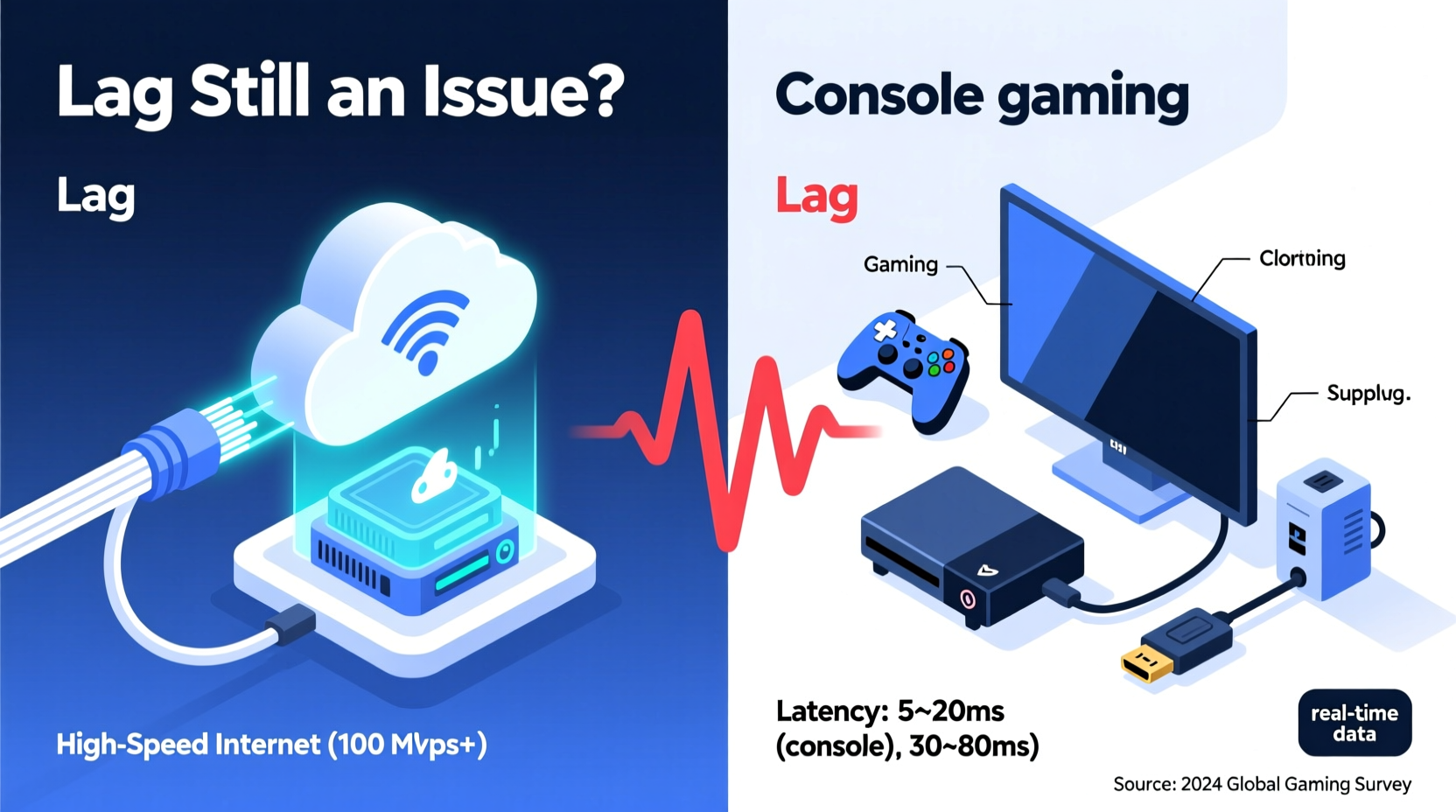
Cloud gaming streams video game content from remote data centers directly to your device. Instead of processing gameplay on a local machine, all computations happen on servers hundreds or thousands of miles away. The resulting video feed is compressed and sent over the internet, while your inputs (button presses, joystick movements) are transmitted back to the server.
This two-way communication loop introduces what’s known as round-trip latency. Even with gigabit internet, signals must travel physically across networks, pass through routers, and be processed by multiple systems. Each step adds milliseconds—imperceptible in email or streaming video, but critical in fast-paced games where split-second reactions determine victory or defeat.
“Latency below 40ms is ideal for competitive gaming. Cloud platforms have improved, but physics doesn’t scale with bandwidth.” — Dr. Lena Patel, Network Engineer at OpenSignal Labs
Console Gaming: Predictable Performance, Local Processing
Traditional consoles run games locally. All rendering, input processing, and audio generation occur within the same room, often within nanoseconds. Input lag is primarily limited by display technology and internal software optimization—not network conditions.
Modern consoles like the PS5 support features such as HDMI 2.1, 120Hz output, and Variable Refresh Rate (VRR), which further reduce perceptible delays between controller input and on-screen action. For players prioritizing responsiveness, especially in genres like first-person shooters or fighting games, this edge can be decisive.
However, console gaming requires upfront investment in hardware, regular updates, and physical or digital storage management. Once purchased, though, performance remains consistent regardless of internet quality—except during online multiplayer sessions.
Comparing Latency: Real-World Benchmarks
To assess whether lag remains an issue in cloud gaming, we analyzed recent tests conducted by independent tech reviewers and user-reported data from forums and service providers.
| Platform | Avg. Input Lag (ms) | Internet Required | Best For |
|---|---|---|---|
| PlayStation 5 (Local) | 20–30 ms | None (offline) | Competitive, responsive play |
| Xbox Series X | 22–32 ms | Optional (online) | Balanced performance |
| Xbox Cloud Gaming (5Gbps fiber) | 45–70 ms | 15+ Mbps (stable) | Casual, mobile, travel use |
| NVIDIA GeForce NOW (RTX 3080 tier) | 40–65 ms | 25+ Mbps (low jitter) | PC-quality streaming |
| PlayStation Plus Premium Streaming | 50–80 ms | 15+ Mbps (wired preferred) | PS legacy titles on new screens |
Note that these figures assume optimal conditions: wired connections, close proximity to data centers, and modern decoding hardware. In practice, users on urban fiber may see lower latencies, while rural or congested networks often experience spikes above 100ms—where gameplay becomes noticeably sluggish.
High-Speed Internet: A Necessary But Not Sufficient Condition
Fiber-optic connections offering 500 Mbps or more are increasingly common in developed regions. These speeds easily meet the bandwidth requirements of cloud gaming, which typically uses 15–25 Mbps for 1080p/60fps streams. However, speed alone does not eliminate lag.
Three key network metrics matter more than raw download rates:
- Latency (ping): Should ideally stay under 40ms to the nearest game server.
- Jitter: Variation in latency; high jitter causes inconsistent frame delivery.
- Packet loss: Even 1% loss can result in stuttering or input dropouts.
A household might have 1 Gbps internet but suffer from poor routing, outdated routers, or Wi-Fi interference—all of which degrade cloud gaming performance. Additionally, peak usage hours can lead to congestion, particularly on cable-based ISPs sharing neighborhood bandwidth.
Mini Case Study: Competitive Gamer Tries Cloud for Travel Play
Mark R., a semi-professional Apex Legends player based in Chicago, tested Xbox Cloud Gaming during a cross-country flight using inflight Wi-Fi and later on hotel broadband. Despite having a 300 Mbps connection at his hotel, he recorded average response times of 72ms—nearly double his usual 38ms on his home PS5 setup.
“I could feel the delay,” Mark said. “Reloading mid-fight felt like it happened half a second late. I didn’t die because of it every time, but I lost tight fights I’d normally win.”
He concluded that cloud gaming was viable for casual play or catching up on story campaigns, but unacceptable for ranked matches. His experience highlights that even robust internet cannot fully overcome the inherent limitations of distance and compression in cloud architectures.
When Cloud Gaming Shines — And When It Falls Short
Cloud gaming excels in accessibility and flexibility. Gamers can switch between phone, tablet, smart TV, and laptop without losing progress. Services like GeForce NOW allow users to stream their existing Steam or Epic Games libraries without needing a gaming PC.
It also democratizes access. Players in regions where consoles are prohibitively expensive or hard to import can enjoy high-end games on affordable devices. Families avoiding hardware clutter appreciate being able to play without dedicated machines.
Yet, drawbacks persist:
- Input delay remains higher than local rendering.
- Compression artifacts appear during fast motion or complex scenes.
- Service availability varies by region due to data center locations.
- Subscription costs add up over time—potentially exceeding the price of a one-time console purchase.
For genres like racing, rhythm, or competitive shooters, these limitations are dealbreakers. But for narrative-driven adventures, turn-based strategy, or retro titles, cloud gaming delivers a satisfying experience—especially with strong internet.
Actionable Checklist: Optimizing Cloud Gaming Performance
If you're committed to trying cloud gaming, follow this checklist to minimize lag and maximize enjoyment:
- Use a wired Ethernet connection whenever possible.
- Close background applications consuming bandwidth (e.g., downloads, video calls).
- Select the closest available server region in your platform settings.
- Ensure your router supports Quality of Service (QoS) and prioritize gaming traffic.
- Test your connection using tools like
pingplotteror built-in diagnostics in GeForce NOW/Xbox app. - Lower resolution settings (e.g., 720p instead of 1080p) to reduce encoding delay.
- Use controllers connected directly via USB or Bluetooth (avoid wireless dongles with high latency).
Expert Insight: The Future of Low-Latency Streaming
Industry leaders believe that emerging technologies will narrow the gap between cloud and local performance.
“Edge computing will bring game servers physically closer to users. Combined with 5G and AI-powered predictive input rendering, we’re looking at sub-30ms cloud experiences within five years.” — Rajiv Mehta, CTO at StreamLabs Interactive
Predictive algorithms already attempt to anticipate player actions, rendering frames ahead of confirmed inputs. While imperfect—especially in unpredictable multiplayer scenarios—these techniques reduce perceived lag. Similarly, companies like Microsoft are expanding regional data centers specifically for Azure-based game streaming.
FAQ: Common Questions About Cloud Gaming and Lag
Can I play competitive games like Call of Duty or Fortnite via cloud without lag?
It depends on your network stability and location relative to the server. Many players report acceptable performance on fiber connections, but top-tier competitors still prefer local hardware due to microsecond-level precision needs. Casual play is generally fine; tournament-level is risky.
Does upload speed affect cloud gaming?
Yes, though less than download speed. Your inputs (controller signals) are small data packets, but consistency matters. Upload speeds below 3–5 Mbps or high variability can cause unresponsive controls. Most modern broadband plans handle this adequately.
Is 5G better than Wi-Fi for cloud gaming on mobile devices?
5G can offer lower latency than public Wi-Fi, especially mmWave 5G in urban areas. However, standard 5G bands often have higher jitter than home Wi-Fi. For best results, use 5G with a strong signal and avoid crowded networks.
Conclusion: Balancing Convenience and Performance
High-speed internet has made cloud gaming more viable than ever—but it hasn't eliminated lag entirely. Physics, infrastructure, and network complexity still impose limits that local consoles bypass effortlessly. For gamers who value immediacy and precision, especially in fast-paced genres, console gaming remains the gold standard.
Yet, cloud gaming offers unmatched convenience, portability, and cost distribution over time. With careful optimization and realistic expectations, it serves as a compelling alternative for casual players, travelers, or those entering gaming without hardware investment.
The future points toward convergence: faster networks, smarter prediction models, and decentralized server placement will continue narrowing the performance gap. Until then, the choice between cloud and console hinges not just on internet speed, but on personal priorities—responsiveness versus accessibility, ownership versus subscription, power versus portability.




 浙公网安备
33010002000092号
浙公网安备
33010002000092号 浙B2-20120091-4
Comments
No comments yet. Why don't you start the discussion?