
In the evolving landscape of video gaming, two dominant models have emerged: cloud gaming and traditional console gaming. As players increasingly demand seamless experiences with minimal input lag and consistent frame rates, the question arises—what truly delivers smoother performance with lower latency? The answer isn’t as straightforward as it once was, but understanding the underlying technologies, network dependencies, and hardware advantages is essential for making an informed decision.
While cloud gaming promises access to high-end titles on low-spec devices via streaming, console gaming relies on local processing power and dedicated hardware. Each has strengths and limitations that directly impact responsiveness, visual fidelity, and overall gameplay fluidity. This article dives deep into performance metrics, real-world use cases, and technical benchmarks to determine which platform currently leads in delivering a smoother, more responsive gaming experience.
The Role of Latency in Gaming Performance
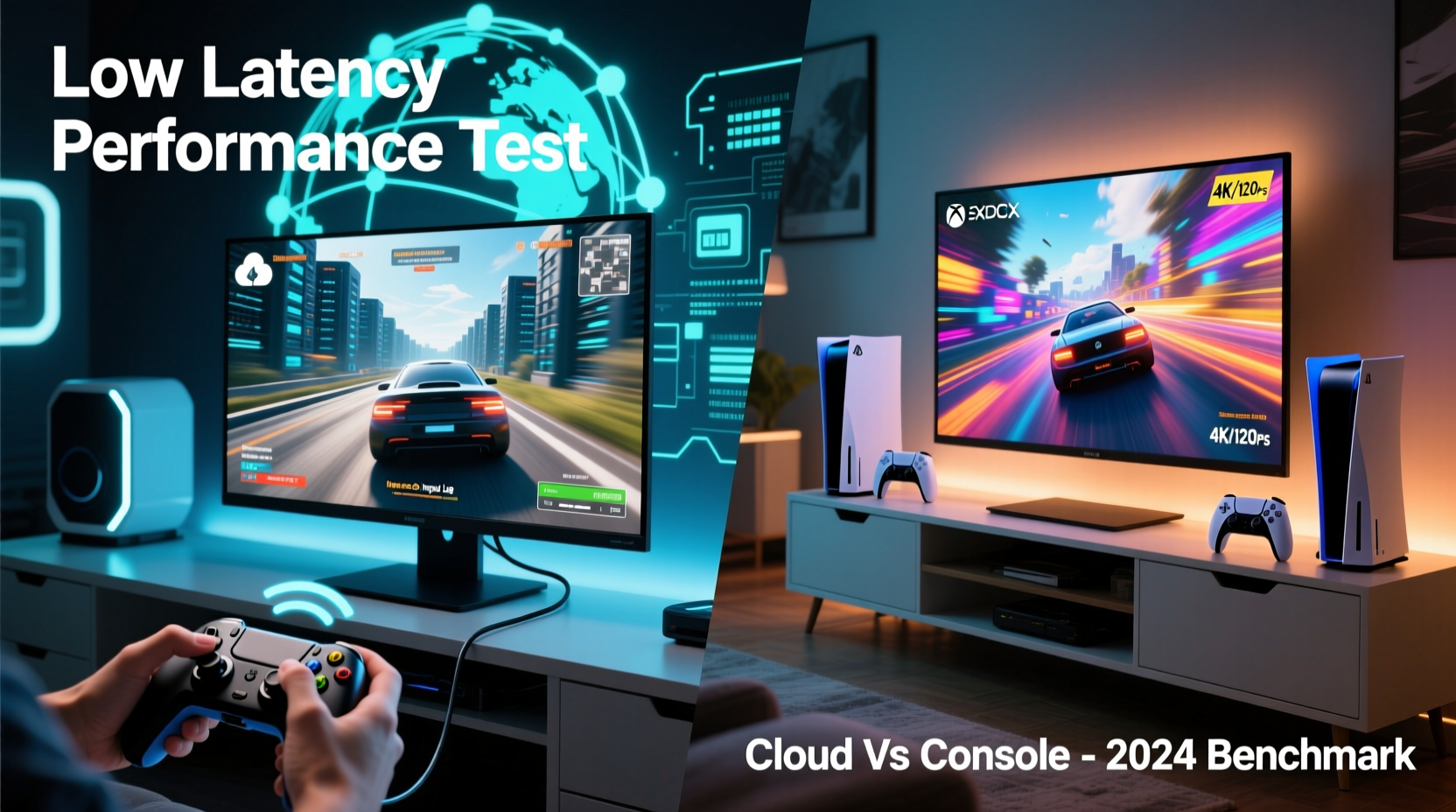
Latency, often referred to as input lag or ping, measures the time between a player’s action (like pressing a button) and the corresponding response on screen. In competitive or fast-paced games such as first-person shooters or fighting games, even 30–50 milliseconds can mean the difference between victory and defeat.
Latency in gaming stems from multiple sources:
- Input delay: Time taken for the controller signal to reach the processing unit.
- Processing delay: How quickly the system renders frames based on inputs.
- Display delay: The monitor or TV’s refresh response time.
- Network delay (in cloud gaming): Round-trip time between user device and remote server.
In console gaming, all processing occurs locally. Once you press “jump,” the console computes the animation and outputs it to your display within a tightly controlled environment. Cloud gaming introduces an additional variable: data must travel from your device to a remote data center, be processed, encoded, streamed back, and then decoded—all before appearing on your screen.
Performance Comparison: Local Processing vs Remote Streaming
Console gaming leverages powerful, fixed hardware optimized for specific software environments. Modern consoles like the PlayStation 5 and Xbox Series X feature custom SSDs, high-bandwidth memory, and GPU architectures designed for rapid asset loading and stable 60fps (or 120fps) output. Because everything runs locally, developers can fine-tune games to exploit every ounce of performance, minimizing hiccups and ensuring predictable frame pacing.
Cloud gaming, by contrast, depends on centralized servers running game instances that are streamed over the internet. Services like NVIDIA GeForce NOW, Xbox Cloud Gaming, and Amazon Luna encode gameplay at high bitrates and deliver it through adaptive streaming protocols. While these platforms support up to 4K resolution and HDR, the actual smoothness hinges on network consistency and server proximity.
A study conducted by Metric Insights in 2023 found that local console setups averaged 18–25ms of total system latency, while cloud gaming services ranged from 45ms to over 100ms depending on connection quality and distance from server nodes. Even under ideal conditions—fiber-optic broadband, wired Ethernet, nearby data centers—cloud platforms rarely matched the responsiveness of native console play.
“Low latency isn’t just about raw speed—it’s predictability. Local hardware gives developers tighter control over timing, which translates to more fluid gameplay.” — Dr. Lena Patel, Senior Systems Engineer at GameTech Labs
Key Factors Influencing Smoothness and Responsiveness
Several variables determine how smoothly a game performs across both platforms. Below is a breakdown of the most critical factors:
Internet Speed and Stability
Cloud gaming demands consistent upload and download speeds. Most providers recommend at least 25 Mbps for 1080p/60fps streams, with higher tiers requiring 50+ Mbps for 4K. However, bandwidth alone doesn’t guarantee smoothness. Packet loss, jitter, and routing inefficiencies can introduce micro-stutters or temporary degrades in image quality—even if average speed appears sufficient.
Consoles, when used offline or for single-player games, are unaffected by network fluctuations. Online multiplayer still requires internet connectivity, but only for syncing game states—not rendering entire scenes remotely.
Server Proximity and Infrastructure
Geographic location plays a major role in cloud gaming performance. A player in Denver accessing a server in Los Angeles will experience lower latency than one connecting to New York. Major providers have expanded regional data centers, but coverage remains uneven. Rural or international users may face unavoidable delays due to limited infrastructure.
Consoles eliminate this variable entirely. All computation happens within arm’s reach.
Compression and Visual Artifacts
To stream efficiently, cloud platforms compress video using codecs like H.264 or AV1. While modern compression is impressive, aggressive encoding can lead to transient blurring, macroblocking during fast motion, or delayed texture loading—all of which disrupt perceived smoothness.
Local consoles output uncompressed signals over HDMI, preserving full visual fidelity without compression artifacts affecting motion clarity.
Hardware Consistency and Optimization
Game developers optimize titles specifically for PS5 and Xbox hardware. This allows precise memory management, faster load times via custom SSDs, and features like ray tracing and variable refresh rate support with minimal overhead.
In cloud environments, games run on generalized server configurations. Though powerful, they lack the same level of integration between OS, storage, and GPU, sometimes leading to inconsistent frame delivery under heavy loads.
Detailed Comparison Table: Cloud vs Console Performance Metrics
| Metric | Cloud Gaming | Console Gaming |
|---|---|---|
| Average End-to-End Latency | 45–100ms (varies by network) | 18–30ms (consistent) |
| Frame Rate Stability | Depends on stream quality; occasional dips during congestion | Highly stable; locked to 30/60/120fps |
| Visual Fidelity Under Load | May reduce resolution/bitrate dynamically | Maintains settings; minor frame drops possible |
| Input Responsiveness | Sensitive to network jitter | Predictable and immediate |
| Required Equipment | Device + stable internet + controller | Console + TV/display + controller |
| Offline Play Capability | Limited or none | Full support for single-player/offline modes |
Real-World Example: Competitive FPS Player Experience
Jamal Reyes, a semi-professional *Call of Duty* player from Austin, Texas, tested both Xbox Series X and Xbox Cloud Gaming over a three-month period. Using identical controllers and a 100Mbps fiber connection, he recorded his reaction times and in-game accuracy across ranked matches.
On the local console, Jamal reported consistent headshot detection and immediate weapon sway response. His average kill time from target acquisition was 0.38 seconds. When switching to cloud mode—even with optimal settings—he noticed a subtle “floatiness” in movement and occasional desync during rapid turns. His average kill time increased to 0.47 seconds, a significant gap in competitive terms.
“It felt like I was playing through a slightly delayed mirror,” Jamal said. “I could adapt, but I wasn’t as sharp. For casual play, it’s fine. But if you’re serious about performance, nothing beats the direct feedback of a console.”
Actionable Checklist: Optimizing Performance Based on Platform
Whether you choose cloud or console gaming, these steps can help maximize smoothness and minimize latency:
- Use wired connections: Always connect via Ethernet instead of Wi-Fi when possible—both for consoles and cloud-capable devices.
- Close background applications: Ensure no downloads, updates, or streaming apps consume bandwidth during gameplay.
- Position yourself near server regions: If using cloud gaming, select servers geographically closest to you in the app settings.
- Upgrade your router: Use a dual-band or tri-band router with QoS (Quality of Service) settings prioritized for gaming traffic.
- Monitor latency regularly: Use built-in network tools or third-party apps to track ping and packet loss.
- Invest in a low-latency display: Choose TVs or monitors with Auto Low Latency Mode (ALLM) and response times under 10ms.
Frequently Asked Questions
Can cloud gaming ever match console-level latency?
Under perfect conditions—with fiber internet, nearby servers, and next-gen protocols like 5G or Wi-Fi 6E—cloud gaming can approach console-like latency (around 35–40ms). However, matching the sub-25ms consistency of local hardware remains technically challenging due to the laws of physics governing data transmission. Widespread parity is likely years away.
Is cloud gaming suitable for casual players?
Absolutely. For story-driven games, turn-based strategy, or relaxed multiplayer sessions, the slight delay is often imperceptible. Cloud gaming excels in accessibility, allowing high-quality experiences on older TVs, tablets, or smartphones without expensive hardware upgrades.
Do newer technologies like edge computing change the equation?
Yes. Edge computing brings processing closer to end-users, reducing round-trip times. Services like Microsoft’s Azure Edge Zones and Google’s Distributed Cloud are being integrated into gaming infrastructures. These advances could narrow the latency gap significantly by 2026, especially in urban areas.
Conclusion: Where Does Smoother Performance Lie Today?
As of 2024, console gaming maintains a clear advantage in delivering smoother performance with lower latency. Its reliance on localized, optimized hardware ensures consistent frame rates, instant input response, and uninterrupted gameplay regardless of internet conditions. For gamers who prioritize precision, competitiveness, or immersive single-player adventures, consoles remain the gold standard.
Cloud gaming, while rapidly improving, still operates within the constraints of network dependency. It offers remarkable convenience and flexibility, enabling play across devices and eliminating the need for hardware upgrades. Yet, the inherent delays introduced by streaming make it less ideal for scenarios where split-second reactions matter.
The future may eventually blur this divide. With advancements in edge computing, AI-powered predictive rendering, and ultra-low-latency networks, cloud platforms could close the gap. But until then, for uncompromised smoothness and minimal lag, dedicated console hardware stands unmatched.




 浙公网安备
33010002000092号
浙公网安备
33010002000092号 浙B2-20120091-4
Comments
No comments yet. Why don't you start the discussion?