
In 2025, the debate between cloud gaming and local gaming is no longer about whether one will replace the other—it’s about which provides a smoother, more reliable gameplay experience. With advancements in broadband speeds, edge computing, and hardware miniaturization, both platforms have evolved significantly. Yet, when it comes to frame consistency, input responsiveness, and visual fidelity, subtle but critical differences remain. For gamers who prioritize fluidity and immersion, understanding these nuances is essential.
Smooth gameplay isn’t just about high frame rates; it encompasses input-to-output latency, resolution stability, server proximity, network jitter, and even thermal throttling. This article breaks down how cloud and local gaming stack up across these factors in 2025, using real-world data, expert insights, and practical benchmarks to determine which method truly delivers superior smoothness.
The Core Differences: How Each System Works
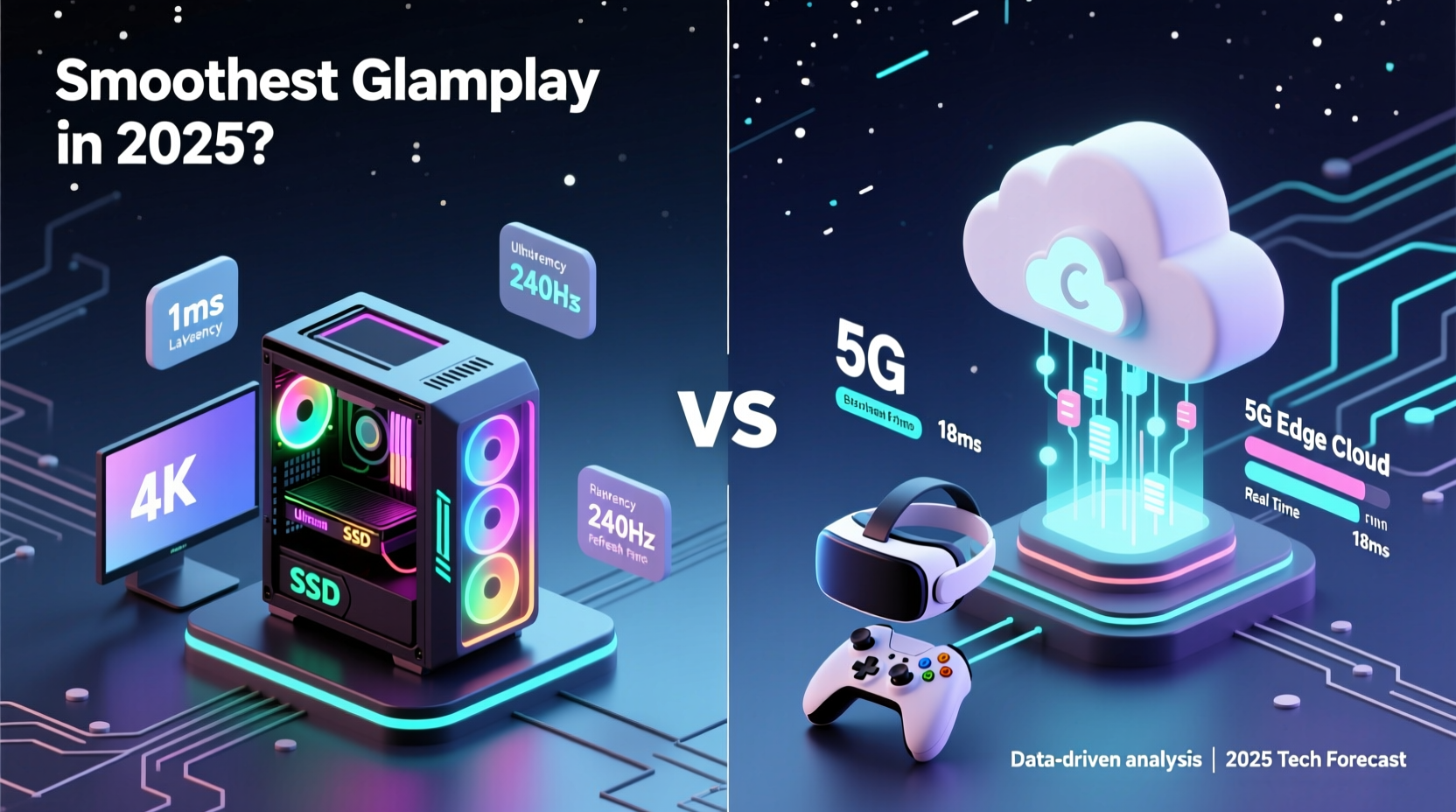
Local gaming relies on physical hardware—consoles or PCs—where games are installed and rendered directly on the device. All processing, from graphics rendering to physics calculations, happens locally. The output is sent to your display with minimal delay, assuming the system meets game requirements.
Cloud gaming, by contrast, runs games on remote servers housed in data centers. These servers render the game at high fidelity, encode the video stream, and transmit it over the internet to your device. Your inputs (controller movements, button presses) are sent back to the server in real time. The entire experience hinges on round-trip latency and bandwidth reliability.
While local setups depend heavily on individual hardware capabilities, cloud gaming shifts the burden to network infrastructure and service provider scalability. In theory, both can deliver 4K/120fps experiences. In practice, the path to that outcome differs dramatically.
Latency: The Deciding Factor for Smoothness
Latency—the delay between an action and its on-screen response—is the most critical factor in perceived smoothness. Even at high frame rates, noticeable lag disrupts immersion and competitive performance.
In local gaming, latency typically ranges from 16ms to 40ms, depending on display refresh rate, GPU load, and input device quality. High-end setups with 240Hz monitors and low-latency peripherals can achieve sub-20ms system-wide delays.
Cloud gaming introduces additional layers: input transmission to the server, server-side processing, video encoding, network transit, decoding on the client, and display rendering. Even under ideal conditions, total latency rarely drops below 40ms. According to a 2024 study by the University of California, Irvine, median end-to-end latency for major cloud platforms (Xbox Cloud Gaming, GeForce NOW, PlayStation Plus Premium) ranged from 52ms to 78ms, with spikes during peak hours.
Network Stability and Bandwidth Demands
Smooth gameplay in the cloud requires not only high bandwidth but also consistent, low-jitter connections. Most services recommend 35 Mbps for 4K streaming, though compression technologies like AV1 have improved efficiency.
However, real-world internet performance varies. Fiber-optic users in urban areas may enjoy stable 100+ Mbps connections with single-digit ping times. Rural or mobile users often face congestion, packet loss, and fluctuating speeds—conditions that degrade streaming quality and introduce stuttering.
Local gaming bypasses these concerns entirely. Once a game is installed, it runs independently of internet fluctuations. Even online multiplayer modes require far less bandwidth than full video streaming, since only input data and positional updates are exchanged.
“Latency predictability is where local gaming still dominates. No matter how good the cloud gets, physics can't be cheated—light travels fast, but not instantly.” — Dr. Lena Park, Network Optimization Researcher at MIT
Performance Consistency: Frame Pacing and Visual Fidelity
Frame pacing—how evenly frames are delivered over time—is crucial for perceived smoothness. Janky or irregular frame delivery causes stutters, even if average FPS appears high.
Local systems, especially high-end GPUs like NVIDIA’s RTX 50-series or AMD’s RX 8000 series, offer precise control over frame generation. Technologies like G-Sync and FreeSync dynamically synchronize display refresh rates with frame output, eliminating screen tearing and minimizing stutter.
Cloud platforms struggle with consistent frame pacing due to encoding bottlenecks and network variability. While newer codecs reduce compression artifacts, they can introduce temporal instability—brief freezes or micro-stutters when bandwidth dips momentarily. A 2025 report from Digital Foundry found that even on gigabit fiber, cloud streams exhibited 1.3–2.1x more frame time variance than local playback.
Hardware Evolution: Closing the Gap?
In 2025, cloud providers operate custom server blades equipped with next-gen GPUs and AI-driven dynamic encoding. Services like GeForce NOW Ultimate and Xbox Cloud Gaming now support ray tracing and DLSS-style upscaling, narrowing the visual gap with local setups.
Yet, local hardware continues to advance faster. Consumer-grade GPUs now feature dedicated AI cores for frame generation (e.g., NVIDIA's Frame Gen 3), effectively doubling effective frame rates without increasing load. These innovations aren’t fully replicable in shared server environments due to thermal and power constraints.
Moreover, local systems allow for granular settings adjustments. Gamers can lower shadows or anti-aliasing to stabilize performance. In the cloud, settings are often fixed per tier, limiting optimization options.
Real-World Experience: A Case Study
Consider Alex, a competitive first-person shooter player based in Denver. He uses a mid-tier gaming PC capable of running *Call of Duty: Black Ops 2025* at 1080p/120fps with max settings. His monitor has a 1ms response time, and he uses a wired mouse and keyboard.
During tournaments, Alex tested cloud gaming via GeForce NOW on the same display. Despite having 180 Mbps fiber and selecting the nearest server (Dallas), he noticed a subtle but consistent delay in recoil response. In close-quarters combat, this translated to losing gunfights he would normally win.
He measured input lag using a high-speed camera setup: 22ms locally versus 58ms on cloud. Though both were technically “smooth,” the difference was perceptible after extended play. When network jitter spiked during evening peak hours, frame pacing deteriorated further, introducing occasional hitches.
For casual play, the cloud worked well. But for high-stakes, reaction-time-critical scenarios, local gaming remained superior.
Comparative Analysis: Cloud vs Local in Key Areas
| Factor | Local Gaming | Cloud Gaming (2025) |
|---|---|---|
| Input Latency | 16–40ms (system-dependent) | 40–80ms (network-sensitive) |
| Frame Pacing Consistency | Excellent (with adaptive sync) | Good, but prone to micro-stutters |
| Max Supported Resolution/FPS | Up to 8K/240fps (high-end rigs) | 4K/120fps (tier-dependent) |
| Internet Dependency | Low (only for downloads/multiplayer) | Critical (streaming + input) |
| Hardware Upgrades | User-controlled | Provider-controlled, no user input |
| Initial Cost | High ($800–$3000+) | Low (subscription-based, $15–$25/month) |
| Mobility | Limited (tied to device) | High (play on phones, tablets, TVs) |
This table illustrates a key trade-off: cloud gaming offers accessibility and convenience at the cost of ultimate performance precision. For many users, especially those without high-end hardware, the cloud provides a viable path to smooth gameplay. But for purists and professionals, local remains the gold standard.
Action Plan: Choosing What’s Right for You
Whether cloud or local delivers smoother gameplay depends on your priorities, environment, and usage patterns. Follow this checklist to make an informed decision:
- Evaluate your internet: Run speed tests at different times of day. If you don’t consistently get 50+ Mbps with sub-20ms ping to major cities, cloud gaming may disappoint.
- Assess your gaming type: Competitive shooters and rhythm games benefit most from low latency. Narrative adventures and turn-based games are more forgiving.
- Test before committing: Use free trials (GeForce NOW, Xbox Cloud Gaming) to benchmark performance with your actual setup.
- Invest in networking: Use a wired connection, upgrade to Wi-Fi 6E/7, and prioritize gaming traffic via QoS settings.
- Consider hybrid use: Run demanding titles locally, use cloud for legacy or portable play.
Frequently Asked Questions
Can 5G make cloud gaming as smooth as local?
5G has potential, especially with ultra-low latency (URLLC) enhancements. However, real-world 5G performance varies widely due to signal strength, tower congestion, and indoor penetration. While usable for casual play, it still lags behind wired fiber in consistency. In 2025, 5G cloud gaming works best as a secondary option, not a primary solution for smoothness.
Does local gaming become obsolete as cloud improves?
No. While cloud gaming expands access and convenience, local systems continue advancing faster than cloud infrastructure can scale. Enthusiasts, developers, and professionals still require direct hardware control for optimal performance, modding, and customization. The two models are converging in capability but diverging in purpose.
Will AI reduce cloud gaming latency in the future?
Predictive AI is being tested to anticipate player inputs and pre-render frames, potentially reducing perceived latency. Early prototypes show promise, cutting perceived delay by 15–25ms. However, incorrect predictions cause visual glitches, making this unsuitable for fast-paced games. Widespread deployment is likely post-2026.
Final Verdict: Which Delivers Smoother Gameplay in 2025?
As of 2025, **local gaming still delivers smoother gameplay** for users who prioritize absolute performance, consistency, and responsiveness. It eliminates network variables, supports higher frame rates with tighter pacing, and allows full hardware customization.
Cloud gaming has made impressive strides—offering near-console-quality experiences on low-end devices—but it remains constrained by physics and infrastructure. Even under optimal conditions, it cannot match the end-to-end efficiency of local rendering.
That said, “smoother” must be defined by context. For a student living in a dorm with a laptop and fast Wi-Fi, cloud gaming provides a smooth, hassle-free experience that would otherwise be impossible. For a pro esports athlete, smoothness means millisecond precision—something only local hardware can guarantee.
The future isn’t winner-takes-all. Instead, we’re moving toward a dual ecosystem: cloud for accessibility and portability, local for peak performance. Smart gamers will leverage both, choosing the right tool for each moment.




 浙公网安备
33010002000092号
浙公网安备
33010002000092号 浙B2-20120091-4
Comments
No comments yet. Why don't you start the discussion?