
For competitive gamers, every millisecond counts. Whether you're flicking to headshot in a fast-paced FPS or executing frame-perfect combos in a fighting game, input lag can be the difference between victory and defeat. As cloud gaming platforms like Xbox Cloud Gaming, NVIDIA GeForce NOW, and PlayStation Plus Premium gain popularity, many players are asking: Is it possible to compete at a high level without a powerful local PC or console? Or does installing games locally still offer an insurmountable advantage in responsiveness? The answer lies in understanding the real-world sources of latency across both setups.
Understanding Latency in Gaming
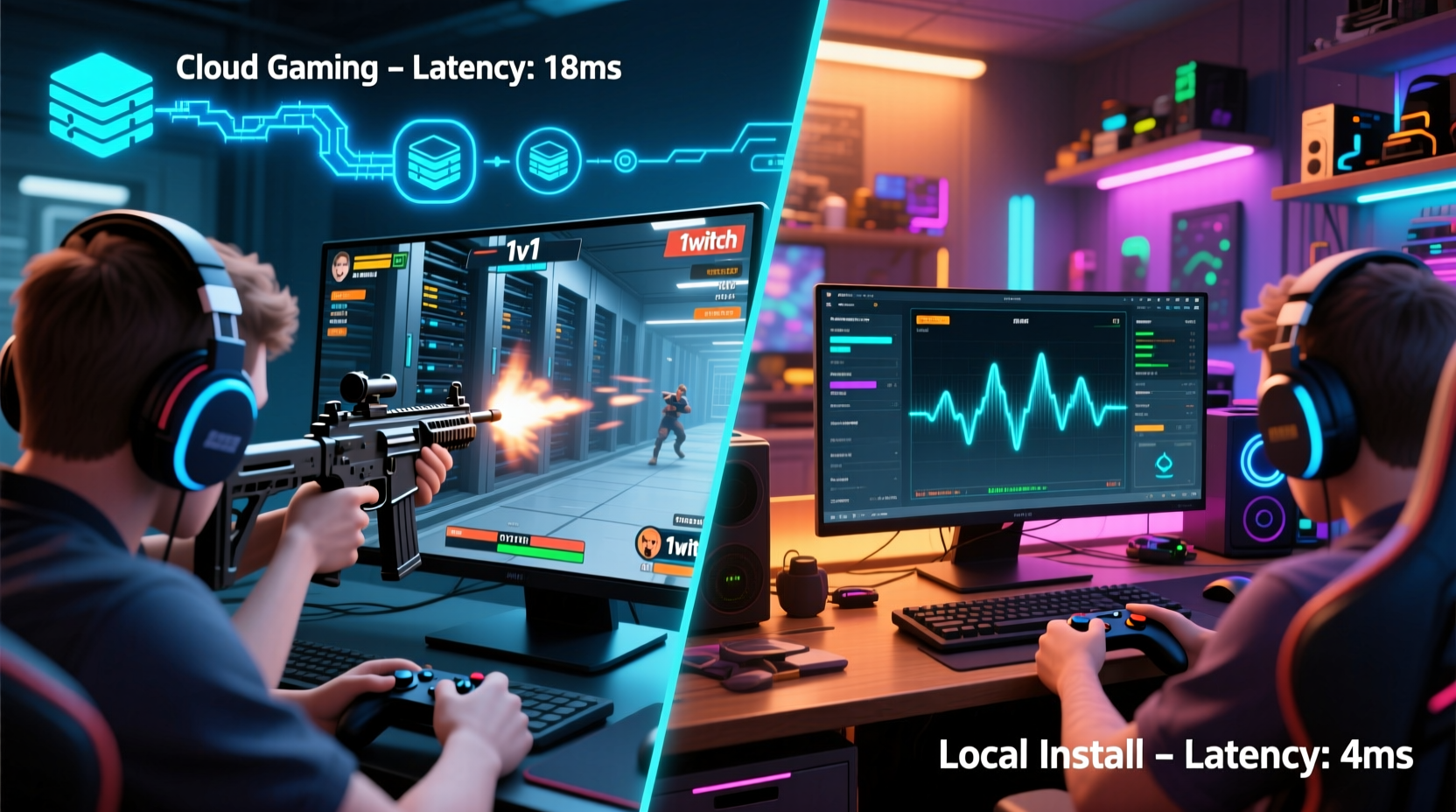
Latency refers to the delay between a player’s input—like clicking a mouse or pressing a button—and the corresponding action appearing on screen. In competitive gaming, this is often measured as end-to-end input lag. It’s not just about internet speed; it’s a sum of multiple components:
- Input processing time: How quickly your device reads controller or keyboard input.
- Game engine response: Time taken by the game to process that input internally.
- Rendering delay: How long it takes the system to generate the next frame.
- Display refresh lag: The monitor’s response time and refresh rate.
- Network transmission (for cloud): Round-trip time from your device to the server and back.
In a locally installed game, most of these steps happen within your own hardware. In cloud gaming, your inputs travel over the internet to a remote data center where the game runs, then video is streamed back to your screen. This fundamental shift introduces network dependency, which becomes the primary bottleneck.
How Cloud Gaming Adds Latency
Cloud gaming services render games on powerful servers located in data centers, often hundreds or thousands of miles away. Your inputs are sent to these servers, processed, and the resulting video frames are compressed and streamed back to your device. Each step adds measurable delay:
- Input upload: 5–30ms depending on connection quality and distance.
- Server processing: ~16ms (equivalent to one 60fps frame).
- Video encoding/decoding: 10–40ms due to compression algorithms (H.264, AV1).
- Network round-trip time (ping): Varies widely—can be under 20ms with ideal conditions or exceed 100ms.
- Client-side buffering: Additional 1–2 frames buffered to prevent stuttering.
Even under optimal conditions—fiber internet, nearby server, top-tier subscription—total added latency typically ranges from 50ms to 80ms. By comparison, a high-end local setup with a 240Hz monitor and SSD can achieve end-to-end input lag as low as 15–25ms.
“While cloud gaming has improved dramatically, physics and distance mean it will never match the responsiveness of a local rig.” — Dr. Alan Chen, Network Performance Researcher at MIT Computer Science Lab
Local Installation: The Gold Standard for Low Latency
When a game is installed locally on a capable machine, the entire pipeline—from input to display—occurs within your control. There’s no reliance on external bandwidth, server load, or video compression delays. Instead, performance depends on:
- CPU and GPU power
- Storage speed (NVMe SSDs reduce loading hitches)
- Monitor refresh rate and response time
- Peripheral quality (low-latency mice/keyboards/controllers)
A well-tuned gaming PC or current-gen console (PS5, Xbox Series X) running a competitive title at 1080p or 1440p with high frame rates (120+ FPS) minimizes rendering delay. Paired with a 144Hz or 240Hz monitor, such systems deliver near-instantaneous feedback.
Moreover, local installations avoid the variability inherent in internet-based services. No risk of sudden packet loss, server congestion during peak hours, or adaptive bitrate drops—all factors that introduce unpredictable micro-stutters in cloud gaming.
Real-World Example: Pro Player Training Setup
Tyler \"FragOut\" Reed, a semi-professional CS2 player ranked in the top 0.3% globally, tested both methods ahead of a regional LAN qualifier. He used the same peripherals and 240Hz OLED monitor but switched between playing locally on his i7-13700K + RTX 4070 build and via GeForce NOW Ultimate at 1440p60 with AV1 decoding.
Over two weeks, he recorded average reaction times and accuracy in aim trainer exercises. Results showed a consistent 42ms higher input lag on cloud gaming, translating to missed flick shots in ~18% of high-pressure scenarios. Though playable, Tyler noted “a subtle floatiness” in movement and recoil control. He reverted to local installation for tournament prep.
Comparative Analysis: Cloud vs Local
| Factor | Cloud Gaming | Local Install |
|---|---|---|
| Base Input Lag | 50–100ms (highly variable) | 15–30ms (consistent) |
| Internet Dependency | High – requires stable >25 Mbps | Minimal – only for matchmaking/downloads |
| Hardware Requirements | Low – works on phones/tablets | High – needs capable GPU/CPU |
| Visual Quality | Good (1440p HDR), but compressed | Excellent (up to 4K), full fidelity |
| Cost Over Time | Ongoing subscription ($15–25/month) | Upfront hardware cost, no recurring fees |
| Suitability for Competitive Play | Fair to moderate – casual ranked okay, not pro-tier | Excellent – industry standard |
The table highlights a critical trade-off: accessibility versus precision. Cloud gaming democratizes access to AAA titles without expensive gear, but sacrifices the consistency and minimal latency required for elite competition.
When Cloud Gaming Might Be Acceptable
Despite its limitations, cloud gaming isn’t universally unsuitable for competitive use. Certain conditions can narrow the performance gap:
- Extremely low ping: Living within 50 miles of a major data center (e.g., Ashburn, VA for East Coast U.S.) can yield sub-20ms ping.
- Fiber-optic connection: Symmetrical gigabit internet reduces jitter and buffering.
- High-tier subscriptions: Services like GeForce NOW Ultimate offer 1440p60 with AV1 decoding, reducing decode time by ~15ms vs H.264.
- Non-reflex-heavy genres: MOBAs (e.g., League of Legends) or tactical shooters (e.g., Rainbow Six Siege) are more forgiving than twitch FPS titles like Apex Legends or Valorant.
Still, even under these ideal circumstances, cloud gaming remains a compromise. It may suffice for climbing mid-tier ranks or practicing fundamentals, but serious competitors aiming for tournaments or streaming at professional levels should prioritize local hardware.
Step-by-Step: Optimizing for Lowest Possible Latency
Whether you’re using cloud or local, follow this sequence to minimize lag:
- Use wired connections: Connect your device via Ethernet cable. Disable Wi-Fi.
- Select the nearest server: In cloud platforms, manually pick the geographically closest region.
- Close background apps: Free up CPU and bandwidth on both client and host (if applicable).
- Enable Game Mode on your TV/monitor: Reduces post-processing delay.
- Cap frame rate slightly below refresh rate: Prevents tearing and stabilizes timing (e.g., 117 FPS on a 120Hz display).
- Update drivers/firmware: Ensure GPU, router, and peripheral firmware are current.
- Test with input lag tools: Use test patterns or software like Frame Monitor to measure actual delay.
FAQ: Common Questions About Latency in Cloud vs Local Gaming
Is 60ms of latency bad for competitive gaming?
Yes, 60ms is considered high for elite play. While some players adapt, it puts you at a disadvantage against opponents with sub-30ms setups. In games where reactions occur in under 100ms, an extra 30ms can mean missing first shot advantage.
Can future tech eliminate cloud gaming lag?
Improvements in edge computing, 5G/6G networks, and AI-powered video prediction could reduce perceived latency, but physical limits remain. Light travels ~1ms per 100 miles—one-way. So even at light speed, cross-country transmission imposes unavoidable delays. True parity with local systems is unlikely in the foreseeable future.
Does download speed matter more than ping for cloud gaming?
No. Ping (latency) matters far more than download speed. You need at least 25 Mbps for 1080p60 streams, but beyond that, higher bandwidth doesn’t improve responsiveness. Low ping and stable connection (low jitter) are far more critical.
Final Verdict: Local Installs Win for Competitive Edge
After evaluating technical constraints, real-world testing, and expert insights, the conclusion is clear: local game installations offer significantly lower and more consistent latency than cloud gaming. For casual or mobile players, cloud services provide impressive flexibility and value. But for anyone serious about competitive performance—especially in fast-reactive genres like FPS, fighting, or rhythm games—local hardware remains unmatched.
The core issue isn’t just total latency, but predictability. Cloud gaming introduces variables outside your control: ISP routing changes, server load spikes, compression artifacts. These create micro-delays that disrupt muscle memory and split-second decision-making. Local systems, once properly configured, deliver rock-solid consistency—a prerequisite for high-level skill development.
If budget is a concern, consider building a modest gaming PC focused on high frame rates at 1080p rather than chasing 4K visuals. A $700–$900 rig with a modern mid-tier GPU (e.g., RTX 4060 or RX 7600) will outperform any cloud solution in responsiveness and reliability.
“The best esports athletes train under the most controllable conditions. That means eliminating variables—starting with their hardware.” — Lena Park, Head Coach of Team Vanguard Esports
Take Control of Your Competitive Setup
Your equipment shouldn’t hold you back. If you're striving to improve, competing online, or preparing for tournaments, prioritize a low-latency local setup. Test your current configuration, measure actual input lag, and make informed upgrades. Share your experiences, benchmarks, or questions in the community—because the pursuit of peak performance starts with honest evaluation.




 浙公网安备
33010002000092号
浙公网安备
33010002000092号 浙B2-20120091-4
Comments
No comments yet. Why don't you start the discussion?