
For modern gamers, the choice between cloud gaming and locally installed games is no longer just about convenience—it's about performance. As internet speeds improve and streaming platforms like Xbox Cloud Gaming, NVIDIA GeForce NOW, and PlayStation Plus Premium expand their reach, more players are questioning whether they still need powerful hardware to enjoy high-fidelity experiences. At the heart of this debate lies a critical factor: latency. Smooth gameplay depends on consistent frame delivery, minimal input lag, and rapid response times—elements that can make or break competitive sessions or immersive single-player adventures.
This article examines the technical realities behind cloud versus local gaming, focusing specifically on how each affects latency and overall smoothness. We’ll break down network dependencies, hardware capabilities, compression trade-offs, and real-world conditions to determine which option truly delivers the most responsive experience.
The Latency Equation: What Makes Gameplay Feel “Smooth”?
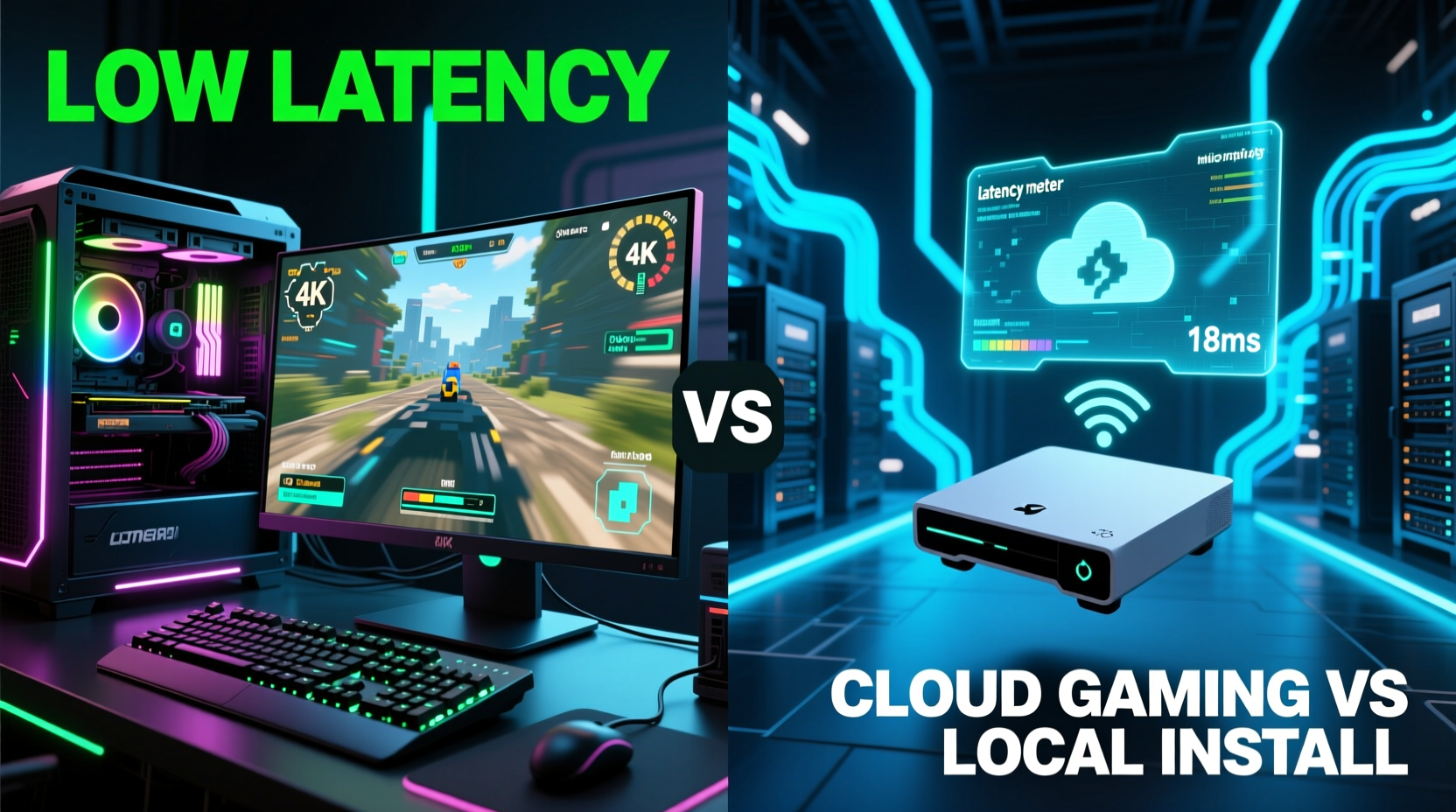
Smooth gameplay isn’t solely about high frame rates. It’s the combination of visual consistency, input responsiveness, and system stability. The key metric here is end-to-end latency—the time between pressing a button and seeing the corresponding action on screen. This total delay includes several components:
- Input lag: Time from controller press to signal reaching the processing unit (console or server).
- Processing time: How long it takes the CPU/GPU to render the next frame based on input.
- Frame transmission: For cloud gaming, this includes encoding, sending over the internet, decoding, and display rendering.
- Display refresh: The monitor’s own refresh cycle adds minor but measurable delay.
In local installations, processing happens within your device. Input signals travel short internal distances, and frames are rendered directly for your display. Total latency typically ranges from 30ms to 60ms depending on hardware and settings.
In contrast, cloud gaming introduces additional steps. Your inputs are sent to a remote data center where the game runs on high-end servers. The resulting video stream is compressed and transmitted back to your device. Even under ideal conditions, this round-trip communication inherently increases latency—often by 50–100ms or more.
“Latency below 40ms feels instant to most players. Once you cross 70ms, especially in fast-paced titles, the disconnect becomes noticeable.” — Dr. Lena Torres, Human-Computer Interaction Researcher at MIT Media Lab
Cloud Gaming: Convenience at a Performance Cost
Cloud gaming promises access to AAA titles without investing in expensive consoles or PCs. Services like GeForce NOW allow users to stream games from platforms like Steam or Epic Games Store using remote RTX-powered servers. On paper, this sounds revolutionary. But when tested under real-world conditions, compromises emerge.
Data centers may be located hundreds of miles away. Each mile adds milliseconds due to signal propagation delays. Even with fiber-optic connections, physics limits how fast data can travel. A player in Chicago connecting to a server in Dallas faces ~17ms one-way latency just from distance—before accounting for network congestion, routing inefficiencies, or Wi-Fi interference.
Compression is another bottleneck. To maintain playable bandwidth (ideally under 25 Mbps), streams use codecs like H.264 or AV1. These reduce quality dynamically during fast motion, leading to artifacts, blurring, or temporary freezes during intense scenes. While invisible in cutscenes, these glitches disrupt precision aiming or rhythm-based gameplay.
When Cloud Works Well—and When It Doesn’t
Not all games suffer equally under streaming. Turn-based strategy games, narrative adventures, or slower RPGs tolerate higher latency because timing precision matters less. Players report excellent experiences with titles like The Witcher 3 or Disco Elysium via cloud services, provided their connection remains stable.
But competitive shooters, fighting games, or racing simulations expose weaknesses quickly. In Fortnite, a 100ms delay means enemies appear half a step behind reality. By the time you react, they’ve already fired. Similarly, in Street Fighter 6, input lag turns precise combos into missed opportunities. One professional player noted: “I could feel the difference in frame advantage. My parries were late even though my timing was correct.”
Local Installation: Control, Consistency, and Lower Latency
Locally installed games run directly on your hardware, eliminating reliance on external networks. Everything—from input processing to final pixel output—occurs within your system. This gives you full control over performance variables: resolution, graphics presets, V-Sync, frame rate caps, and peripheral compatibility.
A mid-range gaming PC with an SSD, capable GPU, and optimized drivers can achieve sub-40ms system latency. Add a 144Hz+ monitor with low input lag, and the entire chain feels instantaneous. There’s no compression degradation, no buffering, and no risk of sudden packet loss disrupting gameplay.
Beyond raw speed, local setups offer predictability. Once configured, performance remains consistent across sessions. You’re not subject to peak-hour server congestion or ISP throttling policies that sometimes affect streaming traffic.
| Metric | Cloud Gaming (Ideal) | Local Install (Mid-tier PC) |
|---|---|---|
| Total System Latency | 60–100ms | 30–50ms |
| Max Recommended Bandwidth | 25 Mbps (4K HDR) | Varies (no continuous stream) |
| Visual Fidelity Under Load | Dynamic compression artifacts | Consistent, adjustable settings |
| Input Responsiveness | Perceptibly delayed | Near-instantaneous |
| Hardware Dependency | Low (client device) | High (local specs matter) |
Upgrading a local rig also yields linear improvements. Adding more RAM, switching to a faster GPU, or installing a Gen4 NVMe SSD reduces loading times and stabilizes frame pacing. With cloud gaming, upgrades depend entirely on service providers—who may limit access to premium tiers through subscription models.
Real-World Example: Competitive FPS Player Switches Platforms
Consider Mark R., a semi-professional Valorant player based in Denver. During a trip with limited luggage space, he relied on Xbox Cloud Gaming to stay sharp. Using a mobile hotspot with 65 Mbps down and 18 Mbps up, he connected to the nearest Microsoft data center in Kansas City.
Initially impressed by the ability to play on his tablet, Mark soon noticed subtle issues. His headshot accuracy dropped by nearly 20% compared to home play. He frequently died before hearing enemy footsteps, despite using top-tier headphones. After recording side-by-side comparisons, he discovered an average 82ms delay between in-game audio cues and visual feedback.
Back on his local setup—a Ryzen 5 5600X, RTX 3060, and 144Hz IPS monitor—his reaction metrics improved instantly. Frame time variance decreased from ±8ms (cloud) to ±2ms (local). Within two weeks, his K/D ratio returned to baseline. “It wasn’t skill,” he said. “The cloud added a layer of fog between me and the game.”
Step-by-Step: Optimizing for Low-Latency Gameplay
Whether you choose cloud or local, follow these steps to maximize smoothness:
- Evaluate your internet connection: Run a ping test to gaming servers. Anything above 40ms will add noticeable delay in cloud scenarios.
- Use wired connections: Replace Wi-Fi with Ethernet whenever possible. Wireless interference can spike latency unpredictably.
- Choose nearby servers: On cloud platforms, manually select the closest regional data center—even if auto-detect suggests otherwise.
- Lower in-game resolution: Streaming at 720p instead of 1080p reduces encoding load and improves responsiveness.
- Upgrade local hardware: Prioritize fast storage (NVMe SSD), sufficient RAM (16GB+), and a strong GPU with low driver overhead.
- Enable performance modes: Disable V-Sync, cap frame rates slightly below refresh rate, and use G-Sync/FreeSync if available.
- Monitor actual performance: Use tools like FRAPS, MSI Afterburner, or built-in platform overlays to track real-time frame times and input lag.
Checklist: Choosing Between Cloud and Local
Answer these questions to guide your decision:
- ✅ Do I have a stable internet connection with <40ms ping to cloud servers?
- ✅ Am I playing primarily casual or story-driven games?
- ✅ Is portability or device flexibility more important than peak performance?
- ✅ Do I lack the budget or space for dedicated gaming hardware?
- ✅ Am I willing to accept occasional stutters or compression for convenience?
If most answers are “yes,” cloud gaming may suit your needs. If you prioritize responsiveness, play competitively, or demand visual fidelity, local installation remains superior.
Frequently Asked Questions
Can 5G fix cloud gaming latency?
While 5G offers lower latency than 4G (~10–30ms), it still must route data to distant servers. Edge computing—placing servers closer to users—can help, but widespread deployment is ongoing. Even then, total round-trip latency rarely drops below 50ms, making it unsuitable for pro-level competition.
Does cloud gaming use less energy?
Yes, client devices consume significantly less power since heavy computation occurs remotely. However, data centers draw massive amounts of electricity. The net environmental impact depends on grid sources and efficiency standards, but individual users do save on local energy costs.
Will local gaming become obsolete?
Unlikely. As games grow more complex, demand for higher frame rates (120+ FPS) and resolutions (4K/8K) increases. Streaming such content requires unsustainable bandwidth and infrastructure. High-end local systems will remain essential for enthusiasts and professionals.
Conclusion: Local Installs Deliver Superior Smoothness and Responsiveness
Despite advances in streaming technology, local game installations continue to offer the smoothest, lowest-latency gameplay. They eliminate network dependency, avoid compression artifacts, and provide direct control over performance tuning. For casual players who value accessibility and multi-device flexibility, cloud gaming presents a compelling alternative—especially as 5G and edge computing evolve.
However, for anyone serious about responsiveness—competitive gamers, streamers, or those seeking cinematic immersion with flawless frame delivery—nothing replaces the immediacy of running games natively. The gap may narrow in the future, but today’s technological limits keep local setups firmly ahead in the race for seamless interactivity.




 浙公网安备
33010002000092号
浙公网安备
33010002000092号 浙B2-20120091-4
Comments
No comments yet. Why don't you start the discussion?