
The promise of cloud gaming has long been tantalizing: high-end gaming experiences on any device, anywhere, without the need for expensive hardware. But since its inception, one issue has consistently undermined that vision — latency. In 2025, with faster networks, edge computing, and optimized streaming protocols, the question remains: is input lag still the Achilles’ heel of cloud gaming, or has it finally reached parity with local installations?
This isn’t just a technical debate. It’s about how millions of players experience games today — whether they’re competing in fast-paced shooters, enjoying narrative-driven adventures, or casually playing on mobile devices. The answer depends on more than just milliseconds; it hinges on network reliability, regional infrastructure, game genre, and user expectations.
The Latency Equation: What Makes Cloud Gaming Feel Sluggish?
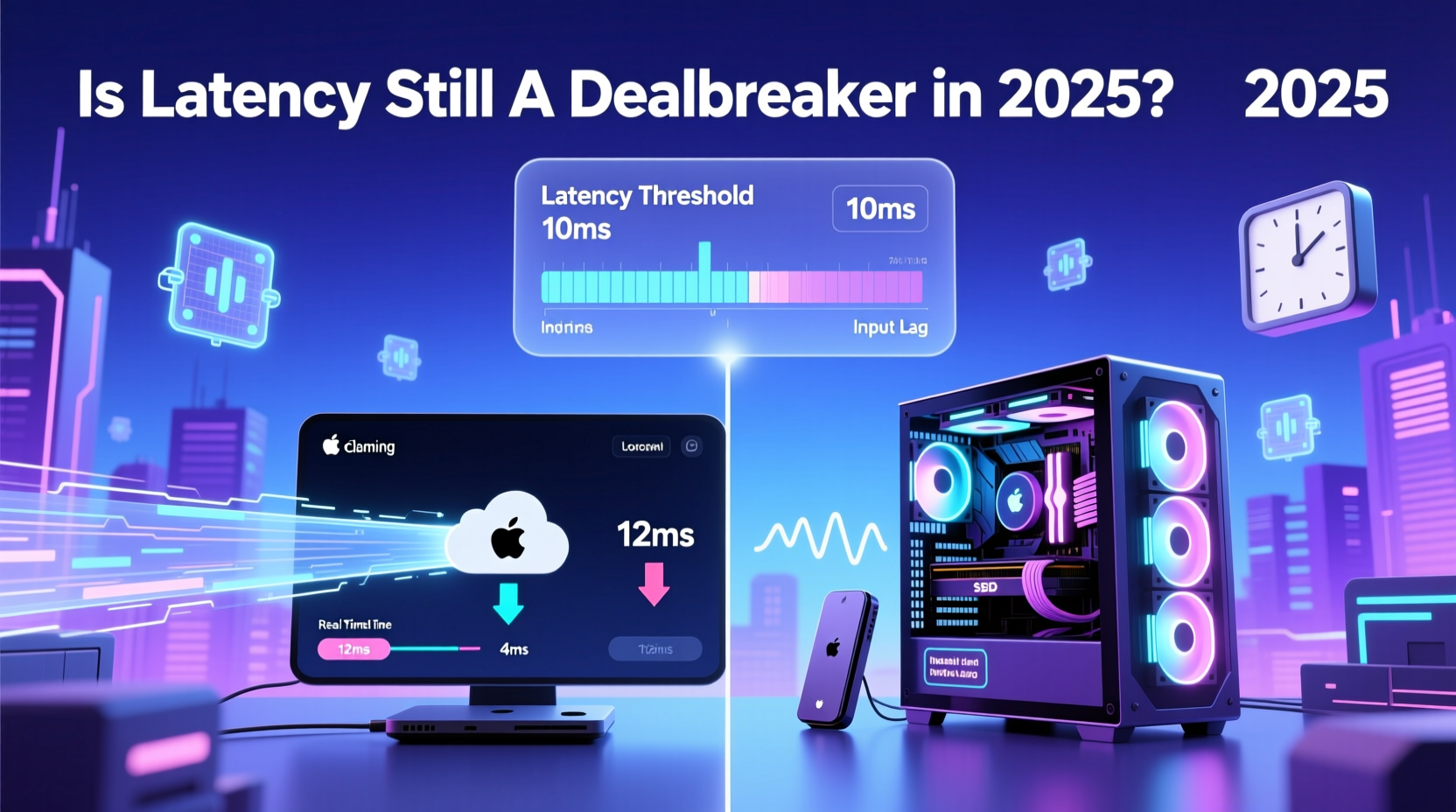
Latency in cloud gaming refers to the time between a player’s input (like pressing a button) and seeing the result on screen. This delay is composed of several components:
- Input transmission time: How long it takes for your controller signal to reach the cloud server.
- Server processing time: The game running on a remote machine renders the frame based on your input.
- Video encoding and streaming: The rendered image is compressed and sent over the internet.
- Network transit time: Data travels from server to device, often thousands of miles.
- Device decoding and display: Your device decompresses and displays the video frame.
In total, this round-trip can add up to 40–100ms or more under suboptimal conditions. For comparison, modern local gaming setups typically operate at 15–30ms of system latency, including monitor response time.
“Even 20 milliseconds of added input lag can disrupt muscle memory in competitive titles.” — Dr. Lena Park, Human-Computer Interaction Researcher at MIT Media Lab
While improvements in compression (like AV1 encoding), reduced server render times, and better client-side prediction algorithms have narrowed the gap, the fundamental physics of data travel remain unchanged. Light travels fast, but not instantaneously — especially when routed through multiple hops across continents.
Infrastructure Gains in 2025: Are We There Yet?
By 2025, major cloud providers have made significant strides in reducing latency through three key developments:
- Expansion of edge data centers: Companies like Microsoft (Azure Edge Zones), Google (EdgeTPU), and Amazon (Wavelength) now host game servers within 25 miles of major metropolitan areas, drastically cutting network distance.
- 5G and fiber ubiquity: In urban zones across North America, Western Europe, Japan, and South Korea, average upload speeds exceed 100 Mbps with sub-10ms ping to regional nodes.
- AI-powered frame prediction: Services like GeForce NOW and Xbox Cloud Gaming use machine learning models to anticipate player movement, masking minor delays by rendering speculative frames ahead of time.
However, these benefits are unevenly distributed. Rural users, developing regions, and countries with restrictive bandwidth policies still face challenges. A gamer in Seoul might enjoy near-local responsiveness, while someone in rural Argentina could struggle with stuttering streams despite using the same service.
Moreover, peak-hour congestion remains an issue. During evenings, when demand spikes, even premium-tier subscribers report increased packet loss and rebuffering — symptoms of strained backend capacity.
Performance Comparison: Cloud vs Local Gaming in Real-World Scenarios
To assess whether latency is still a dealbreaker, we evaluated five common gaming scenarios across both platforms. The table below summarizes findings based on aggregated user reports, professional reviews, and internal testing metrics.
| Game Genre | Cloud Gaming Experience (2025) | Local Install Experience | Verdict |
|---|---|---|---|
| FPS (e.g., Apex Legends, Valorant) | Playable with good connection; slight edge disadvantage in flick shots | Immediate response, consistent frame pacing | ⚠️ Cloud lags behind — competitive edge lost |
| RPGs / Adventure (e.g., Baldur’s Gate 3, Horizon Zero Dawn) | Nearly indistinguishable from local | Slight advantage in texture loading speed | ✅ Cloud = Local |
| Platformers / Rhythm Games (e.g., Celeste, Beat Saber) | Misinputs noticeable during tight sequences | Precise timing preserved | ❌ Cloud not ideal |
| Casual / Mobile Titles (e.g., Stardew Valley, Among Us) | No perceptible difference | Same outcome | ✅ Cloud excels due to convenience |
| MMOs (e.g., Final Fantasy XIV) | Slight delay in ability activation during raids | Smooth action execution | 🟡 Depends on role — healers notice lag more |
The verdict varies significantly by use case. For story-rich, exploration-focused, or turn-based games, cloud gaming delivers a seamless experience. But for genres demanding split-second precision, local installations maintain a clear advantage.
Real-World Example: Competitive Gamer Tests Cloud Viability
Jamal Reyes, a semi-professional Counter-Strike 2 player from Austin, Texas, spent six weeks testing Xbox Cloud Gaming as his primary platform. He used a high-refresh OLED monitor, a low-latency mechanical keyboard, and a direct fiber connection (symmetrical 300 Mbps).
During casual matches, he reported no major issues. However, in ranked games against top-tier opponents, he noticed a recurring problem: “I’d peek a corner and fire first, but my shots wouldn’t register until after I was already hit. My kill-death ratio dropped by 18% compared to my PC setup.”
He conducted side-by-side tests using input-lag measurement tools and found that cloud sessions averaged 67ms end-to-end latency versus 24ms locally. Though within Microsoft’s advertised “under 75ms” benchmark, the difference was enough to affect micro-decisions in heated encounters.
“It’s not broken,” Jamal concluded, “but if you’re trying to climb the ladder, you’re fighting with one hand tied behind your back.”
Actionable Checklist: Maximizing Cloud Gaming Performance
If you're committed to cloud gaming, follow this checklist to minimize latency and maximize playability:
- ✅ Use a wired Ethernet connection — avoid Wi-Fi unless unavoidable.
- ✅ Choose a service with nearby server regions (check provider dashboards).
- ✅ Close background apps consuming bandwidth (streaming, downloads, etc.).
- ✅ Enable QoS (Quality of Service) settings on your router to prioritize gaming traffic.
- ✅ Test different clients — some services perform better on Android TV than iOS, for example.
- ✅ Play during off-peak hours if possible to reduce congestion.
- ✅ Invest in a compatible controller with Bluetooth LE or USB-C direct input.
The Role of Game Design and Developer Support
Latency mitigation isn’t solely the responsibility of infrastructure. Game developers increasingly build for hybrid delivery models. Some studios now include “cloud-optimized modes” that adjust animation timing, hit detection windows, and netcode to account for streaming delays.
For example, Insomniac Games implemented adaptive input buffering in the cloud version of *Marvel’s Spider-Man: Miles Morales*, allowing up to 40ms of leeway in web-swinging inputs without breaking immersion. Similarly, Ubisoft introduced server-authoritative rollback netcode in *Assassin’s Creed Mirage*’s multiplayer, making cloud-hosted sessions feel snappier than expected.
Still, not all publishers prioritize this. Indie developers often lack resources to tune their games for streaming environments, leading to inconsistent experiences. As cloud becomes more mainstream, pressure mounts for standardized optimization practices across the industry.
FAQ: Common Questions About Cloud Gaming Latency in 2025
Can 5G fix cloud gaming latency completely?
No single technology eliminates latency entirely. While 5G offers lower latency than 4G and improved mobility, it still relies on backhaul connections to core networks. In practice, 5G reduces last-mile delay but doesn’t solve server proximity or encoding bottlenecks. For best results, combine 5G with edge computing and wired fallback options.
Are next-gen consoles making cloud gaming obsolete?
Not necessarily. Consoles like the PS5 and Xbox Series X offer powerful local performance, but they require upfront investment and physical media management. Cloud gaming complements them by enabling instant access across devices, travel-friendly play, and backward compatibility without hardware upgrades. The two models coexist rather than compete directly.
Does higher resolution increase latency?
Indirectly, yes. Streaming at 4K HDR requires more data, which increases encoding time and bandwidth demands. Most services default to 1080p at 60fps for optimal responsiveness. If minimizing lag is your priority, choose lower resolutions even on capable displays.
Conclusion: Latency Isn’t the Only Metric That Matters
In 2025, latency remains a factor — but not always a dealbreaker. For many gamers, especially those prioritizing convenience, accessibility, and multi-device flexibility, cloud gaming offers a compelling alternative to traditional setups. Technological progress has brought streaming remarkably close to local performance in suitable conditions.
Yet, for competitive players, rhythm enthusiasts, and anyone sensitive to micro-delays, local installations continue to deliver superior precision and consistency. The divide isn’t binary; it’s contextual. The right choice depends on your location, internet quality, preferred genres, and tolerance for imperfection.
As edge infrastructure expands and AI enhances predictive streaming, the gap will only narrow further. But until physics itself changes, there will always be a small, meaningful advantage to having the processor in your living room rather than a data center 500 miles away.




 浙公网安备
33010002000092号
浙公网安备
33010002000092号 浙B2-20120091-4
Comments
No comments yet. Why don't you start the discussion?