
For years, the idea of playing high-end console games without owning a console seemed like science fiction. Today, cloud gaming platforms like Xbox Cloud Gaming (via Game Pass Ultimate), NVIDIA GeForce NOW, and PlayStation Plus Premium have turned that vision into reality. With just a stable internet connection and a compatible device, you can stream AAA titles directly to your phone, tablet, or smart TV. But how does this experience truly stack up against owning a physical PlayStation 5? As streaming technology advances, the gap is narrowing—but is it closing fast enough?
The answer isn't straightforward. While cloud gaming offers unprecedented accessibility and convenience, it still faces fundamental limitations rooted in infrastructure, latency, and compression. Meanwhile, the PS5 delivers consistent, high-fidelity performance with full control over hardware and updates. This article dives deep into both options, comparing them across key metrics to help you decide whether now is the time to cut the cord—or if buying a console remains the smarter choice.
Performance and Visual Fidelity: The Core Divide
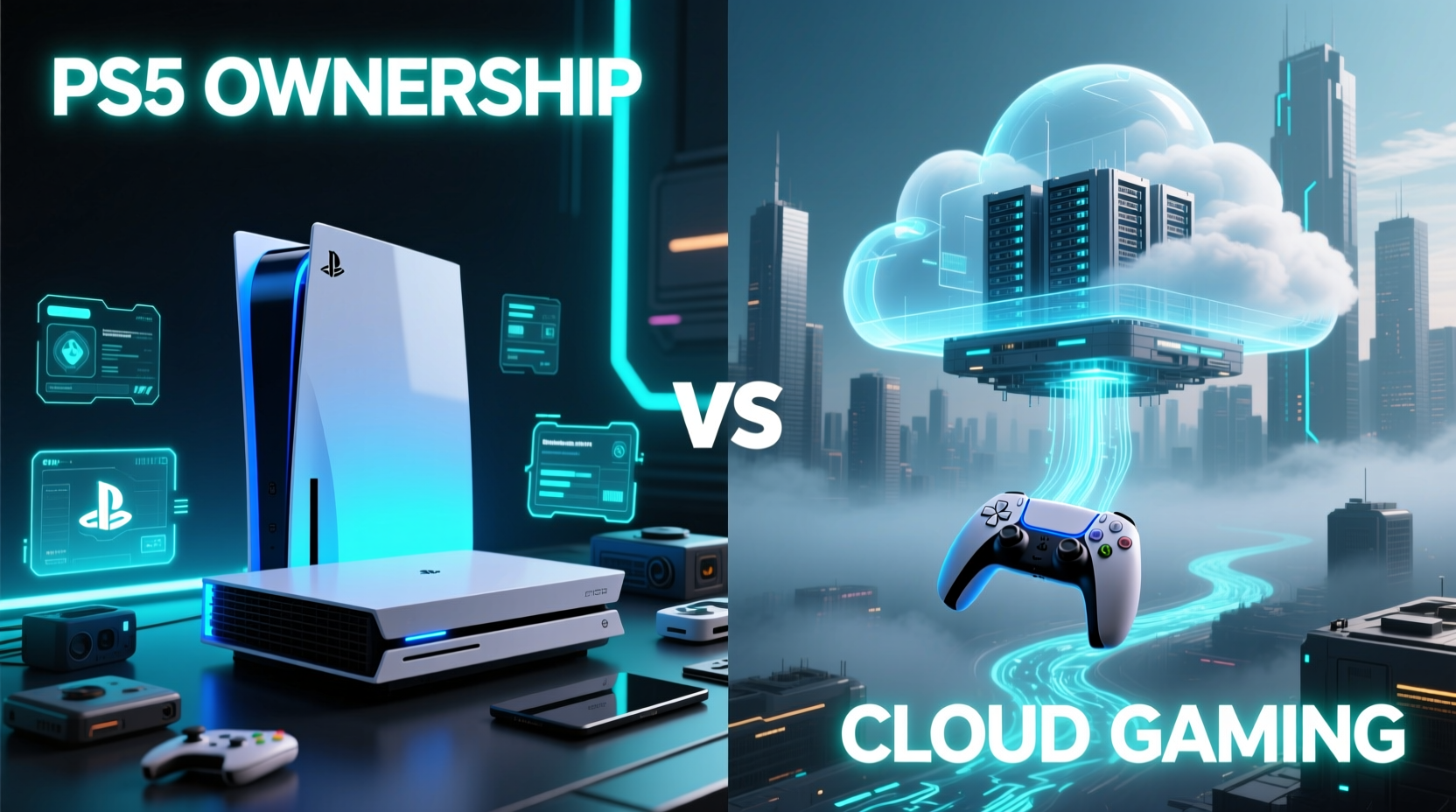
At the heart of any gaming discussion lies performance: resolution, frame rate, loading times, and visual detail. The PS5 supports native 4K output at up to 120Hz for supported games, with ray tracing, advanced textures, and ultra-fast SSD load times. Games like Spider-Man: Miles Morales and Horizon Forbidden West showcase the system’s ability to render complex environments with minimal pop-in and near-instant transitions between scenes.
Cloud gaming, by contrast, streams compressed video from remote servers. Even under ideal conditions, most services cap output at 1080p at 60fps—though some offer 4K on select platforms. However, “offered” doesn’t mean “guaranteed.” Streaming quality depends heavily on bandwidth, network stability, and server proximity. A user in rural Nebraska may experience higher latency than one in downtown London due to distance from data centers.
Compression artifacts are another issue. To reduce bandwidth usage, platforms use aggressive encoding (often H.264 or H.265). This can result in blurring during fast motion, reduced color depth, and audio-video desynchronization in intense sequences. Gamers accustomed to crisp, artifact-free visuals on the PS5 often notice these imperfections immediately.
“Streaming will never match local rendering when it comes to fidelity. You're always trading raw quality for convenience.” — David Liu, Senior Engineer at Digital Foundry
Lag and Input Responsiveness: The Make-or-Break Factor
No amount of visual polish matters if the game feels sluggish. Input lag—the delay between pressing a button and seeing the action on screen—is arguably the biggest hurdle for cloud gaming. On a PS5, input latency typically ranges from 30ms to 60ms, depending on display settings and TV processing.
With cloud gaming, latency is cumulative: it includes your internet round-trip time to the server, server processing, video encoding, transmission, decoding, and display rendering. Even with a perfect 10ms ping to a nearby server, total latency often exceeds 70–100ms. In fast-paced games like Call of Duty: Modern Warfare III or Ratchet & Clank: Rift Apart, that difference is noticeable. Competitive players report missing jumps, delayed aiming corrections, and a general “floaty” feeling.
Some services attempt to compensate with predictive input modeling—guessing what action you’ll take next based on current inputs. While helpful in linear platformers, it fails in unpredictable multiplayer scenarios. And unlike local hardware, you can’t tweak settings to reduce lag beyond adjusting stream resolution or enabling low-latency modes.
Real Example: Maria’s Switch to Cloud Gaming
Maria, a 28-year-old graphic designer in Austin, decided to try Xbox Cloud Gaming after moving into a small apartment where space for a console was limited. She loved being able to jump into Halo Infinite from her iPad while lounging on the couch. But within two weeks, she noticed consistent delays in vehicle controls during combat. “It felt like I was driving through mud,” she said. After testing with a friend who owned a PS5, she realized the same actions responded instantly on local hardware. She eventually bought a digital PS5, citing responsiveness as the deciding factor.
Cost Comparison: Upfront vs. Ongoing Expenses
One area where cloud gaming shines is affordability. There’s no need to purchase expensive hardware. Instead, users pay a monthly subscription—typically $15–$20—for access to a library of games. For example:
| Option | Initial Cost | Monthly Fee | Game Access | Data Usage |
|---|---|---|---|---|
| PS5 (Disc Edition) | $499 | $0 (optional PS Plus: $10/mo) | Buy individually or via PS Plus Extra ($180/yr) | Downloads only (~50–100GB per game) |
| Xbox Cloud Gaming (Game Pass Ultimate) | $0 | $17/mo | Full catalog of 100+ titles | Streaming (~15GB/hour at 1080p) |
| NVIDIA GeForce NOW (Priority Tier) | $0 | $10/mo | Bring your own Steam/Epic games | Streaming (~8–12GB/hour) |
| PlayStation Plus Premium (Cloud Streaming) | $0 | $18/mo | Classics + streaming eligible PS4/PS5 titles | Streaming + optional downloads |
Over three years, the total cost of ownership tells a mixed story. A PS5 owner spending $499 upfront plus $120/year on PS Plus Extra totals around $833. A cloud gamer paying $18/month for PlayStation Plus Premium spends $648 over the same period—saving nearly $200. But that saving assumes:
- You already have a capable display and controller.
- Your internet plan doesn’t charge overage fees.
- You don’t value offline play or instant loading.
And there’s the catch: data consumption. Streaming at 1080p uses roughly 15GB per hour. Play five hours a week, and you’re using 300GB monthly—enough to exceed caps on many mid-tier plans. Excess data fees or throttled speeds can quickly erase subscription savings.
Game Library and Availability: Who Has What?
The breadth and freshness of available titles vary significantly between models. Owning a PS5 gives you immediate access to every new release on launch day—provided you buy it. Many third-party exclusives like Baldur’s Gate 3 or Starfield arrive simultaneously on PS5 and PC.
Cloud platforms operate differently. Xbox Cloud Gaming relies on Game Pass, which rotates titles quarterly. While it includes first-party Microsoft releases day-one, popular third-party titles often leave after licensing periods. Similarly, PlayStation Plus Premium includes a curated list of streamable games, but not every PS5 title is available for streaming—only those specifically enabled by developers.
NVIDIA GeForce NOW takes a unique approach: you own games on Steam, Epic, or GOG, and the service streams them from the cloud. No additional purchases, but compatibility isn’t universal. Some anti-cheat systems (like Easy Anti-Cheat) block cloud access entirely, excluding competitive titles such as Fortnite or Apex Legends unless explicitly supported.
Future Outlook: Is Streaming Closing the Gap?
Technology moves fast. 5G networks, fiber expansion, and edge computing are expanding the reach and reliability of cloud gaming. Google Stadia may have shut down, but its failure taught the industry valuable lessons about sustainability and user expectations.
New developments suggest progress. Sony has invested heavily in remote play optimization, allowing PS5 owners to stream their own console over the internet. Microsoft continues refining server-side rendering and adaptive bitrate algorithms. NVIDIA’s upcoming AV1 encoding promises better image quality at lower bitrates, reducing bandwidth needs by up to 50%.
Still, physics remains a barrier. Light travels fast, but not instantly. A server 1,000 miles away introduces unavoidable latency. Local processing will always be faster. As one developer put it: “Streaming removes the need for hardware, but it adds dependency on everything else.”
Step-by-Step Guide: Choosing Between Cloud and Console
- Assess your internet: Do you have at least 25 Mbps download speed and low jitter? Use a wired connection for best results.
- List your must-play games: Are they available on your chosen cloud platform?
- Calculate data usage: Will streaming push you over your monthly cap?
- Test responsiveness: Try a free trial of cloud gaming with a fast-paced title.
- Consider long-term costs: Compare three-year expenses including subscriptions and potential upgrades.
- Decide on portability needs: Do you want to play on multiple devices, or are you mostly at home?
FAQ
Can I use my DualSense controller with cloud gaming?
Yes, both Xbox Cloud Gaming and GeForce NOW support the PS5 DualSense controller via Bluetooth on compatible devices. PlayStation Plus Premium naturally works seamlessly with it.
Does cloud gaming work on mobile devices?
Yes—services like Xbox Cloud Gaming and GeForce NOW offer apps for iOS and Android. Performance varies based on device capabilities and network strength, but many users enjoy solid gameplay on modern smartphones and tablets.
Is cloud gaming good for kids?
It can be, especially for families without a dedicated console. Parents should monitor data usage and set time limits, as easy access increases temptation for extended play. Also, ensure parental controls are active on both the service and network level.
Checklist: Ready for Cloud Gaming?
- ✅ Stable broadband connection (25 Mbps minimum)
- ✅ Wired Ethernet or strong Wi-Fi 6 signal
- ✅ Compatible controller (DualSense, Xbox Wireless, etc.)
- ✅ Supported device (PC, phone, tablet, Chromebook, smart TV)
- ✅ Data allowance sufficient for regular streaming
- ✅ Free trial tested with a demanding game
- ✅ Backup plan for outages or server downtime
Conclusion
Cloud gaming is no longer a gimmick—it's a viable alternative for millions. It democratizes access, reduces entry costs, and enables play anywhere. For casual gamers, travelers, or those in space-constrained living situations, it offers a compelling path forward.
But for those seeking the best possible experience—maximum visual clarity, split-second responsiveness, and uninterrupted access—owning a PS5 still holds clear advantages. Streaming is catching up, yes, but it’s doing so on uneven terrain. Infrastructure disparities, technical trade-offs, and licensing limitations keep it from fully replacing local hardware—at least for now.
The future may belong to hybrid models: consoles that double as personal cloud servers, or ISPs bundling low-latency gaming tiers. Until then, the choice depends on your priorities. If flexibility and cost matter most, explore cloud gaming with realistic expectations. If performance and precision define your playstyle, the PS5 remains unmatched.




 浙公网安备
33010002000092号
浙公网安备
33010002000092号 浙B2-20120091-4
Comments
No comments yet. Why don't you start the discussion?