
Cloudflare’s Verify challenge is a critical security layer designed to protect websites from bots, scrapers, and malicious traffic. When functioning correctly, it presents users with a brief verification step—often a CAPTCHA or invisible challenge—before granting access. However, many site owners and visitors report instances where the Cloudflare Verify challenge fails to load, loops endlessly, or blocks legitimate users. These disruptions can degrade user experience and even impact search engine indexing. Understanding the root causes and applying targeted fixes is essential for maintaining both security and accessibility.
Common Causes of Cloudflare Verify Failures
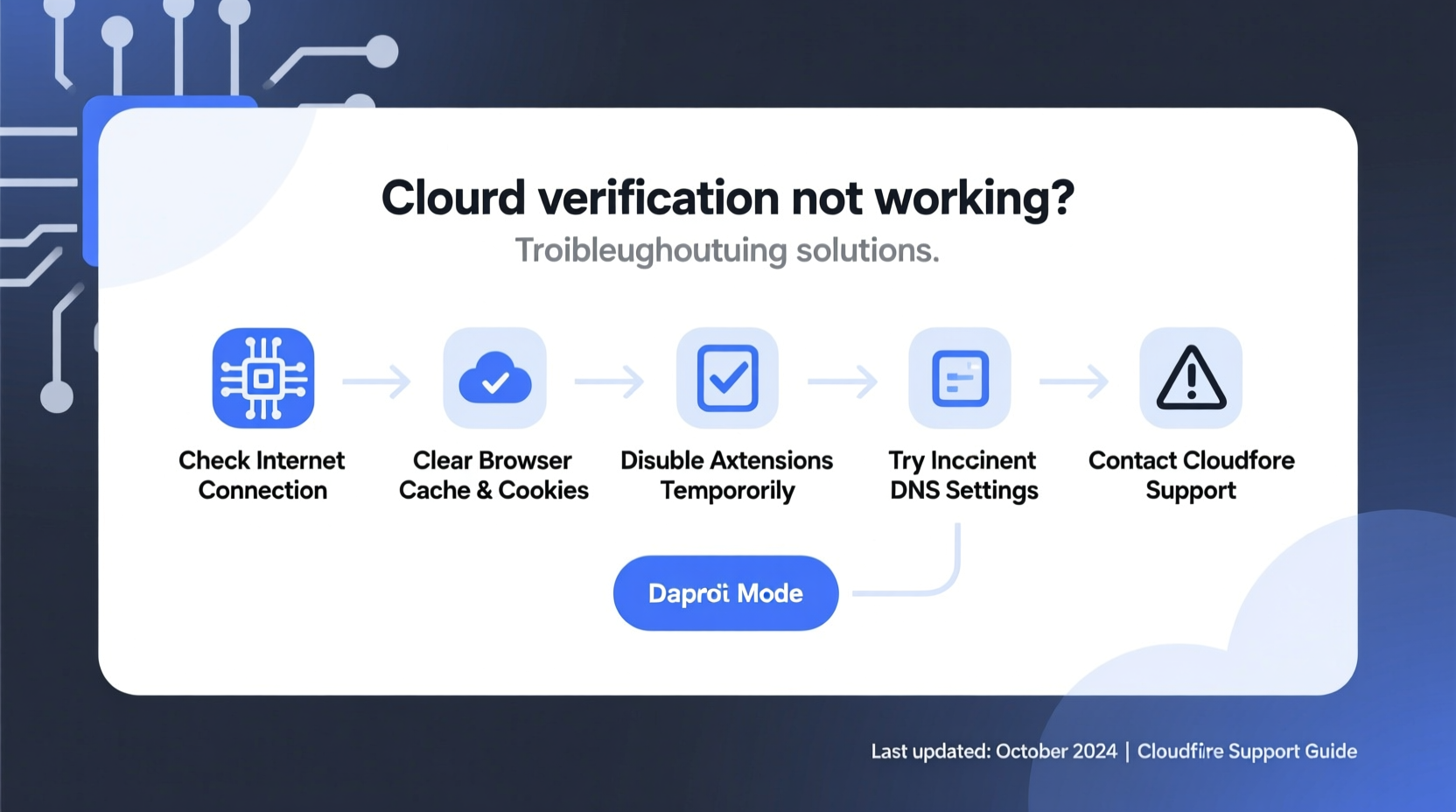
The failure of Cloudflare Verify to work properly stems from multiple potential sources, ranging from client-side configurations to server-level missteps. Identifying the origin is the first step toward resolution.
- Browser Extensions and Privacy Tools: Ad blockers, script blockers (like NoScript), or privacy-focused extensions (such as uBlock Origin or Privacy Badger) may interfere with Cloudflare’s JavaScript challenges.
- Outdated Browsers: Older browser versions may lack support for modern JavaScript features required by Cloudflare’s challenge system.
- IP Reputation Issues: If an IP address has been flagged due to suspicious activity, Cloudflare may impose stricter verification that fails under certain conditions.
- Server Configuration Conflicts: Misconfigured SSL/TLS settings, reverse proxy headers, or firewall rules on the origin server can disrupt challenge handshakes.
- Cache Interference: Aggressive caching at the CDN or browser level might serve stale or incomplete challenge pages.
Step-by-Step Troubleshooting Guide
Follow this structured approach to isolate and resolve Cloudflare Verify failures efficiently.
- Verify the Issue Scope: Determine whether the problem affects all users or just specific individuals. If only one user is affected, the issue is likely client-side (browser, network, or device).
- Test in Incognito Mode: Open an incognito/private browsing window and disable all extensions. Attempt to access the site. If the challenge works, a browser extension is interfering.
- Clear Browser Cache and Cookies: Corrupted cached challenge scripts can prevent proper loading. Clear site data and retry.
- Check DNS and SSL Settings: In the Cloudflare dashboard, ensure your domain uses Cloudflare’s nameservers and that SSL/TLS mode is set to \"Full\" or \"Full (strict).\" Mismatched SSL modes can break challenge validation.
- Review Firewall and Rate Limiting Rules: Overly aggressive firewall rules or rate limiting may trigger false positives, causing repeated or failed challenges.
- Inspect HTTP Headers: Ensure your origin server isn’t sending headers like
X-Robots-TagorCF-Cache-Statusthat could interfere with challenge delivery. - Test from Different Networks: Try accessing the site from mobile data, a different Wi-Fi network, or via a trusted VPN to assess IP-based blocking.
Do’s and Don’ts When Configuring Cloudflare Verify
| Do’s | Don’ts |
|---|---|
| Enable Bot Fight Mode in Cloudflare to enhance automated threat detection. | Don’t use aggressive challenge levels (e.g., \"I'm Under Attack\" mode) permanently—it harms UX. |
| Use Security Level settings wisely—set to \"Medium\" or \"High\" based on traffic patterns. | Don’t bypass Cloudflare’s proxy (grey cloud DNS) for sensitive subdomains handling logins. |
| Regularly audit firewall rules to avoid unintended blocking of legitimate traffic. | Don’t cache challenge-related endpoints (e.g., /cdn-cgi/challenge-platform). |
| Monitor the Security Events tab in Cloudflare for recurring challenge triggers. | Don’t ignore IPv6 configuration—if enabled, ensure it’s properly routed through Cloudflare. |
Real-World Example: E-Commerce Site Blocked by False Positives
A mid-sized e-commerce platform began receiving customer complaints that users were stuck in an infinite Cloudflare Verify loop during checkout. The team initially assumed it was a browser compatibility issue. After replicating the problem across devices, they discovered that their newly implemented rate-limiting rule—designed to block brute-force login attempts—was triggering on high-volume checkout traffic from real users during a flash sale.
By adjusting the rate limit threshold from 5 requests per minute to 15 and adding an exemption for the checkout endpoint, the team restored normal access within hours. They also enabled logging to monitor future events without immediate enforcement, preventing recurrence.
“Over-protection can be as damaging as under-protection. Cloudflare’s tools are powerful, but they require calibration to match actual user behavior.” — Raj Patel, Senior DevOps Engineer at NexaShield Security
Advanced Fixes for Persistent Issues
When basic troubleshooting doesn’t resolve the problem, deeper investigation is required.
Fix Origin Server Headers
Some origin servers send headers that conflict with Cloudflare’s challenge mechanism. Common culprits include:
Set-Cookiedirectives that override Cloudflare’s session tokensContent-Security-Policy(CSP) rules blockingcdn-cgidomainsX-Frame-OptionsorReferrer-Policysettings interfering with challenge rendering
Ensure CSP allows scripts from https://challenges.cloudflare.com. Example directive:
script-src 'self' https://challenges.cloudflare.com;
Disable Conflicting Plugins (WordPress)
If you’re using WordPress, plugins like Wordfence, Sucuri, or caching tools (e.g., WP Rocket) may block or cache Cloudflare challenge paths. Temporarily deactivate them to test. Add the following paths to your cache plugin’s exclusion list:
- /cdn-cgi/
- /ajax/libs/
- /challenge-platform/
Whitelist Cloudflare IPs
Ensure your origin server firewall (e.g., iptables, CSF) isn’t blocking Cloudflare’s IP ranges. Use Cloudflare’s official IP list and configure your server to trust these addresses. This prevents IP-based denial of service when Cloudflare forwards requests.
FAQ: Cloudflare Verify Not Working
Why does Cloudflare Verify keep looping?
Looping typically occurs when the browser fails to complete the challenge due to blocked scripts, ad blockers, or network interruptions. It can also happen if the origin server resets the connection prematurely. Disable extensions and test with developer tools open to check for blocked resources.
Can Cloudflare block legitimate users?
Yes. Users behind shared IPs (e.g., schools, offices, or certain ISPs) may be flagged if another user on the same IP engaged in abusive behavior. Cloudflare uses IP reputation scoring, so clean IPs are less likely to face strict challenges.
How do I test if Cloudflare Verify is working?
Simulate a suspicious request by using cURL with a blocked User-Agent:
curl -H \"User-Agent: sqlmap\" https://yourdomain.com
You should receive a 403 response with a Cloudflare challenge page. Avoid testing in production during peak hours.
Conclusion and Final Recommendations
Cloudflare Verify is a robust defense against automated threats, but its effectiveness depends on correct configuration and ongoing monitoring. Most issues arise not from flaws in Cloudflare’s system, but from misalignment between security policies and real-world usage patterns. By methodically eliminating client-side variables, auditing server settings, and fine-tuning firewall rules, most verification problems can be resolved quickly.
Security should never come at the cost of usability. Regularly review your challenge logs, engage with users who report access issues, and adjust policies based on data—not assumptions. A well-tuned Cloudflare setup protects your site while ensuring smooth access for genuine visitors.




 浙公网安备
33010002000092号
浙公网安备
33010002000092号 浙B2-20120091-4
Comments
No comments yet. Why don't you start the discussion?