
In an era where mobility defines productivity and entertainment, mini tablets have carved a niche as indispensable companions. They bridge the gap between smartphones and full-sized tablets—offering portability without sacrificing usability. For professionals on the move, students in lecture halls, or travelers seeking lightweight digital access, a well-chosen mini tablet can elevate daily efficiency and enjoyment. The key lies in balancing compact design with robust performance. Not all small tablets are created equal; some prioritize sleekness over substance, while others pack flagship-grade power into palm-sized frames.
The best mini tablets today blend high-resolution displays, responsive processors, long battery life, and seamless software integration. Whether you're annotating PDFs during a flight, sketching ideas in a café, or streaming your favorite show in bed, the right device makes a tangible difference. This guide explores top-tier options, practical selection criteria, and real-world usage strategies to help you choose wisely and get the most from your mini tablet.
What Defines a True Mini Tablet?
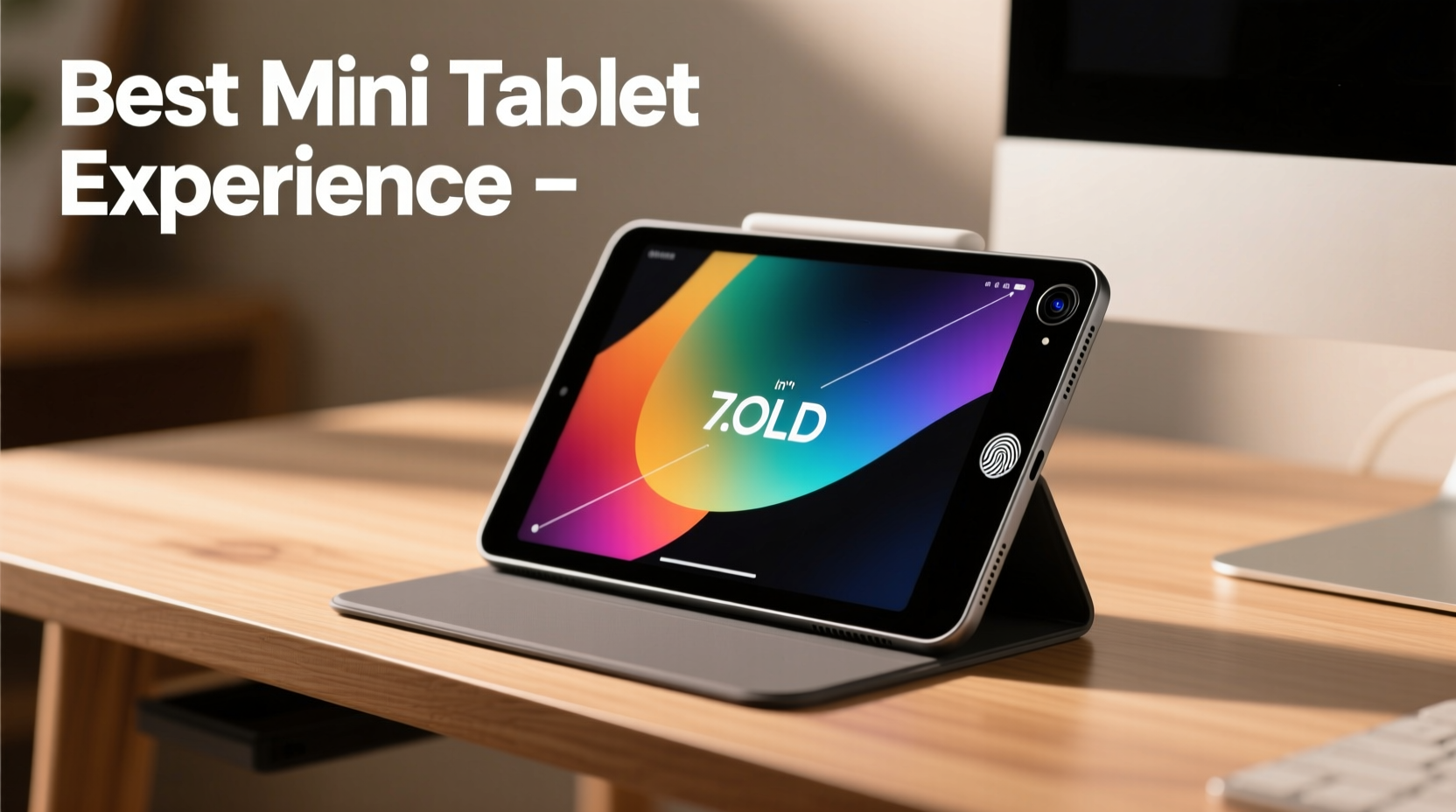
A mini tablet typically features a screen size between 7 and 9 inches, making it significantly smaller than standard tablets but more functional than even the largest smartphones. This sweet spot enables one-handed use in many scenarios while still offering enough real estate for multitasking, reading, and media consumption.
Key characteristics of a quality mini tablet include:
- Portability: Fits easily in bags, coats, or large pockets.
- Performance: Equipped with modern processors capable of handling apps, web browsing, and light creative tasks.
- Battery Efficiency: Lasts through a full day of moderate use.
- Software Optimization: Runs a full operating system (iOS, Android, or Windows) with adaptive UI for small screens.
- Build Quality: Durable materials and thoughtful design enhance longevity and user comfort.
Unlike phablets, which blur the line between phone and tablet, mini tablets focus on dedicated tablet experiences—without stretching usability or taxing your arm muscles during extended sessions.
Top Mini Tablets That Deliver Power in Small Packages
Several models stand out in 2024 for combining compact dimensions with serious performance. These are not scaled-down compromises but thoughtfully engineered devices designed for specific lifestyles.
| Model | Screen Size | Processor | OS | Battery Life | Best For |
|---|---|---|---|---|---|
| Apple iPad mini (6th Gen) | 8.3\" | A15 Bionic | iOS | Up to 10 hours | Apple ecosystem users, artists, note-takers |
| Samsung Galaxy Tab S9 Lite | 8.7\" | Exynos 1380 | Android | Up to 13 hours | Media consumption, Samsung fans |
| Amazon Fire HD 10 Plus (Compact Variant) | 10.1\" | MediaTek Helio G99 | Fire OS (Android-based) | Up to 12 hours | Budget-conscious families, Kindle readers |
| Lenovo Tab P11 Plus (8.7” model) | 8.7\" | MediaTek Kompanio 1300T | Android | Up to 11 hours | Students, light productivity |
| Microsoft Surface Go 4 | 10.5\" | Intel N200 | Windows 11 | Up to 9 hours | Business users needing desktop OS |
The Apple iPad mini remains the gold standard for many, thanks to its A15 chip, support for the second-gen Apple Pencil, and tight iOS integration. Meanwhile, Android alternatives like the Galaxy Tab S9 Lite offer expandable storage and DeX mode for desktop-like workflows. The Surface Go 4 is unique in running full Windows, enabling legacy app compatibility—a boon for field workers or remote technicians.
“Mini tablets are no longer just secondary devices. With chips like the A15 and improved stylus input, they’re viable primary tools for niche professionals.” — David Lin, Mobile Hardware Analyst at TechEdge Weekly
How to Maximize Your Mini Tablet Experience
Choosing the right device is only half the equation. Optimizing how you use it ensures lasting value. Consider these strategies to extract maximum utility from your compact companion.
Customize Layouts for One-Handed Use
On smaller screens, reachability matters. Enable one-handed mode (available on both iOS and Android) to shift interface elements toward your thumb. Position frequently used apps near the bottom of the home screen. Avoid clutter—limit widgets and use folders to maintain visual clarity.
Leverage Cloud Syncing
With limited local storage, rely on cloud services like iCloud, Google Drive, or OneDrive. Set up automatic photo uploads and document syncing so your data stays accessible across devices without clogging internal memory.
Use a Stylus for Precision Tasks
If your model supports a stylus—like the Apple Pencil or S Pen—use it. It transforms the tablet into a digital notebook, sketchpad, or markup tool. Even basic annotation becomes faster and more accurate than finger input.
Real-World Example: A Student’s Academic Companion
Maria, a graduate student in environmental science, needed a portable solution for fieldwork and lectures. Her laptop was too heavy to carry between sites, and her phone screen was too small for reviewing research papers. She chose the iPad mini with Apple Pencil.
Daily, she uses GoodNotes to annotate journal articles, records voice memos during interviews, and sketches site diagrams directly on the tablet. During transit, she watches recorded lectures synced via iCloud. At 0.65 pounds and under 8mm thick, the iPad mini fits in her backpack alongside sample kits. “It replaced three notebooks and a voice recorder,” she says. “I can search my handwritten notes by keyword—that’s changed how I study.”
This scenario illustrates how a compact yet powerful tablet can streamline workflows when matched to the right use case.
Checklist: Choosing Your Ideal Mini Tablet
Before purchasing, evaluate your needs using this checklist:
- ✅ Define your primary use: reading, drawing, video calls, productivity?
- ✅ Check OS compatibility with your existing devices (iPhone, Android phone, PC, Mac).
- ✅ Confirm stylus and keyboard support if you plan to write or type often.
- ✅ Assess storage: 64GB minimum for mixed use; consider expandable storage if downloading media.
- ✅ Test screen brightness and outdoor visibility—especially if used outdoors.
- ✅ Verify update policy: iOS offers 5+ years of updates; Android varies by brand.
- ✅ Consider accessories: cases, stands, and Bluetooth peripherals affect total cost.
Frequently Asked Questions
Can a mini tablet replace my smartphone?
Not entirely. While mini tablets can make Wi-Fi calls and run messaging apps, they lack cellular calling convenience and pocketability. However, paired with a smartphone, they reduce screen fatigue and enhance media or productivity tasks.
Are mini tablets good for reading eBooks?
Excellent for reading. Their larger screens reduce eye strain compared to phones, and most support blue light filters and dark mode. Devices like the Fire HD 10 Plus integrate seamlessly with Kindle, offering optimized font rendering and adjustable warm lighting.
Do mini tablets support multitasking?
Yes, especially newer models. The iPad mini allows slide-over apps and picture-in-picture video. Android tablets like the Galaxy Tab S9 Lite support split-screen and pop-up windows. Performance depends on RAM—aim for at least 4GB for smooth multitasking.
Conclusion: Make the Most of Compact Power
The best mini tablet experience isn’t about owning the smallest device—it’s about finding the perfect balance of size, speed, and functionality for your lifestyle. Whether you're a creative professional, a busy parent, or a student managing a packed schedule, a well-chosen mini tablet can simplify your digital routine and keep you connected without weighing you down.
Today’s compact models are more capable than ever, powered by processors once reserved for laptops and supported by ecosystems that sync effortlessly across devices. By understanding your usage patterns, prioritizing build and software quality, and optimizing settings for mobility, you can unlock a surprisingly powerful tool in a pocket-friendly form.




 浙公网安备
33010002000092号
浙公网安备
33010002000092号 浙B2-20120091-4
Comments
No comments yet. Why don't you start the discussion?