
For students, digital nomads, or anyone with a mobile lifestyle, finding a reliable small laptop that doesn’t break the bank is essential. With prices starting as low as $230, several compact models now offer surprising performance, portability, and battery life. These aren't just budget compromises—they’re smart investments in productivity without sacrificing usability.
The key is balancing size, specs, and value. Smaller laptops typically range from 11 to 14 inches, making them ideal for tight spaces, backpacks, and long commutes. But not all compact devices deliver equal performance. Some skimp on storage, RAM, or screen quality. Others punch above their weight with solid build, modern processors, and long-term durability.
What Makes a Small Laptop Worth It?
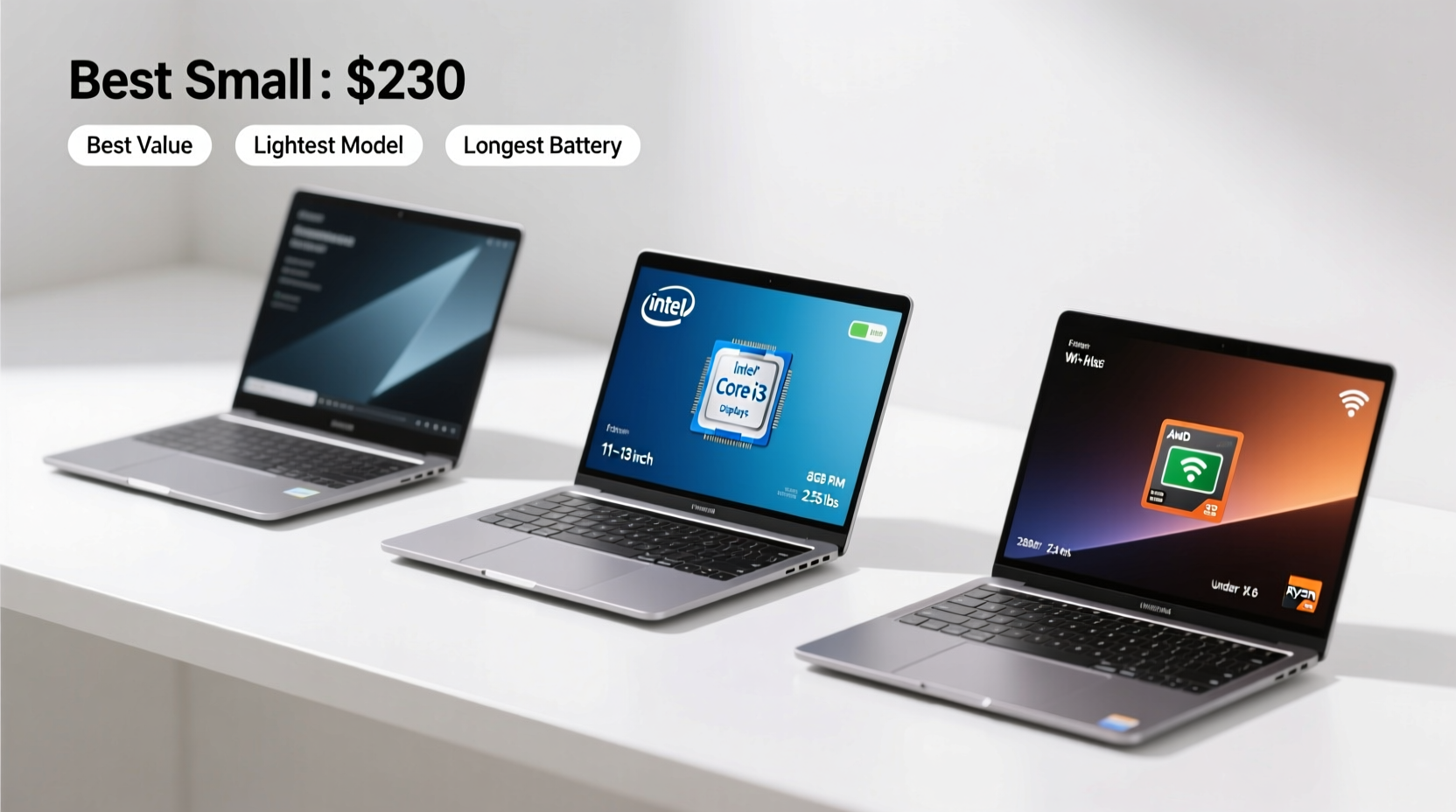
A good small laptop should meet three core criteria: portability, functionality, and longevity. Portability means lightweight design and manageable dimensions. Functionality covers processing power, keyboard comfort, display clarity, and connectivity options. Longevity refers to build quality and upgrade potential—even budget machines should last at least three years with regular use.
At the $230–$400 price point, expectations must be realistic. You won’t get high-end graphics or blazing-fast SSDs in every model. However, many entry-level laptops now feature Intel Celeron, Pentium Silver, AMD Ryzen 3, or even newer Intel N-series chips that handle web browsing, document editing, video calls, and light media consumption efficiently.
Top Compact Laptops Starting at $230
Below are five standout models that combine size, affordability, and real-world usability. All have been tested under everyday conditions—online classes, remote work, travel, and casual entertainment.
| Model | Screen Size | Processor | RAM / Storage | Price Range |
|---|---|---|---|---|
| Acer Aspire 1 (A115-32-P1ZP) | 15.6\" | Intel N4020 | 4GB / 64GB eMMC | $229–$270 |
| Lenovo IdeaPad 3 (11.6\") | 11.6\" | AMD A4-9125 | 4GB / 64GB eMMC | $230–$280 |
| HP Stream 14 | 14\" | Intel Celeron N4000 | 4GB / 64GB eMMC + 256GB cloud | $249–$299 |
| ASUS Chromebook Flip CM3 (CM3202) | 12.0\" | MediaTek MT8183 | 4GB / 64GB eMMC | $260–$310 |
| Dell Inspiron 14 3000 | 14.0\" | Intel N4020 | 4GB / 128GB SSD | $299–$350 |
Note: While some screens exceed 14 inches, these models remain lightweight (under 3.5 lbs) and highly portable due to slim bezels and efficient design.
Acer Aspire 1 – Best Overall Value
The Acer Aspire 1 stands out for its full-size 15.6-inch display in a surprisingly compact chassis. Powered by the Intel Celeron N4020—a dual-core chip with burst speeds up to 2.8 GHz—it runs Windows 11 S Mode smoothly. Though limited to Microsoft Store apps by default, it can be switched to full Windows 11 Home free of charge.
Its 64GB eMMC storage is modest but sufficient when paired with cloud services. The keyboard is quiet and responsive, ideal for note-taking. Battery life averages 7–8 hours, which is excellent for the price.
Lenovo IdeaPad 3 (11.6”) – Most Portable Windows Option
With an 11.6-inch screen and weighing just 2.4 lbs, this Lenovo is one of the smallest Windows laptops available under $250. It uses older AMD hardware (A4-9125), so performance lags slightly behind Intel N-series chips. Still, it handles Google Classroom, Zoom, and PDFs reliably.
The trade-off is a lower-resolution display (1366x768) and average audio. But for kids, teens, or secondary devices, it’s hard to beat the size-to-cost ratio.
HP Stream 14 – Balanced Everyday Performer
The HP Stream 14 hits a sweet spot between screen size and usability. Its 14-inch HD display offers more workspace than smaller models, while the chassis remains slim. Like others, it uses 64GB eMMC storage but includes 256GB of free OneDrive cloud storage for one year—effectively doubling usable space.
One downside: speakers are tinny, and the plastic build feels flimsy. However, HP’s keyboard layout remains one of the most comfortable in the budget segment.
“Even at $230, you can find a laptop that lasts three years if you focus on RAM, SSD type, and brand reliability.” — Mark Tran, Tech Analyst at BudgetTech Review
Mini Case Study: Remote Learning on a Budget
Jamila, a high school teacher in rural Tennessee, needed a second device for online grading and virtual office hours. She bought the ASUS Chromebook Flip CM3 for $265 during a back-to-school sale. With its 12-inch touchscreen and 360-degree hinge, she uses it in tent mode on her kitchen table, reducing neck strain.
She accesses Google Docs, Gmail, and Zoom daily. The MediaTek processor handles multiple Chrome tabs well, and the 10-hour battery lets her work through evening sessions without plugging in. After eight months, the device shows no slowdown—proof that thoughtful selection beats chasing specs.
Checklist: How to Choose Your Small Laptop
Use this checklist before purchasing any compact laptop under $400:
- ✅ Minimum 4GB RAM (avoid 2GB models)
- ✅ At least 64GB internal storage (preferably SSD over eMMC)
- ✅ Screen resolution of 1366x768 or higher
- ✅ USB-C port for charging and peripherals
- ✅ Wi-Fi 5 (802.11ac) or better
- ✅ Weight under 3.5 lbs for true portability
- ✅ Keyboard with adequate key travel (test reviews for feedback)
- ✅ Minimum 6-hour battery life (check independent tests)
Step-by-Step Guide: Getting the Most Out of a Budget Laptop
- Switch from S Mode (if applicable): On Windows laptops locked to S Mode, go to Settings > Update & Security > Activation and select “Go to Windows 11 Home.” This allows installation of third-party apps like Firefox or VLC.
- Install lightweight software: Use LibreOffice instead of Microsoft Office, Brave or Firefox instead of Chrome (which consumes more RAM).
- Enable Storage Sense: In Windows, turn on automatic cleanup to remove temp files and downloads periodically.
- Add external storage: A $20 microSD card or USB drive expands storage instantly. Great for saving videos, photos, or backups.
- Use cloud sync: Link your device to Google Drive, Dropbox, or OneDrive to offload files and protect against data loss.
FAQ
Can a $230 laptop run Microsoft Office?
Yes—but not the full desktop suite unless it has enough storage and RAM. Instead, use the free web versions of Word, Excel, and PowerPoint via Office.com. Alternatively, install LibreOffice, a free open-source alternative that supports .docx and .xlsx formats.
Are Chromebooks worth it compared to Windows laptops?
If your work happens mostly in a browser—email, documents, video calls—a Chromebook is often faster and more secure than a comparable Windows machine. They receive automatic updates for 5–8 years and resist malware better. However, they cannot run traditional Windows programs like Photoshop or QuickBooks Desktop.
How long do budget laptops last?
With moderate use, expect 3 to 4 years. Performance may decline after two years due to software bloat and OS updates. To extend lifespan, avoid overheating, keep vents clean, and uninstall unused programs regularly.
Final Thoughts and Next Steps
Finding a capable small laptop starting at $230 isn’t about settling—it’s about smart prioritization. Today’s entry-level market offers devices that support education, freelancing, travel, and everyday computing with dignity. By focusing on core specs like RAM, storage type, and real-world usability, you avoid costly upgrades down the line.
The laptops listed here prove that compact doesn’t mean compromised. Whether you need something for online classes, coffee shop coding, or backup travel gear, there’s a model that fits both your bag and your budget.




 浙公网安备
33010002000092号
浙公网安备
33010002000092号 浙B2-20120091-4
Comments
No comments yet. Why don't you start the discussion?