
Rebranding is a powerful move. Whether you're refining your market position, merging services, or pivoting your niche, changing your business name can signal growth and evolution. But if the change isn’t managed correctly on digital platforms—especially Google—your visibility can plummet overnight. A misstep in updating your Google Business Profile or neglecting local SEO signals can disconnect you from customers searching for your services. This guide walks through every critical phase of renaming your business on Google, ensuring your online presence remains strong, consistent, and optimized for discovery.
Why Changing Your Business Name on Google Matters
Your Google Business Profile (GBP) is often the first point of contact between your business and potential customers. It appears in local search results, maps, and knowledge panels—making it essential for visibility. When you rebrand, Google’s systems need clear signals that your new name represents the same entity. Without proper updates, confusion arises: customers may think you’ve closed, reviews could be attributed to the wrong listing, and your rankings might drop due to perceived inconsistency.
Google treats business names as key trust signals. An outdated or mismatched name across directories reduces credibility and harms local SEO performance. Ensuring your new name is verified, consistent, and contextually accurate helps maintain authority and improves discoverability in both organic and map-based searches.
Step-by-Step Guide to Updating Your Business Name on Google
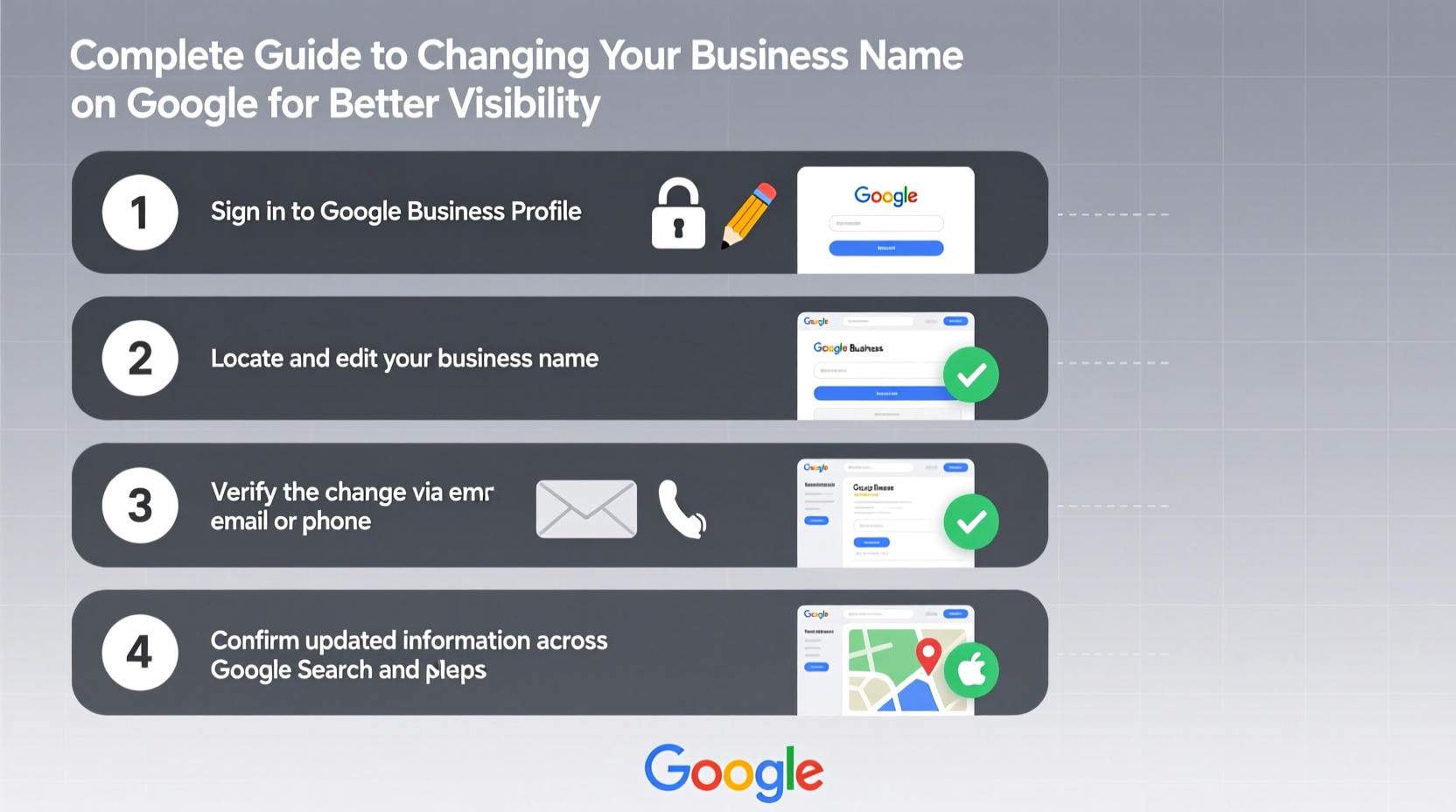
Changing your business name on Google requires careful navigation of the Google Business Profile dashboard. Follow this sequence to ensure a smooth transition without losing data or rankings.
- Log into Google Business Profile Manager: Use the account associated with your current listing.
- Select Your Location: If you have multiple locations, choose the one being renamed.
- Navigate to “Info” Tab: Find the section labeled “Business Name.”
- Click “Edit”: Enter your new legal business name exactly as it appears on official documents.
- Save Changes and Wait for Verification: Google may require re-verification via postcard, phone, or email depending on the significance of the change.
- Monitor Status: Check back regularly for approval notifications. Processing time varies from a few days to several weeks.
If Google rejects your request, it’s typically because the new name violates guidelines—such as including location modifiers (“Best Plumber in Denver”) or service descriptions (“Affordable Roof Repair”). Stick to your official registered name for approval.
Post-Change Visibility Optimization
Updating your name on Google is only the beginning. To preserve and enhance visibility, align all digital touchpoints with the new branding.
- Update NAP Consistency: Ensure your Name, Address, and Phone number match across websites, directories, and social media.
- Revise On-Page SEO Elements: Update title tags, headers, and meta descriptions on your website to reflect the new name.
- Notify Customers: Announce the rebrand via email newsletters, social posts, and signage to reduce confusion.
- Encourage Updated Reviews: Ask satisfied clients to leave new reviews using your updated name to reinforce legitimacy.
- Monitor Search Console: Track indexing status and fix crawl errors related to redirects or outdated schema markup.
| Action | Purpose | Timeline |
|---|---|---|
| Submit name change in GBP | Official update in Google’s index | Immediate submission; 3–14 days processing |
| Update website branding | Maintain brand consistency | Same day |
| Correct directory listings | Preserve local SEO equity | Within 7 days |
| Launch customer announcement | Minimize confusion | Before or during change |
| Verify Google’s display | Confirm accuracy in search/maps | Daily checks for 2 weeks post-change |
Expert Insight: The Rebranding Reality Check
“Many businesses focus on the creative side of rebranding but overlook the technical SEO implications. A name change without proper digital alignment can erase years of local search equity. The key is treating the process like a merger—migrating trust, not starting from scratch.” — Daniel Park, Local SEO Strategist at GeoRank Labs
This perspective underscores the importance of viewing your rebrand not just as a marketing event, but as an operational shift requiring technical precision. Google interprets consistency as reliability. Every mismatch between your website, GBP, and third-party citations weakens that perception.
Real Example: How \"Summit Tech Repair\" Became \"Apex Device Solutions\"
A Denver-based electronics repair shop decided to rebrand to appeal to enterprise clients. They changed their name from “Summit Tech Repair” to “Apex Device Solutions,” aiming for a more professional tone. Initially, they updated only their storefront and website, assuming Google would follow suit automatically.
Within two weeks, call volume dropped by 40%. Upon investigation, they discovered their Google listing still showed the old name, and some searchers were confused when the site didn’t match. Worse, new reviews mentioned “Apex,” but since the GBP hadn’t been updated, those keywords weren’t reinforcing the new identity.
After formally submitting the name change through Google Business Profile and correcting 37 directory listings, visibility recovered within three weeks. By proactively asking recent customers to update their reviews and adding structured data with the new name, they regained—and eventually surpassed—their previous search rankings.
Common Pitfalls to Avoid
Even well-intentioned rebrands stumble due to avoidable mistakes. Watch out for these traps:
- Skipping Google Verification: Never assume edits go live immediately. Always complete any required verification steps.
- Inconsistent Branding Across Platforms: Using slightly different variations (e.g., “LLC” vs. “Inc.”) confuses Google’s entity recognition.
- Ignoring Redirects: If your website URL changes, set up 301 redirects from the old domain or page to preserve link equity.
- Failing to Update Schema Markup: JSON-LD structured data should reflect the new name to help search engines understand the change.
- Not Informing Stakeholders: Employees, partners, and loyal customers should know about the change to prevent misinformation.
FAQ
Can I change my business name on Google without losing reviews?
Yes, as long as you update the name through the official Google Business Profile interface and don’t create a new listing. Your review history, photos, and performance metrics carry over once the change is approved.
What if Google denies my name change request?
Google may reject changes that include keywords, addresses, or special characters. Review their business naming guidelines and resubmit using only your legally registered name.
How long does it take for the new name to appear in search results?
After approval, it typically takes 3–7 days for the new name to propagate across Google Search and Maps. In rare cases, it may take up to 14 days due to caching and indexing cycles.
Final Checklist Before You Rebrand on Google
- ✅ Confirm the new name is legally registered and trademark-safe.
- ✅ Back up your current Google Business Profile data (photos, posts, Q&A).
- ✅ Update your website with the new name, logo, and contact details.
- ✅ Submit the name change via Google Business Profile.
- ✅ Complete any verification method requested by Google.
- ✅ Audit and correct third-party citations (Yelp, Apple Maps, Bing, etc.).
- ✅ Monitor search results daily for two weeks to confirm accuracy.
- ✅ Launch a customer communication plan explaining the change.
Conclusion: Own Your Rebrand, Protect Your Visibility
Changing your business name on Google isn’t just administrative—it’s strategic. Done right, it strengthens your market positioning while preserving hard-earned search visibility. Done poorly, it can fracture customer trust and send rankings into freefall. By following a disciplined process, maintaining consistency, and verifying every detail, you ensure that your rebrand reflects progress—not disruption. Take control of your digital identity today, and let your new name open doors instead of closing them.




 浙公网安备
33010002000092号
浙公网安备
33010002000092号 浙B2-20120091-4
Comments
No comments yet. Why don't you start the discussion?