
In today’s digital-first world, sending money by phone has become as routine as texting a friend. Whether splitting rent, supporting family abroad, or paying for services, mobile money transfers offer unmatched convenience. But with rising cybercrime and phishing scams, security must never be an afterthought. Understanding how to send money safely from your phone isn’t just smart—it’s essential.
This guide breaks down the most secure methods, highlights trusted apps, and delivers practical strategies to protect your funds and personal data every time you hit “send.”
How Mobile Money Transfers Work
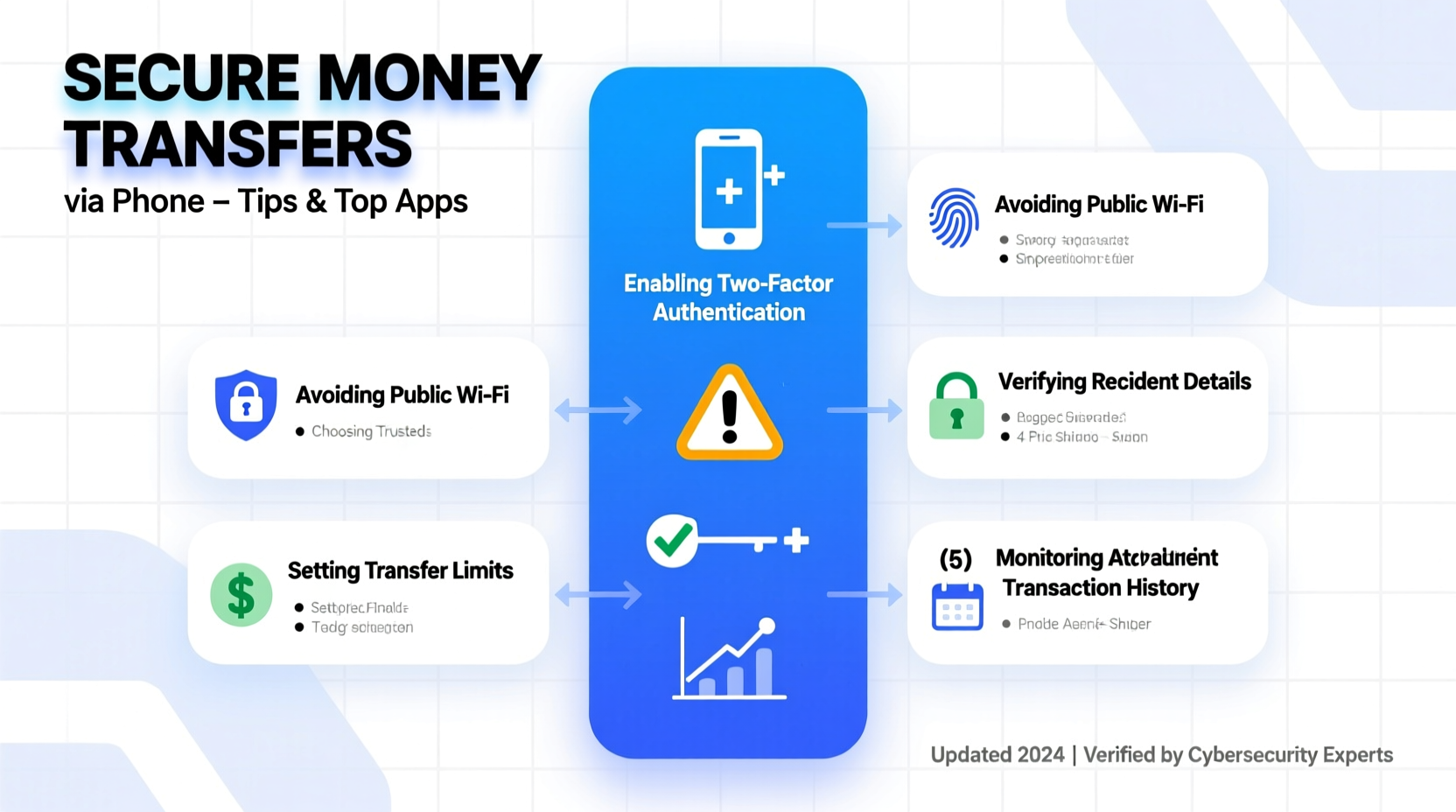
Mobile money transfer systems allow users to send and receive funds using smartphones through dedicated apps or integrated banking platforms. These transactions typically rely on one of three models:
- Bank-linked transfers: Direct movement between bank accounts using mobile banking apps (e.g., Chase, Bank of America).
- P2P payment apps: Services like Zelle, Venmo, or Cash App facilitate instant peer-to-peer payments using email, phone number, or username.
- International remittance apps: Platforms such as Wise or Remitly specialize in cross-border transfers with competitive exchange rates.
All these systems use encryption, identity verification, and multi-factor authentication to secure transactions. However, the weakest link is often the user—misconfigured privacy settings, weak passwords, or accidental recipient errors can compromise even the most secure platform.
Top Secure Apps for Sending Money by Phone
Not all money transfer apps are created equal. The best balance speed, low fees, regulatory compliance, and robust security features. Below is a comparison of leading platforms based on key criteria.
| App | Transfer Speed | Fees (Domestic) | Security Features | Best For |
|---|---|---|---|---|
| Zelle | Instant (within minutes) | Free (via bank) | Bank-level encryption, no intermediary holding funds | U.S.-based transfers between banks |
| Wise | Same day to 1–2 days | Low, transparent fees | Two-factor authentication, regulated by financial authorities | International transfers with fair exchange rates |
| Cash App | Instant (standard), 1–3 days (free) | Free standard; 1.5% instant | Touch ID, PIN protection, transaction alerts | Quick U.S. peer-to-peer payments |
| Venmo | 1–3 business days (free), instant for 1.75% | Fee applies only to instant transfers | Data encryption, optional multifactor login | Social-friendly splitting of bills |
| PayPal | Instant to 1–3 days | Free between friends; small fees otherwise | Fraud monitoring, purchase protection, encrypted vault | E-commerce and international use |
When choosing an app, prioritize those regulated by financial institutions (like FinCEN or FCA) and avoid lesser-known platforms that lack transparency about fees or data handling.
“Always verify that the app uses end-to-end encryption and stores minimal personal data. The less they know, the safer you are.” — Marcus Tran, Cybersecurity Analyst at Digital Trust Labs
Step-by-Step: Securely Sending Money via Phone
Following a consistent process reduces human error and strengthens security. Use this checklist each time you initiate a transfer.
- Update your device and app: Ensure your smartphone’s OS and the payment app are running the latest version to patch known vulnerabilities.
- Use a secure network: Avoid public Wi-Fi. If necessary, connect through a trusted virtual private network (VPN).
- Log in with strong credentials: Use a unique password and enable biometric authentication (Face ID, fingerprint) or two-factor authentication (2FA).
- Verify recipient details: Confirm the correct phone number, email, or username—especially when sending large amounts.
- Enter amount carefully: Recheck the sum, including currency and fees, before finalizing.
- Review transaction summary: Look for any red flags, such as unexpected fees or altered recipient names.
- Enable notifications: Turn on real-time alerts so you’re immediately notified of any activity.
- Log out on shared devices: If using someone else’s phone, always log out completely after the transaction.
Real Example: A Close Call with a Phishing Scam
Jamal, a freelance designer in Chicago, received a text that appeared to be from his bank: “Your Venmo transfer of $1,200 failed. Click here to retry.” He almost tapped the link before noticing the URL didn’t match Venmo’s official domain. He called customer support and learned it was a phishing attempt designed to steal login credentials.
After reporting the message, Jamal enabled two-factor authentication on all his financial apps and started using an authenticator app instead of SMS codes. He now reviews every notification manually and never clicks links in unsolicited messages. His vigilance prevented a potential breach.
This scenario underscores a growing trend: fraudsters mimic legitimate transaction alerts to trick users into revealing sensitive information. Always verify through official channels.
Common Security Risks and How to Avoid Them
While mobile payment apps employ advanced protections, users must remain proactive. The following table outlines common threats and practical countermeasures.
| Risk | What Happens | How to Prevent It |
|---|---|---|
| Phishing Messages | Fake texts/emails trick you into entering login details | Never click links in unsolicited messages; go directly to the app |
| Unsecured Networks | Public Wi-Fi allows hackers to intercept data | Use mobile data or a trusted VPN; disable auto-connect |
| Device Theft | Losing your phone could expose stored payment apps | Enable remote wipe, screen lock, and app-specific PINs |
| Recipient Errors | Misentered number/email sends money to the wrong person | Confirm identities before sending; use apps with verification prompts |
| Malware | Infected apps record keystrokes or capture screens | Download apps only from official stores; run regular antivirus scans |
FAQ: Your Security Questions Answered
Can someone hack my account just from my phone number?
Not directly, but scammers can use your number in SIM-swapping attacks or phishing schemes. Protect your carrier account with a PIN and avoid sharing your number publicly.
Are mobile transfers insured if something goes wrong?
It depends. Bank-linked transfers (like Zelle through your bank) may be covered under electronic funds transfer rules. P2P apps often treat payments as “sent to friends” and don’t offer reimbursement for mistakes or scams. Always confirm policies in advance.
Is it safe to link a debit card to payment apps?
Yes, if the app uses tokenization and encryption. However, linking a credit card can offer better fraud protection due to chargeback rights. Consider using a virtual card for added security.
Final Tips for Long-Term Safety
- Regularly review connected devices and remove any unrecognized ones from your app settings.
- Monitor your transaction history weekly for unauthorized activity.
- Use separate email addresses or usernames for financial apps to limit exposure.
- Set up automatic logout after 5–10 minutes of inactivity.
- Back up your device securely, ensuring backups are encrypted and not stored in public cloud folders.
Take Control of Your Financial Security Today
Sending money from your phone doesn’t have to mean compromising safety. With the right tools, habits, and awareness, you can enjoy fast, reliable transfers without fear. The key lies in combining trusted technology with disciplined personal practices.
Start today: audit your current apps, update your passwords, and run through the secure transfer checklist the next time you send funds. Small actions now can prevent major losses later.




 浙公网安备
33010002000092号
浙公网安备
33010002000092号 浙B2-20120091-4
Comments
No comments yet. Why don't you start the discussion?