
Buying a PlayStation 5 is a significant investment, and like any high-end electronic device, it's vulnerable to malfunctions, accidental damage, and wear over time. While Sony provides a standard one-year limited warranty, many consumers seek extended protection—especially when purchasing through retailers like Best Buy. Understanding the warranty options available at Best Buy can help you make an informed decision, avoid costly repairs, and extend the life of your console.
This guide breaks down every warranty option Best Buy offers for the PS5, compares their benefits and limitations, and provides practical advice on choosing the right plan based on your usage habits and risk tolerance.
Understanding Best Buy’s Protection Plans for the PS5
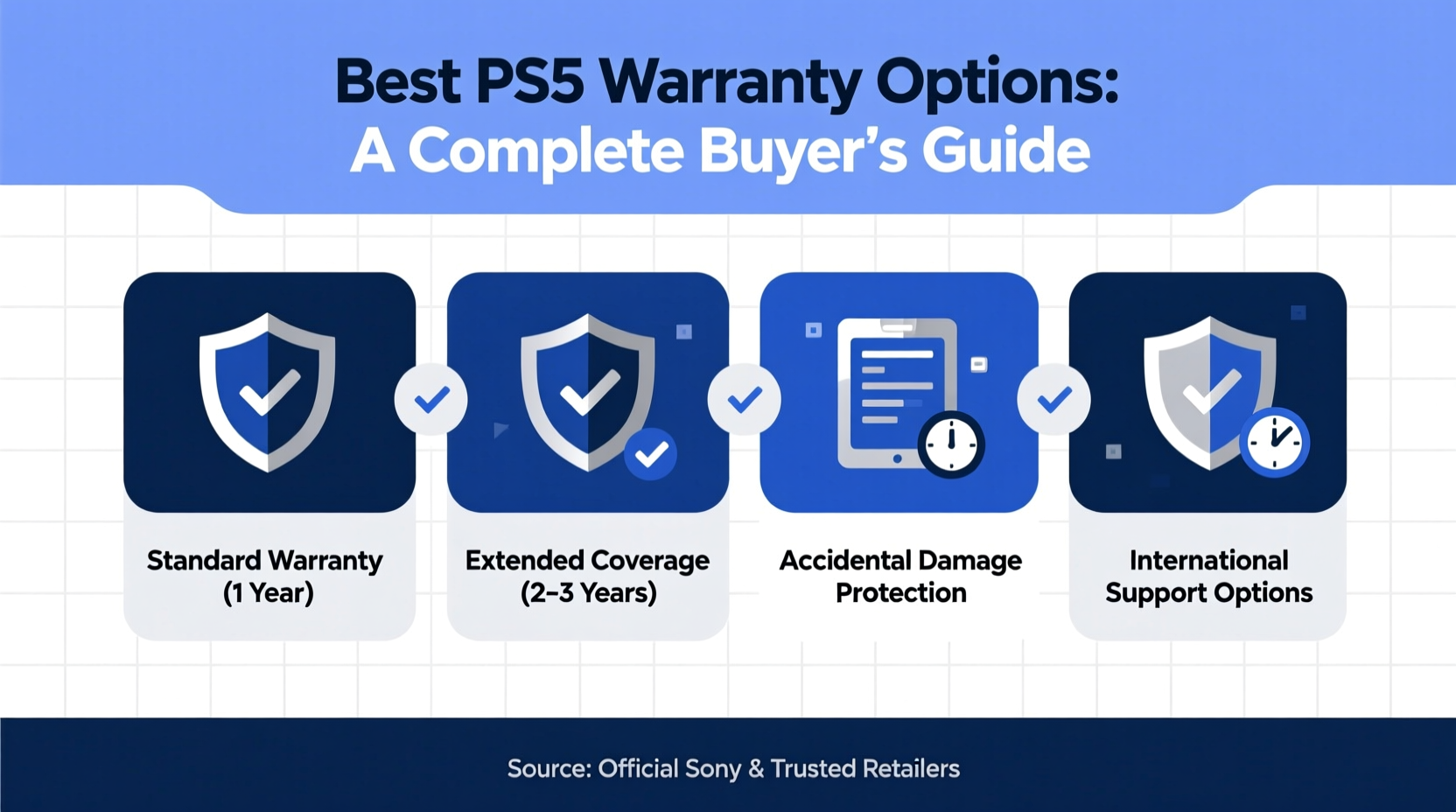
Best Buy offers several protection plans through its Geek Squad Protection program. These are not manufacturer warranties but third-party service contracts that extend beyond Sony’s basic coverage. The main plans available for the PS5 include:
- 2-Year Protection – Covers defects in materials and workmanship.
- 2-Year with Accidental Damage from Handling (ADH) – Adds protection against drops, spills, and other common accidents.
- 3-Year or 4-Year Plans – Longer-term options, often bundled with higher-tier purchases.
All plans include access to Geek Squad repair services, either via mail-in, in-store drop-off, or remote diagnostics for software-related issues. It's important to note that these plans must be purchased within 30 days of buying your PS5, though most customers add them at checkout.
Warranty Comparison: Features and Coverage
| Plan Type | Length | Defect Coverage | Accidental Damage | Service Options | Price Range (as of 2024) |
|---|---|---|---|---|---|
| Standard 2-Year | 2 years | Yes | No | Mail-in, In-Store | $79–$99 |
| 2-Year with ADH | 2 years | Yes | Yes (up to 2 incidents) | Mail-in, In-Store, Remote Support | $119–$149 |
| 3-Year with ADH | 3 years | Yes | Yes (up to 3 incidents) | Priority service, Express Repair* | $179–$199 |
| 4-Year Premium | 4 years | Yes | Yes (up to 4 incidents) | Fastest turnaround, loaner options** | $229–$249 |
*Express Repair may vary by location. **Loaner availability subject to store inventory and eligibility.
The key differentiator among these plans is accidental damage coverage. Standard plans only cover internal failures due to manufacturing defects—meaning if you spill water on your console or drop it while moving, you're out of luck. The ADH add-on makes a major difference for households with kids, pets, or frequent console relocation.
When You Should Consider an Extended Warranty
Not every PS5 owner needs an extended warranty. However, certain usage patterns significantly increase the value of these plans.
“Extended warranties are most beneficial for devices used daily in dynamic environments—like family rooms or shared spaces—where accidental exposure is more likely.” — David Lin, Consumer Electronics Analyst at TechInsight Group
Consider investing in a Best Buy protection plan if:
- You own the PS5 Slim or Digital Edition (no disc drive), which may require full-unit replacement if the SSD fails.
- Your home has young children or pets who might knock over the console.
- You frequently transport your PS5 (e.g., between college dorms or relatives’ homes).
- You live in an area prone to power surges and lack a quality surge protector.
- You want peace of mind without relying solely on credit card warranty extensions.
Conversely, if you use your PS5 sparingly, keep it in a secure entertainment center, and already have homeowner’s or renter’s insurance that covers electronics, the added cost may not be justified.
Step-by-Step: How to Purchase and Use Your Best Buy PS5 Warranty
Maximizing your warranty starts at the point of sale and continues through proper claim management. Follow this timeline to ensure full coverage:
- At Purchase: Choose your preferred Geek Squad Protection plan during checkout (online or in-store). Review exclusions, especially regarding modded consoles or unauthorized repairs.
- Register Online: Log into your Best Buy account and confirm the protection plan is linked to your PS5’s serial number.
- Keep Documentation: Save your receipt, warranty terms, and order confirmation emails in a dedicated folder.
- Report Issues Early: If your PS5 shows signs of failure (overheating, disc read errors, crashing), contact Geek Squad immediately. Delaying service can void claims.
- Initiate a Claim: Call Geek Squad or visit a store. You’ll need your original proof of purchase and console. For ADH claims, describe how the damage occurred honestly.
- Receive Repaired or Replaced Unit: Most repairs take 7–14 business days. If unfixable, you’ll get a refurbished or new PS5 of the same model.
- Continue Monitoring: Even after repair, track performance. Report recurring issues under the same plan if still active.
Real-World Example: How a Warranty Saved a Gamer’s Console
Jason, a college student in Austin, bought a PS5 at Best Buy for his apartment. Three months later, while hosting friends, someone spilled soda near the console’s USB ports. The system began glitching and wouldn’t power on consistently.
Luckily, Jason had opted for the 2-Year Protection with Accidental Damage. He brought it to his local Best Buy, where Geek Squad diagnosed liquid intrusion. Under the ADH coverage, the console was cleaned, repaired, and returned in 10 days—at no cost. Without the warranty, the repair quote exceeded $250.
This case highlights how quickly accidents happen—and how valuable a small upfront investment can be in protecting a $500+ device.
Frequently Asked Questions
Does the Best Buy PS5 warranty cover controller issues?
Yes. DualSense controllers are covered under the same terms as the console, including accidental damage if your plan includes ADH. Common issues like stick drift or connectivity problems qualify for repair or replacement.
Can I transfer the warranty to someone else if I sell my PS5?
No. Geek Squad Protection plans are non-transferable and tied to the original purchaser’s account. Selling a PS5 with an active warranty does not pass coverage to the buyer.
What voids the Best Buy warranty?
Coverage is voided if the PS5 has been opened, modified, or repaired by unauthorized technicians. Water damage from submersion (vs. spills) may also be excluded. Always check the fine print for specific exclusions.
Expert Tips for Maximizing Your PS5 Warranty Value
- Pair with Surge Protection: Even with a warranty, power surges can cause irreparable harm. Use a high-quality surge protector to reduce risk.
- Avoid DIY Fixes: Opening the console for cleaning or upgrades voids both Sony’s and Best Buy’s coverage.
- Use Original Accessories: Non-OEM chargers or docks could lead to battery or port damage not covered under warranty.
- Leverage Remote Support: Geek Squad offers free troubleshooting for software issues—use it before assuming hardware failure.
Conclusion
The PS5 is built to last, but real-world conditions don’t always cooperate. Best Buy’s warranty options offer a smart layer of defense against unexpected breakdowns and everyday mishaps. Whether you choose a basic 2-year plan or go all-in with 4-year premium coverage, understanding what’s included—and how to use it—can save you time, money, and frustration down the line.
For most active users, the 2-Year with Accidental Damage plan strikes the ideal balance between cost and protection. But if you rely heavily on your console or move it frequently, extending to 3 or 4 years adds meaningful security.




 浙公网安备
33010002000092号
浙公网安备
33010002000092号 浙B2-20120091-4
Comments
No comments yet. Why don't you start the discussion?