
For years, console gaming has been the gold standard for living-room entertainment—powerful hardware, predictable performance, and plug-and-play simplicity. But with the rise of cloud gaming platforms like Xbox Cloud Gaming, NVIDIA GeForce NOW, and PlayStation Plus Premium, a new contender has entered the arena. One of the most critical metrics in evaluating gaming quality is frame rate consistency. Smooth, stable frame rates mean responsive controls, fluid visuals, and an immersive experience. So, when it comes to delivering smoother frame rates, where does console gaming stand against its cloud-based counterpart?
This article dives deep into the technical realities, network dependencies, hardware capabilities, and real-world performance differences between console and cloud gaming. By understanding how each system handles rendering, latency, bandwidth, and optimization, players can make informed decisions about which platform best suits their need for smooth gameplay.
The Role of Frame Rates in Gaming Experience
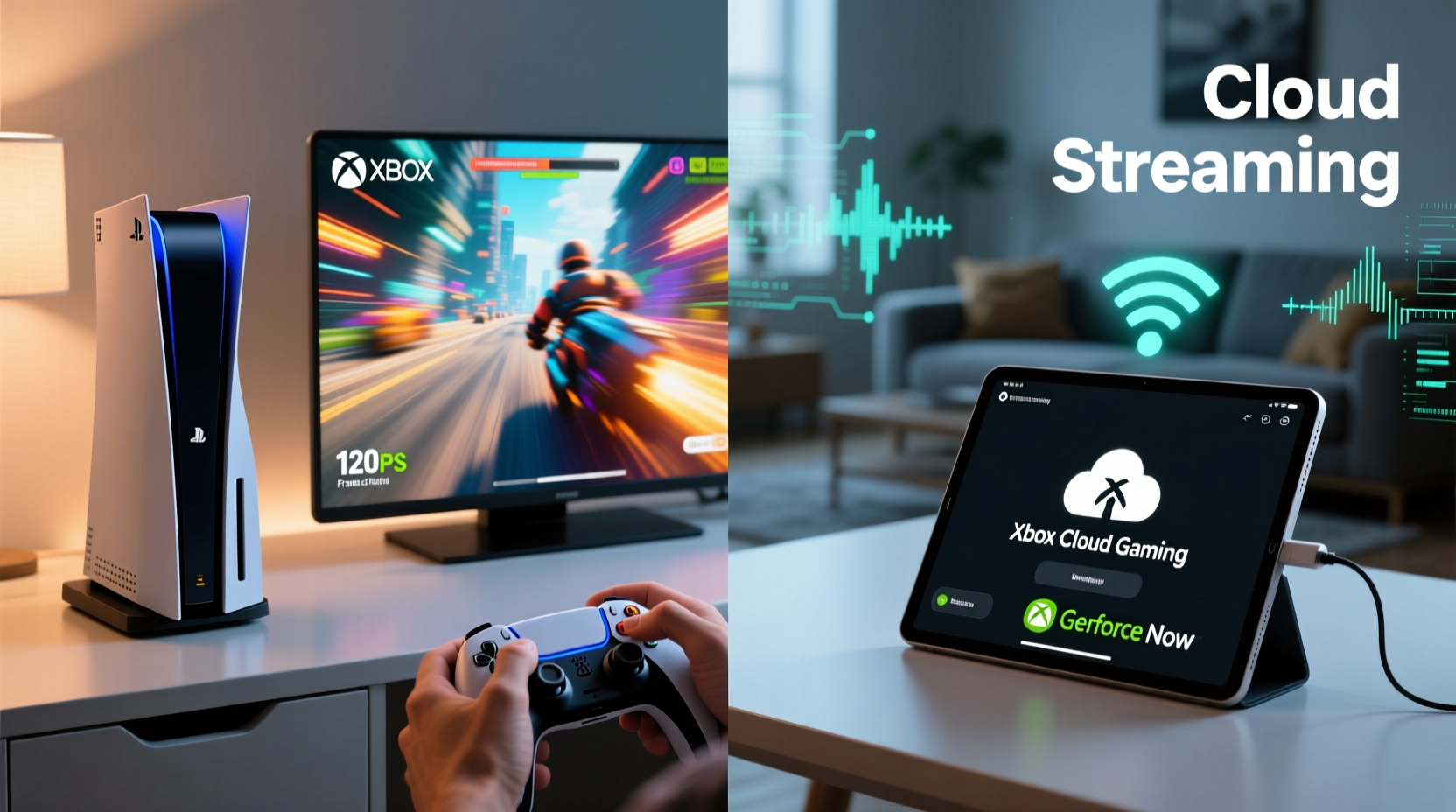
Frame rate, measured in frames per second (FPS), directly impacts how fluid and responsive a game feels. While 30 FPS is considered playable, most modern gamers aim for 60 FPS or higher, especially in fast-paced genres like first-person shooters or racing games. High frame rates reduce motion blur, improve input responsiveness, and minimize screen tearing when paired with technologies like VRR (Variable Refresh Rate).
However, achieving high and consistent frame rates depends on multiple factors:
- Hardware processing power – GPU and CPU performance determine how quickly frames are rendered.
- Game optimization – How well a title is coded for the target platform affects stability.
- Latency and input lag – The delay between player input and on-screen response.
- Network conditions – Especially crucial for cloud gaming, where data must travel back and forth in real time.
In traditional console gaming, all rendering happens locally. In cloud gaming, the heavy lifting occurs on remote servers, and only video streams are sent to the user’s device. This fundamental difference shapes the entire discussion around frame rate performance.
Console Gaming: Predictable Performance with Local Power
Modern consoles like the PlayStation 5 and Xbox Series X are built with fixed hardware specifications, allowing developers to optimize games down to the silicon level. This tight integration between software and hardware results in highly stable frame rates. Developers know exactly how much GPU power, memory bandwidth, and CPU cycles they have to work with, enabling precise tuning.
For example, many AAA titles on PS5 offer a “Performance Mode” that targets 60 FPS at reduced resolution or graphical settings. Some even achieve dynamic 120 FPS in supported games like *Call of Duty: Modern Warfare II* or *Fortnite*, provided the display supports HDMI 2.1.
Additionally, consoles benefit from:
- Direct access to full GPU/CPU resources without background interference.
- No compression artifacts inherent in streaming.
- Minimal input lag due to local processing (typically under 40ms).
- Support for advanced features like SSD loading, ray tracing, and VRR.
“On console, we can lock frame rates tightly because we’re not fighting variable hardware or network jitter.” — Marcus Tran, Lead Console Optimization Engineer at Insomniac Games
While some cross-platform titles may run slightly better on high-end PCs, consoles consistently deliver smoother, more predictable frame rates than average consumer setups—and far more reliably than current cloud solutions under fluctuating conditions.
Cloud Gaming: Potential Without Guaranteed Smoothness
Cloud gaming promises high-end performance without requiring expensive hardware. Instead of relying on a physical console or PC, users stream games from powerful servers located in data centers. Services like GeForce NOW Ultimate offer RTX 4080-tier performance, theoretically capable of 4K at 120 FPS.
But theoretical capability doesn’t always translate to real-world smoothness. The actual frame rate delivered depends heavily on:
- Internet speed and stability – Minimum 15–25 Mbps recommended; fluctuations cause stuttering.
- Latency (ping) – Ideally under 25ms to the nearest server node.
- Compression algorithms – Video codecs like H.265 reduce bandwidth but introduce visual lag and artifacts.
- Server load – Congested servers may throttle performance during peak hours.
Even with excellent internet, cloud gaming introduces inherent delays. Input travels to the server, gets processed, renders a frame, compresses it, sends it back, then decodes it—all within milliseconds. Any hiccup breaks the illusion of responsiveness.
A 2023 study by Ampere Analysis found that while cloud gaming can deliver 60 FPS under ideal conditions, frame pacing irregularities and micro-stutters were reported in 68% of test sessions over Wi-Fi. These issues are rarely present in native console play.
Comparative Analysis: Frame Rate Stability Across Platforms
To understand the practical differences, consider how each platform handles a demanding title like *Elden Ring*. On PS5, the game runs at a targeted 60 FPS with occasional dips during intense scenes. Frame times remain relatively consistent, and recovery is quick thanks to optimized asset streaming.
In contrast, streaming *Elden Ring* via Xbox Cloud Gaming (Beta) shows similar visual fidelity but suffers from:
- Noticeable input lag (~60–100ms depending on location).
- Compression banding during dark scenes.
- Frame drops when network packets are lost or delayed.
- Inability to leverage local storage for faster asset loading.
These factors don’t necessarily lower the numerical FPS count, but they degrade perceived smoothness. Human perception of “smooth” includes both frame rate and consistency of delivery—something cloud systems struggle to guarantee.
“We’ve seen massive improvements in encoding efficiency, but there’s still no substitute for local rendering when it comes to timing precision.” — Dr. Lena Patel, Senior Researcher at Valve Software
Performance Comparison Table
| Factor | Console Gaming | Cloud Gaming |
|---|---|---|
| Max Achievable FPS | Up to 120 FPS (supported titles) | Up to 120 FPS (ideal conditions) |
| Frame Rate Consistency | High – tightly controlled environment | Moderate – varies with network/server |
| Input Lag | 20–40ms (local processing) | 50–150ms (network round-trip) |
| Data Requirements | None after download/install | 15–50 Mbps sustained |
| Visual Fidelity | Full native resolution & effects | Slight compression artifacts possible |
| Hardware Dependency | Requires dedicated console | Any compatible device works |
Real-World Example: Competitive Gaming on Both Platforms
Jamal, a 27-year-old competitive *Apex Legends* player, tested both PS5 and GeForce NOW over three weeks. He played ranked matches daily using identical peripherals and monitored his kill/death ratio, reaction time feedback, and subjective feel.
On PS5, he averaged 60 FPS with near-zero frame hitching. His sensitivity felt precise, and he noticed fewer instances of “input ghosting”—where actions register late or not at all.
Using GeForce NOW on a 4K TV via Shield TV Pro, he achieved 60 FPS on paper. However, during heated fights, minor latency spikes caused him to miss flick shots. He also experienced two disconnections due to brief Wi-Fi drops—one lasting eight seconds, long enough to get eliminated.
After analysis, Jamal concluded: “The cloud version looked great, but I couldn’t trust the timing. For casual play, it’s fine. But if you’re serious about performance, local hardware wins every time.”
Expert Tips for Maximizing Frame Rate Smoothness
If you're using cloud gaming, follow this checklist to improve frame rate consistency:
Cloud Gaming Optimization Checklist
- ✅ Use a wired Ethernet connection instead of Wi-Fi.
- ✅ Close bandwidth-heavy apps (streaming, downloads, video calls).
- ✅ Choose the geographically closest server region.
- ✅ Set video quality to “High” or “Balanced” based on your connection.
- ✅ Test ping and packet loss before extended sessions.
- ✅ Use low-latency displays with Game Mode enabled.
For console users, maintaining smooth frame rates involves simpler steps:
- ✅ Keep system software and games updated.
- ✅ Clear cache periodically to prevent slowdowns.
- ✅ Ensure proper ventilation to avoid thermal throttling.
- ✅ Use external SSDs (if supported) for faster load balancing.
Future Outlook: Will Cloud Gaming Catch Up?
Advances in 5G, edge computing, and AI-driven video encoding suggest cloud gaming could narrow the gap. Companies like Microsoft and Sony are investing heavily in hybrid models—allowing partial local processing with cloud offload.
Projective estimates indicate that by 2027, sub-30ms end-to-end latency could become standard in major urban areas with fiber connectivity. Additionally, AV1 encoding promises better image quality at lower bitrates, reducing compression-related hiccups.
However, universal access remains a challenge. Rural areas, developing regions, and households with shared internet will likely continue facing limitations. Until global infrastructure catches up, console gaming retains a decisive edge in delivering universally smooth frame rates.
Frequently Asked Questions
Can cloud gaming ever match console-level smoothness?
Potentially, under perfect network conditions and with future tech like AI prediction and ultra-low-latency routing. But currently, no cloud service guarantees the same level of frame rate stability as a local console.
Does internet speed alone determine cloud gaming smoothness?
No. While speed matters, latency, jitter, and packet loss are equally important. A stable 25 Mbps connection with 15ms ping often performs better than a fluctuating 100 Mbps link.
Why do some cloud games claim 60 FPS but still feel choppy?
Numerical FPS doesn’t account for frame pacing or input lag. Even at 60 FPS, inconsistent delivery intervals or delayed inputs create a sense of choppiness despite the number looking good on paper.
Conclusion: Choosing Based on Your Need for Smoothness
When the priority is consistently smooth frame rates, console gaming remains the superior choice. Its closed ecosystem, dedicated hardware, and lack of dependency on external networks provide a level of reliability that cloud platforms cannot yet match. Gamers who value precision, responsiveness, and uninterrupted flow will find more satisfaction with a physical console.
That said, cloud gaming offers unmatched convenience and accessibility. For casual players, travelers, or those without space or budget for a console, it’s a compelling alternative—especially as technology improves.
Ultimately, the decision hinges on what kind of experience you want. If smooth, buttery gameplay is non-negotiable, stick with console. If flexibility and portability outweigh absolute performance, cloud gaming is worth exploring—with realistic expectations.




 浙公网安备
33010002000092号
浙公网安备
33010002000092号 浙B2-20120091-4
Comments
No comments yet. Why don't you start the discussion?