
In programming, system design, and engineering contexts, terms like “constant” and “control” often appear in discussions about variables, logic flow, and configuration. While both play essential roles in shaping how systems behave, they represent fundamentally different concepts. Confusing the two can lead to bugs, poor architecture decisions, or miscommunication among development teams. This article clarifies what constants and controls are, highlights their distinctions, and explains when and why each matters.
What Is a Constant?
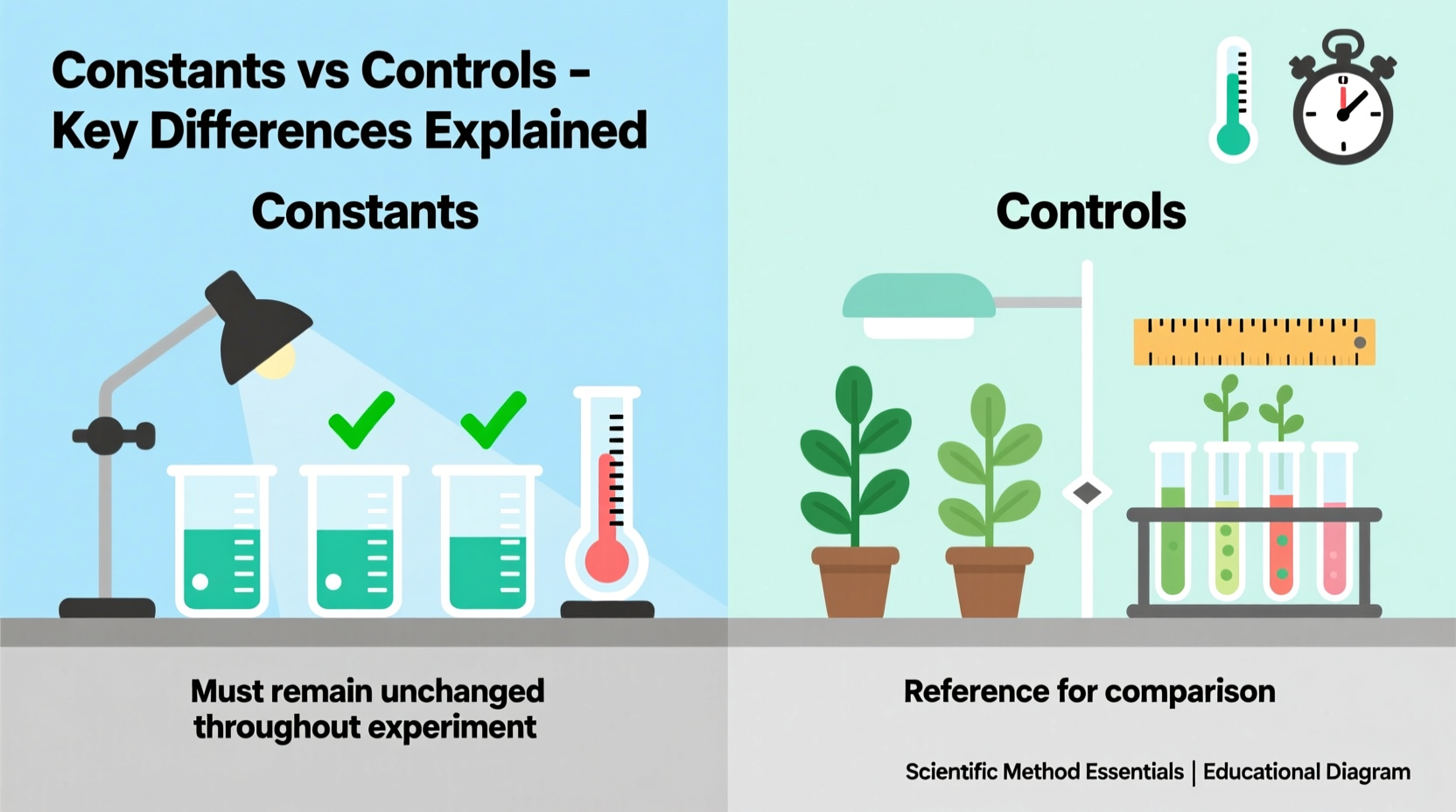
A constant is a value that does not change during the execution of a program. Once defined, its value remains fixed throughout the runtime. Constants are typically used to represent values that should remain unchanged—such as mathematical values (e.g., π), configuration settings (e.g., API endpoints), or thresholds (e.g., maximum retries).
For example, in JavaScript:
const MAX_LOGIN_ATTEMPTS = 3;
const API_BASE_URL = \"https://api.example.com\";
In this case, these values are set once and referenced multiple times without alteration. The use of constants improves code readability, reduces magic numbers, and prevents accidental reassignment.
What Is a Control?
Unlike a constant, a control refers to a mechanism or variable that influences the behavior, flow, or state of a system. Controls are dynamic—they can change over time based on user input, environmental conditions, or internal logic. In software, controls often take the form of flags, switches, parameters, or UI elements (like sliders or checkboxes) that allow adjustment of system behavior.
For instance, a boolean flag that toggles dark mode in an application:
let isDarkModeEnabled = false;This variable acts as a control because its value can be modified during runtime—by user action or conditional logic—and affects how the interface appears.
In control systems engineering (such as robotics or automation), a “control” might refer to input signals that adjust output behavior—like adjusting motor speed via a feedback loop. Even in simpler applications, any modifiable parameter guiding program execution qualifies as a control.
Key Differences Between Constants and Controls
The distinction between constants and controls lies in mutability, intent, and usage context. Below is a comparative table summarizing their core differences:
| Aspect | Constant | Control |
|---|---|---|
| Mutability | Immutable after definition | Mutable; changes during execution |
| Purpose | Store fixed values | Influence program behavior |
| Examples | PI, API keys, version numbers | Toggle flags, user preferences, sensor inputs |
| Scope of Change | Changed only in code/config files | Can change at runtime |
| Risk of Misuse | Hardcoding sensitive data | Unintended side effects from modification |
Understanding these differences helps developers design more predictable and maintainable systems. Constants provide stability; controls provide flexibility.
“Constants anchor your system’s logic, while controls give it responsiveness. A well-architected application balances both.” — Dr. Lena Torres, Software Systems Architect
When to Use Each: Practical Guidelines
Choosing between a constant and a control depends on whether the value needs to adapt during operation. Here's a step-by-step guide to help you decide:
- Identify the value’s role: Ask whether it defines a rule (likely a constant) or adjusts behavior (likely a control).
- Evaluate change frequency: If it rarely or never changes, define it as a constant. If it varies per session or environment, treat it as a control.
- Consider security and access: Sensitive but unchanging values (e.g., encryption salts) should be constants stored securely. User-specific settings should be controls.
- Assess performance impact: Frequent reads of immutable data benefit from being constants, which compilers can optimize.
- Plan for scalability: Configuration-driven controls (e.g., feature flags) allow behavior changes without redeploying code.
Real-World Example: Building a Weather App
Imagine developing a mobile weather application. You need to fetch data from an external API and display forecasts based on user location.
You define:
const WEATHER_API_KEY = \"abc123xyz\"— This is a constant. It doesn’t change during runtime and must remain consistent for authentication.const DEFAULT_POLLING_INTERVAL = 300000— Also a constant, representing a baseline refresh rate (5 minutes).let autoRefreshEnabled = true— This is a control. Users can toggle auto-refresh on or off in settings.let pollingInterval = DEFAULT_POLLING_INTERVAL— A configurable control that users might adjust (e.g., every 1, 5, or 10 minutes).
In this scenario, mixing up constants and controls could cause issues. For example, allowing the API key to be modified at runtime would introduce security risks. Conversely, hardcoding the polling interval without a control would reduce user flexibility.
This illustrates how thoughtful separation supports both reliability and usability.
Common Pitfalls and Best Practices
Misclassifying constants and controls leads to technical debt. Below is a checklist to avoid common mistakes:
✅ Do’s
- Use uppercase naming conventions for constants (e.g., MAX_USERS).
- Store true constants in dedicated config or constants files.
- Validate control inputs to prevent invalid states.
- Document the purpose of both constants and controls clearly.
- Leverage type systems or enums where possible to restrict valid control values.
❌ Don’ts
- Don’t hardcode values that may vary by environment (e.g., database URLs).
- Don’t expose critical constants (like secrets) in client-side code.
- Don’t allow unrestricted modification of controls without safeguards.
- Don’t confuse configuration parameters with runtime state variables.
Frequently Asked Questions
Can a control ever become a constant?
Yes—during refactoring or optimization, a frequently used control with a stable value might be promoted to a constant if it no longer needs to change. However, this decision should follow observation and testing to ensure flexibility isn’t lost unnecessarily.
Are all configuration values controls?
Not necessarily. Some configuration values—like app version or build timestamp—are effectively constants. Others, such as feature toggles or timeout durations, are controls because they influence runtime behavior and may be adjusted externally.
Is there a performance difference between constants and controls?
Yes. Compilers and interpreters can optimize constants by inlining their values, reducing memory access overhead. Controls require storage and potential runtime evaluation, introducing minor performance costs—but usually justified by their flexibility.
Conclusion
Constants and controls serve distinct yet complementary roles in software development and system design. Constants provide stability, predictability, and safety by locking down fixed values. Controls enable adaptability, personalization, and dynamic behavior through adjustable parameters. Recognizing when to apply each ensures cleaner code, better architecture, and more maintainable systems.
As applications grow in complexity, the line between constants and controls may blur—especially with modern tools like feature flags and remote configuration. But the underlying principle remains: immutability defines constants; mutability and influence define controls.




 浙公网安备
33010002000092号
浙公网安备
33010002000092号 浙B2-20120091-4
Comments
No comments yet. Why don't you start the discussion?