
In first-person shooter (FPS) games, precision and responsiveness define success. Whether you're lining up a long-range sniper shot or clearing a room in close quarters, your choice of input device—controller or mouse and keyboard—can dramatically affect performance. A central point of debate is aim assist: a software feature designed to smooth aiming, particularly on controllers. While mouse and keyboard setups offer superior raw accuracy, many console-based shooters include aim assist to level the playing field. This article explores how aim assist functions, where it provides an edge, and whether it truly compensates for hardware limitations.
Understanding Aim Assist: What It Is and How It Works
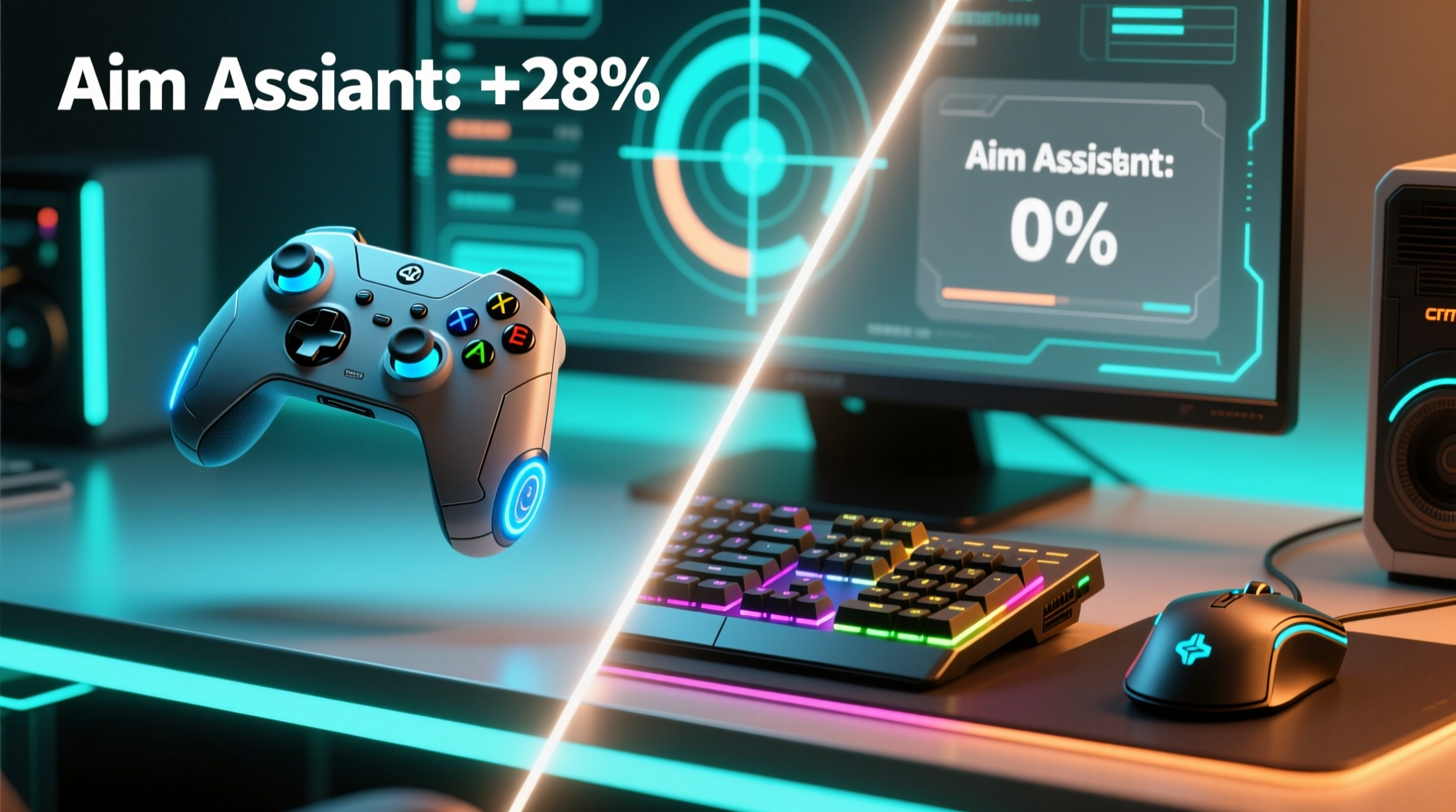
Aim assist is a dynamic correction system built into many console shooters that subtly guides the reticle toward enemy targets. It doesn’t auto-lock like a missile tracker but applies magnetic pull or reduced sensitivity when the crosshair nears an opponent. The strength and behavior of aim assist vary by game and are often tuned to maintain fairness between controller and keyboard users in cross-platform play.
At its core, aim assist modifies two key inputs:
- Input Deadzone Adjustment: Reduces stick sensitivity near the center to prevent jitter and improve micro-adjustments.
- Magnetism or Target Pull: Applies invisible force pulling the reticle toward nearby enemies, especially when scoped.
This system is most effective at medium to long range, where small movements matter. However, over-reliance can hinder muscle memory development, especially when transitioning to non-assisted environments like PC with mouse and keyboard.
Controller Input: Strengths and Limitations in FPS Games
Game controllers, especially dual analog sticks, are optimized for accessibility and comfort. Their compact design allows quick thumb movements and natural ergonomics during extended sessions. However, their inherent limitation lies in precision.
Analog sticks have finite resolution compared to a mouse’s pixel-perfect tracking. The right stick typically offers 360 degrees of movement within a small physical space, leading to imprecise flick shots and difficulty maintaining steady aim at distance. Without aim assist, landing headshots consistently becomes significantly harder.
Yet, controllers shine in specific scenarios:
- Better strafe-and-shoot coordination due to split-thumb control.
- Natural recoil control through thumb resistance and adaptive triggers (e.g., DualSense).
- Superior performance in slower-paced tactical shooters like *Rainbow Six Siege* or *Apex Legends*, where positioning matters more than raw flick speed.
Many pro players using controllers develop \"stick drift\" techniques—micro-jittering the stick to keep aim assist active just below detection thresholds—giving them subtle targeting advantages in supported titles.
Mouse and Keyboard: Raw Precision Without Assistance
On PC, mouse and keyboard remain the gold standard for FPS gameplay. Mice track movement via optical sensors with DPI (dots per inch) ranging from 400 to over 16,000, translating even minute hand motions into precise cursor adjustments. Unlike analog sticks, there's no deadzone or signal decay—only direct, scalable control.
While PC versions of cross-platform games rarely include aim assist, some exceptions exist. For example, *Fortnite* and *Call of Duty: Warzone* offer limited aim smoothing on PC, though far weaker than console implementations. Most competitive titles like *CS2*, *Valorant*, or *Overwatch* disable aim assist entirely on PC, emphasizing skill-based aiming.
The absence of artificial assistance means players must rely solely on mechanical skill—hand-eye coordination, muscle memory, and consistent sensitivity settings. This creates a steeper learning curve but rewards mastery with unmatched consistency and speed.
“We don’t use aim assist on PC because it undermines the integrity of competitive play. Precision should come from the player, not the software.” — Alex Chen, Lead Designer at Respawn Entertainment
Comparative Analysis: Controller with Aim Assist vs. Mouse and Keyboard
To evaluate which setup holds the advantage, consider several performance factors across different gameplay contexts. The table below summarizes key differences:
| Factor | Controller + Aim Assist | Mouse & Keyboard (No Assist) |
|---|---|---|
| Aiming Precision | Moderate (enhanced by software) | High (hardware-dependent, no limits) |
| Flick Accuracy | Low to moderate | Very high with practice |
| Recoil Control | Good (thumb-based micro-corrections) | Excellent (fine-grained mouse movement) |
| Crosshair Placement | Reliant on pre-aiming and prediction | Consistently accurate due to static reference |
| Learning Curve | Gentler start, plateau earlier | Steeper initial climb, higher ceiling |
| Competitive Viability | Limited in pure skill arenas | Dominant in esports and ranked ladders |
Despite aim assist narrowing the gap, mouse and keyboard still hold a decisive edge in precision-intensive scenarios. Studies analyzing professional match data show that PC players achieve higher headshot ratios and faster time-to-kill averages across major titles.
Real-World Example: Cross-Platform Play in Apex Legends
Consider a real-world scenario in *Apex Legends*, where both platforms compete directly. A skilled controller user with maxed-out aim assist can effectively track moving targets at mid-range using gyro aiming (on supported devices). They benefit from visual cues—like the reticle turning red near enemies—and automatic lead compensation during tracking.
However, when facing a seasoned PC player with a 400 DPI setting and flawless crosshair placement, the controller user struggles in close-quarters engagements. The PC player lands first shots consistently by pre-aiming head level and flicking instantly. Even with aim assist helping recovery, the controller user is reacting rather than initiating.
In tournaments where aim assist is disabled or standardized, controller players often underperform unless they’ve trained extensively on low-assist settings. This highlights a critical insight: while aim assist helps bridge the hardware gap, it cannot replicate the spatial awareness and muscle memory developed through unrestricted aiming.
Does Aim Assist Give Controllers an Unfair Advantage?
The perception of unfairness arises when players assume aim assist is “auto-aim.” In reality, it’s a balancing mechanism, not a cheat. Its purpose is to make console FPS gameplay viable despite hardware constraints.
However, in cross-play environments, disparities emerge:
- Console players may enjoy smoother tracking in hip-fire fights.
- PC players face opponents who appear to “stick” to targets unnaturally.
- Matchmaking systems often fail to account for input-based skill ceilings.
Some developers address this by implementing input-based matchmaking (e.g., *Destiny 2*, *Warzone*), separating controller and mouse users into different pools. Others use dynamic aim assist scaling—reducing its strength when paired against PC players.
Ultimately, aim assist doesn’t grant superiority; it mitigates disadvantage. It allows console players to compete meaningfully but does not surpass the peak performance achievable with mouse and keyboard.
Actionable Checklist: Optimizing Your Setup for Competitive Edge
Regardless of your platform, these steps will help maximize your effectiveness:
- Adjust sensitivity settings to balance speed and control—avoid extremes.
- Enable gyro aiming if supported (e.g., PS5, Steam Controller) for fine-tuned adjustments.
- Use input-based matchmaking when available to ensure fair competition.
- Practice flick shots on PC or low-assist modes to sharpen reaction time.
- Warm up before ranked matches with aim trainers like Kovaak’s or Aim Lab (PC) or in-game firing ranges.
- Monitor your headshot percentage as a metric for aiming efficiency.
- Upgrade peripherals—a high-polling-rate mouse or responsive controller improves consistency.
FAQ: Common Questions About Aim Assist and Input Methods
Do any PC games have aim assist?
Most traditional competitive FPS titles do not. However, cross-platform games like *Fortnite*, *Rocket League*, and *Warzone* include minimal aim smoothing on PC to maintain parity. These effects are significantly weaker than console versions and often optional.
Can you disable aim assist on console?
Yes, many games allow you to reduce or turn off aim assist entirely. Doing so increases difficulty but improves skill transferability and prepares you for higher-level play where reliance on assistance is penalized.
Is it possible to beat a mouse and keyboard player with a controller?
Yes—especially in games designed with strong aim assist and balanced mechanics. Positioning, game sense, and team coordination often outweigh pure aim. However, in pure 1v1 gunfight scenarios requiring rapid flicks and pixel-perfect accuracy, mouse and keyboard typically prevail.
Conclusion: Skill Matters More Than Hardware, But Tools Shape Potential
The debate over controller versus mouse and keyboard isn’t about declaring a winner—it’s about understanding trade-offs. Aim assist gives controller users a valuable crutch, making FPS games accessible and enjoyable on consoles. It reduces frustration and enhances engagement, especially for newcomers. But it doesn’t eliminate the fundamental precision gap.
Mouse and keyboard remain the superior tools for those pursuing peak performance. They offer finer control, faster response, and greater scalability. While aim assist levels the field in casual and mixed environments, it cannot replicate the depth of manual skill cultivated through thousands of hours of unassisted aiming.
Ultimately, the best setup depends on your goals. If you’re playing for fun, on the couch, with friends, a controller with full aim assist is perfectly valid. If you’re chasing leaderboards, competing professionally, or refining mechanical excellence, mouse and keyboard provide the necessary foundation.




 浙公网安备
33010002000092号
浙公网安备
33010002000092号 浙B2-20120091-4
Comments
No comments yet. Why don't you start the discussion?