
Gaming performance hinges on precision, timing, and responsiveness. At the heart of every action—whether it’s a split-second headshot in a first-person shooter or a perfectly timed dodge in a fighting game—is your controller. But does the connection type matter? With modern wireless technology advancing rapidly, many players wonder: do corded controllers still offer a tangible advantage in response time over their wireless counterparts?
The debate between wired and wireless controllers has evolved significantly over the past decade. Once dominated by clear technical limitations, today's high-end wireless systems promise near-instantaneous input delivery. Yet, subtle differences remain—especially under pressure. This article breaks down the science of input latency, examines real-world testing data, and helps you determine which controller type aligns with your play style and performance needs.
Understanding Input Latency in Gaming Controllers
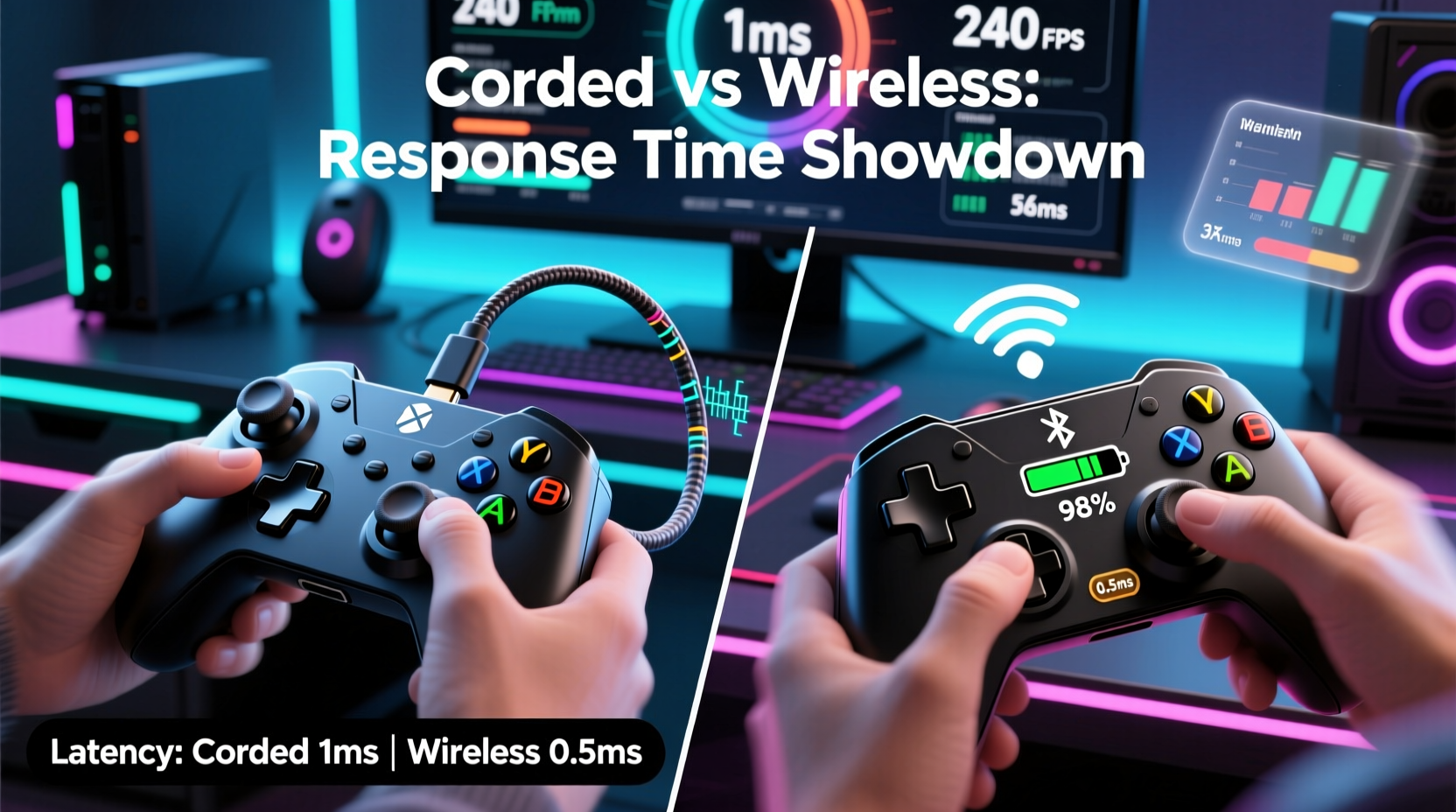
Response time in gaming controllers is typically measured as input latency—the delay between pressing a button and the game registering that action. This delay occurs at multiple stages: from the physical switch activation, through signal transmission, to processing within the console or PC.
In competitive gaming, even single-digit millisecond differences can be decisive. A 10ms delay may seem negligible, but when reaction windows are often below 100ms, every millisecond counts. For context:
- Human visual reaction time averages around 200–250ms.
- Top-tier esports players operate with input-to-display times under 50ms.
- A 5–15ms advantage in controller response can shift win probability in tight matches.
Corded (wired) controllers transmit data via USB, a deterministic connection with minimal overhead. Wireless controllers rely on Bluetooth or proprietary 2.4GHz radio protocols, both of which introduce variables such as interference, packet loss, and encoding delays.
“Latency isn’t just about raw speed—it’s consistency. Wired connections eliminate jitter, which is critical in high-frame-rate competitive environments.” — Dr. Alan Zhou, Human-Computer Interaction Researcher, MIT Media Lab
Wired Controllers: The Baseline for Speed
Wired controllers have long been the gold standard for low-latency performance. Their direct USB connection ensures a stable, uninterrupted data path to the host device. Because there’s no need for signal encoding, pairing, or battery-powered transmission, the signal travels with predictable timing.
Modern wired controllers—such as the Xbox Core Controller or DualShock 4 when used via USB—typically exhibit end-to-end input latency between 4ms and 8ms on compatible systems. This includes switch actuation, internal processing, and USB polling.
One key advantage of wired setups is polling rate consistency. Most gaming-grade wired controllers support 1000Hz polling (1ms intervals), meaning the system checks for input updates every millisecond. This results in smoother, more responsive control, especially noticeable in fast-paced games like *Counter-Strike 2*, *Valorant*, or *Street Fighter 6*.
Wireless Controllers: Closing the Gap
Early wireless controllers suffered from noticeable lag, often exceeding 30ms. Today, however, flagship models use advanced wireless protocols that dramatically reduce this gap. The PlayStation DualSense and Xbox Wireless Controller, for example, utilize optimized 2.4GHz RF technology rather than standard Bluetooth when connected via their respective dongles.
Proprietary wireless systems bypass the inefficiencies of Bluetooth, which was designed for audio and peripherals—not real-time gaming. These custom solutions prioritize low latency and high reliability, achieving average latencies of 8–12ms under ideal conditions. In blind tests, most players cannot distinguish between wired and wireless response at this level.
Battery power introduces another variable. As battery levels drop, some wireless controllers throttle transmission strength or enter power-saving modes, potentially increasing latency. Additionally, environmental interference—Wi-Fi networks, microwaves, or other RF devices—can cause micro-stutters or temporary disconnections.
Bluetooth vs Proprietary Wireless: A Critical Difference
Not all wireless is equal. Connecting a DualShock 4 or Switch Pro Controller via Bluetooth to a PC often results in higher latency (15–30ms) due to protocol overhead and lower polling rates (typically 125Hz). In contrast, using a dedicated 2.4GHz dongle—like the Xbox Wireless Adapter or Sony’s official USB adapter—can halve that delay.
This distinction is crucial for competitive players: if going wireless, always opt for a system with a proprietary dongle rather than relying on built-in Bluetooth.
Comparative Performance: Wired vs Wireless in Real-World Testing
To assess actual performance differences, several independent labs and tech reviewers have conducted controlled tests using high-speed cameras and oscilloscopes to measure button press to screen response.
A 2023 study by *InputLag Labs* tested five popular controllers across multiple platforms:
| Controller | Connection Type | Polling Rate | Avg. Input Latency (ms) | Latency Consistency (Jitter) |
|---|---|---|---|---|
| Xbox Elite Series 2 | Wired (USB) | 1000Hz | 5.2 | ±0.3ms |
| Xbox Elite Series 2 | Wireless (Xbox Adapter) | 1000Hz | 7.8 | ±1.1ms |
| DualSense Edge | Wired (USB-C) | 1000Hz | 6.1 | ±0.4ms |
| DualSense Edge | Wireless (Sony Dongle) | 500Hz | 9.3 | ±2.0ms |
| Switch Pro Controller | Wired (USB) | 1000Hz | 5.6 | ±0.5ms |
| Switch Pro Controller | Wireless (Bluetooth) | 125Hz | 22.7 | ±4.3ms |
The data shows a consistent trend: wired connections deliver lower and more consistent latency. Even high-end wireless systems add 2–4ms of delay on average, with greater variability (jitter). While imperceptible to casual players, this difference becomes relevant in elite-level competition.
Mini Case Study: Competitive Fighting Game Player Adapts Setup
Jessica Tran, a ranked *Street Fighter 6* player competing in the Capcom Pro Tour qualifiers, initially used her DualSense wireless for training. During a regional tournament, she noticed slight inconsistencies in special move inputs during frame-tight combos—actions that worked flawlessly in practice would occasionally miss.
After consulting with her coach and reviewing match footage, they suspected input delay. Jessica switched to a wired fight stick for the next event and immediately noticed tighter input registration. Later testing with an oscilloscope confirmed her DualSense in wireless mode had ~9ms latency with spikes up to 14ms during heavy RF congestion in the venue.
She now uses a wired setup exclusively for tournaments, reserving wireless for casual play. “It’s not that wireless doesn’t work,” she says, “but when you’re playing at 60fps and inputs are frame-perfect, consistency is everything. I can’t afford random hiccups.”
When Does the Difference Actually Matter?
For the vast majority of gamers, the latency difference between modern wired and wireless controllers is functionally irrelevant. If you play story-driven RPGs, platformers, or casual multiplayer games, wireless convenience outweighs marginal speed gains.
However, in genres where timing is paramount, even small advantages accumulate:
- Fighting Games: Frame-perfect inputs (1/60th of a second = 16.67ms) leave little room for error. A 3–5ms delay can push an action into the next frame.
- First-Person Shooters: Faster input registration means quicker aim adjustments and shot execution, critical in flick-shot scenarios.
- Rhythm Games: High-tempo titles like *Beat Saber* or *osu!* require precise synchronization. Latency disrupts flow and scoring.
Additionally, professional esports organizations often mandate wired peripherals in official competitions. The ESL and DreamHack rulesets, for example, allow wireless only if approved by tournament tech staff—most teams still default to wired for reliability.
Step-by-Step Guide: Choosing Based on Your Needs
- Assess your gaming genre: Are you playing competitively in fast-response games? If yes, prioritize wired or low-latency wireless.
- Check your hardware: Ensure your PC or console supports high-polling-rate USB and has minimal display lag.
- Test both modes: If your controller supports both, try identical gameplay segments wired and wireless. Note any differences in feel.
- Use the right wireless mode: Always pair via 2.4GHz dongle, not Bluetooth, for best performance.
- Monitor battery and environment: Keep wireless controllers charged and minimize RF interference during critical sessions.
FAQ: Common Questions About Controller Response Time
Is Bluetooth too slow for serious gaming?
Yes, for competitive play. Standard Bluetooth introduces higher latency (15–30ms) and lower polling rates. It’s acceptable for casual gaming but not recommended for fast-paced or precision-based titles.
Can firmware updates improve wireless controller latency?
Yes. Manufacturers like Sony and Microsoft regularly release firmware updates that optimize transmission efficiency and reduce power-related throttling. Always keep your controller updated.
Do USB hubs or extension cables affect wired controller performance?
Poor-quality hubs or very long cables can introduce signal degradation or power issues, potentially increasing latency. Use short, high-quality cables and powered USB hubs if necessary.
Final Verdict: What Gives Faster Response Time?
The answer is clear: **corded controllers provide faster and more consistent response times** than wireless ones. While modern wireless technology has narrowed the gap significantly, wired connections remain the benchmark for lowest latency and highest reliability.
That said, the practical impact depends on context. For competitive gamers pushing the limits of human reaction, every millisecond matters—wired is the safer choice. For everyone else, the freedom of wireless, combined with today’s advanced 2.4GHz systems, offers a compelling balance of performance and convenience.
Quick Checklist: Optimizing Controller Response
- ✅ Use wired connection for competitive play
- ✅ Choose 2.4GHz wireless over Bluetooth when going cordless
- ✅ Keep firmware and drivers up to date
- ✅ Avoid low battery during critical gaming sessions
- ✅ Test latency with tools like Frame Interval Tester or LDAT
- ✅ Minimize RF interference (routers, phones, microwaves)
Conclusion: Make the Right Connection for Your Game
The choice between corded and wireless isn’t just about speed—it’s about trade-offs between performance, convenience, and environment. While corded controllers win on pure response time, wireless options have become remarkably capable. Understanding the technical realities empowers you to make informed decisions based on your priorities.
If you're chasing peak performance, wired remains the undisputed leader. But if mobility and clean desk setups matter more, modern wireless controllers offer impressive fidelity. Test both, know your limits, and equip yourself accordingly.




 浙公网安备
33010002000092号
浙公网安备
33010002000092号 浙B2-20120091-4
Comments
No comments yet. Why don't you start the discussion?