
Choosing between gaming peripherals from industry giants like Corsair and Razer often comes down to subtle but critical differences in build quality, software experience, and long-term usability. Keyboards, as one of the most frequently used input devices, demand durability, responsive performance, and a clean software ecosystem. While both brands dominate the gaming hardware market, their approaches diverge significantly—especially when it comes to physical construction and the presence of software bloatware. This analysis dives deep into real-world performance, material integrity, firmware behavior, and user-reported pain points to help you make a confident choice.
Build Quality: Materials, Design, and Longevity
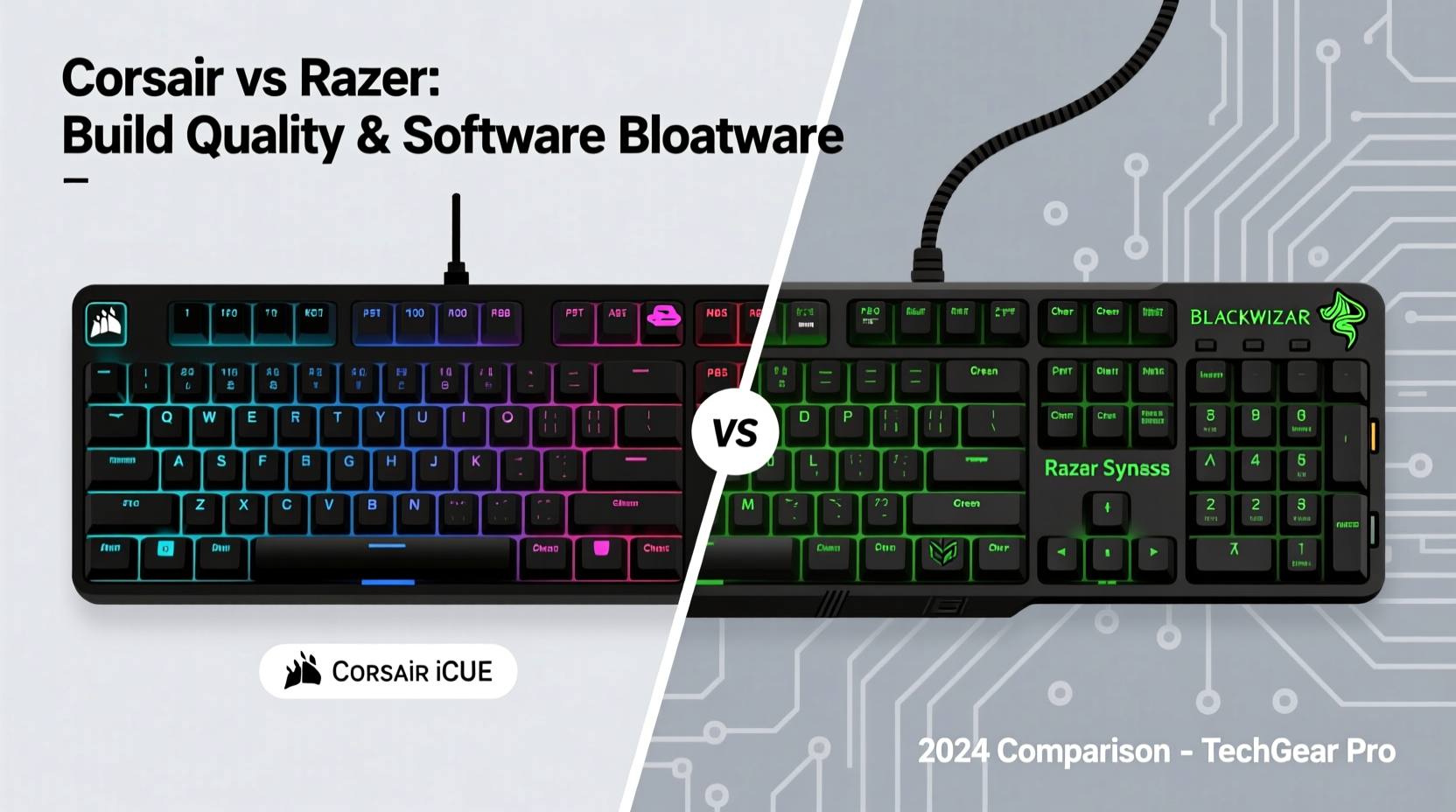
Corsair and Razer take different paths in constructing their keyboards. Corsair tends to emphasize industrial-grade durability, using aircraft-grade aluminum frames across its K-line (e.g., K70, K100), which provides rigidity and resistance to flex over time. These frames not only improve typing stability but also contribute to a premium tactile feel during extended use. The keycaps are typically double-shot PBT plastic on mid-to-high-end models, meaning legends won’t fade even after years of heavy typing or gaming.
Razer, by contrast, favors sleek, minimalist designs with more plastic components—even on flagship models like the BlackWidow V4 Pro. While this keeps weight down and aesthetics modern, some users report creaking or chassis flex under pressure. Razer’s keycaps are often ABS plastic with dye-sublimated legends, which can develop shine over time, especially on frequently pressed keys. That said, Razer has improved structural integrity in recent iterations, incorporating aluminum top plates in select models such as the Huntsman V3 Pro.
The switch mechanisms themselves vary slightly between brands. Both offer proprietary switches (Razer’s Optical and Corsair’s MP variants), but Corsair maintains broader compatibility with Cherry MX-style stems, allowing easier customization. Razer’s optical switches are fast and durable (rated up to 100 million keystrokes), but replacement options are limited due to their unique housing design.
Software Experience: iCUE vs Synapse – Efficiency vs Bloat
The software ecosystem is where the most significant divergence occurs. Corsair uses iCUE (Corsair Utility Engine), while Razer relies on Synapse. Both platforms control lighting, macros, and device profiles—but their efficiency, resource usage, and transparency differ markedly.
iCUE is feature-rich and highly customizable, supporting not just Corsair keyboards but also coolers, fans, memory, and audio devices. However, it has historically been criticized for high RAM and CPU usage, slow startup times, and occasional instability. Recent updates have streamlined performance, but users still report crashes when syncing complex lighting effects across multiple devices. Despite this, iCUE offers granular control: per-key RGB programming, dynamic macro recording, and system monitoring overlays.
Synapse, meanwhile, launches faster and integrates more smoothly with Windows. It supports cloud profile syncing across devices and automatically backs up configurations. But it’s increasingly seen as bloated—not because of raw performance impact, but due to aggressive background processes, auto-updates, and integration with third-party promotions. For example, Synapse may preload modules for non-existent devices or prompt users to install Razer Cortex (a game booster that many consider redundant). Worse, uninstalling Synapse doesn’t always remove all background services, leaving registry entries and scheduled tasks behind.
“Hardware should enhance your setup, not hijack your system. A peripheral suite shouldn’t require a dedicated GB of RAM just to manage lighting.” — Mark Tran, Senior Hardware Analyst at PCPeripherals Review
Comparative Analysis: Feature-by-Feature Breakdown
| Feature | Corsair | Razer |
|---|---|---|
| Frame Material | Aluminum (mid/high-end) | Plastic / Aluminum hybrid |
| Keycap Material | PBT (most models) | ABS (common), PBT (limited) |
| Switch Type | CHERRY MX, OPX, LP | Razer Optical Mechanical |
| Software Platform | iCUE | Synapse 3 |
| RAM Usage (idle) | ~180–250 MB | ~120–200 MB |
| Background Processes | Moderate (3–4) | High (5+ including Cortex) |
| Customization Depth | Extensive (system-wide sync) | Deep but siloed |
| Open Source SDK? | No | Limited API access |
| Driver Cleanliness | Good post-uninstall cleanup | Poor; remnants often remain |
User Experience Case Study: One Year In
Consider Alex, a freelance developer and part-time streamer who uses his keyboard eight to ten hours daily. He initially chose the Razer BlackWidow V3 due to its low-profile design and seamless Synapse integration. After six months, he noticed increased fan noise and sluggish system response during live streams. Task Manager revealed Synapse consuming 45% CPU during lighting transitions—a known issue with older GPU drivers. Disabling visual effects helped, but removed a core selling point.
After switching to the Corsair K100 RGB, Alex experienced stiffer key actuation and a heavier footprint—both positives for precision typing. iCUE was slower to load, but once running, remained stable. Over the next year, he appreciated the ability to assign media controls via firmware (onboard memory), so settings persisted even on uninstalled systems. The PBT keycaps showed minimal wear, whereas his Razer’s ABS caps had already developed shine on WASD and spacebar.
His final verdict? “I’d trade a few seconds of software lag for better materials and cleaner firmware any day. Corsair feels like a tool; Razer sometimes feels like marketing with keys attached.”
Minimizing Software Bloat: A Practical Checklist
Regardless of brand, peripheral software can degrade system performance over time. Use this checklist to maintain control:
- Disable auto-launch: Prevent iCUE or Synapse from starting with Windows unless actively needed.
- Turn off unused features: Disable ambient lighting effects, screen savers, and game integrations you don’t use.
- Use onboard profiles: Save lighting and macros directly to the keyboard to reduce software dependency.
- Monitor background tasks: Regularly check Task Manager for hidden processes (e.g., Razer Game Booster, Corsair CUE Helper).
- Uninstall cleanly: Use Revo Uninstaller or Geek Uninstaller to remove leftover files and registry entries after deinstallation.
- Update selectively: Avoid beta software unless troubleshooting a specific issue.
Which Brand Offers Better Value Long-Term?
Longevity isn’t just about how long a keyboard lasts—it’s about how well it performs over time without degrading system health or requiring constant maintenance. In this regard, Corsair edges ahead for users who value modularity, repairability, and consistent firmware behavior.
Their partnership with CHERRY ensures mechanical reliability, and their adoption of standard layouts makes future upgrades easier. Additionally, Corsair provides detailed teardown guides and sells individual replacement parts—keycaps, switches, USB-C cables—directly through their store. This level of support extends product life far beyond typical consumer electronics.
Razer excels in aesthetic innovation and tight ecosystem integration, particularly for users invested in other Razer gear (mice, headsets, stream decks). However, the lack of user-replaceable switches on most models, combined with persistent software footprint, reduces long-term flexibility. Furthermore, Razer’s customer service has received mixed reviews, with some users reporting difficulty obtaining replacements for defective units outside warranty.
Frequently Asked Questions
Is Razer Synapse considered malware?
No, Synapse is not malware. However, its behavior—such as installing background services without clear consent and bundling additional apps—has led some antivirus tools to flag components as potentially unwanted programs (PUPs). Always download Synapse directly from Razer’s official site to avoid third-party bundles.
Can I use a Corsair keyboard without iCUE?
Yes. All Corsair keyboards function as standard HID devices without iCUE. You’ll lose RGB customization and advanced macros, but basic typing, multimedia keys, and onboard profiles will work immediately upon plug-in. Many users set their preferred lighting once, save to onboard memory, and disable iCUE thereafter.
Do Razer keyboards have worse build quality than Corsair?
Not universally. High-end Razer models like the Huntsman V3 Pro match Corsair in materials and switch quality. However, across the broader lineup, Corsair maintains more consistent use of metal frames and PBT keycaps. Entry-level Razer boards often cut corners on internal bracing and keycap durability, making them less ideal for heavy daily use.
Final Verdict and Recommendation
If your priority is robust build quality, long-term durability, and moderate software overhead, Corsair is the stronger choice. Their focus on standardized components, open compatibility, and transparent firmware gives users greater control and peace of mind. While iCUE isn’t perfect, it has shown steady improvement and allows deep customization without compromising system stability when managed properly.
Razer shines in design flair and seamless ecosystem synergy, especially for gamers who want flashy lighting and cloud-synced profiles. However, Synapse’s tendency toward bloat, coupled with less resilient materials on mid-tier models, makes it a riskier investment for professionals or users seeking reliability over spectacle.
In environments where every millisecond and every system resource counts—be it coding, content creation, or competitive gaming—the difference between efficient hardware and intrusive software becomes decisive. Build quality matters, but so does what runs behind the scenes.




 浙公网安备
33010002000092号
浙公网安备
33010002000092号 浙B2-20120091-4
Comments
No comments yet. Why don't you start the discussion?