
When choosing a gaming or mechanical keyboard, hardware matters—but so does the software behind it. Two major players dominate the high-performance peripheral space: Corsair and Razer. Both offer premium keyboards with customizable lighting, macros, and key remapping. However, the real differentiator for many users lies not in the switches or build quality, but in the software that drives them: Corsair’s iCUE and Razer’s Synapse.
For everyday users, streamers, and competitive gamers alike, software annoyance can quietly erode the experience. Crashes, bloated interfaces, forced account logins, and sluggish responsiveness turn what should be seamless customization into a chore. This article cuts through marketing claims and dives into real-world usability to answer a critical question: which software—iCUE or Synapse—is actually less annoying to use?
Software Overview: iCUE vs Synapse
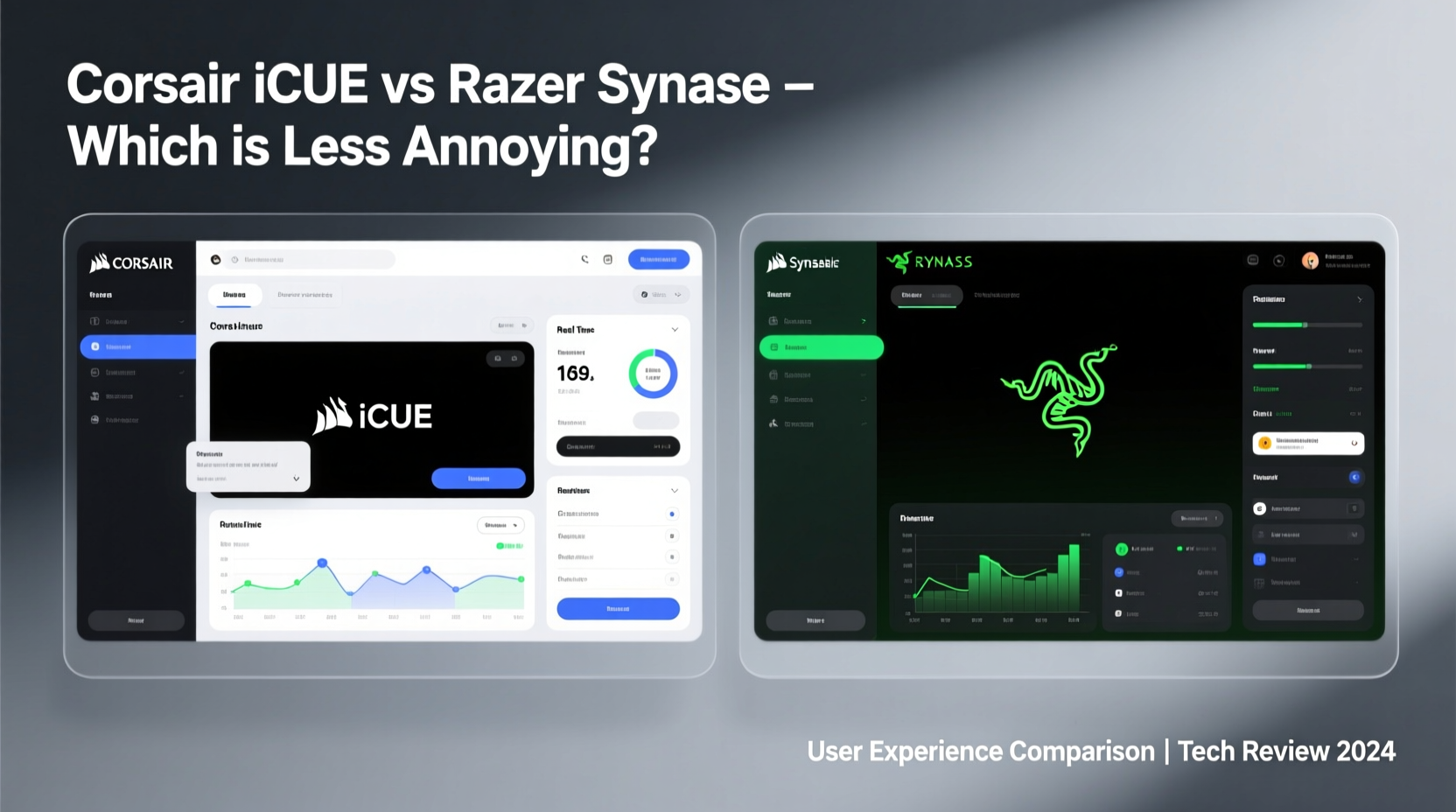
Corsair’s iCUE (Corsair Utility Engine) and Razer’s Synapse are both ecosystem-wide platforms designed to manage all compatible devices from their respective brands. Whether you're using a keyboard, mouse, headset, or even RGB fans, both suites promise centralized control over lighting, profiles, macros, and firmware updates.
But promises don’t always translate to performance. In practice, these platforms differ significantly in design philosophy, system impact, and long-term reliability.
iCUE positions itself as an all-in-one hub, integrating not just peripherals but also Corsair cooling and power supplies. It emphasizes granular control and deep customization, appealing to enthusiasts who want pixel-perfect lighting effects across multiple devices. Synapse, on the other hand, aims for simplicity and speed, focusing primarily on core functionality like key remapping and lighting presets with cloud syncing built in.
While both are free, they come with trade-offs in resource usage, installation requirements, and user autonomy.
User Experience: Interface and Navigation
The first point of contact with any software is its interface. How intuitive is it? Can you make changes quickly without digging through menus?
iCUE uses a modern, dark-themed UI with tabs for devices, actions, lighting, and settings. While visually consistent, it often feels cluttered. Adding a simple macro may require navigating through four submenus. The lighting editor, though powerful, is notoriously slow—especially when syncing effects across multiple devices. Users frequently report lag when dragging sliders or previewing animations.
Synapse takes a leaner approach. Its interface is minimalist, with large icons and clearly labeled sections. Most common tasks—like changing a key function or switching lighting modes—are accessible within one or two clicks. The dashboard loads faster than iCUE, and navigation remains responsive even on older systems.
Stability and System Impact
No matter how feature-rich a software suite is, frequent crashes or high CPU usage will make it feel \"annoying.\" Stability is where many peripheral tools fall short—and this is a key battleground between iCUE and Synapse.
iCUE has a mixed reputation. Many users praise its depth, but others complain about memory leaks and spontaneous restarts. On some systems, iCUE consumes over 500MB of RAM after extended use, particularly when managing multiple RGB devices. Updates have improved performance, but bugs still surface—such as lighting profiles resetting after reboot or device detection failures.
Synapse generally runs lighter. Average memory usage hovers around 150–250MB, depending on connected devices. While it has had its share of issues in the past (notably mandatory account sign-ins and background processes), recent versions are more stable. Auto-start is optional, and the software rarely interferes with system performance during gaming or productivity tasks.
“After switching from iCUE to Synapse, my boot times improved and I stopped seeing random RGB glitches.” — Mark T., IT Support Specialist and Peripheral Enthusiast
Installation and Account Requirements
One of the most common pain points for users is forced account creation. Here, Razer draws criticism, while Corsair offers more flexibility.
Synapse requires a Razer ID to use, even for basic functions. You cannot save profiles to the cloud or sync settings across devices without logging in. Some users find this intrusive, especially if they prefer local-only configuration. Additionally, Synapse installs several background services by default, including telemetry components that cannot be fully disabled.
iCUE allows full offline use. You can configure devices, save profiles locally, and update firmware without creating an account. Cloud syncing is optional. While iCUE does install background processes for hardware monitoring, they are less pervasive than Synapse’s ecosystem services.
However, iCUE’s installer is larger and slower. Full setup can take several minutes, and initial device detection sometimes fails, requiring manual driver intervention.
Feature Comparison: Depth vs Simplicity
Both platforms support essential features like macro recording, key remapping, and dynamic lighting. But their implementation varies widely.
| Feature | Corsair iCUE | Razer Synapse |
|---|---|---|
| Macro Support | Advanced scripting with delays, loops, and conditions | Basic macro recorder; limited logic options |
| Lighting Effects | Per-key animation sequencing, music sync, sensor integration | Built-in effects only; no per-key timeline editing |
| Profile Storage | Local + optional cloud | Cloud-synced (requires login) |
| On-Board Memory | Yes – store profiles directly on keyboard | Yes – supports onboard profiles |
| Third-Party Integration | Discord, Spotify, Elgato Stream Deck | Chroma Workshop, games via SDK |
| System Resource Use | High (300–600MB RAM) | Moderate (150–250MB RAM) |
iCUE wins in raw capability. If you want to tie your keyboard lighting to CPU temperature or create complex audio-reactive effects, iCUE provides the tools. But with greater power comes complexity—and potential instability.
Synapse prioritizes ease of use. You won’t find advanced scripting, but you also won’t spend 20 minutes trying to get a breathing effect to work. For most users, this balance makes Synapse feel less intrusive and more reliable day-to-day.
Real-World Case: Office Worker Turned Streamer
Jamie L., a technical writer by day and part-time streamer by night, recently upgraded her workspace with a Corsair K95 RGB Platinum and matching RGB strips. She installed iCUE to sync lighting across devices and set up macros for common phrases in chat.
Initially impressed by the level of control, she soon encountered problems. iCUE would freeze during live streams when switching scenes in OBS, causing her keyboard backlighting to flicker unpredictably. Restarting the app disrupted her active profile, and saving changes required multiple attempts.
After three weeks, she downgraded to a Razer BlackWidow V4 and switched to Synapse. Though she missed some of iCUE’s advanced lighting timelines, she found Synapse “just worked.” Macros loaded instantly, profiles stayed consistent, and the software never crashed during broadcasts. Her primary feedback: “I don’t even notice Synapse is running anymore—and that’s a good thing.”
This reflects a broader trend: professionals and casual users often prefer software that stays out of the way. Enthusiasts may tolerate complexity for customization; most others simply want reliability.
Step-by-Step: Minimizing Software Annoyance
Regardless of brand, there are practical steps you can take to reduce software friction. Follow this guide to optimize your experience:
- Evaluate Your Needs: Ask whether you truly need advanced macros or reactive lighting. If not, consider using basic OS-level key remapping instead.
- Disable Unnecessary Startup: Prevent iCUE or Synapse from launching at boot unless needed immediately.
- Use Onboard Profiles: Save your favorite lighting and key layouts directly to the keyboard’s internal memory. This bypasses software dependency during use.
- Limit Background Services: In Synapse, disable unused modules like Chroma Connect if you don’t use RGB sync with other brands.
- Update Firmware Separately: Run firmware updates manually rather than enabling automatic checks, which can trigger unexpected restarts.
- Test Stability Weekly: Reboot your system and verify that lighting and macros reload correctly.
These small adjustments can dramatically improve perceived software smoothness—even with traditionally clunky platforms.
Frequently Asked Questions
Can I use Corsair keyboards without iCUE?
Yes. Corsair keyboards function as standard HID devices without iCUE. Basic typing, multimedia keys, and preloaded lighting modes work out of the box. However, custom macros, per-key RGB changes, and firmware updates require iCUE.
Does Razer Synapse work offline?
Limited functionality is available offline. You can use saved profiles and basic controls, but cloud syncing, firmware updates, and some lighting effects require internet access and a logged-in Razer ID.
Which software is safer in terms of privacy?
iCUE collects minimal telemetry and allows full offline operation. Synapse transmits usage data by default and requires account authentication. For privacy-conscious users, iCUE offers more control—though neither platform has had major security breaches recently.
Final Verdict: Which Is Less Annoying?
After evaluating interface design, stability, system impact, and real-world usability, the answer depends on your priorities.
If you’re a tinkerer who wants precise control over every LED and enjoys building intricate automation sequences, iCUE offers unmatched depth. But be prepared for occasional crashes, higher resource usage, and a steeper learning curve. The annoyance factor increases with the number of connected devices.
If you value consistency, speed, and a “set it and forget it” experience, Razer Synapse is the less annoying option for most users. It doesn’t offer the same level of fine-tuning, but it rarely gets in your way. Once configured, it runs quietly in the background, delivering reliable performance across sessions.
In head-to-head comparison, Synapse edges ahead in daily usability—not because it’s more powerful, but because it respects the user’s time and system resources. Sometimes, less really is more.




 浙公网安备
33010002000092号
浙公网安备
33010002000092号 浙B2-20120091-4
Comments
No comments yet. Why don't you start the discussion?