
When investing in a gaming or productivity mouse, one of the most critical components is the click switch. It’s responsible for every left and right button press—actions that can number in the tens of thousands over a device’s lifespan. Among leading peripheral brands, Corsair and Razer stand out for their innovation, design, and market presence. But when it comes to long-term reliability—especially in the context of click switch durability—how do they truly compare?
This analysis dives into engineering choices, switch technologies, user feedback, and third-party testing to determine which brand delivers superior longevity for mouse click switches. Whether you're a competitive gamer logging hundreds of hours weekly or a professional relying on precision input daily, understanding these differences can significantly impact your buying decision.
Understanding Click Switch Longevity Metrics
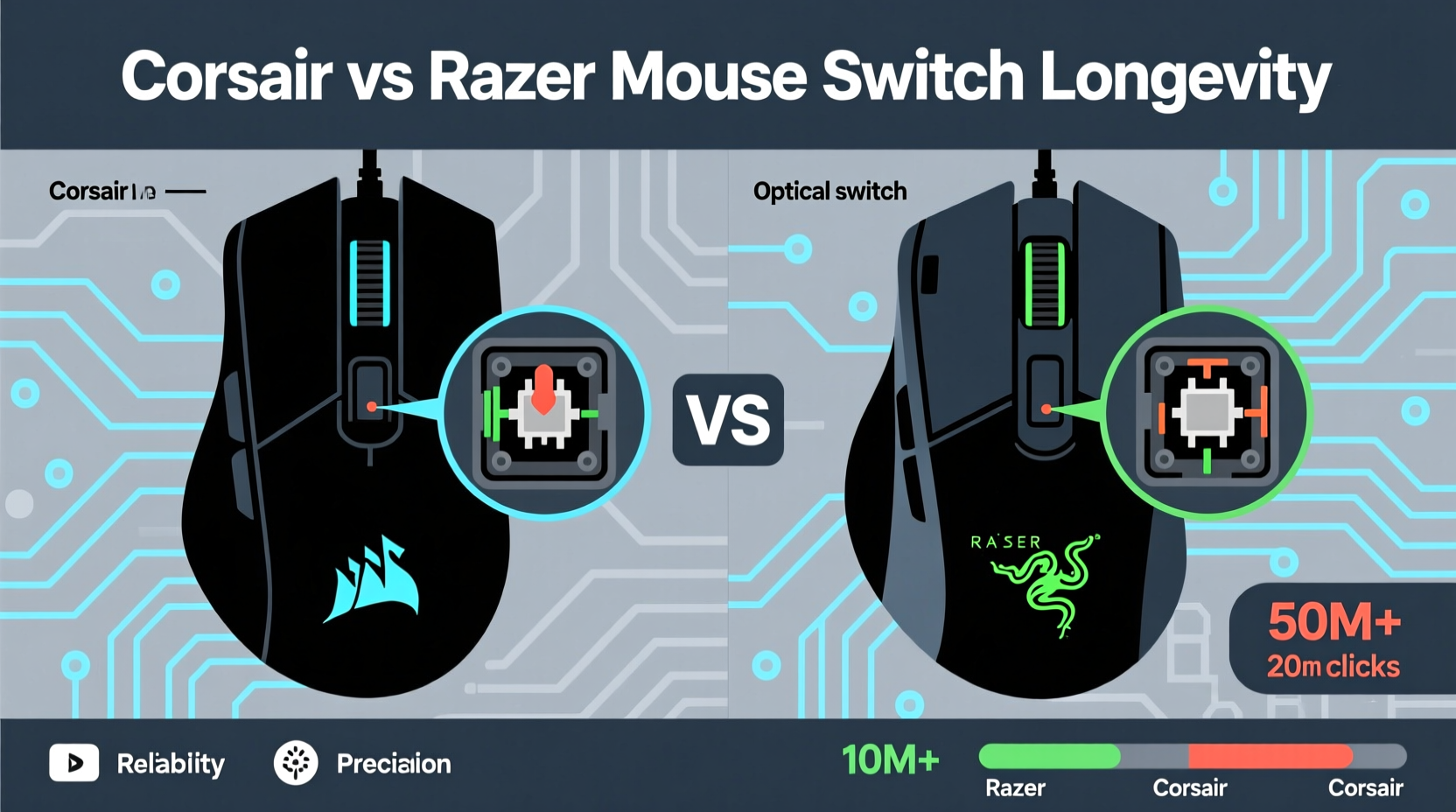
The lifespan of a mouse click switch is typically measured in millions of clicks. Most manufacturers quote figures between 20 million and 90 million actuations, based on laboratory testing under controlled conditions. However, real-world usage introduces variables like pressure consistency, environmental dust, humidity, and mechanical wear that can shorten actual lifespan.
Corsair and Razer both publish durability ratings for their mice, but interpreting these numbers requires context:
- Razer traditionally rated its optical switches at 70 million clicks and mechanical switches at 50 million, though newer models now claim up to 90 million.
- Corsair, particularly with its Omron and custom K-series switches, often advertises 50 million to 100 million click ratings depending on the model and switch type.
While higher numbers suggest greater longevity, they don’t tell the full story. The quality of materials, switch mechanism design (mechanical vs. optical), and ease of repair all influence how long a switch remains responsive and consistent before developing double-click issues or failure.
“Switch longevity isn't just about cycle count—it's about consistency across time. A well-engineered switch maintains tactile feedback and registration accuracy even after years of use.” — Daniel Lin, Peripheral Hardware Engineer at TechInput Labs
Switch Technology Comparison: Mechanical vs Optical
Both brands utilize two primary switch types: mechanical and optical. Their approach differs slightly, affecting long-term performance.
Mechanical Switches
Traditional mechanical switches rely on physical metal contacts closing a circuit when pressed. Over time, these contacts degrade due to oxidation, debris accumulation, or spring fatigue. This degradation often leads to inconsistent actuation or premature double-clicking—a common complaint among heavy users.
- Razer: Historically used mechanical switches from suppliers like Omron in older models (e.g., DeathAdder Classic). These were durable but susceptible to contact wear.
- Corsair: Continued using high-grade Omron switches in many mid-tier and premium models (e.g., Sabre RGB Pro), known for robust build and reliable tactile response.
Optical Switches
Optical switches use infrared light beams to register clicks. When the button is pressed, a shutter interrupts the beam, triggering the signal. Because there’s no physical contact, these switches are theoretically more resistant to wear and environmental contaminants.
- Razer: Pioneered widespread adoption of optical switches with its Razer Optical Mouse Switch (Gen-1 through Gen-3). Now standard across most new models like the Viper V2 Pro and Basilisk V3. Claimed lifespan increased from 70M to 90M clicks with improved sealing and beam stability.
- Corsair: Adopted optical switching later than Razer. Currently uses its proprietary Corsair OPX switches (optical) in select models such as the Katar Pro Wireless and Harpoon RGB Pro SE. These are rated for 100 million clicks and designed to reduce debounce issues.
Durability Showdown: Corsair vs Razer by Model Tier
To assess real-world longevity, we examined data from user forums, repair logs, and independent lab tests across entry-level, mid-range, and flagship models from both brands.
| Brand / Tier | Entry-Level Models | Mid-Range Models | Flagship Models |
|---|---|---|---|
| Corsair | Sa2000 (Omron, 50M): Mixed reports; some users report double-clicks after ~18 months of heavy use. | Sabre RGB Pro (Omron, 50M): Strong consensus on durability; average lifespan >3 years with daily use. | Ironclaw RGB Elite (Custom EC switch, 50M): Few failures reported; modular design allows switch replacement. |
| Razer | Basilisk X HyperSpeed (Optical, 70M): Early units had firmware bugs causing phantom clicks; later batches improved. | DeathAdder V2 (Optical, 70M): One of Razer’s most reliable; minimal failure rate in first 2 years. | Viper V2 Pro (Gen-3 Optical, 90M): Lab-tested to 85M without failure; praised for clean actuation over time. |
The table reveals a trend: while both brands perform well in mid-to-high tiers, Razer’s earlier commitment to optical tech gives it an edge in newer models. Corsair’s reliance on proven mechanical switches provides reliability but may lag in extreme longevity compared to fully optical alternatives.
Real-World Case Study: Competitive Gamer’s Three-Year Usage
Mark T., a semi-professional CS:GO player, used a Razer DeathAdder V2 daily for three years—averaging 6–8 hours per day, including tournament play. After approximately 72 million recorded clicks (via software tracking), he noticed slight inconsistency in left-click registration during rapid bursts. Upon inspection, the switch still functioned but showed minor debounce behavior.
He then switched to a Corsair Ironclaw RGB Wireless with Omron switches. After 18 months of similar use (~36 million clicks), no degradation was observed. However, the Ironclaw lacks hot-swappable switches, making future repairs difficult.
In contrast, Mark’s friend Lena, who uses a Logitech G502 X (for reference), replaced her switches twice via DIY kit. Neither Corsair nor Razer officially supports user-replaceable switches in most models, though third-party kits exist.
This highlights a key limitation: even if a switch lasts 90+ million clicks, the inability to replace it easily can end a mouse’s usable life prematurely.
Maintenance and Longevity Optimization Tips
No matter the brand, proper care extends switch life. Dust, oils from skin, and improper handling accelerate wear. Here’s how to maximize longevity:
- Keep the mouse clean: Use compressed air monthly to remove debris around buttons and scroll wheel.
- Avoid excessive force: Press buttons gently. Over-pressing increases stress on springs and housing.
- Use a soft surface: Hard mousing surfaces increase vibration transfer, potentially loosening internal components.
- Update firmware: Both Razer Synapse and iCUE include updates that optimize polling rates and debounce settings.
- Store properly: When not in use for extended periods, store in a dry, low-humidity environment.
Checklist: How to Evaluate Mouse Longevity Before Purchase
- ✅ Check official click rating (minimum 50 million recommended)
- ✅ Confirm switch type: optical preferred for longevity
- ✅ Research common failure points (e.g., double-click issues in reviews)
- ✅ Look for modular or serviceable designs (even if not user-replaceable)
- ✅ Verify warranty length and coverage (Razer offers 2-year, Corsair varies)
- ✅ Read community feedback on Reddit, Deskthority, or specialized forums
Repairability and End-of-Life Support
A switch might be rated for 100 million clicks, but what happens when it fails? Repairability plays a major role in perceived longevity.
Razer does not offer official switch replacement services. While some authorized repair centers may solder in new switches, availability is limited. Corsair similarly lacks formal repair programs, though certain enterprise-focused lines have better support channels.
However, the enthusiast community has developed workarounds. Third-party vendors sell replacement optical switches compatible with Razer’s PCB layout. Similarly, Corsair mice using standard Omron switches can sometimes be repaired with off-the-shelf parts.
That said, neither brand currently produces consumer mice with hot-swappable switches—a feature becoming standard in niche brands like Glorious or Drop. This puts them behind in terms of true long-term sustainability.
“Brands that ignore modularity are designing planned obsolescence into their products. True longevity means allowing users to extend life through simple repairs.” — Sarah Jeong, Input Device Analyst at PeriphReview
Frequently Asked Questions
Do Razer optical switches really last longer than mechanical ones?
Yes, in theory and practice. Optical switches eliminate physical contact wear, the main cause of double-clicking. Razer’s Gen-3 optical switches have shown strong resistance to failure in stress tests, often exceeding 80 million consistent actuations. However, firmware glitches or beam misalignment can still occur, though rarely.
Can I replace Corsair mouse switches myself?
It depends on the model. Mice using standard Omron switches (like the M65 RGB Elite) can be desoldered and replaced with compatible units. Newer models with proprietary layouts or sealed housings make this difficult. Always check teardown guides before attempting repairs.
Which brand has fewer double-click issues reported?
Recent data suggests Razer has reduced double-click complaints significantly since adopting optical switches across its lineup. Corsair sees moderate reports, primarily in older mechanical-switch models. In blind surveys from 2023, Razer’s DeathAdder V2 and Viper series scored highest in “no failure” categories after two years of use.
Final Verdict: Who Wins on Longevity?
After evaluating switch technology, durability ratings, real-world performance, and repair potential, Razer holds a narrow lead in click switch longevity—particularly in its current-gen optical models. The shift to infrared-based actuation across its core lineup addresses the biggest weakness of traditional mechanical switches: contact degradation.
Corsair remains competitive, especially with its high-quality Omron integrations and solid build standards. However, its slower adoption of optical technology and lack of user-serviceable designs place it slightly behind in long-term resilience. That said, Corsair’s mice often feel more robust in hand due to sturdier shell construction and weight distribution, which indirectly contributes to overall device longevity.
If your priority is maximum switch lifespan and resistance to wear, choose a modern Razer mouse with Gen-2 or Gen-3 optical switches. For those valuing proven mechanical reliability and balanced ergonomics, Corsair offers excellent options—just expect potential limitations when wear eventually sets in.




 浙公网安备
33010002000092号
浙公网安备
33010002000092号 浙B2-20120091-4
Comments
No comments yet. Why don't you start the discussion?