
Face manipulation in digital photography has evolved far beyond simple filters or one-to-one face swaps. Today’s creators use advanced techniques to morph identities, adopt artistic styles, simulate aging, or project themselves into entirely new personas. Whether for entertainment, self-expression, or digital artistry, the tools are more accessible than ever. But knowing how to go beyond surface-level edits requires understanding both technology and technique.
This guide explores innovative methods to alter your face in photos—safely, creatively, and effectively. From AI-driven transformations to manual editing mastery, you’ll learn approaches that push past the limitations of apps like Snapchat or FaceApp.
Why Move Beyond Basic Face Swaps?
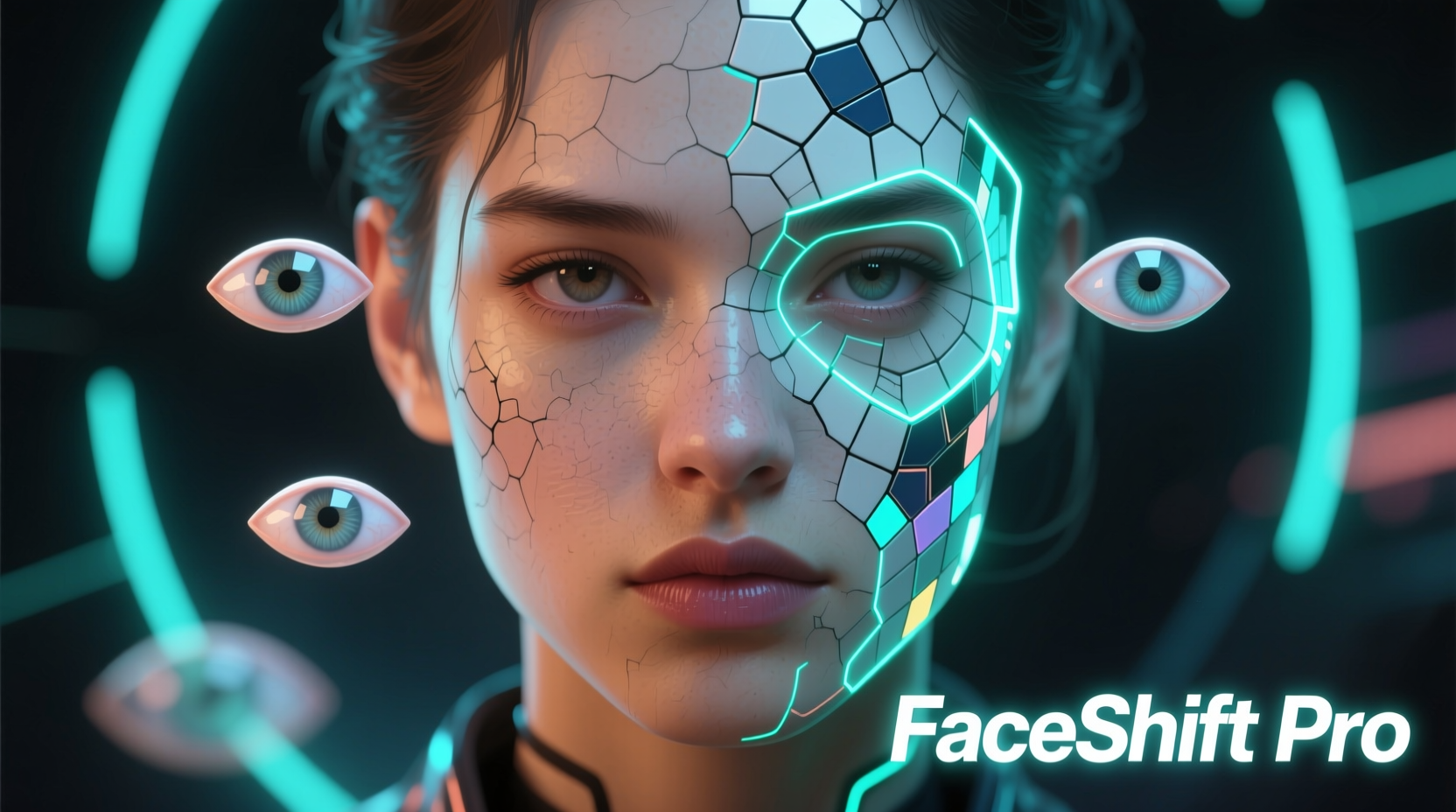
Basic face swap apps rely on template-based alignment: they detect facial landmarks and paste one face onto another body using pre-programmed algorithms. While fun, these results often look unnatural due to mismatched lighting, skin tones, or perspective.
Going deeper allows for:
- Greater realism through lighting and texture matching
- Artistic reinterpretation (e.g., turning yourself into a painting or anime character)
- Control over subtle expressions and emotional tone
- Preservation of personal identity while exploring transformation
“True digital identity play isn’t about replacing a face—it’s about reimagining it within context.” — Dr. Lena Torres, Digital Media Researcher at MIT Open Documentary Lab
Step-by-Step Guide to Advanced Facial Transformation
Follow this structured workflow to achieve professional-quality results without relying solely on automated tools.
- Capture High-Quality Source Material
Use a well-lit photo with neutral expression and minimal shadows. Front-facing shots with even lighting make alignment easier. - Select Your Target Style or Identity
Decide whether you're aiming for hyper-realism (e.g., aging simulation), stylization (cartoon, oil painting), or conceptual blending (half-human, half-digital). - Preprocess with Masking and Segmentation
Use software like Photoshop or GIMP to isolate facial features. Create precise masks for eyes, nose, mouth, and hairline to allow independent adjustments. - Apply Transformation Technique
Choose from AI-powered tools or manual layering based on your goal (see next section). - Refine Lighting and Texture
Match ambient light direction, shadow depth, and skin grain between source and target. This is where most amateur edits fail. - Blend Seamlessly Using Frequency Separation
This pro technique separates color and texture layers, enabling smooth transitions without losing detail. - Review in Context
Zoom out. View the image alongside others in your series. Does it feel consistent? Natural? Intentional?
Creative Techniques That Go Beyond Swapping
1. AI-Powered Style Transfer (Portrait to Art)
Tools like DeepArt, Runway ML, or Stable Diffusion can transform your portrait into a Van Gogh-style painting, cyberpunk avatar, or watercolor sketch. Unlike face swaps, these apply neural style transfer—not just overlaying features but reconstructing pixels according to an artistic model.
To do this effectively:
- Upload a clear selfie and select a reference artwork.
- Adjust style intensity to preserve facial recognition.
- Re-import result into photo editor for touch-ups.
2. Morphing Across Time: Age Progression/Regression
Specialized tools like MyHeritage InColor or Remini offer age adjustment features. For greater control, use After Effects with Liquify or third-party plugins like Facerig to manually reshape jawlines, adjust eye spacing, and simulate wrinkles or youthful plumpness.
3. Hybrid Identities (Partial Feature Blending)
Instead of full swaps, blend only certain features—your eyes with someone else’s nose, or combine multiple faces into one composite. This works well for creating fictional characters or exploring genetic possibilities.
Process:
- Extract individual facial components using masking.
- Resize and rotate to match anatomical proportions.
- Use Gaussian blur and opacity gradients to soften edges.
4. Fantasy & Creature Design
Using ZBrush or DAZ Studio, you can map your facial structure onto fantastical forms—elf ears, alien foreheads, animal snouts. Start with a base mesh aligned to your photo, then sculpt enhancements digitally before re-rendering into 2D.
Comparison of Tools and Methods
| Method | Best For | Learning Curve | Realism Potential |
|---|---|---|---|
| Face Swap Apps (Snapchat, Reface) | Quick social media fun | Low | Low |
| AI Style Transfer (Stable Diffusion) | Artistic reinterpretation | Moderate | High (if guided) |
| Photoshop + Frequency Separation | Precise, realistic edits | High | Very High |
| Deepfake Software (DeepFaceLab) | Video-based face replacement | Very High | Extremely High |
| 3D Modeling (Blender, DAZ) | Fantasy avatars, games | High | High (with rendering skill) |
Mini Case Study: Creating a “Future Self” Portrait
Sophie, a 28-year-old photographer, wanted to visualize her appearance at age 60 for a personal art series. She avoided generic aging filters, opting instead for a layered approach:
- Took a high-resolution front-facing photo under softbox lighting.
- Used Remini to generate three aging variations.
- Imported the most promising version into Photoshop.
- Manually added fine lines around eyes and mouth using a textured brush.
- Adjusted skin tone to reflect slower circulation (slightly yellower undertones).
- Subtly lowered eyebrows and deepened nasolabial folds using Liquify.
- Added gray strands selectively to her hairstyle layer.
The final image was indistinguishable from a real photograph—yet entirely synthetic. Her exhibit received praise for its emotional authenticity and technical precision.
Ethical Considerations and Best Practices
With powerful tools comes responsibility. Misuse of facial manipulation can spread misinformation or harm reputations.
“The line between creativity and deception is thin when altering faces. Always consider consent, context, and consequence.” — Marcus Lee, Digital Ethics Consultant
- Never alter someone else’s face without permission.
- Avoid generating content that could be mistaken for reality (e.g., fake news imagery).
- Label manipulated images clearly when sharing online.
- Respect cultural symbols—don’t appropriate identities or sacred aesthetics.
Checklist: Preparing for a Successful Facial Edit
- ☑ Capture original photo in good lighting (natural daylight preferred)
- ☑ Use a neutral expression for consistent feature alignment
- ☑ Back up original files before editing
- ☑ Choose the right tool for your goal (artistic vs. realistic)
- ☑ Test multiple outputs before finalizing
- ☑ Review on different screens to check color and contrast accuracy
- ☑ Save layered file for future adjustments
FAQ
Can I change my face realistically without paying for software?
Yes. Free tools like GIMP (for manual editing), Stable Diffusion Web UI (locally installed), and Photopea (browser-based Photoshop alternative) offer robust capabilities. Learning curves are steeper, but communities provide extensive tutorials.
How do I avoid the \"uncanny valley\" effect?
The uncanny valley occurs when something looks almost human—but not quite. To avoid it:
- Ensure lighting and shadows align across merged elements.
- Maintain consistent skin texture resolution.
- Preserve micro-expressions (e.g., slight smile asymmetry).
- Don’t over-smooth; retain pores and minor imperfections.
Is it legal to edit my own face in photos?
In most jurisdictions, yes—especially for personal or artistic use. However, distributing edited images that impersonate others, mislead audiences, or violate platform policies may lead to legal or social consequences.
Conclusion
Changing your face in photos no longer means slapping on a pre-made filter or swapping heads with a friend. The frontier of digital identity lies in intentional, nuanced transformation—where technology serves imagination, not replaces judgment. By mastering both tools and principles, you gain the power to explore alternate selves, create compelling art, and engage critically with the evolving nature of visual truth.




 浙公网安备
33010002000092号
浙公网安备
33010002000092号 浙B2-20120091-4
Comments
No comments yet. Why don't you start the discussion?