
Digital photography doesn’t always require a camera. For those interested in creating visuals that never existed in the physical world, making a digital photo from scratch opens up a universe of creative possibilities. Whether you're designing a surreal landscape, crafting a character concept, or building an abstract composition, starting from zero gives you complete control over every pixel. This guide walks through practical, beginner-friendly methods to create compelling digital images using accessible tools and techniques.
Understanding What a “Digital Photo” Means Today
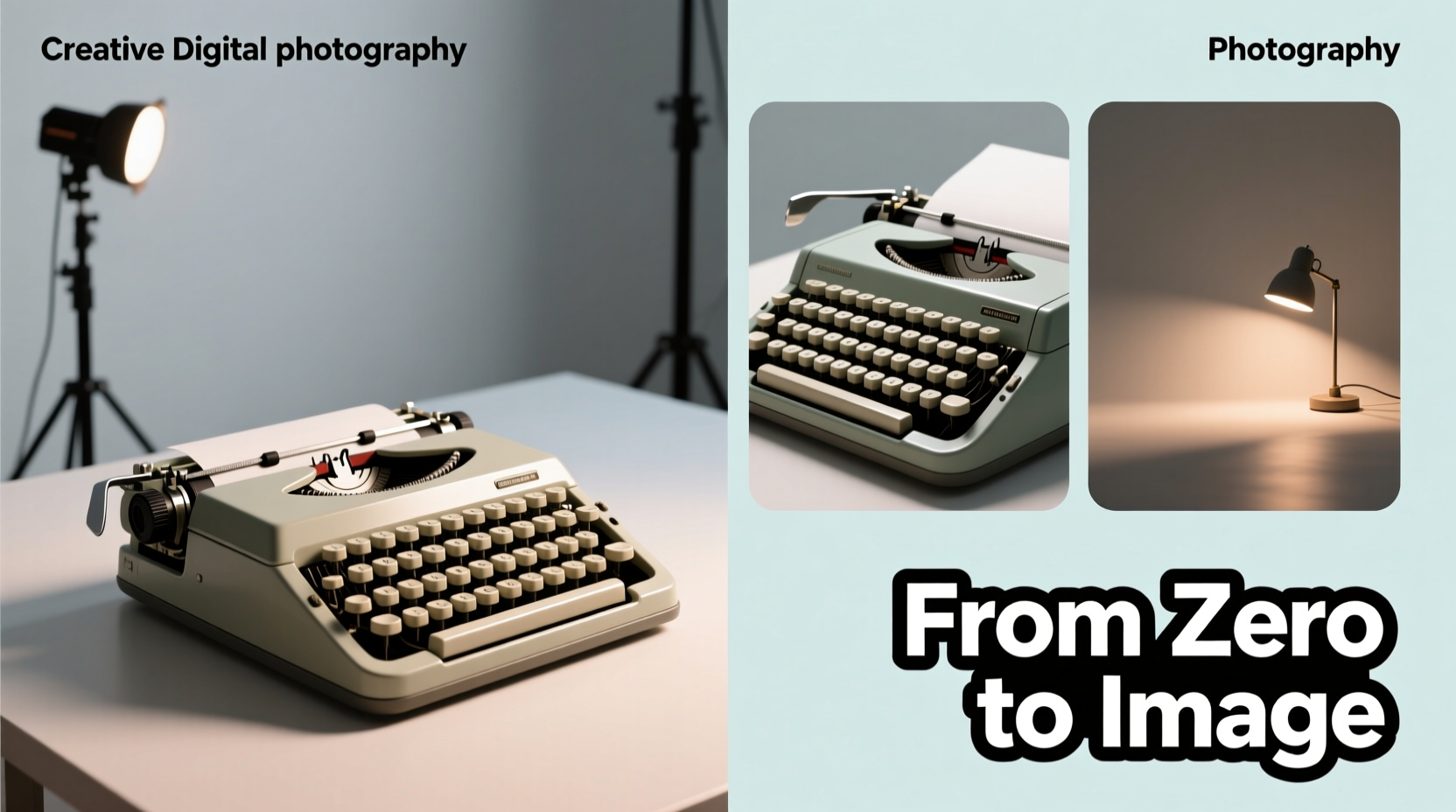
In the modern context, a “digital photo” isn't limited to images captured by a lens. It includes any high-resolution, photorealistic image created digitally—whether through painting, 3D modeling, collage, or algorithmic generation. The goal is often to produce something that looks like it could have been photographed, even if it wasn’t.
Creating such an image from scratch means assembling elements—color, light, texture, perspective—from nothing. You become both the photographer and the set designer, controlling everything from weather conditions to facial expressions without ever stepping outside.
Step-by-Step Guide to Building Your First Digital Photo
Follow this structured process to go from blank canvas to finished digital photograph.
- Define Your Concept: Decide what kind of image you want—portrait, fantasy scene, product mockup, etc. Sketch a rough idea on paper or as a digital doodle.
- Choose Your Tools: Select software based on your comfort level. Beginners may prefer user-friendly apps like Canva or Krita; more advanced users might use Photoshop or Blender.
- Create the Background: Use gradients, textures, or hand-painted skies and floors. Consider depth with horizon lines and atmospheric perspective.
- Add Main Subjects: Draw, paint, or import vector shapes. Adjust size, angle, and shadow to match the scene’s perspective.
- Apply Lighting and Shadows: Simulate natural or artificial light sources. Use layer blending modes (like Multiply for shadows) to enhance realism.
- Refine Details: Add textures, reflections, noise, or grain to avoid a flat, “too-digital” look.
- Finalize and Export: Crop, adjust color balance, and export in high resolution (at least 1920x1080 pixels for screen use).
Creative Methods for Generating Digital Photos Without a Camera
There are multiple pathways to build a convincing digital photo. Each method offers unique advantages depending on your artistic goals.
1. Digital Painting
Using pressure-sensitive tablets and software like Procreate or Krita, you can paint directly onto the canvas. Focus on realistic brush settings, layer organization, and reference images to mimic photographic detail.
2. 3D Scene Rendering
Tools like Blender or DAZ Studio allow you to model objects, position virtual cameras, and render scenes with accurate lighting. This approach mimics real-world photography but within a simulated environment.
3. Photo Collage & Compositing
Combine public domain textures, free stock elements, and hand-drawn components. Blend them using masks and color correction so they appear unified under one light source.
4. AI-Assisted Generation
Use AI image generators (e.g., Leonardo AI, Bing Image Creator) to produce base layers or ideas. Then edit these outputs manually to refine composition and add personal touches.
“Digital creation isn’t about replacing reality—it’s about expanding what we can visualize.” — Lena Torres, Digital Art Educator at New Media Institute
Essential Tools and Their Best Uses
| Tool | Skill Level | Best For | Cost |
|---|---|---|---|
| Krita | Beginner–Intermediate | Digital painting, illustration | Free |
| Canva | Beginner | Simple composites, social media visuals | Free + Premium options |
| Blender | Intermediate–Advanced | 3D modeling and rendering | Free |
| Photoshop | All Levels | Professional editing, compositing | Paid (subscription) |
| Photopea | Beginner–Intermediate | Online Photoshop alternative | Free |
Mini Case Study: Creating a Floating Island Scene
Alice, a hobbyist artist with no formal training, wanted to create a fantasy landscape of an island suspended above clouds. She began by sketching the layout in Krita, then used a gradient sky background with added cloud brushes. For the island, she combined free rock textures and painted greenery using foliage stamps. She imported a low-poly 3D tree model rendered separately in Blender. After placing it into the scene, she matched the lighting by adding soft shadows beneath the island and warm highlights on the edges facing the imaginary sun. Finally, she applied a slight depth-of-field blur to the distant clouds to enhance realism. The result looked convincingly like a photograph taken from a drone—but entirely invented.
Checklist: Your First Digital Photo Creation Process
- ☑ Choose a clear concept or theme
- ☑ Select appropriate software (free or paid)
- ☑ Set up a new project with correct dimensions (e.g., 1920x1080 px)
- ☑ Create or import background elements
- ☑ Build main subject(s) using drawing, modeling, or collage
- ☑ Apply consistent lighting and cast shadows
- ☑ Add surface details: texture, noise, reflections
- ☑ Review for visual coherence and fix inconsistencies
- ☑ Export in high-quality format (PNG or JPEG)
- ☑ Save layered file for future edits (.kra, .psd, .blend)
Frequently Asked Questions
Do I need a drawing tablet to make digital photos?
No, a tablet enhances precision but isn’t required. You can use a mouse or touchscreen device. Many beginners start with basic input tools and still achieve strong results through patience and practice.
Can I use AI-generated images as digital photos?
Yes, but treat AI output as a starting point. To ensure originality and quality, edit the image further—adjust colors, add custom elements, or rework composition manually.
How long does it take to create a digital photo from scratch?
Time varies widely. A simple composition may take 1–2 hours. Complex scenes with detailed lighting and textures can take 10+ hours. Speed improves significantly with practice.
Common Pitfalls and How to Avoid Them
Many beginners struggle with unnatural lighting, mismatched perspectives, or overly smooth surfaces that lack realism. To overcome these:
- Study real photographs to understand how light interacts with materials.
- Use perspective grids when placing objects in space.
- Add subtle imperfections—scratches, dust, uneven edges—to break artificial perfection.
- Zoom out frequently to assess the overall balance of the image.
Conclusion
Making a digital photo from scratch is not just a technical exercise—it’s an act of imagination made visible. With accessible tools and a methodical approach, anyone can begin constructing images that rival traditional photography in impact and detail. The key is to embrace experimentation, learn from each attempt, and gradually build your visual vocabulary. Whether you’re illustrating a story, designing a product prototype, or simply exploring creativity, the digital canvas offers limitless potential.




 浙公网安备
33010002000092号
浙公网安备
33010002000092号 浙B2-20120091-4
Comments
No comments yet. Why don't you start the discussion?