
In an age where smartphones are essential for communication, navigation, and capturing memories, dropping one can mean more than just a cracked screen—it can mean data loss, repair costs, or even permanent device failure. While cases and screen protectors help, they don’t stop the fall. That’s where lanyards come in: lightweight, portable, and surprisingly versatile tools that keep your phone within reach and off the floor. Beyond basic attachment, there are inventive and practical ways to use a lanyard that blend safety with style.
Why Lanyards Are More Than Just Neck Straps
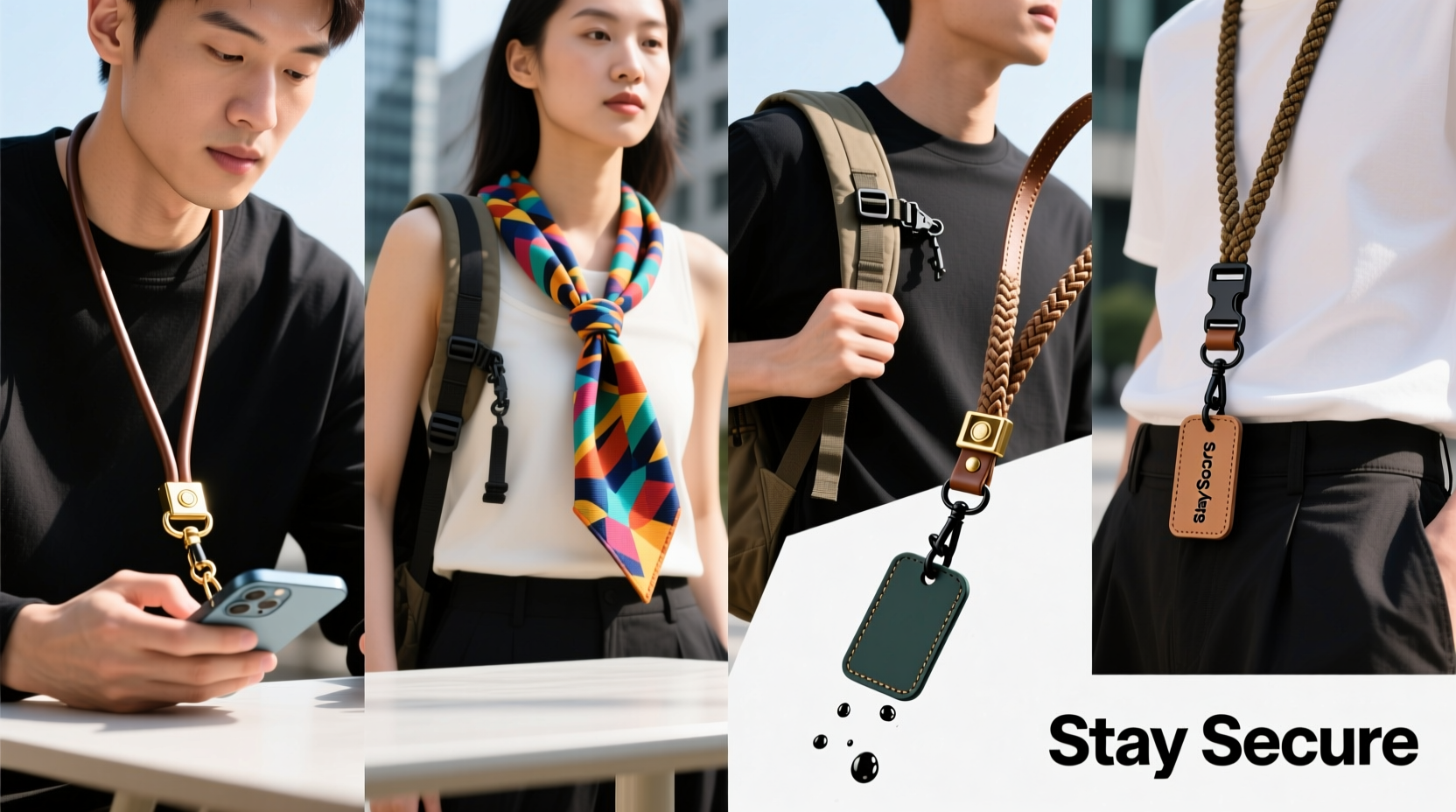
Lanyards are often associated with conference badges or ID cards, but their utility extends far beyond that. When adapted for smartphone use, they transform into dynamic security tools. A well-designed lanyard keeps your phone tethered during movement—whether you're commuting, hiking, working out, or simply juggling groceries and your device.
The key advantage is continuous accessibility without risk. Unlike tossing your phone into a bag or pocket where it can slip out unnoticed, a lanyard ensures constant physical connection. This is especially valuable for people with active lifestyles, those prone to fumbling devices, or users of sleek, slippery phones without grip-friendly designs.
Creative Ways to Wear and Use Your Phone Lanyard
Not all lanyard uses are obvious. With a bit of creativity, you can customize how you carry your phone based on your environment, outfit, or activity level.
1. Wrist Loop Mode for Active Use
Instead of draping the lanyard around your neck, loop it around your wrist. This works exceptionally well when running, cycling, or navigating crowded areas. It keeps your phone secure while leaving your hands mostly free. Simply attach the lanyard to your phone case’s lanyard hole or use a clip-on adapter.
2. Crossbody Style for Urban Commuting
Thread the lanyard diagonally across your body, from one shoulder to the opposite hip. This distributes weight evenly and positions your phone at waist level, reducing strain on your neck and making it easy to grab quickly. Ideal for city dwellers navigating public transit or street markets.
3. Detachable Clip-On for Professional Settings
In formal or office environments, a full lanyard might look out of place. Use a retractable badge reel or a short detachable strap that clips onto your belt loop or blazer pocket. You maintain security discreetly and can unclip the phone when needed.
4. Dual-Purpose Fashion Accessory
Many modern lanyards are designed with aesthetics in mind—featuring braided patterns, leather accents, or customizable beads. Wear yours as a statement piece that complements your outfit while serving a practical function. Some users even integrate their lanyard into their bag’s zipper pull for added redundancy.
5. Nighttime Anchor for Bedside Use
Attach one end of the lanyard to your bed frame and the other to your phone when charging overnight. This prevents accidental drops onto carpet or hard floors when checking messages before sleep or using your phone as an alarm.
“Lanyards are underrated in personal device safety. In high-mobility scenarios, a tethered phone reduces drop incidents by over 70%.” — Dr. Lena Torres, Human Factors & Ergonomics Researcher
Step-by-Step Guide: How to Set Up Your Phone Lanyard System
Getting the most out of your lanyard requires proper setup. Follow this sequence to ensure both comfort and reliability.
- Choose the Right Case: Select a phone case with built-in lanyard loops or a ring attachment. Brands like Pela, Supcase, and Logitech offer rugged cases with compatibility for straps.
- Select Your Lanyard Type: Consider material (nylon, silicone, fabric), length (adjustable is best), and closure type (snap, carabiner, magnetic). Avoid overly stretchy materials.
- Attach Securely: Thread the lanyard through both side loops on your case for balanced support. If only one loop exists, ensure the knot or clasp is double-checked for strength.
- Test Tension and Reach: Hold your phone at arm’s length and gently tug. There should be no slippage. Adjust length so the phone rests comfortably near your chest or hip.
- Practice Safe Movement: Simulate walking, bending, and reaching to confirm the lanyard doesn’t snag or restrict motion. Trim excess length if necessary.
Do’s and Don’ts of Phone Lanyard Use
| Do’s | Don’ts |
|---|---|
| Use a breakaway clasp for safety in crowds or near machinery | Never rely solely on adhesive-mounted rings—they can detach under stress |
| Match lanyard length to your activity (shorter for workouts, longer for crossbody) | Avoid wrapping lanyards tightly around wrists for extended periods to prevent circulation issues |
| Inspect knots and connectors weekly for wear | Don’t use frayed or sun-damaged cords—even minor tears compromise strength |
| Opt for reflective or brightly colored lanyards for visibility at night | Don’t attach heavy add-ons (like keys) to the same lanyard—this increases strain |
Real-World Example: The Festival-Goer’s Solution
Sophie, a frequent music festival attendee, lost her phone twice in one summer—one fell into a mud puddle, the other was dropped during a crowd surge. After replacing her device, she invested in a waterproof case with dual lanyard anchors and a vibrant, adjustable strap with a magnetic snap.
She wore it crossbody during concerts, switched to wrist mode when dancing, and detached it only when sleeping in her tent. Over the next three events, her phone stayed secure despite mosh pits, rain, and late-night walks. “It’s like having a seatbelt for my phone,” she said. “I barely notice it’s there—until I realize I haven’t panicked about losing it all weekend.”
Essential Checklist Before Using a Phone Lanyard
- ✅ Confirm your phone case has secure lanyard attachment points
- ✅ Test the lanyard’s tensile strength by pulling firmly on both ends
- ✅ Ensure the clasp or knot won’t accidentally open during movement
- ✅ Adjust length so the phone rests between chest and hip level
- ✅ Verify the lanyard doesn’t interfere with ports, buttons, or wireless charging
- ✅ Carry a backup mini-lanyard in your wallet or bag for emergencies
Frequently Asked Questions
Can I use a lanyard with any phone?
Most modern phones require a compatible case to support lanyard attachments. Direct threading isn’t possible on standard glass-backed phones. However, third-party accessories like metal rings with adhesive backs or specialized holsters can enable lanyard use on nearly any model—just ensure the bond is strong and the weight distribution is even.
Are lanyards safe for children’s phones?
Yes, but with precautions. Use child-safe lanyards with breakaway clasps that release under pressure to prevent choking hazards. Supervise younger kids until they understand not to swing or wrap the cord around their neck. Short wrist-style straps are often safer than neck lanyards for children.
Will a lanyard affect my phone’s warranty?
No, as long as you don’t modify the phone itself. Using a case with lanyard holes or attaching a strap via a case accessory does not void warranties. However, damage caused by improper use (e.g., yanking the phone from height) may not be covered.
Final Thoughts: Make Security Seamless
Preventing phone drops shouldn’t mean sacrificing convenience or style. A lanyard, when used creatively, becomes an invisible guardian—always present, rarely noticed, and incredibly effective. Whether you’re a parent chasing toddlers, a traveler navigating airports, or a photographer moving between shots, a simple tether can save hundreds in repairs and countless moments of frustration.




 浙公网安备
33010002000092号
浙公网安备
33010002000092号 浙B2-20120091-4
Comments
No comments yet. Why don't you start the discussion?