
For developers, choosing the right monitor isn’t just about resolution or refresh rate—it’s about how the screen fits into your workflow, posture, and long-term comfort. As curved monitors have gained popularity in gaming and creative fields, many coders are wondering whether the immersive curve offers tangible benefits over traditional flat displays. The trade-off often comes down to one key factor: does the enhanced visual experience justify the extra footprint on your desk?
The appeal of a curved monitor lies in its ability to wrap around your field of vision, reducing eye strain and creating a more cohesive viewing experience across wide screens. But when you're staring at lines of code for eight hours a day, does that curvature translate into better focus, fewer errors, or faster debugging? Or is it simply aesthetic flair that consumes valuable workspace and complicates multi-monitor setups?
This article examines both sides of the debate with practical insights from professional developers, ergonomic research, and real-world usage patterns. We’ll explore performance differences, spatial considerations, and long-term usability to help you decide if upgrading to a curved display is a smart move—or an inefficient indulgence.
Ergonomic Advantages of Curved Monitors
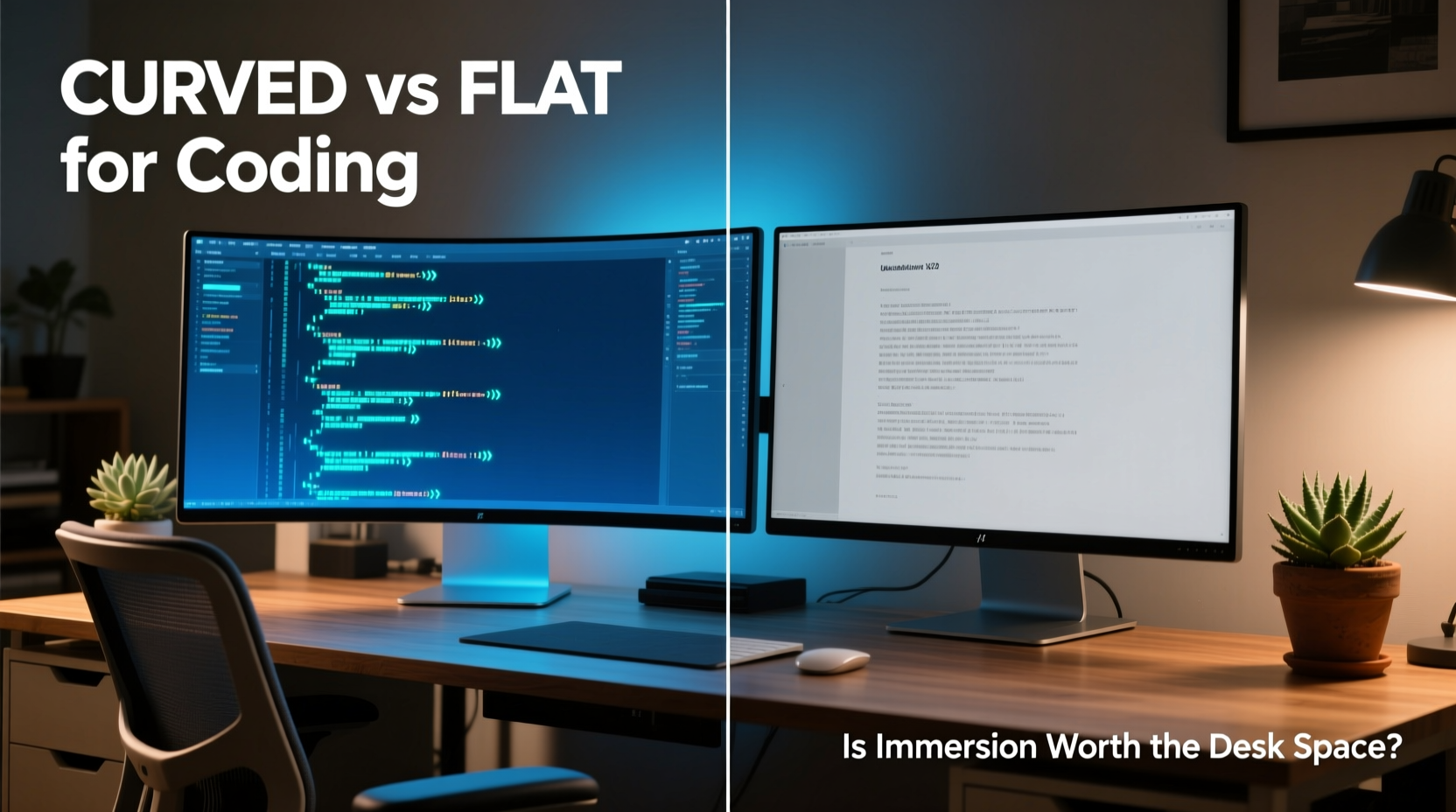
One of the strongest arguments in favor of curved monitors is their alignment with natural human vision. Our eyes perceive the world in a slightly curved manner, and flat screens can create subtle distortions at the edges, especially on ultrawide models. A curved panel aims to correct this by maintaining consistent distance from your eyes across the entire surface.
From an ergonomic standpoint, this design reduces the need for excessive eye movement and refocusing when scanning between windows or reading long lines of code. For example, when using a 34-inch ultrawide curved monitor, the far-left and far-right sections remain visually aligned without requiring head turns or sharp saccades.
“Curved monitors reduce peripheral distortion and promote more uniform focus, which can decrease visual fatigue during prolonged coding sessions.” — Dr. Lena Torres, Vision Ergonomics Researcher, University of Michigan
Additionally, many curved monitors come with built-in height, tilt, and swivel adjustments, making it easier to achieve an optimal viewing angle. When properly positioned, the center of the screen should align with your eye level, and the curve should follow the arc of your natural gaze.
Spatial Trade-offs: Desk Real Estate vs Immersion
While curved monitors offer improved visual comfort, they demand more physical space. Due to their depth and curvature, they typically extend further toward the user than flat panels of the same size. This becomes particularly noticeable on smaller desks or in compact home offices.
A standard 34-inch ultrawide curved monitor may require up to 3–5 inches more depth than a flat equivalent. That difference might not seem significant until you’re trying to fit a mechanical keyboard, wrist rest, notebook, and mouse within a 60 cm deep desk. In such cases, the monitor ends up crowding your primary work zone, forcing you into awkward postures or limiting accessory placement.
Moreover, integrating a curved monitor into a dual-display setup introduces additional challenges. Matching it with a flat secondary screen can create visual discontinuity, where windows appear distorted as they cross the seam. Some users report discomfort when dragging IDE panels or terminal windows between screens due to inconsistent geometry and reflection angles.
If desk space is limited, consider mounting options. A VESA-compatible curved monitor can be wall-mounted or placed on an articulating arm to free up surface area. However, these solutions add cost and complexity, potentially outweighing the benefits for budget-conscious developers.
Performance Comparison: Flat vs Curved for Coding Tasks
To assess which monitor type performs better for coding, we evaluated several key factors: readability, multitasking efficiency, color accuracy, and response time.
| Feature | Flat Monitor | Curved Monitor |
|---|---|---|
| Text Readability | Consistent across screen; no edge distortion | Slight barrel distortion possible at extremes |
| Multitasking (Split View) | Easy window alignment; predictable layout | Natural flow between zones; reduced neck strain |
| Color Accuracy | High on IPS panels; consistent off-axis | May vary slightly at edges due to curvature |
| Response Time | Typically fast (1ms–5ms) | Comparable, but depends on panel type |
| Desk Footprint | Compact; sits flush against back edge | Larger depth; protrudes forward |
In practice, most developers spend the majority of their time focused on the central third of the screen—where both flat and curved monitors perform similarly. Syntax highlighting, font rendering, and line spacing are unaffected by curvature assuming a high-resolution panel (at least 1440p).
However, those who frequently use split-screen layouts—such as pairing an editor with documentation, terminal, and browser—often report smoother transitions across a curved display. The seamless panoramic view minimizes cognitive load when shifting attention between panes.
Real-World Case Study: Transitioning from Flat to Curved
James R., a backend developer at a mid-sized SaaS company, used dual 27-inch flat monitors for five years before switching to a single 34-inch curved ultrawide. His goal was to reduce clutter and improve focus.
Initially, he struggled with the new layout. Code editors felt “warped” at the far edges, and he found himself subconsciously leaning forward to compensate. After adjusting the monitor height and enabling slight panning in his window manager, the experience improved dramatically.
Within three weeks, James reported fewer instances of eye fatigue and faster context switching between tools. He also appreciated having a unified workspace instead of managing two separate displays with different brightness levels and input sources.
However, the transition wasn’t without compromises. His standing desk became noticeably cramped, forcing him to switch to a tenkeyless keyboard and relocate his mouse pad. Additionally, video calls became trickier—the camera mount had to be repositioned to avoid capturing the side of his face due to the monitor’s forward extension.
“It’s not a one-size-fits-all upgrade,” James said. “But for my workflow—writing API logic while monitoring logs and metrics simultaneously—the curve makes a real difference. I just wish I’d measured my desk first.”
Expert Recommendations and Setup Checklist
Based on developer feedback and ergonomic studies, here are actionable recommendations for choosing between curved and flat monitors:
- Choose a curved monitor if: You work with wide spreadsheets, multiple code panes, or full-stack toolchains and have sufficient desk depth (at least 70 cm).
- Stick with flat if: You rely on dual monitors, have limited space, or prioritize pixel-perfect consistency (e.g., UI/UX development).
- Consider hybrid setups: Use a curved primary for coding and a flat vertical secondary for chat, email, or reference docs.
Monitor Selection Checklist
- Measure your desk depth and available clearance.
- Determine your primary use case: single app focus vs multitasking.
- Check VESA compatibility for potential mounting solutions.
- Verify panel type (IPS recommended for color and viewing angles).
- Test text clarity at normal viewing distance (arm’s length).
- Ensure OS and GPU support for desired resolution (e.g., 3440x1440).
- Read user reviews specifically from developers or programmers.
Frequently Asked Questions
Can a curved monitor cause headaches or dizziness?
Some users report mild discomfort during initial adaptation, especially with aggressive curves (e.g., 1800R or tighter). This usually resolves within a few days. If symptoms persist, revert to a flat screen or try a less pronounced curve (3000R or higher radius). Proper positioning—centered and at eye level—is critical.
Are curved monitors good for pair programming?
They can be, but with limitations. The sweet spot for optimal viewing is narrower on curved displays, meaning a second person seated beside you may see distorted or reflected images. For frequent collaboration, a flat monitor or a curved model with anti-glare coating is preferable.
Do I need a special stand or mount for a curved monitor?
Most modern curved monitors use standard VESA mounts (100x100mm), so compatibility isn’t usually an issue. However, ensure your mount can handle the weight and depth. Articulating arms with gas spring mechanisms are ideal for adjusting depth and tilt precisely.
Final Verdict: Is the Immersion Worth It?
The decision between a curved and flat monitor for coding ultimately hinges on your environment and workflow. If you value immersive multitasking, have ample desk space, and spend long stretches writing or reviewing code across multiple panes, a curved ultrawide can enhance both comfort and efficiency. The reduction in eye movement and improved spatial continuity often leads to fewer distractions and lower mental fatigue over time.
On the other hand, if your workspace is tight, your setup relies on multiple screens, or you prioritize absolute precision in layout and rendering, a high-quality flat monitor remains the safer, more flexible choice. Flat panels are also generally easier to integrate into collaborative environments and tend to be more affordable at comparable resolutions.
Technology should serve your productivity—not dictate your desk arrangement. Before making the leap, simulate the footprint with cardboard cutouts or borrow a unit to test for a week. Measure twice, buy once.




 浙公网安备
33010002000092号
浙公网安备
33010002000092号 浙B2-20120091-4
Comments
No comments yet. Why don't you start the discussion?