
In recent years, curved monitors have moved from niche luxury to mainstream availability. Once seen as flashy accessories for deep-pocketed enthusiasts, they now sit on desks across casual setups and professional studios alike. But when it comes to gaming, does that subtle arc offer real performance advantages—or is it merely cosmetic flair designed to sell more hardware?
The answer isn’t simple. While some gamers swear by the immersive feel of a curved display, others find little difference compared to high-quality flat screens. The truth lies in understanding how curvature affects visual perception, field of view, comfort, and actual gameplay mechanics.
Understanding Monitor Curvature: What Does It Mean?
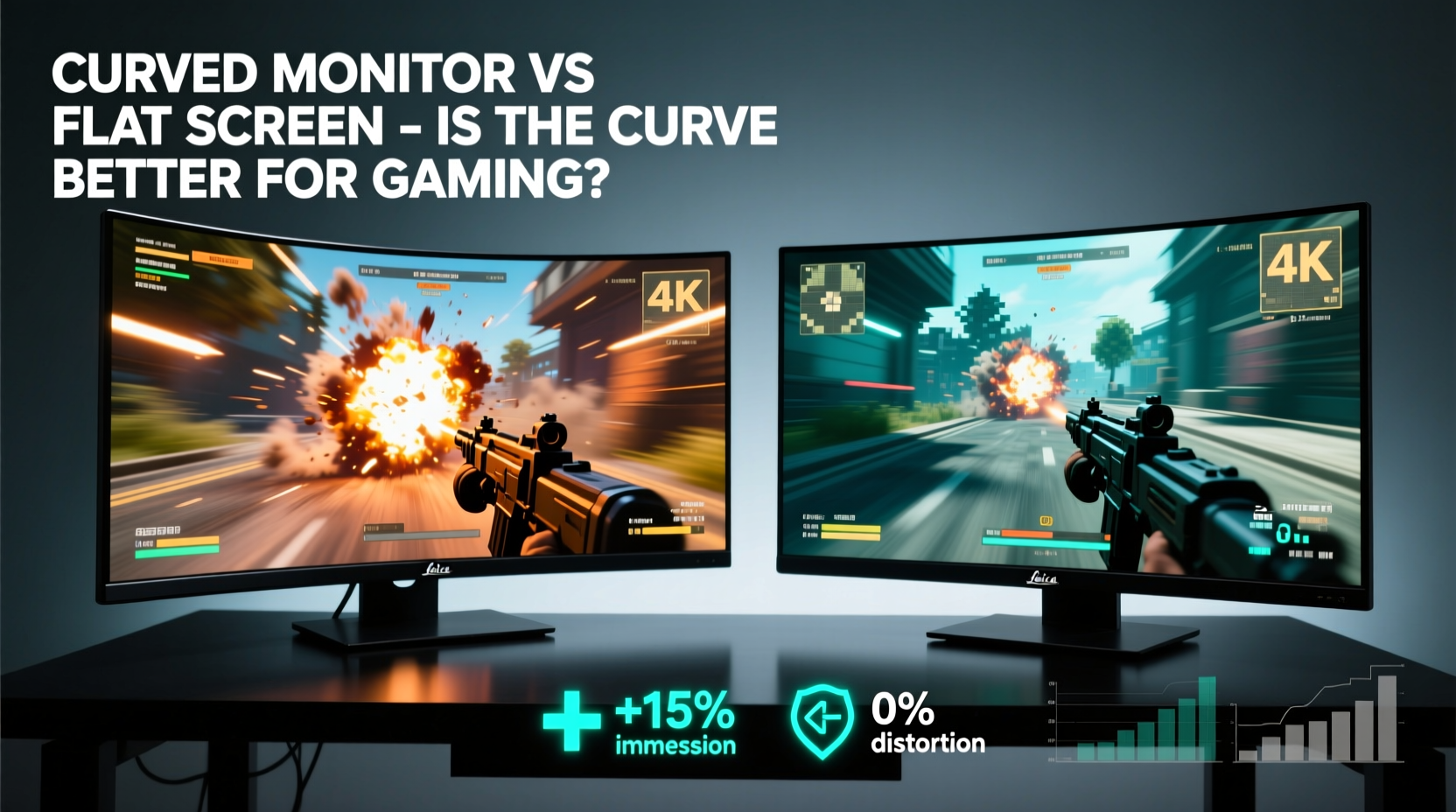
Monitor curvature is measured in “R” values—like 1800R, 1500R, or 1000R—where the number represents the radius of the imaginary circle the screen would form if extended. A lower R value means a tighter curve. For example, 1000R is more aggressively curved than 3000R.
This curvature is engineered to match the natural arc of human peripheral vision. Proponents argue that this design reduces eye strain and creates a more enveloping experience, particularly at larger screen sizes (typically 27 inches and above).
However, not all curves are created equal. Some ultra-wide models use gentle bends best suited for multitasking, while others target competitive FPS players with aggressive curves meant to enhance spatial awareness.
“Curvature can improve immersion and reduce distortion at the edges, but only if matched correctly to viewing distance and screen size.” — Dr. Alan Zhou, Human Factors & Ergonomics Researcher, University of Michigan
Advantages of Curved Monitors for Gaming
When properly implemented, a curved monitor offers several tangible benefits over traditional flat displays—especially in specific gaming contexts.
- Enhanced Immersion: The wraparound effect pulls you into the game world. In open-world titles like The Witcher 3, Starfield, or racing sims such as Forza Motorsport, the sensation of depth and presence increases noticeably.
- Reduced Edge Distortion: On large flat panels, especially ultrawides, objects at the far left or right can appear stretched due to viewing angles. Curvature corrects this by aligning all parts of the screen equidistant from your eyes.
- Better Focus Across Screen: Because the entire surface maintains a consistent distance from your face, your eyes don’t need to refocus when shifting gaze from center to edge—a factor that may reduce fatigue during long sessions.
- Improved Peripheral Visibility: Particularly useful in first-person shooters and flight simulators, where situational awareness matters. You catch movement at the fringes without turning your head.
Flat Screens: Still Relevant in Today’s Market?
Despite the rise of curved options, flat monitors remain dominant—and for good reason. They offer reliability, consistency, and versatility unmatched by their arced counterparts in certain scenarios.
Flat screens provide uniform clarity across the entire panel, which is critical for pixel-perfect precision in competitive esports. Games like Counter-Strike 2, Valorant, or League of Legends rely heavily on quick reactions and accurate targeting, where even slight image warping could be detrimental.
Additionally, flat monitors tend to have fewer issues with reflections and glare because their surfaces are easier to position relative to light sources. They’re also generally cheaper, lighter, and simpler to mount on multi-monitor setups.
One often-overlooked advantage: color accuracy. Professional-grade flat IPS panels still lead in color reproduction, making them preferred choices for streamers who demand fidelity between gameplay and broadcast output.
Performance Comparison: Curved vs Flat for Different Game Genres
| Game Genre | Best Monitor Type | Why |
|---|---|---|
| Racing Sims / Flight Sims | Curved (Ultrawide) | Immersive cockpit view; wider field enhances realism and control feedback. |
| Open-World RPGs | Curved (32\"+) | Greater sense of environment depth; minimizes edge distraction. |
| Competitive FPS (e.g., CS2, Valorant) | Flat (24–27\") | No image distortion near edges; faster response times typically available. |
| MMOs / Strategy Games | Either (based on preference) | Large maps benefit from curvature, but UI-heavy layouts work well on flat. |
| Fighting Games | Flat | Symmetrical action requires no distortion; precise timing needs clarity. |
Common Misconceptions About Curved Displays
Not every claim made about curved monitors holds up under scrutiny. Let’s dispel some widespread myths.
- Myth: Curved = Automatically Better Image Quality
Reality: Curvature doesn’t affect resolution, contrast, or HDR performance. These depend on panel type (VA, IPS, OLED), not shape. - Myth: All Gamers Will Feel More Immersed
Reality: Some users report dizziness or a \"fishbowl\" effect, especially with tight curves used at short distances. - Myth: Curved Monitors Eliminate Eye Strain Completely
Reality: While ergonomically beneficial in theory, poor posture or excessive brightness can still cause fatigue regardless of screen shape.
Mini Case Study: Alex, Competitive Shooter Turned Sim Enthusiast
Alex, a former Overwatch tournament player, upgraded his 24-inch flat 240Hz TN panel to a 34-inch 144Hz ultrawide curved VA monitor after switching to sim racing. Initially skeptical, he found the transition jarring—the curve seemed to warp enemy silhouettes during occasional return matches.
But within weeks, his perspective shifted. Playing iRacing, he noticed improved peripheral awareness of nearby cars. He could glance at dashboard telemetry without losing sight of the track ahead. After six months, he concluded: “It’s not better for everything—but for what I do now, it’s transformative.”
His experience underscores a key point: context determines value. Upgrading isn’t about chasing trends; it’s about matching tools to purpose.
Choosing the Right Monitor: A Practical Checklist
Before deciding between curved and flat, evaluate your setup and usage patterns. Use this checklist to guide your decision:
- ✅ Primary Use: Are you playing immersive single-player games or competing online?
- ✅ Screen Size: Below 27\"? Curvature has minimal impact. Above 30\"? Likely beneficial.
- ✅ Viewing Distance: Sitting closer than 2 feet? Avoid strong curves. Ideal range: 2–3 feet.
- ✅ Panel Type: VA panels often come curved and offer deep blacks, but slower response. IPS provides speed and color accuracy, usually flat.
- ✅ Budget: Entry-level curved monitors start around $300, but premium models exceed $800. Compare specs, not just shape.
- ✅ Multi-Monitor Setup: Curved units complicate alignment. Stick to flat if using dual/triple configurations.
- ✅ Ergonomics: Ensure your desk allows centered positioning. Off-axis viewing ruins the curvature benefit.
Technical Trade-offs You Should Know
While aesthetics matter, technical limitations define long-term satisfaction.
Reflection Handling: Curved glass collects ambient light from multiple directions, increasing glare in bright rooms. Anti-reflective coatings help, but rarely eliminate the issue entirely.
Mounting Challenges: VESA compatibility exists, but articulating arms may struggle with weight distribution on heavier curved models. Wall mounting requires careful leveling to avoid visual skew.
Pixel Density Variance: At extreme edges, pixels on curved screens can appear slightly compressed. This rarely impacts gameplay but may bother detail-oriented users editing video or photo content alongside gaming.
Response Times: Many curved monitors use VA panels, which historically lag behind IPS in gray-to-gray transition speeds. Though modern VA tech has closed the gap (some hitting 1ms MPRT), fast-paced twitch gaming still favors top-tier flat IPS or OLED displays.
FAQ: Your Top Questions Answered
Do curved monitors reduce eye strain?
Potentially, yes—but conditionally. By maintaining a consistent focal distance across the screen, curved monitors can reduce the micro-adjustments your eyes make when scanning wide flat panels. However, this benefit only manifests with proper placement and adequate lighting. Poor ergonomics will override any inherent advantage.
Can you use a curved monitor for competitive gaming?
Technically, yes—but most pros avoid them. In titles requiring pixel-perfect aim, any edge distortion (real or perceived) can disrupt muscle memory. Additionally, many high-refresh-rate options (>240Hz) remain flat due to panel technology constraints. For casual competition, a curved display works fine; for tournament play, stick with proven flat gear.
Are ultrawide curved monitors worth it?
For immersive experiences, absolutely. An ultrawide 21:9 or 32:9 curved monitor expands your field of view significantly, enhancing both gameplay and productivity. Just ensure your GPU can handle the extra resolution (often 3440x1440 or higher). Mid-range graphics cards may struggle to maintain smooth frame rates in demanding titles.
Final Verdict: Gimmick or Genuine Upgrade?
Calling curved monitors a “gimmick” oversimplifies a nuanced evolution in display design. For certain gamers—particularly those invested in simulation, exploration, or cinematic experiences—the curve delivers measurable improvements in comfort, focus, and immersion.
Yet, it’s not universally superior. Competitive players, budget-conscious buyers, or those with space-constrained desks may find flat monitors more practical, reliable, and cost-effective.
The real takeaway? Technology should serve the user, not the other way around. A curved monitor isn’t inherently better—it’s different. And its value depends entirely on how you play, where you sit, and what kind of experience you prioritize.
As display innovation continues, we’re likely to see hybrid solutions: adaptive curvature, dynamic refresh zones, and smarter integration with VR-like spatial tracking. Until then, choose based on evidence, not marketing hype.
“The future of gaming displays isn’t just about being flat or curved—it’s about adapting to the player.” — Lena Park, Display Engineer at LG Electronics
Take Action: Find Your Perfect Fit
If you're considering a new monitor, don’t default to either side of the debate. Instead, audit your current setup: measure your viewing distance, identify your most-played genres, and assess your desk layout. Then, research models that align with your needs—not just the ones with the flashiest specs.
Try before you buy. Read reviews focused on real-world use, not just lab benchmarks. And remember: the best monitor isn’t the most expensive or trendiest one. It’s the one that disappears into the background so you can lose yourself in the game.




 浙公网安备
33010002000092号
浙公网安备
33010002000092号 浙B2-20120091-4
Comments
No comments yet. Why don't you start the discussion?