
When choosing a monitor for work, one of the most debated decisions isn’t about resolution or refresh rate—it’s about shape. Should you go with a sleek, modern curved display promising immersion, or stick with the tried-and-true flat panel that’s powered offices for decades? While marketing materials often paint curved monitors as the future of visual comfort and engagement, the reality for productivity-focused users is more nuanced. The curve may enhance certain experiences but can introduce subtle drawbacks when it comes to long hours of focused work.
This isn’t just about aesthetics. It’s about how screen geometry affects eye movement, head positioning, peripheral awareness, and even mental fatigue over an 8-hour day. To make an informed choice, we need to look beyond the hype and examine real ergonomic principles, user behavior, and task-specific demands.
The Ergonomic Promise of Curved Screens
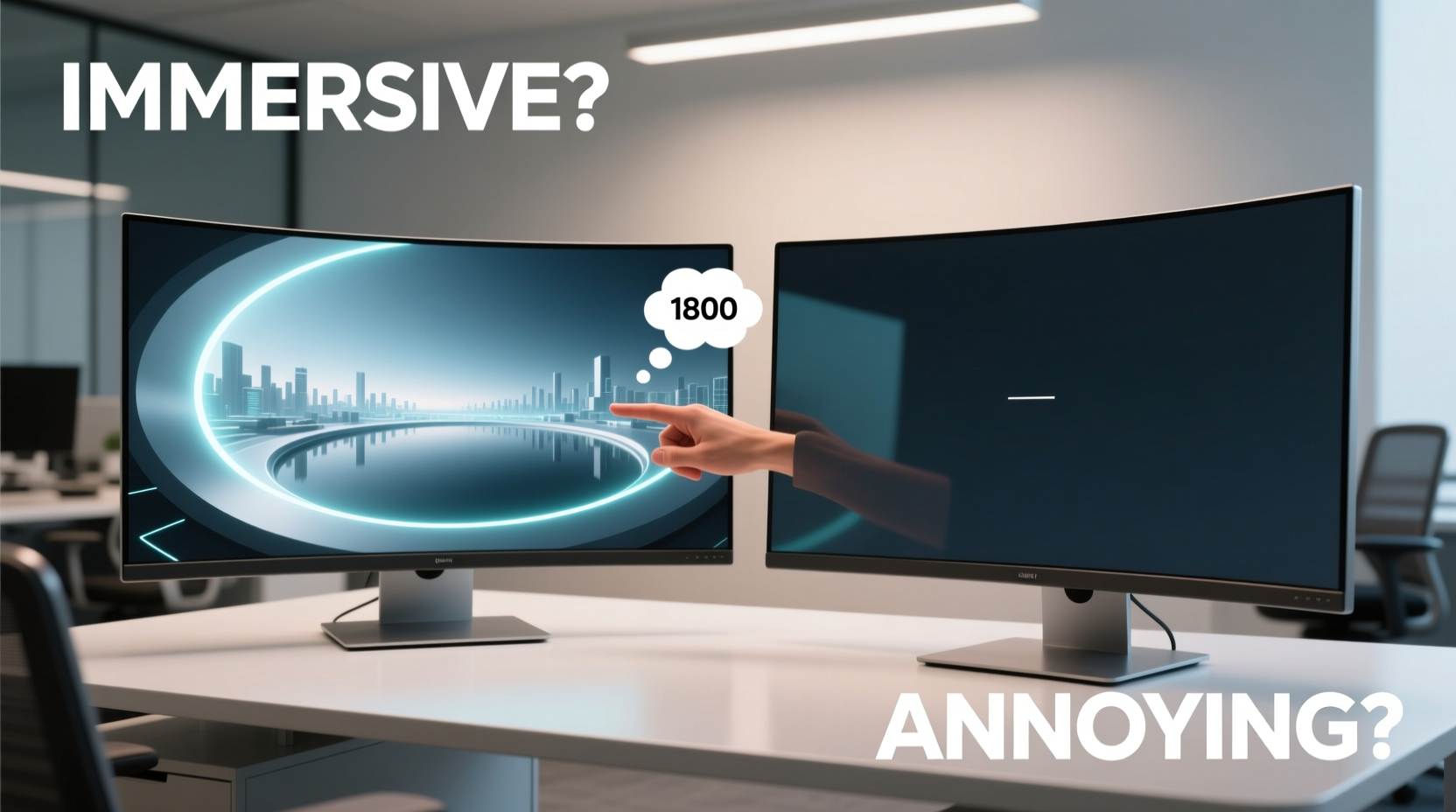
Manufacturers claim that curved monitors align better with the natural curvature of human vision. The idea is simple: our eyes don’t perceive the world on a flat plane. By wrapping the screen slightly around the viewer, manufacturers argue that all parts of the display are equidistant from the eyes, reducing distortion and minimizing the need for excessive eye scanning.
A typical 34-inch ultrawide curved monitor, for example, might have a radius of 1500R (meaning a curvature radius of 1500 millimeters). This gentle arc aims to keep text sharp at the edges and reduce glare from ambient light bouncing off angled surfaces. In theory, this leads to less eye strain during prolonged reading or data analysis.
But does this hold up in practice?
“While curved displays can offer a modest improvement in edge-to-edge clarity for wide screens, the benefit diminishes if the user sits too far back or off-center.” — Dr. Lena Torres, Human Factors Researcher at MIT AgeLab
For true ergonomic alignment, the viewer must be seated directly in front of the center point of the curve, within a specific distance—usually between 24 and 36 inches. Move outside that sweet spot, and the benefits fade quickly. In open-plan offices or shared workspaces where seating varies, this limitation becomes significant.
Flat Monitors: Simplicity, Consistency, and Compatibility
Flat monitors have been the standard for professional environments for good reason. They offer predictable geometry, accurate color reproduction across the entire surface, and seamless multi-monitor setups without visual distortion at the seams.
For tasks involving precise detail—such as coding, financial modeling, or document editing—flat panels eliminate the subtle warping that can occur at the edges of curved displays. Even minor pincushion or barrel distortion can disrupt concentration when reviewing spreadsheets or code syntax where alignment matters.
Additionally, flat monitors are easier to calibrate and integrate into dual or triple configurations. When placing two flat screens side by side, the transition between them is linear and intuitive. With curved models, matching curves perfectly is rare, and misalignment can cause visual breaks that force your brain to \"reorient\" each time your gaze shifts.
Another overlooked factor is software compatibility. Some older applications and web interfaces were designed assuming a flat display. On highly curved monitors, UI elements like dropdown menus or tooltips may appear skewed or partially cut off at the edges due to rendering assumptions based on flat geometry.
Immersive or Distracting? The Cognitive Impact of Screen Shape
The word “immersive” is frequently used to sell curved monitors—but immersion isn’t always desirable in a productivity context. Immersion pulls you in; it encourages emotional engagement and sensory absorption. That’s ideal for gaming or video editing, but counterproductive when you need to maintain objective focus on repetitive tasks.
Consider a financial analyst reviewing quarterly reports across multiple tabs. Their goal isn’t to feel enveloped by data—it’s to extract insights efficiently and accurately. A curved screen may subtly pull attention toward the center, creating a tunnel-vision effect that makes peripheral glances at reference windows slower and less natural.
In contrast, flat monitors support a wider field of view without artificial depth cues. Your eyes scan left to right in a straight line, which matches how most people read and process information horizontally—especially in Western languages.
Real-World Example: A Day in Two Setups
Sophie, a technical writer at a SaaS company, tested both configurations over a two-week period. She used a 34-inch 1500R curved ultrawide for one week and switched to dual 27-inch flat QHD monitors the next.
During the curved week, she found initial novelty in the wraparound feel, especially while referencing documentation in split-screen mode. However, after three days, she noticed increased neck tension. Because the center of the screen was slightly recessed, she unconsciously leaned forward to stay aligned with the focal point.
With the flat setup, her posture improved immediately. She could glance between browser, editor, and chat apps without turning her head excessively. She also reported fewer instances of losing her place mid-sentence—a problem she attributed to slight text distortion near the edges of the curved display.
Her verdict? “The curve felt cool for movie nights, but for actual writing, the flat screens kept me calmer and more focused.”
Comparison: Curved vs Flat Monitors for Productivity
| Feature | Curved Monitor | Flat Monitor |
|---|---|---|
| Eye Strain (long sessions) | Moderate improvement if properly positioned | Consistent performance across positions |
| Edge Clarity | Improved for wide screens under ideal conditions | Uniform across screen |
| Multi-Monitor Setup | Challenging; gaps and mismatched curves | Easy to align; seamless transitions |
| Distraction Level | Higher; curved depth can draw attention | Lower; neutral visual field |
| Best For | Media consumption, design, single-task focus | Coding, writing, multitasking, office workflows |
Choosing the Right Tool: A Practical Checklist
Your monitor should serve your workflow—not impress visitors. Use this checklist to determine which type fits your daily routine.
- Do you primarily work with text-heavy documents? → Lean toward flat.
- Do you use multiple applications simultaneously? → Flat monitors or multi-panel setups offer better spatial organization.
- Is your desk space limited? → A single curved ultrawide can consolidate workspace efficiently.
- Do you share your workstation? → Flat screens accommodate variable seating positions better.
- Are you sensitive to visual distortions? → Test before buying; some users notice edge warping immediately.
- Do you edit photos or videos professionally? → Consider color accuracy and calibration ease—many pros prefer flat IPS panels.
- Is your budget flexible? → High-end curved models can cost significantly more than equivalent flat ones without offering proportional productivity gains.
Expert Insight: What Designers and Developers Say
At a recent usability summit hosted by the Interaction Design Foundation, a panel of UX professionals discussed display preferences among knowledge workers. One key takeaway stood out: consistency trumps novelty.
“In high-cognition tasks, predictability reduces cognitive load. A flat screen behaves exactly as expected. There's no adaptation phase, no perceptual tricks. That’s why many developers and writers still opt for traditional formats.” — Rajiv Mehta, Senior UX Consultant, IDEO
This aligns with broader research in cognitive ergonomics: the brain prefers familiar, stable environments when performing analytical work. Novelty introduces processing overhead—even something as subtle as a curved interface can require micro-adjustments in visual interpretation.
FAQ: Common Questions About Curved vs Flat Monitors
Does a curved monitor reduce eye strain?
It can—under optimal conditions. If you sit centered and close enough (typically 24–36 inches), a curved screen may reduce lateral eye movement and improve edge readability on wide displays. However, if you’re off-axis or farther away, the benefit disappears and may even increase strain due to image distortion.
Can I use a curved monitor for office work?
Yes, but with caveats. For general email, browsing, and occasional document review, a curved monitor works fine. But for intensive tasks like coding, data entry, or legal drafting, many users report discomfort or inefficiency over time due to edge distortion and postural demands.
Are curved monitors worth it for multitasking?
Not necessarily. While ultrawide curved screens allow splitting into multiple virtual desktops, the physical curve can make rapid switching between sections mentally taxing. The lack of clean vertical divisions means your brain has to re-map spatial relationships constantly. Flat monitors—especially in pairs—offer clearer compartmentalization.
Final Recommendation: Match Form to Function
The allure of a curved monitor is understandable. It looks futuristic, fills your peripheral vision, and feels like an upgrade. But productivity isn’t about feeling advanced—it’s about working effectively, comfortably, and sustainably over time.
If your work involves deep focus, frequent context switching, or precision-based output, a high-quality flat monitor—or a well-aligned dual-flat setup—is likely the superior choice. The absence of visual manipulation means less mental effort spent interpreting what you see.
On the other hand, if you value cinematic presence, work primarily in full-screen creative tools, or want to minimize desk clutter with a single expansive display, a curved monitor may suit you—provided you optimize your seating position and take regular breaks to avoid postural drift.
Ultimately, the curve isn’t inherently better or worse. It’s a design trade-off. And in the realm of productivity, where small inefficiencies compound over hours, the flatter, simpler path often leads to greater long-term output.




 浙公网安备
33010002000092号
浙公网安备
33010002000092号 浙B2-20120091-4
Comments
No comments yet. Why don't you start the discussion?