
When it comes to competitive gaming, every millisecond counts. From reaction time to screen clarity, the hardware you use can influence your performance more than most realize. One of the most debated topics in high-performance setups is whether curved or flat monitors offer a tangible edge. While curved screens have gained popularity for their immersive feel, flat monitors remain the staple in esports arenas and professional play. The real question isn’t just about preference—it’s about how each monitor type impacts visibility, accuracy, and consistency under pressure.
The answer isn't binary. It depends on your play style, game genre, physical setup, and even seating distance. To make an informed decision, we need to go beyond marketing claims and examine how curvature affects visual processing, peripheral awareness, and input responsiveness—key factors that define success in fast-paced games like Counter-Strike 2, Valorant, or Apex Legends.
Understanding Monitor Curvature: What Does “R” Mean?
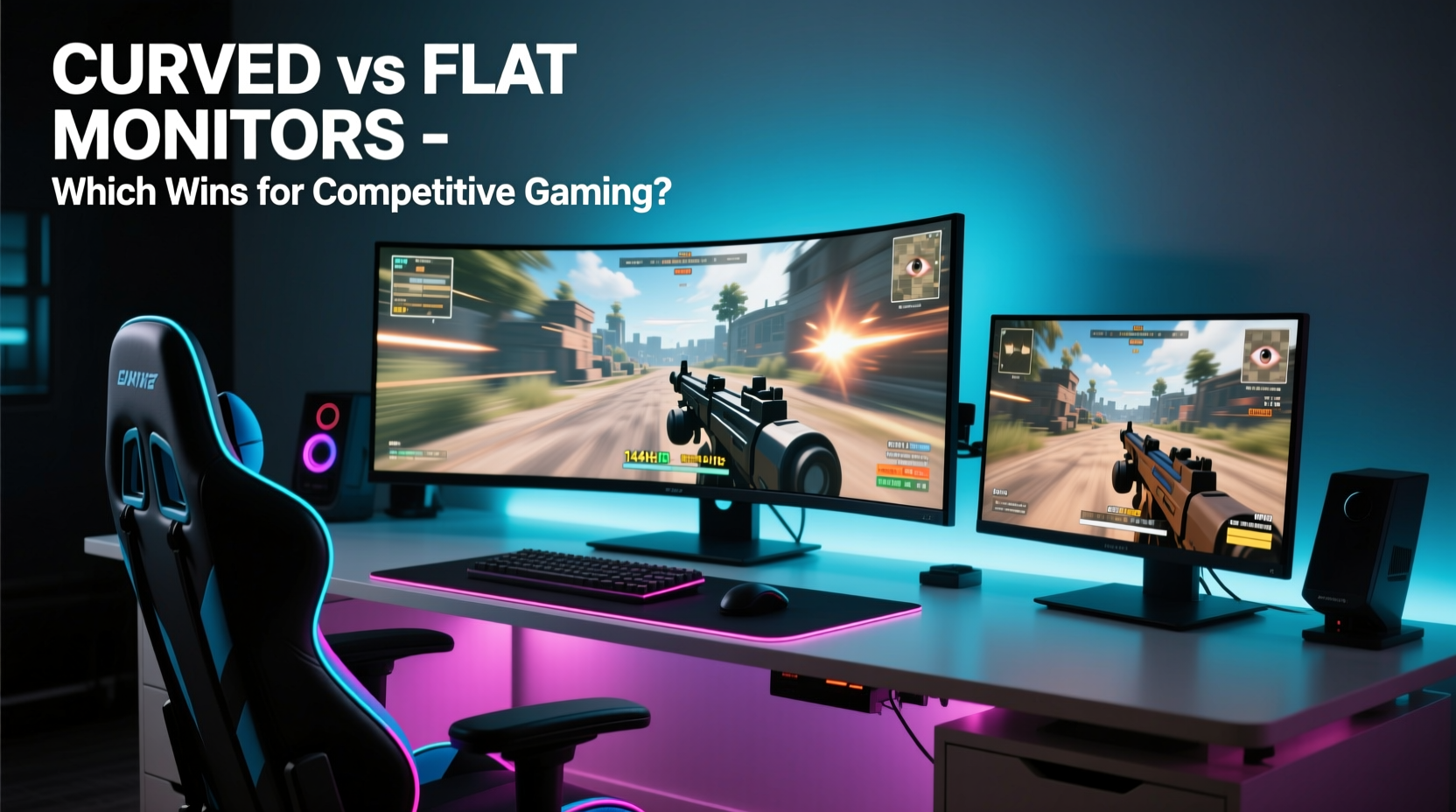
Monitor curvature is measured in millimeters using a radius value, commonly labeled as “R.” For example, a 1800R display means the screen is part of a circle with a 1,800mm (1.8 meters) radius. The lower the number, the more pronounced the curve. Typical values range from 3800R (very subtle) to 1000R (aggressively curved).
This curvature is designed to match the natural arc of human vision, theoretically reducing eye strain and increasing immersion. However, in competitive gaming, immersion often takes a backseat to precision and consistency. A curved screen may wrap around your field of view, but it doesn’t always translate to better aim or faster target acquisition.
“While curved displays enhance cinematic experiences, they introduce geometric distortions that matter in pixel-perfect scenarios.” — Dr. Alan Park, Display Technology Researcher at MIT Media Lab
Flat screens maintain uniform pixel density and geometry across the entire surface. This consistency allows for predictable mouse tracking and crosshair placement—critical when lining up headshots at 240Hz refresh rates.
Visual Performance: Clarity, Distortion, and Edge Visibility
In fast-paced shooters, situational awareness is everything. You need clear visuals across the entire screen, especially at the edges where enemies often appear. Here's where the differences become apparent.
On a curved monitor, light reaches both eyes more evenly due to the wrap-around design, which can reduce glare and improve perceived contrast. However, this same curvature can cause slight image distortion at the edges—especially noticeable during panning movements. Textures may stretch subtly, and straight lines (like door frames or reticles) can appear bent, creating a warping effect known as “geometric aberration.”
Flat monitors eliminate this issue entirely. They deliver sharp, consistent imagery from corner to corner, which benefits games relying on spatial accuracy. In titles like CS2 or Overwatch, where flick shots and precise tracking are essential, any visual inconsistency—even minor—can disrupt muscle memory.
Field of View and Immersion: Psychological Edge or Physical Drawback?
Proponents of curved monitors argue that the wraparound effect increases peripheral engagement, making players feel “inside” the game. There’s truth to this—studies show that wide curved ultrawide displays (like 34-inch 21:9 models) can expand effective peripheral detection by up to 20% compared to standard 16:9 flats.
But there’s a catch: most competitive games are designed for 16:9 aspect ratios. When played on ultrawide curved screens, black bars or stretched visuals can interfere with HUD elements and minimaps. Even without stretching, the increased horizontal span demands more eye movement, potentially slowing reaction times.
Moreover, immersion doesn’t equate to performance. Professional gamers often prioritize minimal distractions over sensory richness. That’s why nearly all top-tier tournaments—including ESL Pro League and Intel Extreme Masters—use flat monitors exclusively. These events standardize equipment to ensure fairness, and flat screens remain the norm.
Response Time and Refresh Rate: Do Curves Affect Speed?
Neither curvature nor panel shape directly impacts response time or refresh rate. A 1ms GTG (gray-to-gray) spec on a curved VA panel is technically identical to the same spec on a flat IPS. However, panel types commonly used in curved monitors can indirectly affect performance.
- VA Panels: Often found in curved models due to deeper blacks and higher contrast. But they tend to exhibit more motion blur and slower color transitions than IPS or TN.
- IPS Panels: Common in flat monitors; offer faster response and better color accuracy but suffer from backlight bleed in dark scenes.
- TN Panels: Still favored by some pros for sub-0.5ms response times, though limited to flat designs and poorer viewing angles.
So while the curve itself doesn’t slow things down, the associated panel technology might. Gamers chasing peak responsiveness often end up choosing flat IPS or TN panels—not because they dislike curves, but because those panels dominate the high-refresh, low-latency market.
Setup and Ergonomics: How Placement Influences Performance
Ergonomics play a crucial role in long-term comfort and performance. Curved monitors are engineered to align with the viewer’s central focus point, minimizing the need to shift gaze across the screen. This can reduce eye fatigue during extended sessions.
However, optimal positioning requires strict adherence to specifications:
- Sit directly centered in front of the screen.
- Maintain a distance between 24–36 inches (60–90 cm), depending on size.
- Avoid off-axis viewing, which exaggerates distortion.
If your desk setup forces you to view the screen from an angle—or if you frequently switch seats—a curved monitor can degrade image quality. Flat screens are far more forgiving in non-ideal conditions, maintaining consistent brightness and color regardless of viewing angle.
Comparison Table: Curved vs Flat Monitors for Competitive Gaming
| Feature | Curved Monitor | Flat Monitor |
|---|---|---|
| Immersion | High – wraps into peripheral vision | Moderate – focused central view |
| Edge Clarity | Reduced – potential warping | Excellent – uniform sharpness |
| Viewing Angles | Best when centered | Consistent from any angle |
| Panel Types Available | Mostly VA, some IPS | IPS, TN, VA widely available |
| Tournament Standard | Rarely used | Industry standard |
| Best For | Single-player, RPGs, simulators | FPS, MOBA, esports training |
Real Example: A Pro Player’s Setup Transition
Jordan Lee, a semi-professional Valorant player ranked Radiant in North America, experimented with switching from a 27-inch flat 240Hz IPS monitor to a 32-inch 1500R curved model. Initially drawn by the immersive feel and enhanced contrast, he noticed subtle issues within days.
“I started missing flick shots I’d normally hit,” he said. “The edges felt ‘softer,’ and during quick 180-degree turns, enemy models seemed to warp slightly as they entered my periphery. I also had trouble judging distances in Chamber’s R operator mode—the curvature made depth perception trickier.”
After two weeks, Jordan reverted to his original flat setup. His average kills per round increased by 0.7, and he reported improved confidence in tracking moving targets. “For casual play, the curve was fun. But when I’m grinding rank, consistency wins over flashiness.”
Expert Insight: Why Esports Stays Flat
“The goal in competitive environments is standardization. Flat monitors provide predictable visuals, easier calibration, and no variability based on seating position. That reliability is non-negotiable at the pro level.” — Lena Torres, Lead Technician at BLAST Premier Series
Torres oversees monitor deployment across multiple international tournaments. Her team uses calibrated 24- to 27-inch flat IPS panels with uniform settings. She emphasizes that even minor inconsistencies—such as gamma shifts on curved edges—can create unfair advantages or disadvantages.
“We test every unit for luminance uniformity, response latency, and color accuracy. Curved screens almost always fail our edge-deviation thresholds,” she explained. “Until manufacturing can guarantee pixel-perfect consistency across curved surfaces, flat remains the only viable option for fair competition.”
Checklist: Choosing the Right Monitor for Competitive Play
Before purchasing, ask yourself these questions:
- ✅ Am I playing primarily FPS or reaction-based games?
- ✅ Do I need maximum edge-to-edge clarity for spotting enemies?
- ✅ Will I be sitting closer than 3 feet or off-center frequently?
- ✅ Is my GPU capable of driving high refresh rates consistently?
- ✅ Am I preparing for tournament play or streaming?
If you answered “yes” to the first three, a flat monitor is likely the better choice. Reserve curved models for single-player adventures, flight sims, or cinematic experiences where immersion outweighs precision.
Frequently Asked Questions
Can curved monitors cause motion sickness in games?
Some users report mild disorientation or eye strain when using aggressively curved monitors (1000R or lower) for extended periods, especially in fast-moving games. This is often due to conflicting visual cues—your eyes perceive depth differently at the center versus the edges. Reducing curvature (e.g., 3800R) or switching to flat can resolve this.
Are ultrawide curved monitors good for competitive gaming?
Ultrawide curved monitors (like 3440x1440) offer expanded horizontal view, which can help in racing or strategy games. However, many competitive titles don’t support native ultrawide resolutions, leading to black bars or stretched gameplay. Additionally, the wider field increases saccadic eye movement, potentially delaying threat detection. For pure FPS competition, 24–27 inch 16:9 flat monitors remain superior.
Do pro gamers ever use curved monitors?
Nearly all professional esports athletes use flat monitors during official matches. Some may use curved screens for practice or casual play, but they typically switch to flat panels before tournaments to match event standards and ensure visual consistency.
Final Verdict: What Should You Choose?
For competitive gaming, flat monitors are objectively better in terms of accuracy, consistency, and industry acceptance. Their uniform geometry, reliable color reproduction, and compatibility with tournament standards make them the logical choice for anyone serious about improving performance.
Curved monitors aren’t inferior—they’re optimized for different goals. If you value cinematic immersion, deep contrast, and a more engaging single-player experience, a curved display can elevate your enjoyment. But when milliseconds, micro-adjustments, and pixel precision define victory, flat is still king.
The best approach? Match your monitor to your purpose. Use a flat 240Hz+ IPS panel for ranked climbs and scrims. Keep a curved ultrawide for weekends spent exploring The Witcher 3 or piloting spaceships in Starfield. Dual setups are increasingly affordable and let you have both worlds without compromise.
Take Action Today
Whether you're climbing the ranks or building a new battle station, your monitor choice should serve your goals—not trends. Audit your current setup: Is your screen enhancing or hindering your gameplay? Consider testing a flat monitor for a week. Many manufacturers offer return windows, and the difference might surprise you.




 浙公网安备
33010002000092号
浙公网安备
33010002000092号 浙B2-20120091-4
Comments
No comments yet. Why don't you start the discussion?