
Selecting the right CPU can feel overwhelming. With endless model numbers, clock speeds, core counts, and marketing terms like “Turbo Boost” and “Hyper-Threading,” it’s easy to get lost in technical jargon. Yet the processor you choose directly impacts everything from how fast your computer boots to how smoothly it handles multitasking, video editing, or high-end gaming. Understanding what these specifications actually mean—and which ones matter most for your use case—is essential to making a smart investment.
This guide breaks down CPU specs into plain, actionable insights. You’ll learn how to interpret key metrics, avoid common pitfalls, and match processor performance to your real-world needs—without overspending or under-delivering.
Understanding the Core Metrics: Cores, Threads, and Clock Speed
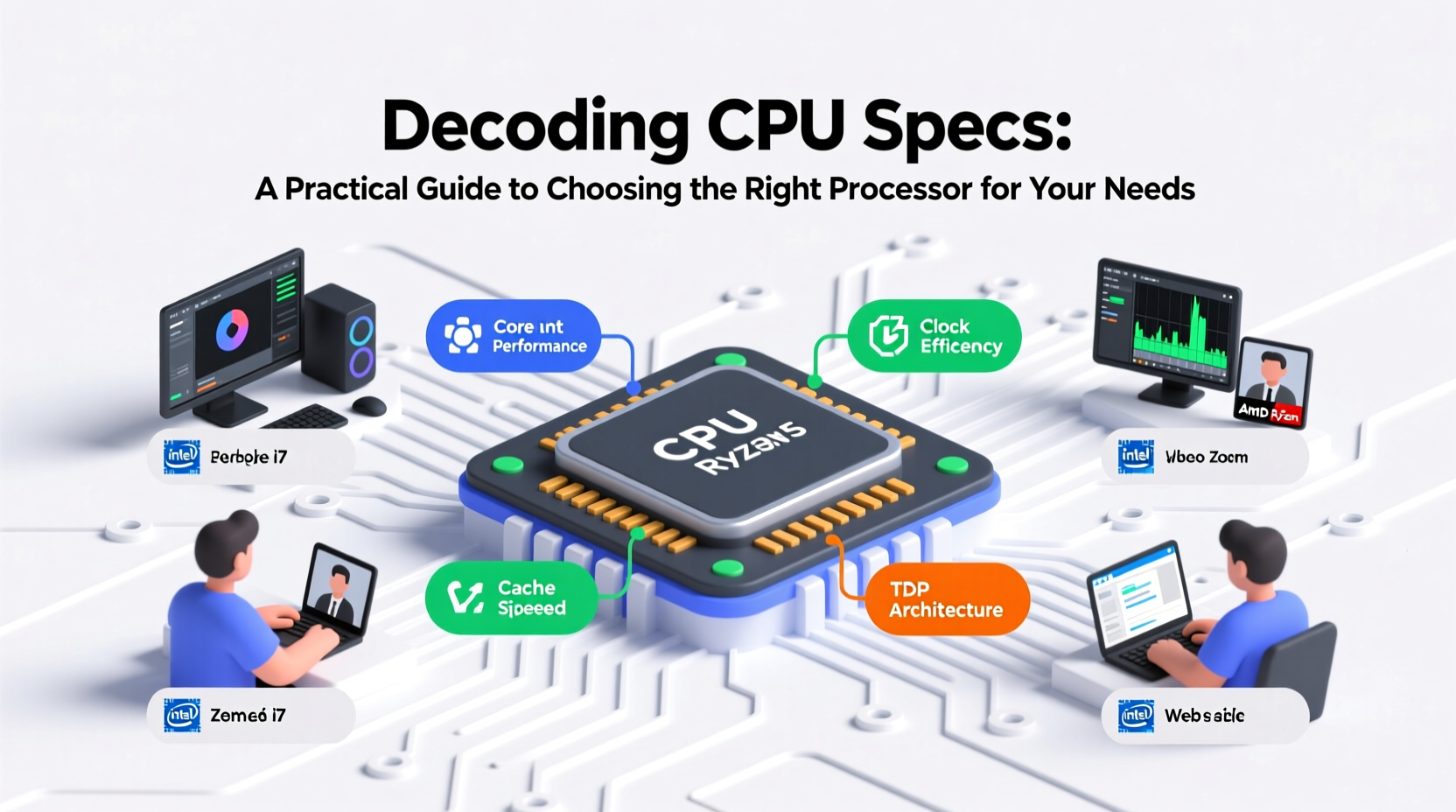
The three most frequently cited CPU specifications are cores, threads, and clock speed. These determine how many tasks a processor can handle simultaneously and how quickly it executes them.
- Cores: A core is an independent processing unit within the CPU. More cores allow for better multitasking and improved performance in applications that support parallel processing (e.g., video rendering, 3D modeling).
- Threads: Through technologies like Intel’s Hyper-Threading or AMD’s Simultaneous Multithreading (SMT), each physical core can handle multiple instruction streams (threads). For example, an 8-core, 16-thread CPU can process up to 16 tasks at once.
- Clock Speed (GHz): Measured in gigahertz (GHz), this indicates how many cycles a CPU performs per second. Higher clock speeds generally mean faster single-threaded performance—important for older software and games that don’t utilize multiple cores well.
However, raw numbers don’t tell the whole story. A newer 6-core processor may outperform an older 8-core chip due to architectural improvements, cache size, and IPC (Instructions Per Cycle) gains.
Architecture, Generation, and Brand Differences
Processor architecture refers to the internal design of the CPU—how instructions are processed, how power is managed, and how efficiently data moves between components. Newer architectures typically deliver better performance per watt and higher IPC, meaning even with identical core counts and clock speeds, a newer-generation chip will usually be faster.
For example, AMD’s Ryzen 7000 series (Zen 4) and Intel’s 13th/14th Gen Core processors represent significant leaps over their predecessors in both efficiency and throughput.
“CPU performance isn’t just about GHz anymore. Modern architectures can do more with less, thanks to smarter scheduling and better thermal management.” — David Lin, Senior Hardware Analyst at TechEdge Review
When comparing CPUs, always consider the generation. A 10th Gen Intel i5 might struggle with modern workloads compared to a current-gen i3, despite the higher-tier branding.
Intel vs. AMD: A Practical Comparison
| Factor | Intel | AMD |
|---|---|---|
| Single-Core Performance | Traditionally strong; excellent for gaming | Now competitive, especially Zen 3 and later |
| Multi-Core Efficiency | Good, but often higher power draw | Excellent; more cores per dollar |
| Integrated Graphics | UHD Graphics standard on non-F models | Radeon Vega or RDNA 2 on select APUs |
| Platform Longevity | Frequent socket changes | AM5 socket supports future upgrades |
| Value for Creators | Competitive in high-end segments | Often better price-to-performance ratio |
Both brands now offer compelling options. Gamers who prioritize frame rates may lean toward Intel’s latest offerings, while content creators and budget-conscious builders often find better value in AMD’s Ryzen lineup.
Real-World Use Cases: Matching CPUs to Your Needs
Choosing the right CPU starts with understanding how you use your computer. Here are three realistic scenarios illustrating how different users benefit from tailored processor choices.
Mini Case Study: The Freelance Video Editor
Sophia runs a small video production business from home. She edits 4K footage in Adobe Premiere Pro, renders motion graphics, and frequently exports long-form videos. Her workflow is highly dependent on multi-core performance.
She chose an AMD Ryzen 9 7900X—a 12-core, 24-thread processor with strong multi-threaded performance and efficient cooling requirements. This allows her to render projects nearly 40% faster than her previous quad-core system, reducing turnaround time and increasing client capacity.
Mini Case Study: The Competitive Gamer
Mark plays AAA titles like Cyberpunk 2077 and competitive shooters like Valorant at 144Hz. His priority is consistent high frame rates and low input latency.
He selected an Intel Core i5-13600K. Despite having fewer cores than high-end workstation chips, its high single-core clock speeds (up to 5.1 GHz) and strong compatibility with DDR5 memory make it ideal for gaming. He paired it with a powerful GPU, ensuring the CPU wouldn’t bottleneck performance.
Step-by-Step Guide: How to Choose Your Next CPU
Follow this sequence to confidently select a processor that fits your needs and budget.
- Define Your Primary Use Case: Are you gaming, creating content, programming, or using office applications? This determines whether you need high clock speeds or more cores.
- Set a Budget: Determine how much you’re willing to spend on the CPU and motherboard together. AMD platforms often offer longer upgrade paths, potentially saving money long-term.
- Check Compatibility: Ensure the CPU fits your motherboard socket (e.g., AM5 for Ryzen 7000, LGA 1700 for Intel 12th–14th Gen) and supports your RAM type (DDR4 or DDR5).
- Consider Future-Proofing: If you plan to keep your system for 4+ years, invest in a platform with upgrade potential. AMD’s AM5 is expected to support future CPUs until at least 2025.
- Evaluate Cooling Needs: High-TDP processors (e.g., 125W+) require robust cooling. Factor in the cost of aftermarket air or liquid coolers if not using stock solutions.
- Read Real-World Benchmarks: Look beyond manufacturer claims. Sites like AnandTech, Tom’s Hardware, and UserBenchmark provide performance comparisons across applications and games.
Frequently Asked Questions
Does more cores always mean better performance?
No. While more cores help with multitasking and multithreaded applications (like video editing or 3D rendering), many everyday tasks and older games rely on single-core performance. A 4-core CPU with high clock speeds can outperform a slower 8-core chip in certain scenarios.
Is integrated graphics enough if I don’t have a dedicated GPU?
Yes, for basic tasks. Modern integrated graphics—such as Intel UHD 730 or AMD Radeon 610M—can handle web browsing, video streaming, and even light photo editing. However, they’re not suitable for gaming or professional creative work. For casual gaming, AMD’s Ryzen APUs (e.g., 7600G) with Radeon Graphics offer surprisingly decent performance.
Should I wait for the next generation of CPUs?
Only if you don’t need a system immediately. While new generations bring improvements, the performance gains are often incremental (10–15%). Unless you require cutting-edge features like AVX-512 or PCIe 5.0 support, current-gen processors offer excellent value, especially when prices drop after a new launch.
Final Checklist Before Buying
- ✅ Know your workload:
- Gaming? Prioritize clock speed. Productivity? Lean toward core count.
- ✅ Verify motherboard compatibility:
- Double-check socket type and BIOS support.
- ✅ Account for cooling:
- High-performance CPUs generate heat—don’t skimp on cooling.
- ✅ Consider total platform cost:
- Some CPUs require pricier motherboards or DDR5 RAM.
- ✅ Read recent reviews:
- Look for benchmarks in your target applications.
Conclusion
Choosing the right CPU doesn’t require memorizing every spec or chasing the highest number on the box. It’s about aligning technical capabilities with your actual usage. Whether you're building a compact office PC or a powerhouse workstation, clarity on what matters—cores, clocks, architecture, and compatibility—empowers smarter decisions.




 浙公网安备
33010002000092号
浙公网安备
33010002000092号 浙B2-20120091-4
Comments
No comments yet. Why don't you start the discussion?