
The rise of digital art has sparked passionate debates across creative communities. One recurring question cuts to the heart of artistic integrity: Is it cheating to use stabilizer tools when creating digital artwork? To answer this, we must first understand what stabilizers do, how they compare to techniques in traditional art, and whether reliance on technology diminishes the value of creative expression.
Digital stabilizers—also known as brush stabilization, stroke smoothing, or line smoothing—are software features that reduce hand tremors and help artists draw cleaner, more controlled lines. Found in programs like Adobe Illustrator, Procreate, Krita, and Clip Studio Paint, these tools assist with precision by averaging out erratic movements. But does that assistance cross a line into unfair advantage?
Understanding Digital Stabilizers: What They Do and How They Work
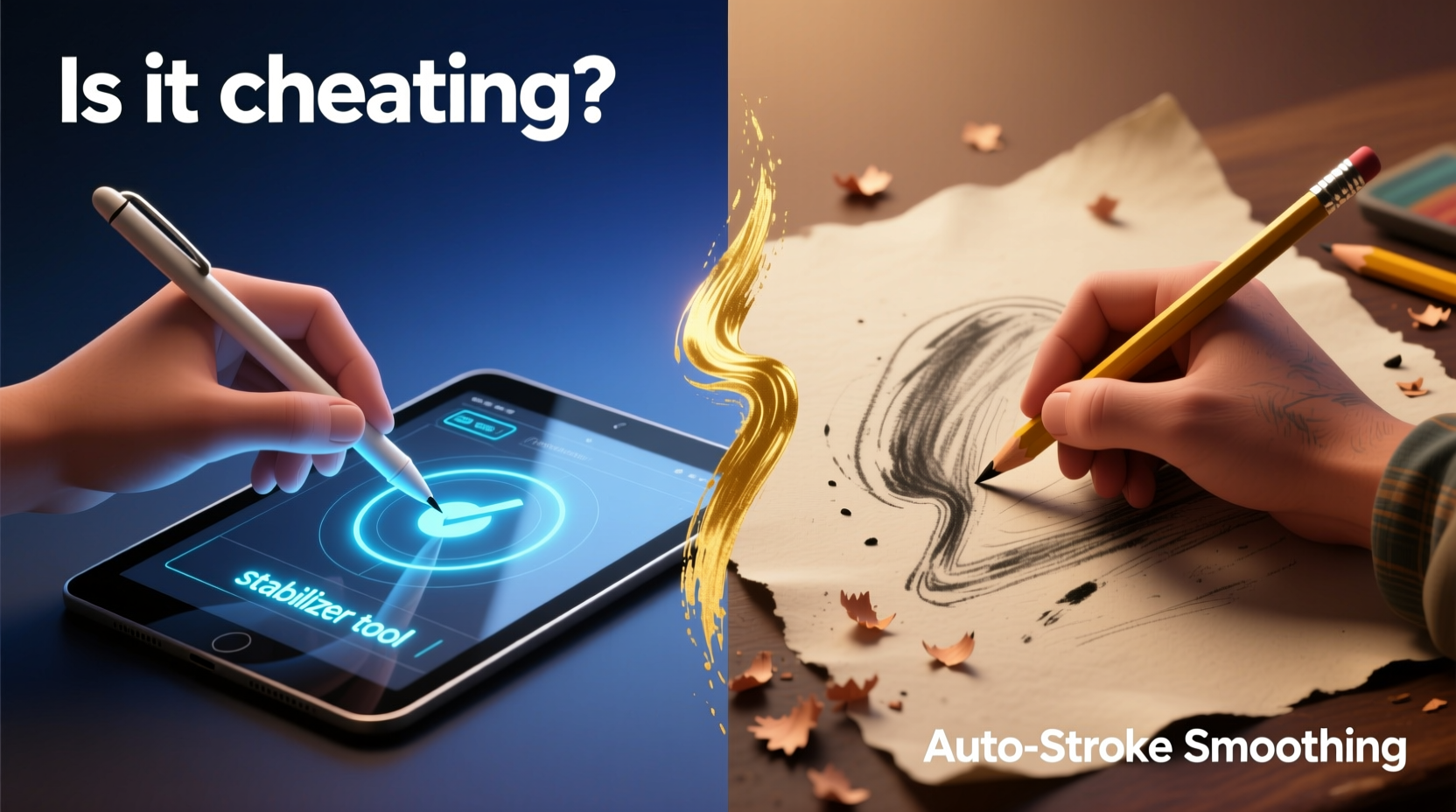
Digital stabilizers analyze input from styluses or mice and adjust the path of the stroke in real time. Instead of plotting every micro-movement of the hand, the software predicts the intended direction and smooths jagged edges. This results in fluid curves, straighter lines, and greater control—especially beneficial for detailed linework, technical illustrations, or calligraphy-style lettering.
There are different types of stabilization:
- Basic Smoothing: Slight correction applied to minor wobbles.
- Stabilization with Delay: Higher settings introduce a slight lag as the software waits to calculate optimal stroke paths.
- Dynamic Brush Behavior: Some brushes adapt pressure and tilt sensitivity while applying stabilization for natural-feeling strokes.
Crucially, these tools don’t draw the image for you. They respond to user input—they don’t generate content autonomously. The artist still controls composition, style, color, form, and intent. The stabilizer merely reduces physical noise in execution.
Traditional Art Has Its Own “Stabilizers”
One of the most compelling arguments against calling digital stabilization \"cheating\" is that traditional artists have long used tools and techniques to achieve similar results. These aren't seen as dishonest—they're considered part of mastering the craft.
Consider the following parallels:
| Traditional Technique | Digital Equivalent | Purpose |
|---|---|---|
| Ruler or T-square | Vector line tool / stabilized stroke | Straight, precise lines |
| Lightbox or grid transfer | Layer opacity & reference images | Accurate proportions and tracing |
| Erasers and masking fluid | Undo button and layer masks | Error correction and non-destructive editing |
| Brush modifiers (water, mediums) | Brush dynamics and texture overlays | Control over flow and consistency |
| Arm bracing or hand position discipline | Stroke prediction and palm rejection | Reduce shake and accidental inputs |
No one accuses an architect of cheating for using a ruler, nor a painter for correcting mistakes with solvent. Yet some critics dismiss digital artists who use stabilizers as “not really drawing.” This double standard overlooks the fact that all tools serve to extend human capability—not replace it.
“Tools don’t make the artist; they reveal the artist’s intention. Whether charcoal or code, mastery lies in how you use what’s available.” — Lena Torres, Digital Illustration Instructor at Vancouver Art Institute
Does Using Technology Undermine Skill?
The fear behind the “is it cheating?” question often stems from a misunderstanding of skill. True artistic ability isn’t measured solely by shaky-free lines or perfect symmetry—it encompasses composition, storytelling, emotional resonance, color theory, and conceptual depth.
Stabilizers address motor control limitations, which can arise from fatigue, medical conditions (like essential tremor), or simply lack of muscle memory. For many artists, especially those with disabilities, these tools are not luxuries—they’re accessibility features that level the playing field.
Imagine telling a photographer they’re cheating because they use a tripod. Or dismissing a writer who uses grammar-checking software. These tools enhance precision without diminishing authorship. Similarly, digital stabilizers allow artists to focus on creative decisions rather than fighting their own physiology.
Mastery in digital art involves knowing when *not* to use stabilization. Many professionals toggle it off during loose sketching phases to preserve gesture and spontaneity, then enable it only for clean linework. This selective use reflects judgment and experience—not dependence.
A Real Example: From Sketch to Final Line Art
Jamie Reyes, a freelance concept artist based in Portland, struggled with hand tremors after a car accident. Traditional ink work became nearly impossible due to shaky lines. When she transitioned to digital, she began using moderate stroke stabilization in Clip Studio Paint.
“At first, I felt guilty,” she admits. “I worried people would think I wasn’t ‘really’ drawing. But once I showed my process—including rough sketches done freehand and layered refinement—clients appreciated the transparency. My art improved not because the tool did the work, but because I could finally express what I envisioned.”
Today, Jamie teaches workshops on adaptive digital workflows and advocates for inclusive definitions of artistic skill.
Common Misconceptions About Digital Tools
Beyond stabilizers, several myths persist about digital art tools:
- Myth: Stabilizers auto-draw perfect shapes.
Reality: They follow your hand; no shape recognition unless explicitly enabled (e.g., vector snapping). - Myth: Anyone can produce great art just by turning on stabilization.
Reality: Without foundational knowledge of anatomy, perspective, and design, even perfectly smooth lines result in poor compositions. - Myth: Digital artists don’t need to practice fundamentals.
Reality: Top digital illustrators spend years studying traditional principles. Software doesn’t teach you light logic or proportion.
Technology amplifies preparation. It cannot substitute for it.
Checklist: Responsible Use of Stabilization Tools
To maintain integrity and grow as an artist, consider the following practices:
- Learn freehand drawing first—master basic forms without assistance.
- Use stabilization selectively, not constantly.
- Share your full process (sketches, layers, iterations) to demonstrate effort.
- Avoid misrepresenting your workflow (e.g., claiming entirely hand-drawn work when relying heavily on automation).
- Experiment with lower settings to build control over time.
- Focus on developing personal style—something no tool can give you.
When Does Assistance Become Automation?
The ethical boundary isn’t stabilization—it’s autonomy. Drawing aids become problematic only when they remove meaningful human input. For example:
- Using AI-generated base images and passing them off as original creations crosses ethical lines.
- Applying excessive snap-to-grid or shape recognition with minimal manual adjustment blurs authorship.
- Hiding the extent of digital manipulation while marketing work as “hand-drawn” misleads audiences.
In contrast, stroke stabilization requires continuous user input. You still decide where the line starts, ends, curves, thickens, or breaks. The tool responds—it doesn’t initiate.
As digital art educator Dr. Marcus Lin explains: “We judge writing by the quality of ideas, not whether someone used a word processor. Why should visual art be judged by the absence of helpful tools rather than the presence of vision?”
Frequently Asked Questions
Isn’t using stabilizers like using a calculator in math class?
Only if you’re trying to test pure manual calculation. In professional contexts, efficiency matters. A calculator doesn’t solve complex equations without user input—just as a stabilizer won’t compose a scene. Both are tools for executing informed decisions.
Can you still be considered skilled if you rely on stabilization?
Skill is demonstrated through consistent output, problem-solving, and aesthetic judgment—not just technical precision. Many award-winning digital artists use stabilization precisely because they demand high-quality results, not to compensate for lack of skill.
Should beginners avoid stabilizers?
Beginners should experiment with and without stabilization to understand its effect. Start with light smoothing to build confidence, but dedicate practice sessions to raw, unassisted drawing to develop hand-eye coordination.
Conclusion: Embracing Tools Without Losing Authenticity
The debate over digital stabilizers ultimately reflects broader tensions between tradition and innovation. But progress in art has always been tied to technological advancement—from the invention of oil paint to the camera obscura, from lithography to Photoshop.
Calling stabilization “cheating” ignores the reality that every medium offers advantages. Oil paints allow blending impossible with watercolor. Sculptors use armatures to support clay figures. Musicians use metronomes to refine timing. None of these are deemed unethical.
What defines authentic artistry isn’t the absence of tools, but the presence of intention. A stabilizer doesn’t choose subject matter, develop characters, or convey mood. It doesn’t replace imagination, discipline, or taste. It simply helps translate thought into line with greater clarity.
Instead of policing tool usage, the art community should celebrate diverse approaches and recognize that accessibility fosters creativity. Whether working with charcoal on paper or a stylus on a tablet, the act of creation remains deeply human.




 浙公网安备
33010002000092号
浙公网安备
33010002000092号 浙B2-20120091-4
Comments
No comments yet. Why don't you start the discussion?