
In an age of constant digital distraction, the tools we choose for planning can significantly influence our ability to focus and stay productive. Many people assume that digital planners—synced across devices, searchable, and packed with features—are inherently superior. Others swear by the tactile experience of a paper notebook, claiming it fosters deeper concentration and memory retention. The truth lies somewhere in between. The choice between a digital planner and a paper notebook isn't about technological advancement; it's about alignment with your cognitive style, work environment, and personal habits.
This article breaks down both options objectively, comparing their impact on attention, organization, and long-term planning success. Whether you're a student, entrepreneur, or someone trying to regain control over your schedule, understanding these differences will help you make a more informed decision—one that supports sustained focus and meaningful progress.
The Cognitive Impact of Writing Tools
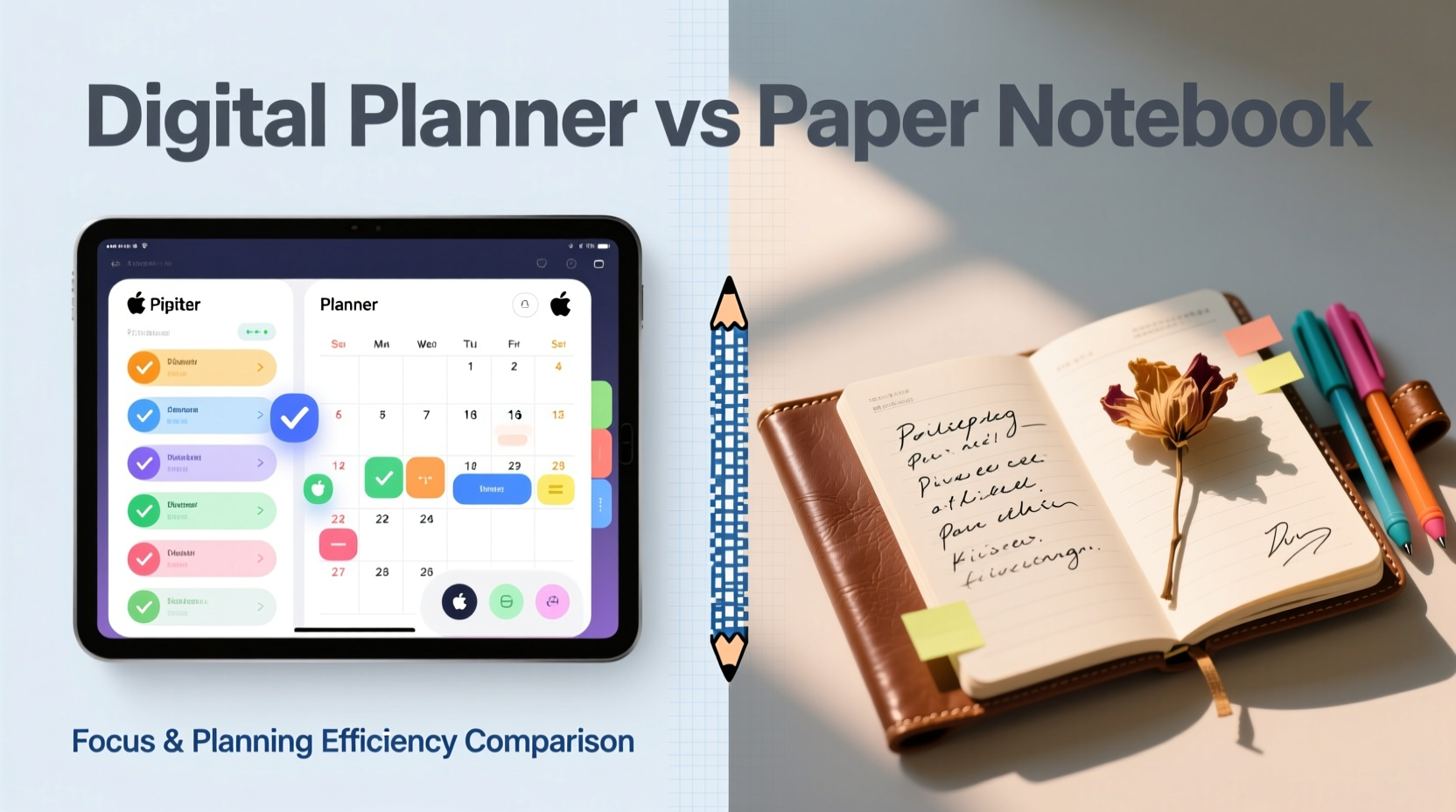
How we record information shapes how we process it. Research from Princeton University and UCLA has consistently shown that handwriting notes leads to better conceptual understanding and retention compared to typing. This is because writing by hand forces the brain to slow down, summarize, and reframe ideas rather than transcribe them verbatim—a process known as \"generative note-taking.\"
Digital tools, while efficient, often encourage passive capture. Typing allows rapid entry, but this speed can come at the cost of depth. When using a digital planner, users are more likely to copy-paste tasks, duplicate templates, or rely on pre-made formats without engaging meaningfully with the content.
Paper notebooks, on the other hand, create natural friction. You must decide what to write, where to place it, and how to structure your thoughts—all decisions that activate higher-order thinking. This deliberate engagement strengthens neural pathways associated with memory and comprehension.
“Writing by hand engages the brain differently—it’s not just recording, it’s thinking.” — Dr. Virginia Berninger, Cognitive Psychologist, University of Washington
Digital Planners: Strengths and Limitations
Digital planners offer undeniable advantages in certain contexts. They excel in environments requiring collaboration, automation, and accessibility across multiple platforms. Apps like Notion, GoodNotes, or Microsoft OneNote allow users to embed files, link related entries, set reminders, and search through months of data instantly.
For professionals managing complex projects, digital planners provide structure through recurring events, deadline tracking, and integration with calendars and email. Cloud syncing ensures that updates are reflected everywhere, reducing the risk of missed appointments or duplicated effort.
However, these benefits come with trade-offs:
- Distractibility: Notifications, pop-ups, and the temptation to switch apps fragment attention.
- Over-reliance on templates: Pre-built layouts may standardize planning but reduce personalization and ownership.
- Reduced mindfulness: Scrolling through screens lacks the sensory feedback that anchors memory.
- Learning curve: Advanced features often require time investment to master.
Paper Notebooks: Simplicity with Depth
A paper notebook strips away complexity. There are no software updates, login issues, or battery concerns. What appears on the page is exactly what you put there—no algorithms, no defaults, no hidden layers.
This simplicity promotes presence. The physical act of writing—feeling the pen glide across paper, seeing ink accumulate—creates a sense of ownership and accountability. Many users report feeling more committed to tasks when they’ve written them down manually.
Paper also encourages creative freedom. You can sketch mind maps, draw timelines, use color coding, or leave blank spaces for reflection—all without being constrained by app interfaces or formatting rules. Bullet journaling, popularized by Ryder Carroll, leverages this flexibility to combine task management, habit tracking, and personal reflection in one analog system.
Yet paper isn’t flawless. It lacks searchability, backup options, and easy editing. Mistakes require crossing out or starting over. Sharing your plan with others means scanning or photographing pages. And if you lose the notebook, all data is gone unless duplicated elsewhere.
Real Example: A Freelancer’s Transition Back to Paper
Sophie, a freelance graphic designer based in Portland, used digital planners exclusively for three years. She relied on Google Calendar and Trello to manage client deadlines, meetings, and project milestones. Despite high functionality, she found herself frequently overwhelmed and mentally fatigued.
After reading about the cognitive benefits of handwriting, she switched to a Leuchtturm1917 notebook using a modified bullet journal method. Within weeks, she noticed improvements in her ability to prioritize tasks and recall project details without checking her phone. “I stopped treating my planner like a dumping ground,” she said. “Now I actually think before I write something down.”
Her weekly reviews became more intentional, and she began adding brief reflections at the end of each week—something she never did digitally. While she still uses cloud storage for file sharing, her core planning happens offline.
Comparative Analysis: Digital vs. Paper Planning
| Feature | Digital Planner | Paper Notebook |
|---|---|---|
| Focus Support | Moderate – prone to interruptions from notifications and multitasking | High – tactile engagement reduces mental clutter |
| Memory Retention | Lower – typing reduces cognitive encoding | Higher – handwriting activates motor memory |
| Accessibility | High – available across devices, searchable | Low – limited to physical access |
| Customization | Flexible within app constraints | Unlimited – freeform layout possible |
| Backup & Recovery | Automatic cloud sync | Manual only (scanning/photos) |
| Ease of Editing | Easy – drag, delete, copy | Limited – requires rewriting or annotation |
| Environmental Impact | Energy consumption, e-waste | Paper sourcing, biodegradability |
Hybrid Approach: Best of Both Worlds?
Many high-performing individuals don’t choose one tool exclusively—they combine both. A hybrid model leverages the strengths of each system while mitigating weaknesses.
For instance, someone might use a paper notebook for daily task lists, meeting notes, and brainstorming sessions—activities where focus and creativity matter most. Then, once a week, they transfer key action items into a digital calendar or task manager for long-term tracking and reminders.
This two-tier approach separates *thinking* from *tracking*. The paper notebook becomes a cognitive workspace; the digital planner acts as a logistics engine.
Step-by-Step Guide to Implementing a Hybrid System
- Choose your primary notebook: Select a durable, dotted or grid-style notebook that suits your writing preferences.
- Define daily rituals: Use the notebook each morning to list top priorities and each evening to reflect on accomplishments.
- Select a digital companion: Pick a simple app like Todoist, Apple Reminders, or Google Tasks for recurring items and deadlines.
- Schedule weekly syncs: Dedicate 20 minutes every Sunday to review the past week and migrate critical tasks forward.
- Use tags or symbols: Mark entries in your notebook with icons (e.g., 🔁 for recurring, 📅 for scheduled) to simplify digital transfer.
- Limit digital input: Only enter what needs tracking—avoid duplicating every note.
When Each Option Works Best
There is no universal answer. The right tool depends on your goals, environment, and personality.
- Digital planners suit:
- Teams needing shared calendars and collaborative workflows
- People with dynamic schedules (e.g., sales reps, consultants)
- Those who travel frequently and need device synchronization
- Users comfortable with technology and seeking automation
- Paper notebooks excel for:
- Deep work sessions requiring uninterrupted focus
- Creative professionals mapping ideas visually
- Students taking lecture notes or studying complex material
- Individuals practicing mindfulness or journaling alongside planning
Checklist: Choosing Your Planning Tool
- ☐ Do I need real-time collaboration or sharing?
- ☐ Am I easily distracted by screens?
- ☐ Do I value speed or depth in my planning process?
- ☐ Will I be accessing my planner in low-tech environments?
- ☐ Do I prefer structured formats or freeform expression?
- ☐ How important is searchability and long-term archiving?
- ☐ Am I willing to maintain backups manually if using paper?
Frequently Asked Questions
Can a digital planner improve focus if used correctly?
Yes, but only under strict conditions. Using distraction-free modes (like Focus Mode on iPad or Zen mode in apps), disabling notifications, and limiting open tabs can make digital planning more effective. However, even then, the absence of physical feedback means the brain remains in a more abstract, less embodied state of engagement.
Is there scientific evidence favoring paper for planning?
Multiple studies support the superiority of handwriting for learning and retention. A 2014 study published in Psychological Science found that students who took handwritten notes performed better on conceptual questions than those who typed. While focused on education, the principle extends to planning: deeper processing leads to better decision-making and follow-through.
What if I want to go fully paper but fear losing data?
Consider a light digitization routine. Take photos of completed pages weekly and store them in a secure cloud folder labeled by date. Use a scanner app like Adobe Scan or Microsoft Lens for clean, OCR-enabled copies. This preserves the analog experience while adding a safety net.
Final Thoughts: Match the Tool to Your Mind
The debate between digital planners and paper notebooks ultimately comes down to self-awareness. Technology promises efficiency, but efficiency without focus yields busyness, not results. A paper notebook won’t send reminders, but it might help you remember why you made the plan in the first place.
Ask yourself: Does your current planning system clarify your intentions or obscure them behind menus and notifications? Does it invite reflection or merely checklist completion?
You don’t need the most advanced tool—you need the one that keeps you present, accountable, and moving toward what matters. For many, that’s still a blank page and a pen.




 浙公网安备
33010002000092号
浙公网安备
33010002000092号 浙B2-20120091-4
Comments
No comments yet. Why don't you start the discussion?