
Telling time may seem like a basic skill, but for many beginners—especially children, older adults adjusting to new technology, or those unfamiliar with digital displays—the transition from analog to digital watches can be confusing. Unlike clock faces with hands, digital watches present time in clear numerals, yet their format, abbreviations, and additional features can still pose challenges. This guide breaks down the process into simple, practical steps to help anyone confidently read a digital watch and understand its full functionality.
Understanding the Digital Display Format
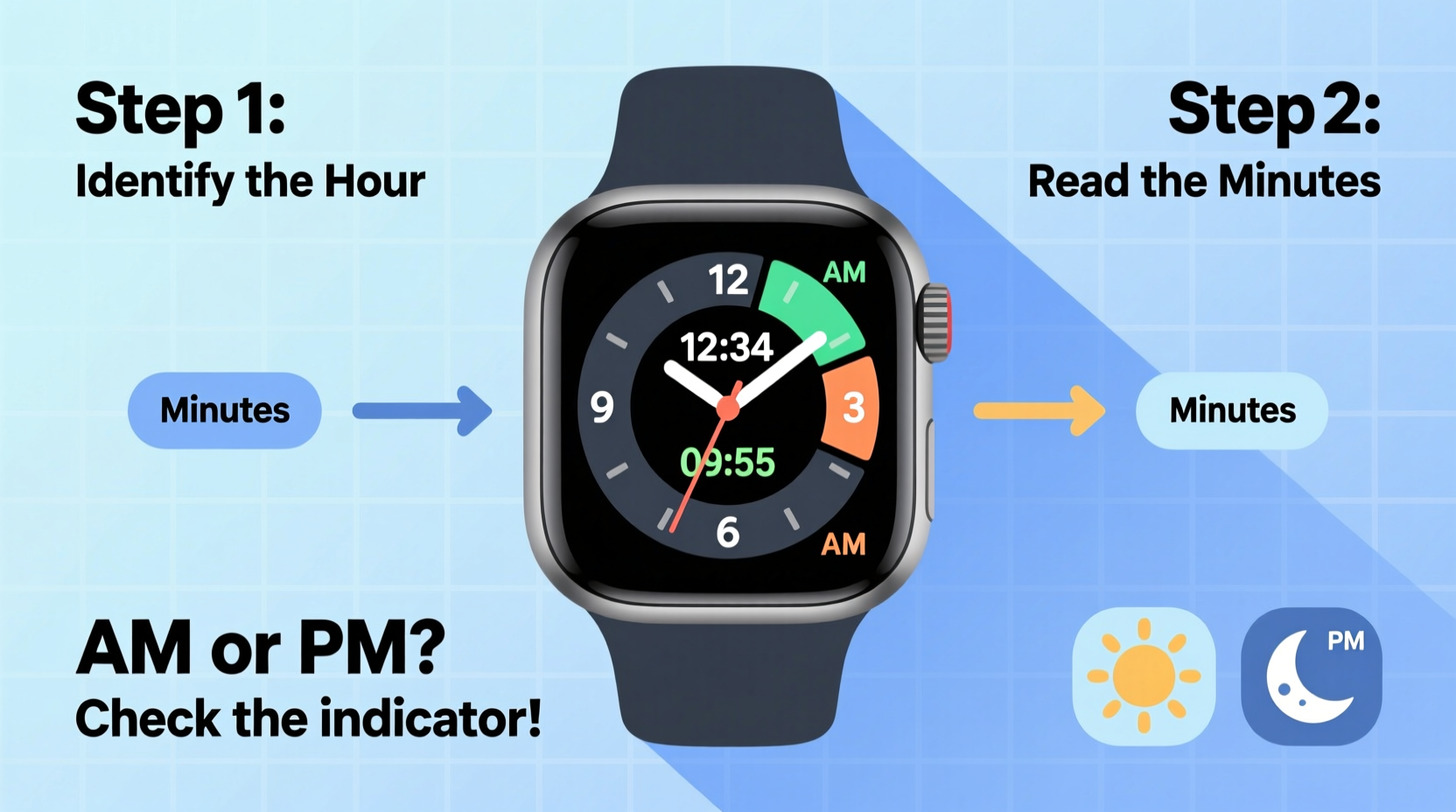
Digital watches display time using numbers rather than clock hands. The most common format is HH:MM, where \"HH\" stands for hours and \"MM\" for minutes. Some models also include seconds (SS), appearing as HH:MM:SS. Two primary systems are used globally: the 12-hour format and the 24-hour (military) format.
In the 12-hour system, the day is split into two 12-hour periods: AM (ante meridiem, before noon) and PM (post meridiem, after noon). For example, 8:30 AM is early morning, while 8:30 PM is evening. A digital watch will typically show either “AM” or “PM” beneath or beside the time.
The 24-hour format runs from 00:00 (midnight) to 23:59 (one minute before the next midnight). It eliminates the need for AM/PM labels. For instance, 14:30 means 2:30 PM. This format is widely used in Europe, the military, aviation, and healthcare settings.
Step-by-Step Guide to Reading Time on a Digital Watch
- Identify the time format. Check if your watch uses a 12-hour or 24-hour clock. Look for an “AM” or “PM” indicator. If absent, it’s likely in 24-hour mode.
- Read the first two digits (hours). These represent the current hour. In 12-hour mode, they range from 1 to 12. In 24-hour mode, they go from 00 to 23.
- Observe the middle digits (minutes). Located after the colon, these show how many minutes past the hour have passed. They range from 00 to 59.
- Note the seconds (if displayed). Some watches show real-time seconds ticking forward. This third pair of digits updates every second.
- Check for AM or PM (in 12-hour mode). This determines whether the time is in the morning or evening. No label? You’re likely viewing 24-hour time.
- Account for additional indicators. Some watches display the day, date, alarm status, or stopwatch function. Focus on the main time display first.
For example, a display showing “09:15 AM” means it’s 9:15 in the morning. “21:45” without AM/PM indicates 9:45 PM in 24-hour format.
Common Features and What They Mean
Beyond basic timekeeping, digital watches often include secondary functions that enhance usability. Understanding these prevents confusion when glancing at the screen.
| Feature | Symbol or Label | Meaning |
|---|---|---|
| AM/PM Indicator | AM or PM | Specifies morning (AM) or evening (PM) in 12-hour format |
| Date Display | DD/MM or MM/DD | Shows the current date; format varies by region |
| Alarm Active | ALM or bell icon | An alarm is set and enabled |
| Stopwatch Running | CHR or lap symbol | Chronograph (stopwatch) is active |
| Backlight | Moon or lightbulb icon | Illuminates the display in low-light conditions |
These symbols support time management but should not distract from the primary purpose: reading the correct time quickly and accurately.
Real-Life Example: Learning to Read Time at School
Consider Maria, a 7-year-old student transitioning from learning analog clocks to using a digital watch her parents gifted her. Initially confused by the numbers and colons, she struggled to differentiate between 8:15 and 18:15. Her teacher introduced a classroom exercise where students matched digital times to daily activities—“7:30 AM = breakfast,” “15:00 = recess.” Over two weeks, Maria practiced converting 24-hour times and identifying AM/PM cues. Within a month, she could tell time independently, even explaining to classmates how “14:00 is the same as 2:00 PM.”
This scenario highlights how structured, context-based learning accelerates understanding. Applying digital time to real routines makes abstract numbers meaningful.
“Mastering digital time isn’t just about reading numbers—it’s about connecting them to daily life. When learners associate 08:00 with ‘school start,’ the digits gain relevance.” — Dr. Alan Reeves, Educational Psychologist
Essential Tips for Beginners
- Start with the 12-hour format if you're new to digital watches. It aligns more closely with spoken time.
- Use a dual-display watch (shows both digital and analog) during the learning phase for visual reinforcement.
- Turn on the backlight in dim environments to clearly see the display.
- Avoid overloading yourself with extra functions initially. Focus on hours and minutes first.
- If your watch has a 24-hour setting, consider switching to 12-hour mode until you’re comfortable.
Quick Checklist: Can You Read Your Digital Watch?
Use this checklist to assess your progress:
- Can you identify whether your watch uses 12-hour or 24-hour time?
- Do you know what the numbers before and after the colon represent?
- Can you correctly interpret AM and PM labels?
- Are you able to convert 24-hour time to 12-hour format (e.g., 16:00 → 4:00 PM)?
- Can you locate and ignore non-time elements (like date or alarms) when needed?
If you answered “yes” to all five, you’ve mastered the basics. If not, revisit the relevant sections and practice daily.
Frequently Asked Questions
Why does my watch show 00:00 instead of 12:00?
In 24-hour format, midnight is represented as 00:00, not 12:00. This avoids ambiguity. 12:00 PM refers to noon, while 12:00 AM is midnight—but in digital 24-hour systems, midnight resets to 00:00 for consistency.
What does the blinking colon mean?
A blinking colon often indicates that the time is being set or that the battery is low. In normal operation, the colon blinks once per second to mark the passage of time, helping distinguish it from a static separator.
Can I change my digital watch from 24-hour to 12-hour format?
Yes, most digital watches allow format changes through the settings menu. Refer to the user manual for button sequences. Typically, you press and hold a “Mode” or “Set” button, navigate to “Time Format,” and toggle between 12H and 24H.
Final Thoughts: Building Confidence One Second at a Time
Reading a digital watch is a foundational life skill that supports punctuality, planning, and independence. While it may feel overwhelming at first, consistent practice transforms confusion into confidence. Whether you're helping a child learn, adapting after years of using analog clocks, or simply upgrading your wristwear, the principles remain the same: break down the display, understand the format, and apply it to real-life moments.
Don’t rush the process. Mastery comes not from memorizing numbers, but from integrating time awareness into your daily rhythm. Set small goals—read the time correctly five times a day, explain it to someone else, or teach a friend what 18:30 means. Each step strengthens your ability.




 浙公网安备
33010002000092号
浙公网安备
33010002000092号 浙B2-20120091-4
Comments
No comments yet. Why don't you start the discussion?