
For millions of active Discord users—from gamers and streamers to community managers and remote teams—the question isn’t just whether to subscribe to Discord Nitro, but whether it’s worth the cost. At $9.99/month (or $99.99/year), Nitro promises enhanced features that elevate communication, customization, and media sharing. But for users already thriving on the free tier, does any of it truly matter?
The answer depends heavily on how you use Discord. For casual users, many Nitro perks are cosmetic or situational. But for power users—those managing large servers, hosting voice chats daily, or building personal brands—certain features deliver tangible benefits. This article breaks down the real-world value of each Nitro perk, identifies which ones justify the cost, and helps you decide if upgrading is a smart move—or just digital vanity.
Understanding Discord Nitro: What You Actually Get
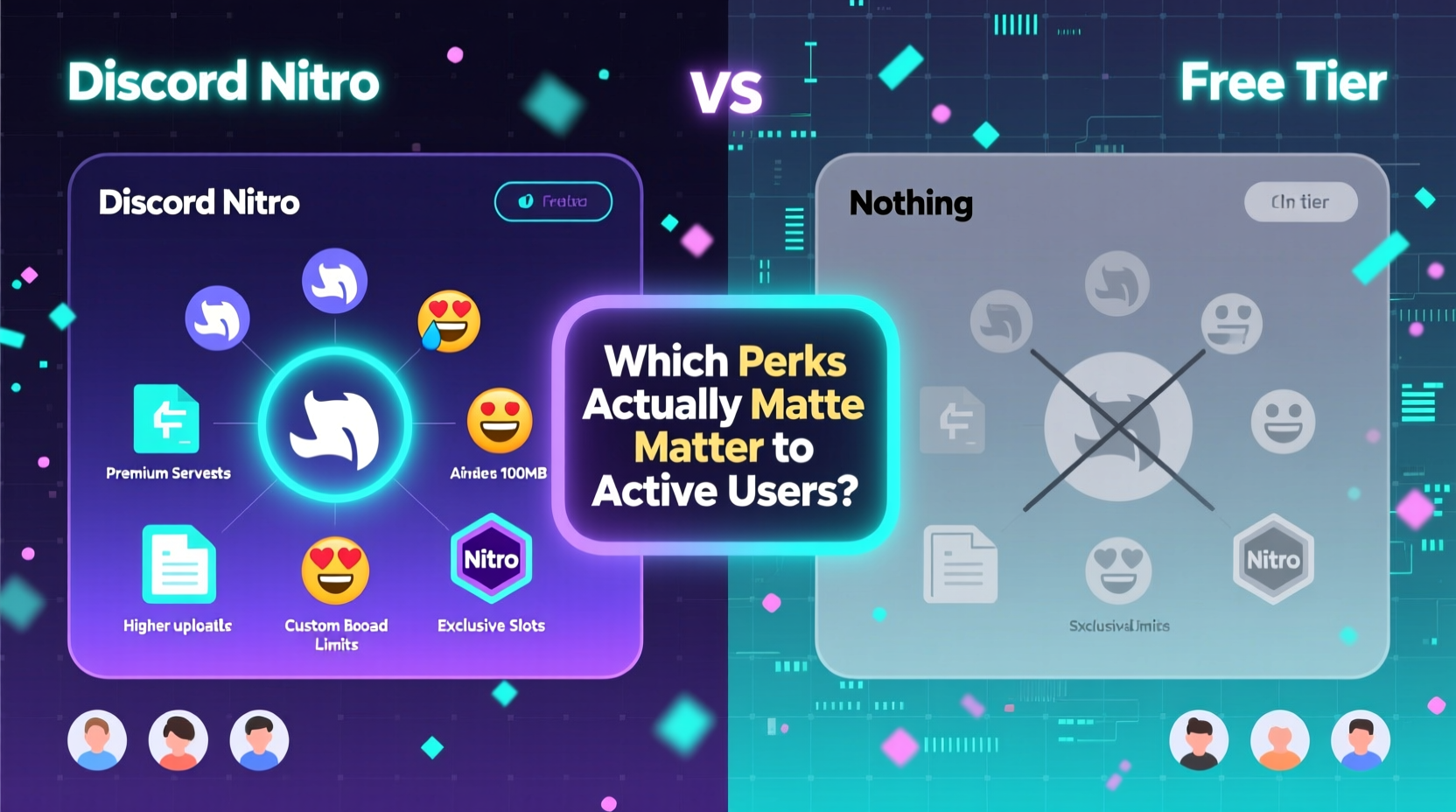
Discord offers two tiers: Nitro Classic ($4.99/month) and full Nitro ($9.99/month). The key difference lies in video and streaming quality, with full Nitro enabling 1080p60 streaming and HD video uploads. Since most active users benefit more from full Nitro, this analysis focuses on its complete feature set:
- Custom emojis: Upload up to 500 custom emojis across all servers.
- Animated profile icons: Use GIFs as your avatar.
- Better upload limits: Send files up to 100MB (vs. 25MB free).
- HD video streaming: Share screen at 1080p60 with higher bitrate.
- Server boosting perks: Two boosts applied automatically upon subscription.
- Increased attachment history: Access older file uploads beyond the free limit.
- Custom tag (username): Choose colors and add flair to your display name.
- Early access to some features: Test new tools before general release.
On paper, these sound impressive. But real utility varies widely based on user behavior. Let’s dissect which perks actually impact daily use—and which are just flashy extras.
Custom Emojis: Essential for Community Builders
Custom emojis are arguably the most impactful Nitro feature for active server owners and moderators. While free servers can use default emojis or those from other servers, uploading unique emojis gives communities their own identity. Think of a gaming clan with a mascot, a fan server with character art, or a brand using branded reaction emojis.
Nitro allows you to upload up to 500 custom emojis globally. Once uploaded, they’re available in every server you join—provided the server has enabled external emoji usage. This eliminates the need to beg server admins for emoji slots and lets users express themselves more vividly.
“Custom emojis aren’t just fun—they reduce friction in communication. A single emoji can replace a sentence.” — Jordan Lee, Community Manager at PixelForge Studios
For example, a tech support server might use a 🔧 emoji to mark resolved tickets, or a study group could use 📚 to indicate topic shifts. These small visual cues improve clarity and engagement. If you regularly contribute to multiple communities or run your own server, this perk alone may justify the subscription.
File Upload Limits: A Game-Changer for Content Creators
The jump from 25MB (free) to 100MB (Nitro) may seem modest, but it dramatically affects usability. Free users often hit limits when sharing gameplay clips, design mockups, or audio samples. Many resort to third-party services like Google Drive or Imgur, breaking conversation flow and risking link expiration.
With Nitro, you can send full-resolution screenshots, short video edits, ZIP folders, or high-quality audio without leaving Discord. This is especially valuable for:
- Streamers sharing clips with editors.
- Developers sending build files to testers.
- Artists sharing portfolios in private channels.
- Students submitting group project assets.
In practice, the 100MB cap supports ~1-minute MP4 videos at decent quality, high-res PNGs, or multi-file bundles. It’s not enough for full game mods or 4K footage, but sufficient for day-to-day collaboration.
HD Streaming and Screen Sharing: Critical for Streamers and Educators
Full Nitro enables 1080p resolution at 60fps during screen sharing—a significant upgrade from the free 720p30 cap. For users who frequently host tutorials, co-op gameplay, or remote presentations, this means smoother visuals, clearer text, and better audience retention.
Consider a coding mentor sharing their IDE: at 720p, small font becomes blurry. At 1080p60, syntax highlighting and line numbers remain legible. Similarly, competitive gamers analyzing replays benefit from fluid motion and crisp UI elements.
However, this perk only matters if you're the one sharing—not viewing. Viewers don’t need Nitro to see HD streams. So unless you're regularly broadcasting, this feature adds little value.
Which Perks Are Overrated for Most Users?
Not all Nitro features deliver equal returns. Some are purely aesthetic or niche, offering minimal functional improvement.
Animated Profile Icons: Style Over Substance
GIF avatars look cool in theory, but in practice, they’re subtle and rarely noticed. In chat, avatars appear small; in voice channels, they’re often obscured by status indicators. Unlike Twitch or Twitter, Discord doesn’t highlight animated profiles in feeds or notifications.
They also consume slightly more bandwidth and can be distracting in high-activity servers. For most users, a static icon works just as well. This perk appeals mainly to those invested in personal branding or online personas.
Custom Username Tags and Colors
Nitro lets you customize your display name with colored tags and special characters. While this enhances visibility in crowded servers, it’s largely cosmetic. Free users can still choose clear, memorable usernames. The color customization is invisible in many client themes (especially dark mode), reducing its impact.
Unless you’re a content creator trying to stand out in a large community, this perk offers marginal benefit.
Extended Attachment History
Nitro users retain access to older file uploads even after messages are buried under thousands of others. Free users lose access once the message cache resets. However, most users rely on search or pinned messages to retrieve files. Unless you’re auditing months-old logs or recovering forgotten assets, this feature rarely comes into play.
Server Boosting: The Hidden Value of Nitro
One of the most underrated aspects of Nitro is the two free server boosts it provides. Each boost improves a server’s functionality—higher audio quality, more emoji slots, better video rendering, and priority routing. For active community members, applying boosts to favorite servers directly enhances everyone’s experience.
Boosting a server unlocks tiers of perks:
| Boost Level | Emoji Slots | Audio Quality | Video Quality |
|---|---|---|---|
| Level 0 (Unboosted) | 50 | Standard (32kbps) | 720p max |
| Level 1 (15 boosts) | 100 | Enhanced (64kbps) | 1080p max |
| Level 2 (30 boosts) | 150 | High (96kbps) | 1080p + 60fps |
| Level 3 (60 boosts) | 250 | Highest (128kbps) | 1080p + 60fps + Screen Share |
If you’re part of a growing server aiming for higher-tier perks, your two Nitro boosts can help reach the next level faster. This creates indirect value—you pay for Nitro, but the entire community gains better performance.
Real-World Example: A Moderator’s Workflow
Take Maria, a moderator in a 5,000-member anime art community. She uses Discord daily to manage channels, review submissions, and host critique sessions.
Without Nitro, she’d be limited to 25MB uploads—too small for PSD files or animation reels. She couldn’t upload custom emojis for themed events (like seasonal reactions). During live feedback sessions, her screen shares would be capped at 720p, making it hard for artists to see brush details.
With Nitro, she sends full project files directly, uses server-specific emojis to organize workflows (🎨 = new submission, ✅ = approved), and shares her canvas in HD. Her two boosts help the server reach Tier 2, unlocking 150 emoji slots and better voice chat for livestream critiques.
In this case, Nitro isn’t a luxury—it’s a productivity tool. The subscription pays for itself in time saved and improved collaboration.
Who Should Upgrade? A Practical Checklist
Not every active user needs Nitro. Use this checklist to determine if it’s right for you:
- Do you regularly share files larger than 25MB? (e.g., videos, design files, audio)
- Do you host screen-sharing sessions (tutorials, gameplay, meetings)?
- Are you part of or managing a server that could benefit from your boosts?
- Do you want to upload custom emojis for personal or community use?
- Is your online identity important (e.g., streamer, artist, community leader)?
If you answered “yes” to two or more, Nitro likely offers measurable value. If not, the free version remains fully functional for messaging, voice calls, and basic sharing.
Frequently Asked Questions
Can I use Nitro perks on mobile?
Yes. All Nitro features—including HD streaming, custom emojis, and file uploads—are supported on iOS and Android apps. However, screen sharing on mobile is limited to specific devices and OS versions.
Does Nitro expire? What happens to my emojis and boosts?
When Nitro expires, you lose access to premium features. Custom emojis you uploaded become inactive (grayed out), and your server boosts are removed. Re-subscribing restores them immediately, provided the server still allows external emojis.
Is Nitro Classic worth it?
Nitro Classic ($4.99/month) includes custom emojis, larger uploads (50MB), and animated icons—but no HD streaming. If you don’t stream or share video, and mostly want emoji access and moderate file sharing, Classic offers solid value at half the price.
Final Verdict: Nitro vs Nothing
For passive users, Discord’s free tier is exceptional. It supports rich text, voice channels, bots, and basic media sharing—everything needed for casual interaction. Nitro isn’t required to participate meaningfully.
But for active users—especially creators, moderators, educators, and streamers—Nitro removes friction. It streamlines workflows, enhances expression, and contributes to community infrastructure through boosting. The key is focusing on functional perks (file size, streaming, emojis, boosts) rather than cosmetic ones (GIF avatars, colored tags).
The decision ultimately hinges on usage intensity. If Discord is a core tool in your digital life, Nitro is a justified investment. If it’s just a chat app for friends, the free version suffices.
“Value isn’t about having every feature—it’s about removing bottlenecks. Nitro helps when Discord starts feeling limiting.” — Alex Tran, UX Researcher at CommStack Labs
Conclusion: Make the Right Call for Your Usage
Discord Nitro isn’t universally necessary, but it’s far from meaningless. The perks that matter most—custom emojis, 100MB uploads, HD streaming, and server boosts—solve real problems for engaged users. They enhance clarity, speed, and community cohesion in ways that accumulate over time.
Before subscribing, audit your actual usage. Track how often you hit file limits, whether you’d use custom emojis, and if your servers need boosts. Try the annual plan for long-term savings if you’re confident in sustained use.




 浙公网安备
33010002000092号
浙公网安备
33010002000092号 浙B2-20120091-4
Comments
No comments yet. Why don't you start the discussion?