
The rise of handheld gaming PCs has redefined how players access digital libraries, especially on platforms like Steam. No longer confined to desktops or living rooms, gamers can now carry entire catalogs of indie titles in the palm of their hands. Devices such as the Steam Deck, ASUS ROG Ally, and Ayaneo Air have made it possible to explore niche, creative, and experimental games from independent developers anytime, anywhere. These machines blend portability with PC-level performance, unlocking a vibrant world of indie innovation that often flies under the radar of mainstream audiences.
Indie games—developed by small teams or solo creators—thrive on originality. They experiment with narrative, mechanics, and aesthetics in ways big-budget studios rarely risk. From haunting pixel art adventures to mind-bending puzzle experiences, the indie scene is rich with gems perfectly suited for bite-sized play sessions on the go. Handheld consoles amplify this appeal by offering seamless integration with Steam’s ecosystem, cloud saves, customizable controls, and mod support—all while fitting into a backpack.
Why Indie Games Shine on Handheld Consoles
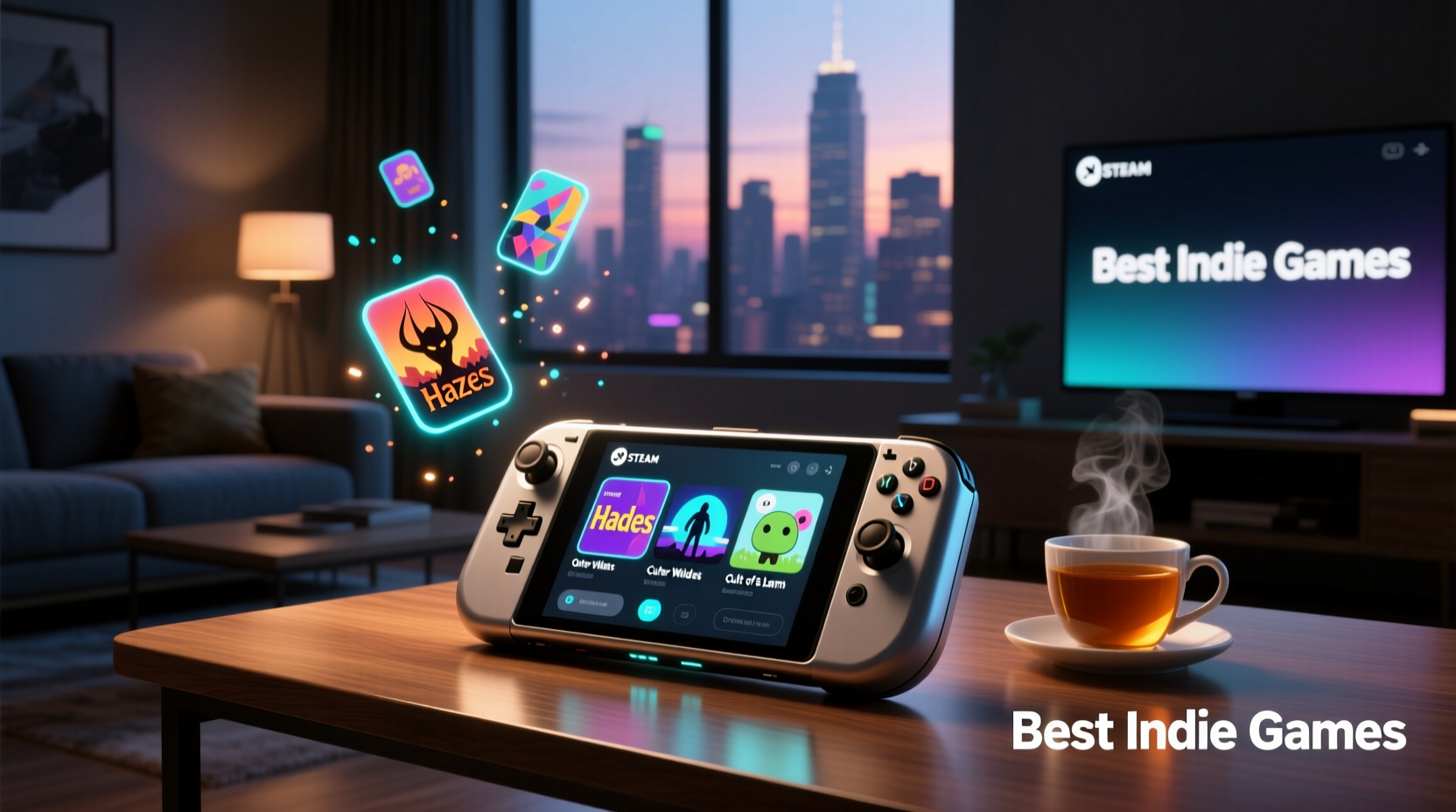
Indie titles are inherently optimized for lower hardware demands, making them ideal candidates for handheld devices that balance power efficiency with performance. Unlike AAA blockbusters requiring high-end GPUs and cooling systems, most indie games run smoothly even on mid-tier handheld specs. This compatibility ensures consistent frame rates, minimal load times, and extended battery life—critical factors when gaming away from a power source.
Beyond technical advantages, there's a natural synergy between the ethos of indie development and the personal nature of handheld play. Many indie games focus on intimate storytelling, emotional depth, and player introspection—qualities that resonate strongly during quiet, solitary moments: a train ride, a lunch break, or late at night before bed. The portability of handhelds turns these fleeting windows into meaningful gaming experiences.
“Handheld PCs have democratized access to niche genres. I’ve played games on my Steam Deck that I’d never have discovered sitting at home.” — Jordan Lin, Game Curator & Digital Archivist
Top 5 Must-Play Indie Games on Steam for Handheld Devices
While thousands of indie titles populate Steam, some stand out for their design, replayability, and suitability for mobile play. These five have proven particularly rewarding on handheld consoles:
- Hades – A roguelike masterpiece blending fast-paced combat with rich narrative progression. Its short runs fit perfectly into portable sessions, and touchpad gestures enhance menu navigation.
- Outer Wilds – Though technically demanding, its compact solar system encourages exploration in digestible chunks. The sense of wonder translates beautifully to solo play on a handheld screen.
- Eastshade – A first-person painting adventure where you explore an island, talk to quirky NPCs, and create art. Low intensity and stunning visuals make it ideal for relaxed travel use.
- Disco Elysium – The Final Cut – A narrative-heavy RPG with no combat. Voice acting and branching dialogue shine on headphones, turning commutes into immersive detective stories.
- Wilmot’s Warehouse – A minimalist organizational puzzle game. Simple mechanics, clever humor, and pick-up-and-play design make it perfect for quick handheld breaks.
Performance Comparison Across Popular Handhelds
| Game | Steam Deck (Frame Rate) | ASUS ROG Ally (Frame Rate) | Ayaneo Air Plus (Frame Rate) |
|---|---|---|---|
| Hades | 50–60 fps (Performance Mode) | 60 fps (Native) | 60 fps (Max Settings) |
| Outer Wilds | 40–50 fps (FSR Balanced) | 50–60 fps (FSR Quality) | 60 fps (Tuned Settings) |
| Eastshade | 60 fps (Native) | 60 fps (Native) | 60 fps (Native) |
| Disco Elysium | 60 fps (No Issues) | 60 fps (No Issues) | 60 fps (No Issues) |
| Wilmot’s Warehouse | 60 fps (Optimal) | 60 fps (Optimal) | 60 fps (Optimal) |
How to Optimize Your Handheld for Indie Game Discovery
Maximizing your experience isn’t just about hardware—it’s also about curation and configuration. Steam’s vast library can be overwhelming without a strategy. Here’s how to streamline discovery and ensure smooth gameplay:
- Use Steam Tags Effectively: Filter by “indie,” “pixel graphics,” “narrative,” or “short playtime” to surface relevant titles.
- Leverage User Reviews: Sort by “Most Recent” or “Positive” to find rising stars before they trend.
- Create Collections: Organize games by mood (“Relaxing”), length (“Under 5 Hours”), or platform compatibility (“Deck Verified”).
- Enable Cloud Saves: Sync progress across devices so you can start on desktop and continue on handheld.
- Adjust In-Game Scaling: On higher-resolution handhelds, tweak UI scaling to prevent text from becoming too small.
Step-by-Step: Building Your Portable Indie Library
- Assess Your Device’s Capabilities: Check storage space, RAM, and GPU limits. Prioritize games marked “Deck Verified” if using a Steam Deck.
- Set Up Remote Play or Cloud Sync: Ensure your Steam account syncs settings and saves across devices.
- Browse Curated Lists: Explore community hubs like “Hidden Gems” or “Short but Impactful” on Steam.
- Try Before You Buy: Utilize free weekends, demos, or refund eligibility (within two hours of playtime).
- Install and Test: Load a few titles, test controls, and adjust settings for optimal handheld ergonomics.
- Build a Rotation: Keep a mix of long-form narratives and quick-session games to match variable downtime.
Real-World Example: How One Player Rediscovered Gaming Through Indie Titles
Samantha Reyes, a freelance graphic designer based in Portland, hadn’t played video games seriously since college. After purchasing a Steam Deck on a whim, she began browsing indie sections during her daily transit. She stumbled upon To the Moon, a story-driven RPG with minimal gameplay but profound emotional weight. Playing in 20-minute segments on the MAX Light rail, she completed the game over three days.
“It felt like reading a novel with a soundtrack,” she said. “I didn’t need flashy graphics or complex controls. Just a good story and a device that let me engage at my pace.” Inspired, she created a playlist called “Commuter Stories” featuring titles like Before Your Eyes, Nobody Saves the World, and Oxenfree. For Samantha, handheld indie gaming became less about entertainment and more about mindful escapism.
Frequently Asked Questions
Can all Steam indie games run on handheld consoles?
Most can, but performance varies. Always check compatibility tags like “Deck Verified” or user benchmarks. Some older or poorly optimized titles may require Proton tweaks or controller mapping adjustments.
Are indie games cheaper on handhelds?
Prices are identical across Steam, regardless of device. However, many indie titles are already budget-friendly, and frequent sales make building a library cost-effective.
Do I need internet to play indie games on a handheld?
Initial downloads and activation require internet, but once installed, most indie games support offline mode. Verify per title in Steam’s properties menu.
Essential Checklist for New Handheld Owners
- ✅ Update your device’s OS and firmware before installing games
- ✅ Enable Steam Guard and backup codes for account security
- ✅ Organize your Steam library into collections (e.g., “On-the-Go”, “Story-Rich”)
- ✅ Calibrate touchscreen and gyro controls if supported
- ✅ Install a lightweight launcher or file manager for easier navigation
- ✅ Carry a USB-C charger or portable battery pack for extended sessions
Conclusion: Embrace the Freedom of Portable Indie Gaming
Handheld consoles have transformed how we interact with indie games—not just as occasional distractions, but as meaningful, accessible art forms woven into daily life. By combining the creative daring of independent developers with the mobility of modern hardware, players gain unprecedented freedom to explore stories, solve puzzles, and experience emotions wherever they are. The best part? You don’t need expensive gear or endless time to participate. A single commute could introduce you to a game that stays with you for years.




 浙公网安备
33010002000092号
浙公网安备
33010002000092号 浙B2-20120091-4
Comments
No comments yet. Why don't you start the discussion?