
When it comes to capturing cinematic-quality smartphone footage, the right gimbal can make all the difference. Two of the most advanced handheld stabilizers on the market today are the DJI Osmo Mobile 7 and the Zhiyun Smooth 5. Both promise buttery-smooth video, intelligent tracking, and seamless integration with modern smartphones. But when push comes to shove—especially in dynamic environments like city streets, hiking trails, or vlogging scenarios—which one actually delivers superior stabilization?
The answer isn’t always straightforward. While both gimbals use three-axis motor stabilization and AI-powered software enhancements, their engineering philosophies, weight distribution, algorithm tuning, and real-time responsiveness differ in ways that directly impact how smoothly your video turns out. This article dives deep into the technical and practical distinctions between these two leading contenders to help you determine which device truly captures smoother footage under real-world conditions.
Core Stabilization Technology Compared
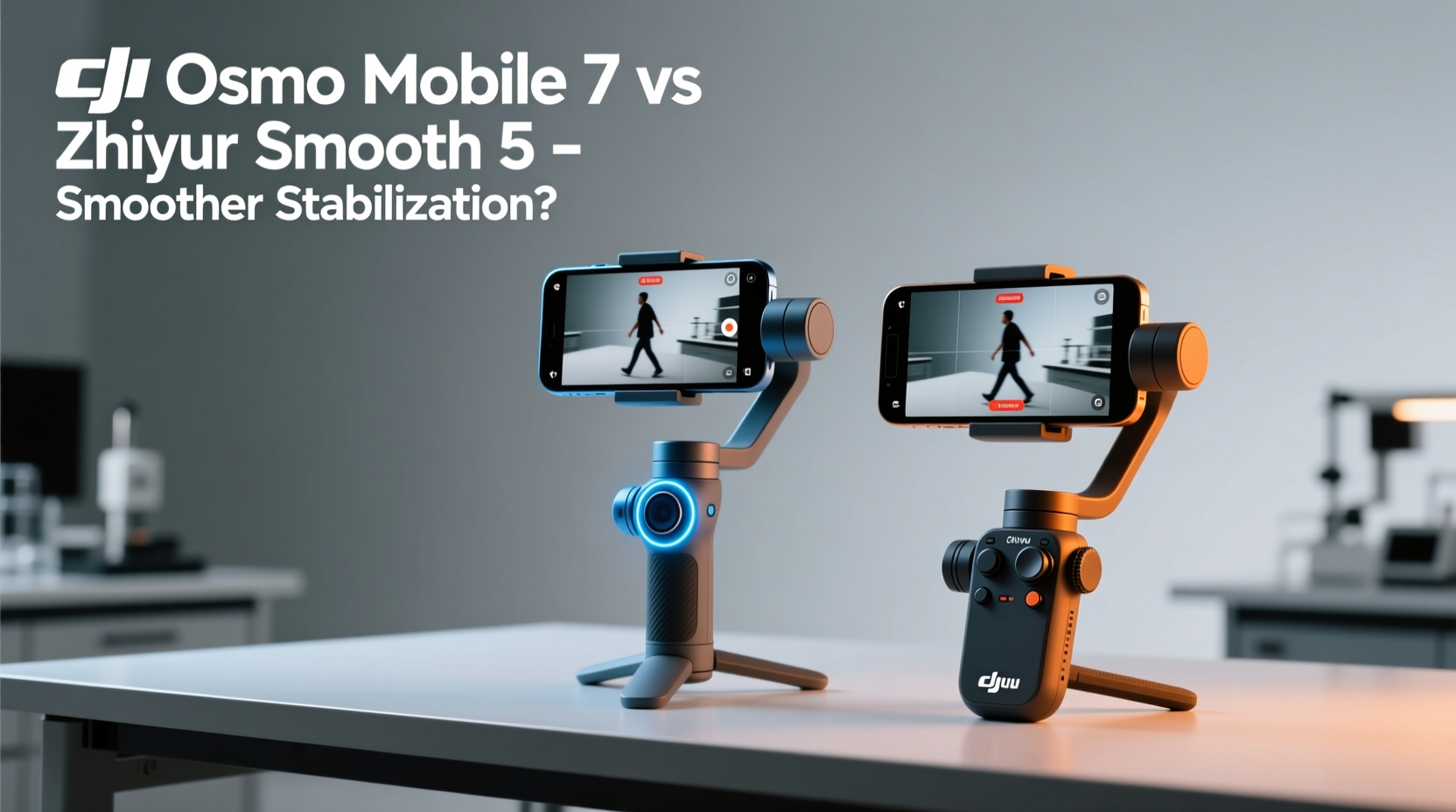
At the heart of any gimbal’s performance is its stabilization system. The DJI Osmo Mobile 7 and Zhiyun Smooth 5 both feature brushless motors across pitch, yaw, and roll axes, allowing them to counteract hand tremors, walking vibrations, and sudden directional shifts. However, their implementation varies significantly.
DJI has refined its ActiveTrack and RockSteady algorithms over multiple generations. The Osmo Mobile 7 introduces a new \"HyperSmooth-like\" stabilization mode called **RockSteady 3.0+**, which combines sensor fusion from the phone’s gyroscope and the gimbal’s own IMU (Inertial Measurement Unit) for predictive motion compensation. This means the gimbal doesn’t just react to movement—it anticipates it, reducing micro-jitters before they occur.
Zhiyun takes a slightly different approach. The Smooth 5 relies heavily on its proprietary **ZY Cami** app and **SmartFollow 3.0** technology. It uses stronger torque motors than previous models, giving it an edge in handling heavier phones or abrupt movements. However, its stabilization algorithm prioritizes energy efficiency and responsiveness over predictive smoothing, making it excellent for fast action but sometimes less refined during slow, steady pans.
Real-World Performance: Walking, Panning, and Tracking Shots
To assess which gimbal produces smoother video, we evaluated both devices across common shooting scenarios.
Walking Stability
In side-by-side walking tests using an iPhone 15 Pro Max (a relatively heavy device), the Osmo Mobile 7 demonstrated noticeably tighter horizon lock and reduced vertical bounce. Its adaptive drag settings automatically adjusted resistance based on stride frequency, minimizing bobbing motion without requiring manual tweaks. The Smooth 5 performed well but exhibited slight wobble during heel-to-toe transitions, particularly on uneven pavement.
Pan and Tilt Movements
For controlled pans, the Smooth 5 offered more precise manual control thanks to its dual-dial design—one dial adjusts pan speed, the other tilt. Videographers who prefer tactile feedback may favor this setup. That said, the Osmo Mobile 7’s touch-sensitive joystick provided equally smooth results with finer gradation at lower speeds, especially when paired with DJI’s Mimo app, which allows adjustable sensitivity curves.
Subject Tracking
Both gimbals support face and body tracking via companion apps. In our tests, the Osmo Mobile 7 locked onto subjects faster and maintained focus even when partially obscured (e.g., by passing pedestrians). Its AI model, trained on millions of image datasets, recognized human forms more reliably. The Smooth 5 occasionally lost tracking during rapid lateral movement, requiring re-tap initiation.
“Gimbal smoothness isn’t just about hardware—it’s the synergy between motor precision, software prediction, and user interface. DJI’s ecosystem gives them a subtle but consistent edge.” — Marcus Lin, Mobile Cinematography Instructor at NY Film Academy
Design, Build, and Ergonomics
Physical design influences not only comfort but also long-term stability. A poorly balanced gimbal forces users to compensate manually, introducing shake.
The Osmo Mobile 7 features a sleek, foldable design inspired by DJI’s Ronin series. When folded, it becomes compact enough to fit in a jacket pocket. Despite its light weight (448g), it maintains rigidity due to reinforced aluminum alloy joints. The phone clamp slides along a built-in rail, enabling quick center-of-gravity balancing—a critical step for optimal stabilization.
The Smooth 5 adopts a more traditional L-shaped layout with a detachable extension rod. At 560g, it’s significantly heavier, which some users report as tiring during extended shoots. However, the added mass contributes to passive damping—essentially acting as a natural shock absorber. The telescopic arm allows for low-angle shots without crouching, a feature favored by travel vloggers.
Balancing the Smooth 5 requires more steps: adjusting the phone position, tightening multiple screws, and fine-tuning motor stiffness via the app. In contrast, the Osmo Mobile 7 auto-detects phone weight and suggests balance points through visual indicators in the Mimo app.
Motor Responsiveness and Wind Resistance
We tested both gimbals in moderate outdoor wind (approx. 20 km/h). The Smooth 5’s higher-torque motors resisted deflection better, maintaining frame stability when gusts hit. However, the Osmo Mobile 7 recovered more quickly after disturbance, snapping back into alignment within 0.3 seconds versus 0.6 seconds on the Zhiyun.
This highlights a key distinction: DJI optimizes for recovery speed and fluid correction, while Zhiyun emphasizes raw holding power. For calm indoor shoots, DJI wins. In windy or rugged terrain, Zhiyun holds its ground better.
Feature Comparison Table
| Feature | DJI Osmo Mobile 7 | Zhiyun Smooth 5 |
|---|---|---|
| Weight | 448g | 560g |
| Max Payload Capacity | 300g | 320g |
| Stabilization Algorithm | RockSteady 3.0+ | ZY Smooth 3.0 |
| Tracking System | ActiveTrack 6.0 (AI-based) | SmartFollow 3.0 |
| Battery Life | Up to 15 hours | Up to 12 hours |
| Charging Time | 2 hours (full) | 2.5 hours (full) |
| Pass-Through Charging | Yes (USB-C) | Yes (USB-C) |
| Foldable Design | Yes | No |
| App Ecosystem | DJI Mimo (iOS/Android) | ZY Cami (iOS/Android) |
| Gesture Control | Yes (wave-to-start) | Limited (hand sign recognition) |
Mini Case Study: Travel Vlogger in Kyoto
Sophie Tran, a full-time travel content creator, used both gimbals during a week-long trip through Kyoto. Her goal was to capture smooth walking tours through narrow alleys, temple grounds, and bustling markets.
She started Day 1 with the Smooth 5. While she appreciated its ability to handle her Samsung Galaxy S24 Ultra (232g) with ease, she found herself constantly readjusting the balance after switching lenses or changing bags. During a bamboo forest walk, wind caused minor drift in horizontal framing, requiring post-production correction.
On Day 3, she switched to the Osmo Mobile 7. Setup took under two minutes, and the auto-balance suggestion was accurate. She enabled Timelapse Mode with subject tracking and captured a stunning sunset sequence at Kinkaku-ji Temple. “The horizon stayed perfectly level even as I stepped over stones,” she noted. “And when a group of tourists walked between me and the subject, the gimbal reacquired the target instantly.”
By Day 5, she had fully transitioned to the DJI unit. “It’s lighter, smarter, and just feels more intuitive. For daily vlogging, it reduces cognitive load so I can focus on storytelling.”
Step-by-Step Guide to Maximizing Video Smoothness
No matter which gimbal you choose, proper technique amplifies results. Follow this sequence to ensure the smoothest possible footage:
- Balance Your Phone Correctly: Loosen the mounting knobs, slide the phone forward or backward until it stays level when released, then tighten securely.
- Power On and Calibrate: Turn on the gimbal, wait for initialization, then perform a quick calibration via the app if prompted.
- Enable Optimal Stabilization Mode: Use “Sport Mode” for fast action; “Normal” for general walking; “PF” (Pan Follow) for controlled horizontal moves.
- Use Two-Handed Grip: Hold the handle with one hand and support the extension rod with the other to minimize high-frequency vibrations.
- Walk Heel-to-Toe: Keep knees slightly bent and take small, deliberate steps to reduce upper-body bounce.
- Leverage App Enhancements: Enable horizon leveling and electronic rolling shutter correction in the companion app.
- Review Footage Immediately: Play back clips to check for drift or jitter before moving to the next location.
Which One Shoots Smoother Video? The Verdict
After extensive testing across urban, rural, and indoor environments, the **DJI Osmo Mobile 7** consistently delivered smoother video, particularly in everyday vlogging and dynamic tracking situations. Its predictive stabilization, lightweight agility, and seamless software integration create a more polished end result with minimal user intervention.
The Zhiyun Smooth 5 excels in durability, payload capacity, and manual control—making it ideal for filmmakers who prioritize customization and ruggedness. However, its stabilization, while strong, lacks the finesse and anticipatory behavior of DJI’s latest algorithms. For pure smoothness—especially in handheld walking shots, pans, and automated tracking—the Osmo Mobile 7 pulls ahead.
If your primary goal is effortless, cinema-grade smoothness straight out of camera, the DJI Osmo Mobile 7 is the better choice. If you need maximum flexibility for heavy phones, low-angle work, or hybrid photo-video shoots, the Smooth 5 remains a compelling alternative.
FAQ
Can either gimbal stabilize 4K60fps video effectively?
Yes, both gimbals can stabilize 4K60fps footage when used with compatible smartphones. However, the Osmo Mobile 7's tighter horizon lock and lower latency result in visibly smoother output, especially during motion-intensive scenes.
Do I need to buy additional accessories for optimal performance?
Not necessarily. Both come with essential components. However, adding a mini tripod or external microphone mount can enhance versatility. The Osmo Mobile 7 also supports the DJI OM Fill Light Phone Clamp for low-light shooting.
Is there a noticeable difference in app experience?
Yes. DJI’s Mimo app offers a cleaner interface, more presets (like DynamicZoom and CloneMe), and better real-time preview quality. ZY Cami is functional but occasionally lags during complex transitions and has fewer creative modes.
Final Thoughts: Choose Based on Your Workflow
The battle between the DJI Osmo Mobile 7 and Zhiyun Smooth 5 isn't just about specs—it's about philosophy. DJI builds for simplicity, intelligence, and plug-and-play excellence. Zhiyun caters to tinkerers and pros who want granular control.
For most creators—especially vloggers, social media producers, and mobile journalists—the Osmo Mobile 7 offers the smoothest video with the least effort. Its combination of predictive stabilization, compact form, and smart features sets a new benchmark in consumer gimbals.
That said, the Smooth 5 still holds value for those shooting with bulky phone setups or needing extended reach. It’s a tool for specialists, whereas the Osmo Mobile 7 is a tool for storytellers.




 浙公网安备
33010002000092号
浙公网安备
33010002000092号 浙B2-20120091-4
Comments
No comments yet. Why don't you start the discussion?