
Every holiday season, homes across the country light up with festive displays, transforming neighborhoods into winter wonderlands. While these dazzling decorations bring joy, they also come with hidden costs—both in energy consumption and wear on lighting equipment. One often-overlooked solution to managing both issues is the humble Christmas light timer. More than just a convenience tool, a well-used timer can significantly reduce electricity usage and help extend the operational life of your bulbs. But how exactly does it work? And are all timers equally effective? This article explores the science, savings, and practical benefits behind using timers for holiday lights.
How Timers Reduce Electricity Consumption
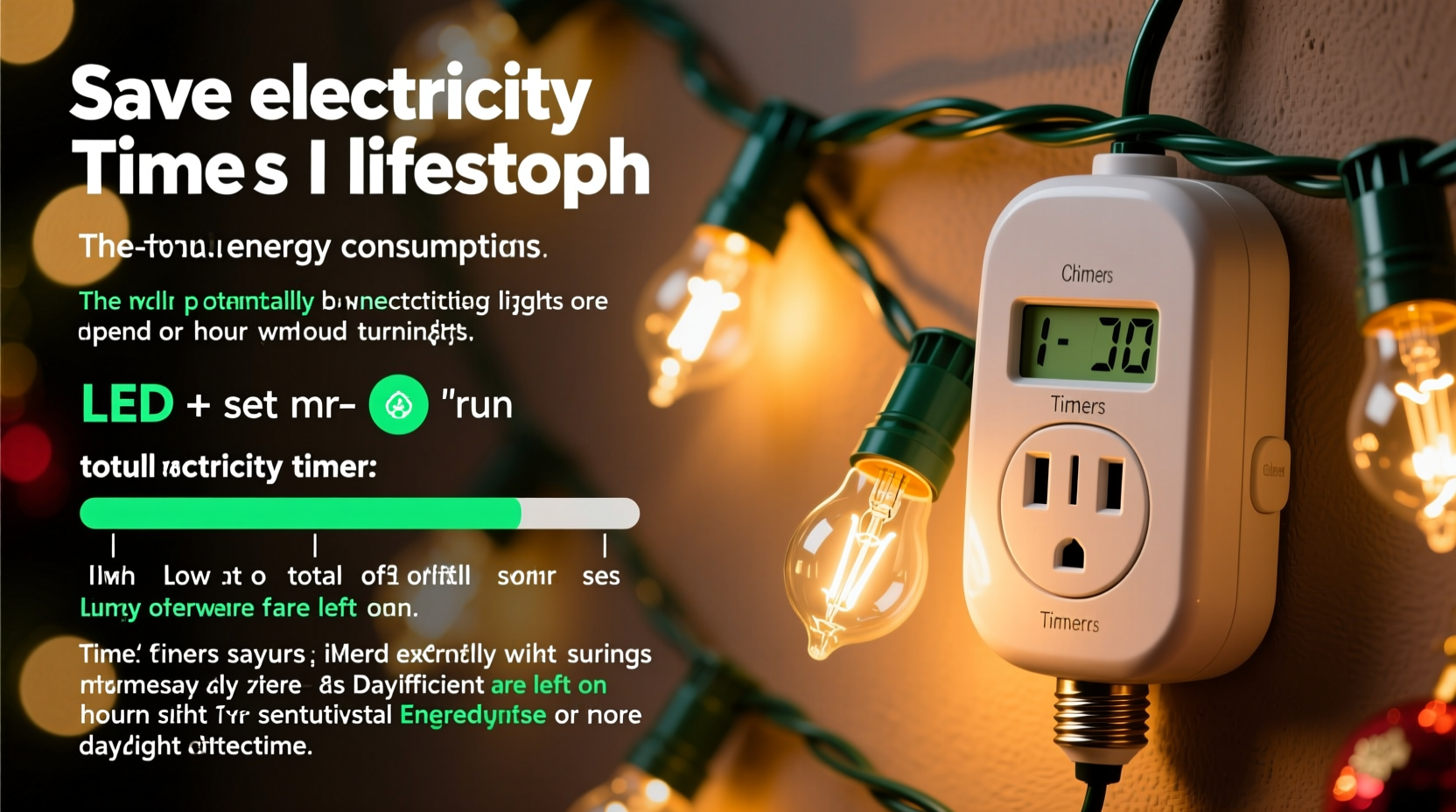
Christmas lights, especially older incandescent models, can draw substantial power when left running continuously. A typical string of 100 mini incandescent bulbs consumes about 40 watts per hour. If left on from 5 PM to 10 AM daily for 30 days, that single strand uses nearly 60 kilowatt-hours (kWh) over the season. Multiply that by multiple strands or outdoor displays, and the numbers climb quickly.
A timer automates when lights turn on and off, preventing them from staying illuminated longer than necessary. Most households benefit from having lights active only during evening hours when visibility is best—typically between 5 PM and 11 PM. By limiting operation to six hours instead of 17, energy use drops by more than two-thirds.
Digital programmable timers offer even greater precision, allowing different schedules for weekdays and weekends, or gradual dimming features that simulate natural sunset transitions. Some smart timers integrate with home automation systems, enabling remote control via smartphone apps or voice assistants like Alexa and Google Assistant.
The Impact on Bulb Lifespan
All light bulbs degrade over time, but their rate of deterioration is directly linked to total operating hours. Incandescent bulbs typically last around 2,000 hours, while LEDs can exceed 25,000 hours under ideal conditions. However, continuous use accelerates thermal stress, particularly in outdoor settings where temperature fluctuations cause expansion and contraction in wiring and filaments.
By reducing daily burn time, timers decrease cumulative heat exposure. This not only preserves filament integrity in traditional bulbs but also protects sensitive electronic components in LED strings. LEDs may not have filaments, but their drivers and circuitry are vulnerable to prolonged electrical current and environmental strain.
Moreover, turning lights off during off-peak hours reduces the risk of voltage surges caused by storms or grid fluctuations—common causes of premature failure. In this way, a simple timer acts as both an energy manager and a protective device.
“Limiting exposure time is one of the most effective ways to prolong any lighting system’s lifespan. A timer isn’t just convenient—it’s preventive maintenance.” — Dr. Alan Reeves, Electrical Systems Engineer, University of Michigan
Comparing Timer Types and Their Efficiency
Not all timers deliver the same level of performance. Choosing the right model depends on your setup, climate, and desired control. Below is a comparison of common timer types used for holiday lighting:
| Timer Type | Energy Savings Potential | Lifespan Protection | Best For | Limitations |
|---|---|---|---|---|
| Mechanical Plug-in Timer | Moderate (fixed schedules) | Good | Simple indoor setups | Inflexible; affected by power outages |
| Digital Programmable Timer | High (custom on/off times) | Very Good | Multiple zones, precise timing | Slight learning curve |
| Smart Wi-Fi Timer | Very High (remote access, geofencing) | Excellent | Large displays, travel-friendly | Requires stable internet; higher cost |
| Photocell Sensor Timer | Moderate to High (auto-detects darkness) | Good | Outdoor use, variable daylight | Can be triggered by streetlights or snow cover |
For maximum efficiency, pairing a smart timer with LED lights offers the greatest return. Smart models can adapt to changing sunset times throughout the season, eliminating manual adjustments. They also provide usage reports, alert you to malfunctions, and allow integration with other holiday devices like inflatables or music systems.
Real-World Example: The Johnson Family's Holiday Display
The Johnsons in suburban Minnesota maintain a popular neighborhood light display featuring over 20,000 bulbs, including icicle lights, net lights, and animated figures. Before installing timers, they ran everything from 4 PM to midnight—eight hours nightly—for 45 days each year. Their December electricity bill averaged $480, a sharp increase from their usual $160.
In 2022, they upgraded to Wi-Fi-enabled smart timers and replaced all incandescent strings with ENERGY STAR-rated LEDs. They programmed the system to activate only from 6 PM to 10 PM on weekdays and extended to 11 PM on weekends. They also grouped lights by zone, so only high-visibility areas were fully lit during peak viewing hours.
The results were dramatic: their holiday energy consumption dropped by 68%, and their December bill rose to only $250—a $230 annual saving. Additionally, after two seasons, none of their new LED strings had failed, compared to replacing nearly 15% of bulbs each year previously.
“We didn’t sacrifice brightness or charm,” said Mark Johnson. “The timers made it easier to manage, and knowing we’re saving energy and money makes the holidays feel even better.”
Step-by-Step Guide to Optimizing Your Lighting Schedule
Setting up an efficient lighting routine doesn't require technical expertise. Follow these steps to maximize savings and longevity:
- Inventory your lights: Note the number of strands, bulb type (incandescent vs. LED), wattage, and location (indoor/outdoor).
- Calculate baseline usage: Multiply total wattage by estimated daily hours without a timer. Use an online kWh calculator to estimate cost.
- Select the right timer: Choose based on complexity—mechanical for simplicity, digital or smart for advanced control.
- Determine optimal run time: Lights are most visible between dusk and midnight. Avoid running past 11 PM unless hosting events.
- Program and test: Set the timer, verify correct operation, and adjust if needed. Test photocell sensors in low-light conditions.
- Monitor and refine: Check monthly for flickering or failures. Adjust timing as sunset times change.
- Unplug during storms: If possible, disable systems during severe weather to protect against surges.
Common Mistakes That Undermine Timer Benefits
Even with a timer installed, poor practices can negate potential savings. Common errors include:
- Over-scheduling: Setting lights to run from early afternoon to dawn defeats the purpose of automation.
- Using outdated bulbs: Pairing modern timers with old incandescent strings limits efficiency gains.
- Ignoring weatherproofing: Outdoor timers must be rated for wet locations and placed under shelter if possible.
- Failing to maintain connections: Corroded or loose plugs increase resistance, leading to overheating and energy loss.
- Not updating seasonal settings: Fixed timers don’t account for shifting daylight; smart or photocell models handle this automatically.
To avoid these pitfalls, treat your holiday lighting system like any other home appliance—regular inspection and smart operation go hand in hand.
Checklist: Maximizing Energy and Longevity with Timers
Use this checklist before and during the holiday season to ensure optimal performance:
- ✅ Replace incandescent bulbs with LED equivalents
- ✅ Install GFCI-protected outlets for outdoor circuits
- ✅ Choose a timer with surge protection
- ✅ Program on/off times aligned with local sunset/sunrise
- ✅ Group lights by zone and priority (e.g., porch vs. backyard)
- ✅ Test all connections for tightness and dryness
- ✅ Monitor energy usage via smart meter or app
- ✅ Store timers properly after use—avoid moisture and extreme temperatures
Frequently Asked Questions
Do timers really make a difference with LED lights?
Yes. While LEDs consume far less power than incandescent bulbs, leaving them on unnecessarily still adds up over weeks. More importantly, reducing runtime extends their already long lifespan, delaying replacement and reducing waste.
Can I use one timer for multiple light strings?
You can, as long as the total wattage does not exceed the timer’s maximum load rating (usually 1,800–2,400 watts). For large displays, consider using multiple timers to distribute the load and enable zoned control.
Are smart timers worth the extra cost?
For small displays, a basic digital timer may suffice. But for complex or frequently adjusted setups, smart timers pay for themselves within a few seasons through energy savings, remote management, and reduced maintenance.
Final Thoughts: Small Change, Big Impact
Using a timer for Christmas lights is one of the simplest yet most effective upgrades a homeowner can make. It requires minimal investment, pays back quickly in lower bills, and actively contributes to the longevity of your decorations. Beyond personal savings, widespread adoption of timed lighting reduces collective energy demand during peak winter months, easing strain on power grids and lowering carbon emissions.
The holiday season is about celebration, but it doesn’t have to come at the expense of efficiency or sustainability. With thoughtful planning and the right tools, you can enjoy a brighter, safer, and more responsible festive display year after year.




 浙公网安备
33010002000092号
浙公网安备
33010002000092号 浙B2-20120091-4
Comments
No comments yet. Why don't you start the discussion?