
For millions of remote workers, the home office has become a permanent fixture—alongside an unexpected companion: wrist pain. As typing hours accumulate without the structured ergonomics of corporate workspaces, discomfort in the wrists, hands, and forearms is increasingly common. Repetitive strain injuries (RSIs), carpal tunnel syndrome, and general musculoskeletal fatigue are no longer confined to factory floors or data entry clerks; they’re showing up in freelance writers, software developers, and customer support agents working from their kitchen tables.
Ergonomic keyboards have emerged as a popular solution. Marketed as tools to align the body’s natural posture during typing, these devices promise relief from the nagging ache that plagues long typing sessions. But do they actually deliver? And if so, which types work best, under what conditions, and for whom?
The answer isn’t a simple yes or no—it depends on design, usage habits, individual anatomy, and overall workstation setup. However, a growing body of research and real-world feedback suggests that when used correctly, ergonomic keyboards can significantly reduce wrist strain and prevent long-term injury.
Understanding Wrist Pain in Remote Work
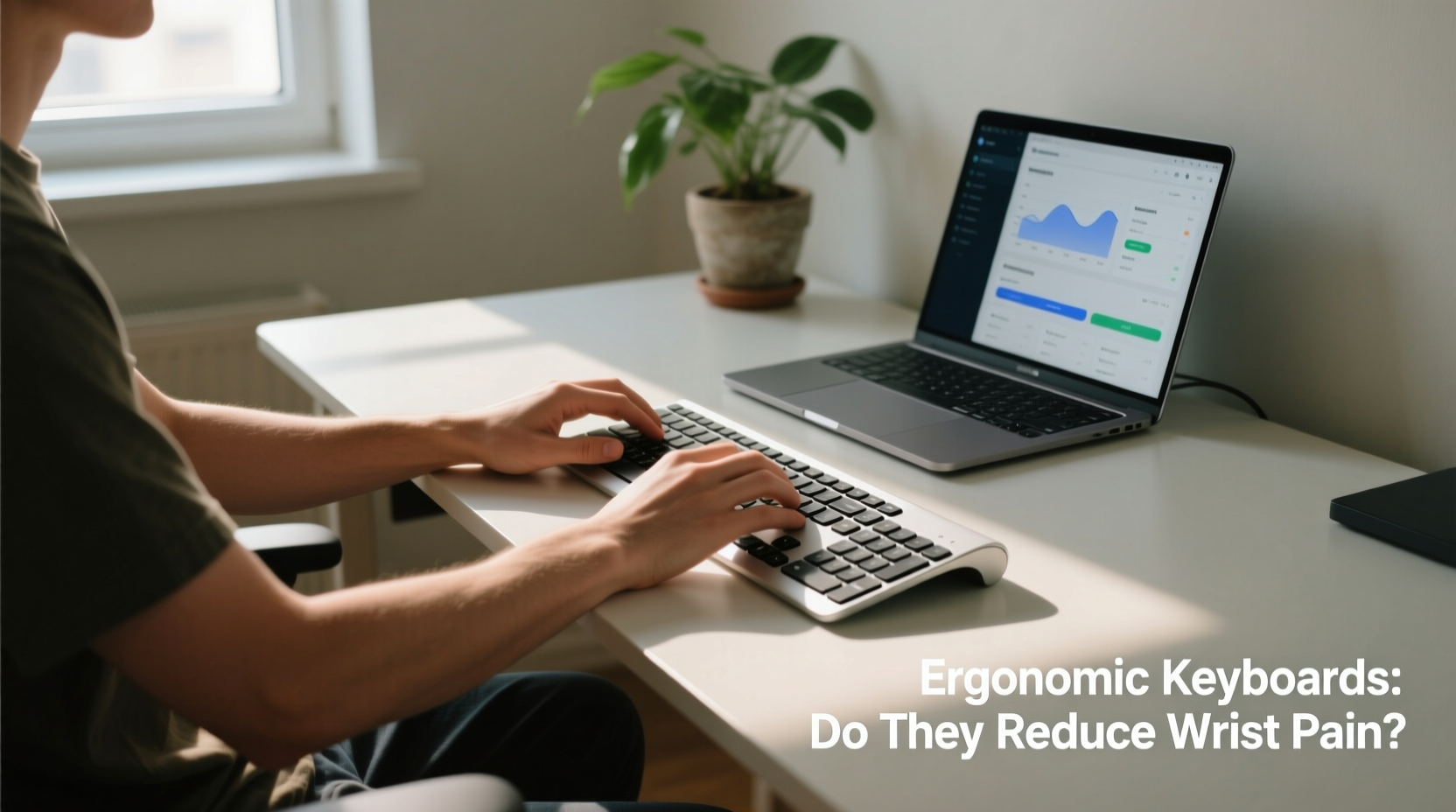
Remote work often means improvised setups: laptops on couches, chairs without lumbar support, and desks too high or too low. These suboptimal environments force users into unnatural postures. The wrists, in particular, suffer when the hands are angled downward, twisted outward, or held rigidly straight during extended typing.
Wrist pain typically stems from one or more of the following:
- Ulnar deviation: When the wrists bend sideways toward the little finger, increasing pressure on tendons.
- Palmar flexion: Bending the wrists downward while typing, compressing nerves in the carpal tunnel.
- Prolonged static posture: Holding the same hand position for hours reduces blood flow and increases muscle fatigue.
- Repetitive motion: Thousands of keystrokes per day strain soft tissues, especially without breaks.
A 2022 study published in *Applied Ergonomics* found that remote workers reported a 37% increase in upper limb discomfort since transitioning to full-time home offices. Among those, wrist and forearm pain ranked highest. This shift has amplified interest in preventive tools like ergonomic keyboards.
How Ergonomic Keyboards Work
Unlike traditional flat keyboards, ergonomic models are designed to follow the body’s natural alignment. They aim to minimize awkward wrist positions by altering layout, shape, and key placement. The core principle is reducing ulnar deviation and promoting a neutral hand posture—where the hands sit shoulder-width apart, palms facing each other, and wrists straight.
Common designs include:
- Split keyboards: Two separate key sections allow users to angle each half outward, matching shoulder width.
- Curved or tented keyboards: Keys are contoured to match finger reach, and some models elevate the center to reduce pronation.
- Vertical keyboards: Hold hands in a handshake-like position, drastically reducing forearm twisting.
- Compact or staggered layouts: Reduce finger travel and promote central hand positioning.
These designs aren’t just aesthetic—they respond to biomechanical research. A 2020 clinical trial at Cornell University’s Ergonomics Lab showed that split keyboards reduced wrist deviation by up to 50% compared to standard models. Participants also reported less muscle fatigue after two weeks of consistent use.
“Ergonomic keyboards don’t eliminate risk, but they shift the burden away from vulnerable joints. For remote workers logging 6+ hours daily, even small reductions in strain can delay or prevent chronic injury.” — Dr. Lena Torres, Occupational Health Specialist
Real-World Impact: A Case Study
Jamie Chen, a technical writer based in Portland, began experiencing sharp wrist pain after switching to full-time remote work in 2020. Working from a dining table with a laptop and external keyboard, Jamie noticed numbness in the right hand by mid-afternoon. Over-the-counter braces helped temporarily, but the discomfort persisted.
After consulting a physical therapist, Jamie invested in a split ergonomic keyboard and adjusted the desk setup: raising the monitor to eye level, using a footrest, and positioning the keyboard at elbow height. Within three weeks, the numbness subsided. By week six, Jamie reported a 70% reduction in pain and improved typing endurance.
“It wasn’t just the keyboard,” Jamie noted. “But it was the most noticeable change. My hands don’t feel ‘locked’ anymore. I can type for hours without that constant ache creeping in.”
This experience reflects a broader trend: ergonomic keyboards are most effective when integrated into a holistic ergonomic strategy. Alone, they may offer limited relief. Combined with proper posture, regular breaks, and mindful typing habits, their impact multiplies.
Choosing the Right Keyboard: A Practical Checklist
Selecting an ergonomic keyboard isn’t about buying the most expensive model—it’s about matching the design to your body and workflow. Use this checklist before purchasing:
- Assess your current pain points: Is it wrist bending, forearm tension, or fingertip strain? Different designs target different issues.
- Measure your workspace: Ensure there’s enough room for split or wide-format keyboards.
- Test adjustability: Look for models with tenting angles, palm supports, and programmable keys.
- Consider typing style: Touch typists benefit more from split layouts; hunt-and-peck typists may prefer compact vertical designs.
- Budget for accessories: Pair with an ergonomic mouse and wrist rest for maximum benefit.
- Allow an adaptation period: It can take 1–3 weeks to adjust to a new hand position.
Do They Actually Reduce Pain? Evidence and Limitations
Multiple studies support the effectiveness of ergonomic keyboards in reducing wrist strain. A meta-analysis in the *Journal of Occupational Rehabilitation* (2021) reviewed 18 trials and concluded that split and vertical keyboards significantly decreased discomfort scores among computer users. The most consistent improvements were seen in wrist angle reduction and subjective reports of fatigue.
However, results vary. Not all users experience immediate relief. Factors influencing success include:
| Factor | Positive Impact | Limited/No Impact |
|---|---|---|
| User compliance | Consistent use over 4+ weeks | Occasional or incorrect use |
| Workstation setup | Aligned chair, desk, and monitor | Poor posture or improper height |
| Keyboard type | Split or vertical models | Slight curve or non-adjustable |
| Pre-existing condition | Mild RSI or early symptoms | Advanced carpal tunnel syndrome |
Importantly, ergonomic keyboards are preventive and corrective tools—not medical devices. They cannot reverse nerve damage or cure severe conditions. In advanced cases, medical intervention such as splinting, therapy, or surgery may be necessary.
“The keyboard is just one piece of the puzzle. We see patients who buy expensive ergonomic gear but still hunch over their desks. Without addressing the whole posture chain, benefits are minimal.” — Dr. Arjun Patel, Physical Therapist at Bayview Rehab Center
Step-by-Step Guide to Reducing Wrist Pain
If you're experiencing wrist discomfort as a remote worker, follow this timeline to create lasting relief:
- Week 1: Assess and Adjust
- Document pain levels and typing duration.
- Set up your workstation: chair at hip level, feet flat, screen at eye height.
- Position your current keyboard so wrists remain neutral.
- Week 2: Introduce Breaks and Stretches
- Use the 20-20-20 rule: every 20 minutes, look 20 feet away for 20 seconds.
- Add wrist flexor and extensor stretches twice daily.
- Practice typing with lighter keystrokes.
- Week 3: Test an Ergonomic Keyboard
- Rent or trial a split or vertical model.
- Start with 1–2 hours per day, gradually increasing.
- Note changes in comfort and typing accuracy.
- Week 4: Optimize and Commit
- Adjust tenting angle, palm support, and key sensitivity.
- Integrate with an ergonomic mouse.
- Track pain levels weekly to measure progress.
This phased approach ensures sustainable adaptation without overwhelming workflow disruptions.
Frequently Asked Questions
Can an ergonomic keyboard cure carpal tunnel syndrome?
No single device can cure carpal tunnel syndrome. However, ergonomic keyboards can reduce pressure on the median nerve and slow progression. For diagnosed cases, consult a healthcare provider for a comprehensive treatment plan including rest, bracing, therapy, or surgery.
Are wireless ergonomic keyboards as effective as wired ones?
Yes. Wireless functionality does not affect ergonomic benefits. Many top models (e.g., Logitech ERGO K860, Microsoft Sculpt) are wireless and maintain responsive key performance. Choose based on connectivity preferences and battery life.
How long does it take to get used to an ergonomic keyboard?
Most users adapt within 1–3 weeks. Initial discomfort is normal as muscles adjust to new hand positions. Typing speed may dip temporarily but usually returns to baseline within 10–14 days.
Conclusion: Taking Action for Long-Term Comfort
Wrist pain doesn’t have to be an inevitable cost of remote work. While not a magic fix, ergonomic keyboards play a critical role in reducing strain and supporting healthier typing habits. When paired with proper posture, regular movement, and mindful workspace design, they offer measurable relief for many remote professionals.
The investment—both financial and behavioral—is worthwhile. Preventing chronic injury preserves productivity, comfort, and career longevity. Whether you’re drafting reports, coding applications, or managing emails, your wrists deserve support that matches the demands of modern digital work.




 浙公网安备
33010002000092号
浙公网安备
33010002000092号 浙B2-20120091-4
Comments
No comments yet. Why don't you start the discussion?