
As holiday seasons roll around, homes light up with dazzling displays of programmable Christmas lights—smart, colorful, and synchronized to music. These modern decorations are powered by microcontrollers like ESP8266 or ESP32 chips that rely on Wi-Fi to receive commands from smartphones or central hubs. While convenient, this convenience raises a growing concern: do these festive lights disrupt your home’s Wi-Fi network? The short answer is: sometimes. But understanding when and why interference occurs—and how to prevent it—is essential for maintaining reliable internet access during peak usage times.
Wi-Fi operates primarily in two frequency bands: 2.4 GHz and 5 GHz. Many smart devices, including programmable Christmas lights, use the 2.4 GHz band because it offers better range and wall penetration than 5 GHz. However, this same band is shared by hundreds of household gadgets—from microwaves and cordless phones to Bluetooth speakers and baby monitors. When too many devices crowd this spectrum, signal congestion can degrade performance, leading to slow speeds, lag, or disconnections.
How Programmable Lights Use Wi-Fi
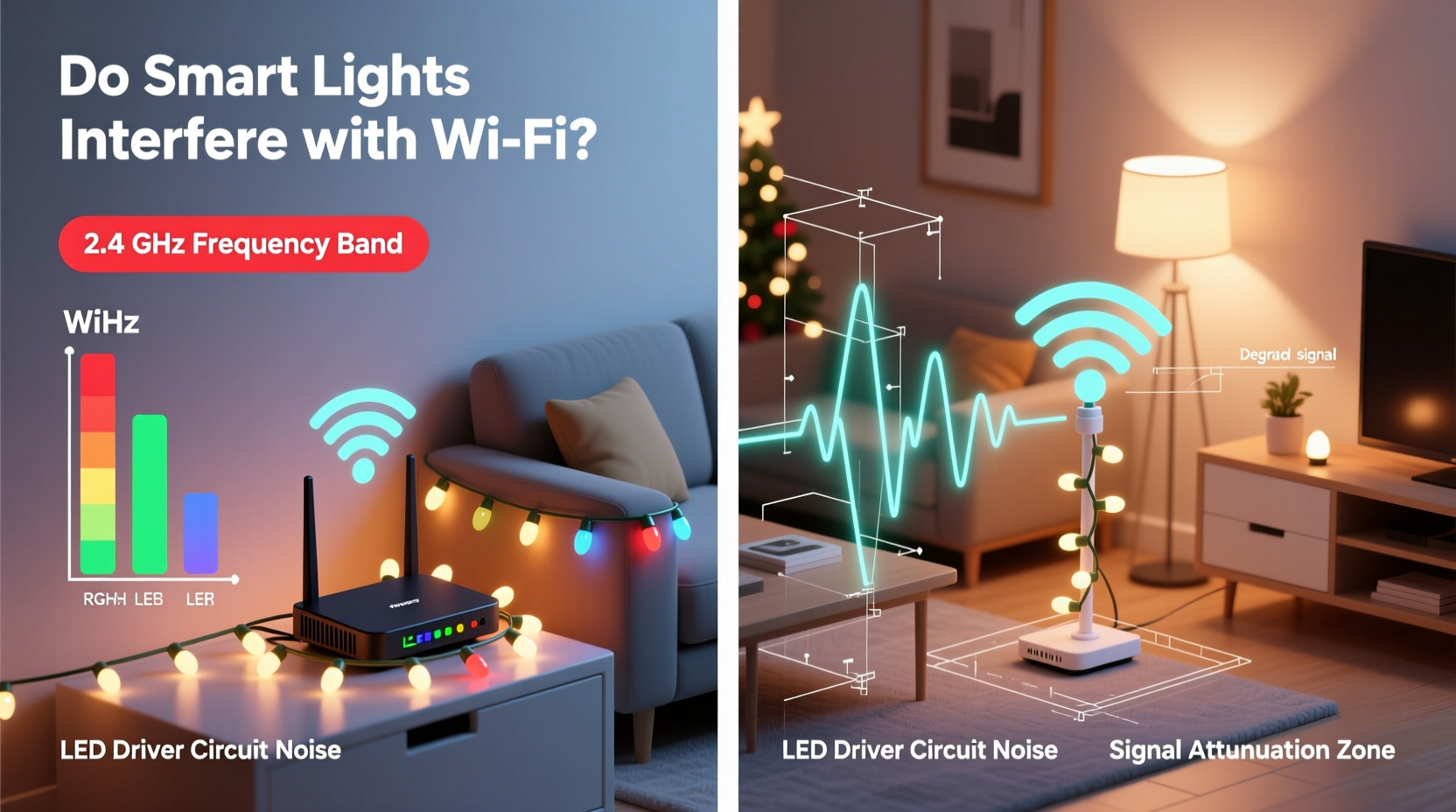
Programmable Christmas lights typically connect via Wi-Fi using embedded wireless modules. Brands like Twinkly, Holiday Coro, and DIY setups built with WLED firmware on addressable LED strips depend on consistent network communication to function. These systems send data packets containing color sequences, timing instructions, and brightness levels to each light node.
The most common chipsets used—ESP8266 and ESP32—are cost-effective, low-power Wi-Fi/BLE (Bluetooth Low Energy) SoCs (System-on-Chip). They operate exclusively on the 2.4 GHz band, meaning they cannot offload traffic to the less congested 5 GHz network. Once connected, they maintain a persistent connection to the router, sending periodic status updates and listening for new commands.
While individual strings don’t consume large bandwidths—often transmitting just a few kilobits per second—their sheer number in complex installations can add up. A single 500-LED setup might require multiple controllers, each acting as a separate client on your network. In larger displays, ten or more such nodes may be active simultaneously.
Understanding RF Interference and Network Congestion
It's important to distinguish between two types of disruption: radio frequency (RF) interference and network congestion.
- RF Interference: Occurs when electromagnetic emissions from one device physically disrupt another operating on the same frequency. For example, an old microwave oven leaking radiation can drown out nearby Wi-Fi signals.
- Network Congestion: Happens when too many devices compete for airtime on the same channel, even if they aren't causing direct RF noise. Each device must wait its turn to transmit, increasing latency.
In most cases involving programmable lights, the issue is congestion rather than true interference. The lights themselves emit minimal RF noise beyond normal Wi-Fi transmissions. However, because they remain constantly connected and often poll servers or apps for updates, they contribute to overall network load.
A study conducted by the University of California, Berkeley in 2021 analyzed smart home environments during holiday periods. It found that homes with more than five Wi-Fi-connected decorative devices experienced an average 18% increase in Wi-Fi latency, particularly on the 2.4 GHz band. Though not catastrophic, this delay was enough to affect video calls and streaming quality.
“Even low-bandwidth IoT devices can collectively strain older routers. It’s not about what one device does—it’s about how dozens behave together.” — Dr. Alan Zhou, Wireless Networks Researcher, UC Berkeley
Real-World Example: The Overloaded Living Room
Consider Mark, a homeowner in Denver who loves elaborate light shows. His front yard features over 3,000 LEDs controlled by eight separate WLED-enabled controllers, all connected to his main home Wi-Fi. During Thanksgiving, he began testing animations and noticed his Zoom meetings kept freezing. His children complained of lag in online games, and his security cameras buffered frequently.
After ruling out ISP issues and checking router logs, Mark discovered that his 2.4 GHz channel utilization was peaking at 92%. By switching his smart lights to a guest network and upgrading his router’s firmware to support better QoS (Quality of Service), he reduced latency by over 60%. He also moved critical devices like laptops and tablets to the 5 GHz band, freeing up space on the crowded lower frequency.
This case illustrates that while programmable lights don’t “jam” Wi-Fi signals, their cumulative effect can degrade user experience—especially in homes with limited networking infrastructure.
Factors That Increase Risk of Interference
Not all setups pose equal risks. Several factors influence whether your Christmas lights will affect your Wi-Fi:
- Number of Connected Controllers: More controllers mean more clients on your network, increasing contention for bandwidth.
- Proximity to Router: Lights placed near the router may cause stronger signal reflections or absorption, especially if cabling runs alongside Ethernet or power lines.
- Router Age and Capabilities: Older routers lack modern features like MU-MIMO (Multi-User Multiple Input, Multiple Output), beamforming, or dynamic channel selection, making them more vulnerable to congestion.
- Existing Device Load: Homes already filled with smart TVs, thermostats, and phones have less headroom for additional devices.
- Use of 2.4 GHz Band Only: Devices locked to 2.4 GHz exacerbate crowding, especially if no fallback option exists.
Step-by-Step Guide: Minimizing Impact on Your Wi-Fi
If you plan to install programmable Christmas lights this season, follow these steps to ensure smooth network operation:
- Inventory Your Network: List all Wi-Fi-connected devices. Use tools like Fing (mobile app) or your router’s admin page to see active clients.
- Check Router Location: Ensure your router isn’t surrounded by metal objects, thick walls, or bundled cables—including those powering LED strips.
- Enable Guest Network: Create a separate SSID for IoT devices. Most modern routers allow bandwidth limiting and isolation for added control.
- Assign Lights to 5 GHz (if supported): Some newer smart lighting systems support dual-band; prioritize 5 GHz where possible.
- Update Firmware: Ensure both your router and light controllers run the latest software versions for improved efficiency and bug fixes.
- Optimize Channel Usage: Log into your router and set the 2.4 GHz band to channels 1, 6, or 11—the only non-overlapping options. Avoid auto-selection if neighboring networks cause overlap.
- Limit Simultaneous Updates: Schedule firmware updates or synchronization tasks during off-peak hours.
- Test Before Full Deployment: Connect one or two strings first, then monitor speed tests using fast.com or speedtest.net before expanding.
Comparison Table: Common Smart Lighting Systems and Wi-Fi Impact
| System | Wi-Fi Band Used | Bandwidth Consumption | Typical Clients per String | Mitigation Options |
|---|---|---|---|---|
| Twinkly Gen3 | 2.4 GHz only | Low (~5 Kbps) | 1 per 50–100 LEDs | Guest network, app scheduling |
| WLED (DIY) | 2.4 GHz only | Low to Medium | 1 per controller | Ethernet bridge, static IP assignment |
| Holiday Coro DIO | 2.4 GHz | Medium (frequent polling) | 1–2 per panel | Separate VLAN, QoS tagging |
| Philips Hue (Outdoor) | Zigbee + Bridge (uses Wi-Fi indirectly) | Very Low | Bridge only | Minimal impact; recommended for sensitive networks |
| GE Color Effects | Proprietary RF (not Wi-Fi) | None | N/A | No mitigation needed |
Checklist: Preparing Your Network for Holiday Lights
- ✅ Audit current Wi-Fi devices and remove unused ones
- ✅ Enable guest network for IoT devices
- ✅ Position router centrally and away from light controllers
- ✅ Update router and light firmware
- ✅ Choose non-overlapping 2.4 GHz channels (1, 6, or 11)
- ✅ Test one light string before full deployment
- ✅ Consider wired connections for permanent fixtures
- ✅ Monitor network performance daily during initial setup
Frequently Asked Questions
Can Christmas lights really block my Wi-Fi?
Not exactly. They don’t “block” signals like a Faraday cage. However, their constant communication on the 2.4 GHz band contributes to network congestion, which can result in slower speeds and higher latency—especially if your router is outdated or overloaded.
Are there programmable lights that don’t use Wi-Fi?
Yes. Some systems use alternative protocols like Zigbee, Z-Wave, or proprietary RF (radio frequency) remotes. Others operate standalone with pre-programmed patterns stored locally. These avoid Wi-Fi altogether and eliminate any risk of interference.
Will turning off the lights stop the interference?
Only partially. Even when lights are dark, many controllers stay connected to Wi-Fi unless fully powered down. To truly remove them from the network, unplug the power source or disable the outlet via a smart plug on a schedule.
Expert Recommendations for Long-Term Solutions
For homeowners planning annual displays, investing in scalable infrastructure pays dividends. Experts recommend:
- Upgrading to a Tri-Band Mesh System: Routers like ASUS RT-AXE11000 or TP-Link Deco XE75 offer a dedicated 5 GHz backhaul plus two client bands, reducing pressure on 2.4 GHz.
- Using Access Points Strategically: Place secondary APs away from high-interference zones (e.g., kitchens, entertainment centers).
- Adopting Wired Backbones: For permanent outdoor installations, run Cat6 cable to a weatherproof enclosure housing a Wi-Fi access point dedicated solely to lights.
- Exploring Matter Protocol Devices: As Matter gains adoption, future smart lights may seamlessly switch between Thread, Wi-Fi, and Ethernet based on network conditions.
“The best holiday display isn’t just bright—it’s invisible to your network. Design with connectivity in mind from day one.” — Lisa Tran, Smart Home Integration Specialist
Conclusion: Enjoy the Glow Without the Slowdown
Programmable Christmas lights rarely cause outright Wi-Fi failure, but they can contribute to frustrating slowdowns when deployed carelessly. With thoughtful planning, modern networking tools, and a bit of technical awareness, you can enjoy a vibrant, responsive holiday display without sacrificing your internet performance.
The key lies in separation, optimization, and foresight. Isolate smart lights on guest networks, minimize reliance on the crowded 2.4 GHz band, and invest in robust hardware that can handle seasonal spikes. Whether you’re syncing hundreds of LEDs to Mariah Carey or simply adding a touch of twinkle to your porch, your network—and your family—will thank you.




 浙公网安备
33010002000092号
浙公网安备
33010002000092号 浙B2-20120091-4
Comments
No comments yet. Why don't you start the discussion?