
Smart lighting has transformed the way we interact with our living spaces. From ambient mood settings to dynamic color shows synced with music, programmable light sequences offer both functionality and flair. Many of these systems are controlled through smartphone apps using Bluetooth, Wi-Fi, or a combination of both. But as convenience increases, so do concerns about impact—especially on mobile device performance. One pressing question users frequently ask is: Do programmable light sequences actually drain your phone’s battery when connected via an app?
The short answer is yes—but not in the way most people assume. The extent of battery drain depends on several factors, including connection type, app behavior, background activity, and how the sequence is executed. Understanding these nuances helps you enjoy smart lighting without unnecessarily sacrificing your phone’s power.
How Smart Lights Connect to Your Phone
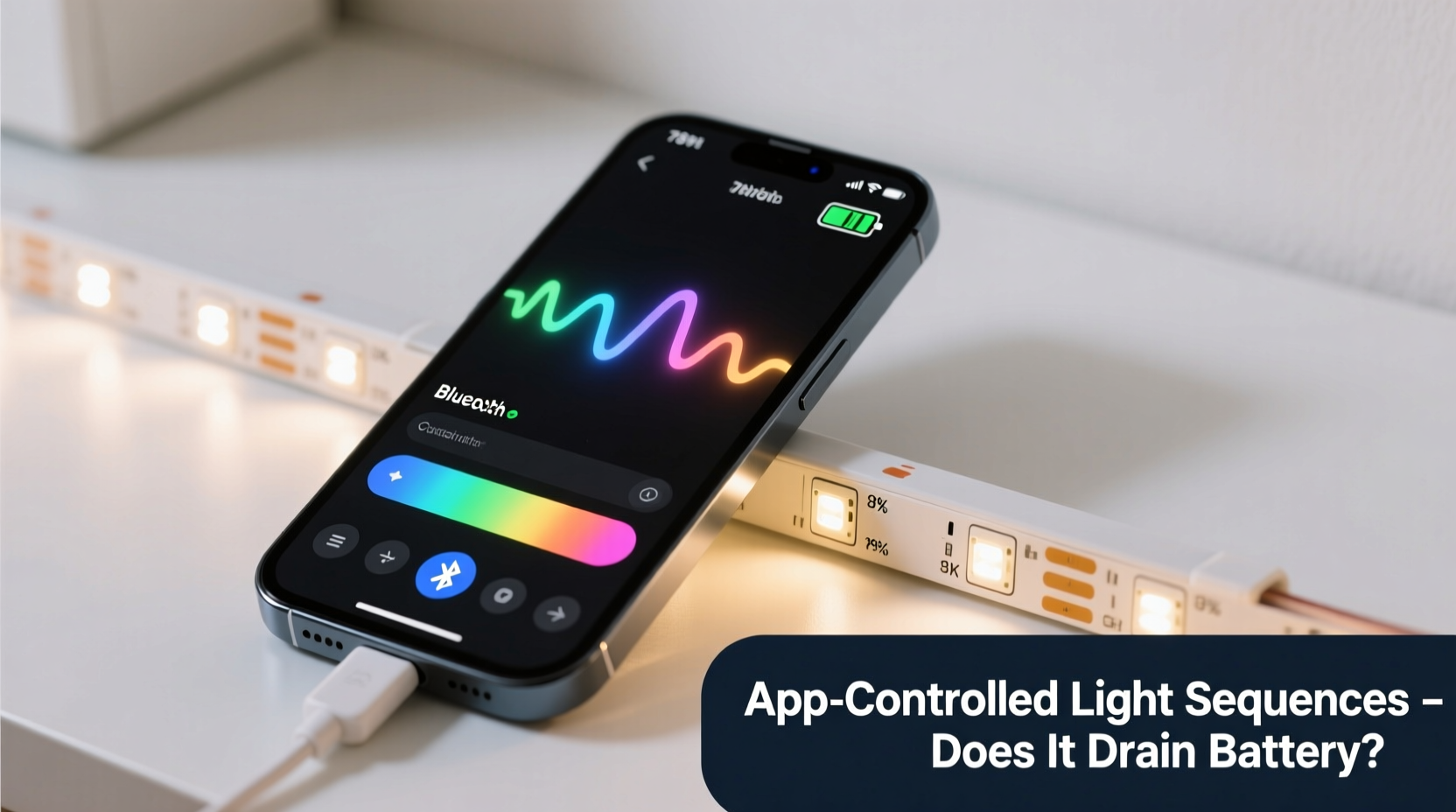
Programmable lights rely on wireless communication protocols to receive commands from your smartphone. The two most common methods are:
- Bluetooth (BLE): Low-energy variant used for close-range control (typically up to 30 feet). Energy-efficient but limited in range and scalability.
- Wi-Fi: Enables remote access over the internet, supports multiple devices, and allows integration with voice assistants. However, it consumes more power than BLE.
When your phone connects to smart lights, it establishes a persistent or intermittent link depending on the system. Some apps maintain constant background connections to allow real-time adjustments, while others only connect when actively opened.
What Actually Drains Battery: The Hidden Culprits
It's easy to assume that running colorful light shows directly causes battery drain, but the lights themselves don’t pull energy from your phone. Instead, the drain comes from how your phone manages the connection and processes data during interaction.
App Background Activity
Many smart lighting apps continue running in the background even after you close them. They may periodically check for updates, sync schedules, or listen for triggers like geofencing (e.g., turning lights on when you arrive home). This background activity keeps radios like Wi-Fi and Bluetooth active, increasing power consumption.
A 2022 study by Purdue University found that background network polling in IoT-related apps can increase daily battery usage by 8–15%, especially if location services are also enabled.
Real-Time Control & Streaming Effects
When you're actively controlling a light sequence—such as adjusting colors in real time or syncing lights to music—the app sends frequent data packets to the bulbs. This sustained transmission requires continuous radio use, which significantly impacts battery life over extended sessions.
For example, a five-minute live music-sync session using Wi-Fi-connected RGB strips can consume more power than leaving your screen on at 50% brightness for the same duration.
Screen-On Time and UI Complexity
The visual interface of lighting apps often includes color wheels, sliders, preview animations, and scene builders. These features require GPU processing and keep the screen active longer than typical app usage. Since display is one of the largest drains on modern smartphones, prolonged interaction compounds the effect.
“People overlook screen time when blaming apps for battery drain. In reality, rich interfaces combined with wireless transmission create a perfect storm for energy loss.” — Dr. Lena Torres, Mobile Systems Researcher at MIT
Do Light Sequences Run on the Phone or the Bulb?
This distinction is crucial. Whether a sequence runs locally on your phone or is stored and executed on the bulb (or hub) determines long-term battery impact.
| Execution Method | Battery Impact | Description |
|---|---|---|
| Phone-Driven (Real-Time) | High | Sequence logic runs on the phone; commands sent continuously. Keeps connection active and drains battery quickly. |
| Bulb/Hub-Driven (Stored) | Low | Sequence is uploaded once and runs independently. Minimal phone involvement after setup. |
| Scheduled via Cloud | Very Low | Timing handled remotely. Phone only involved during configuration. |
If your app lets you \"save\" a sequence to the bulb or bridge (like Philips Hue or LIFX), the actual playback doesn't require your phone to stay connected. Once programmed, the lights run autonomously. This approach drastically reduces ongoing battery strain.
Case Study: Two Users, Two Outcomes
Consider two users setting up holiday light displays using the same brand of programmable RGB strips.
User A uses the app every evening to manually select new patterns, adjusts speed and colors in real time, and leaves the app open for 20 minutes each night. Their phone remains within range, screen on, connected via Wi-Fi.
User B spends 15 minutes upfront programming three favorite sequences into the strip’s onboard memory. After saving, they close the app completely. For nightly use, they trigger sequences via a physical remote or voice command—no phone needed.
Over two weeks, User A reports a 20% faster battery drain compared to their usual pattern, citing “the lights app” as a top battery consumer. User B notices no measurable difference in battery performance.
The hardware was identical. The difference? Execution model and user behavior.
Step-by-Step: Minimize Battery Drain While Using Programmable Lights
You don’t have to give up smart lighting to preserve battery life. Follow this practical guide to reduce unnecessary energy use:
- Prefer BLE over Wi-Fi when possible – Use Bluetooth-enabled systems for local control, especially for short-range setups like bedside lamps or shelves.
- Upload sequences to the device – Save custom effects directly onto the bulb or controller so they run independently.
- Disable background refresh – Go to your phone settings and restrict background data for the lighting app.
- Use automation instead of manual control – Set schedules or triggers (e.g., sunset, motion) so you don’t need to open the app daily.
- Close the app after use – Don’t just minimize it; fully close to stop background processes.
- Limit screen-on time – Plan your scenes quickly and avoid tinkering endlessly with sliders and previews.
- Use alternative controls – Switch to voice assistants (Alexa, Google Assistant), remotes, or wall switches where supported.
Checklist: Optimize Your Smart Lighting Setup for Battery Efficiency
Before you start your next lighting project, run through this checklist to ensure minimal impact on your phone:
- ✅ Confirm if your lights support standalone sequence playback
- ✅ Upload favorite effects directly to the bulb or hub
- ✅ Disable location permissions unless needed for geofencing
- ✅ Turn off push notifications from the app
- ✅ Use a dedicated smart home hub (e.g., Hue Bridge) to offload phone dependency
- ✅ Schedule recurring scenes instead of manual activation
- ✅ Monitor battery usage in Settings to identify rogue apps
Frequently Asked Questions
Does keeping the lighting app open in the background drain battery?
Yes. If the app maintains an active connection or performs periodic checks, it will use CPU, network, and location resources—even when minimized. Over time, this contributes to noticeable battery depletion, especially with Wi-Fi-based systems.
Can I use smart lights without draining my phone battery?
Absolutely. By uploading sequences to the device, using scheduled automation, and relying on alternative controls (voice, remotes), you can enjoy full functionality without ever opening your phone. Once configured, many systems operate entirely independently.
Is Bluetooth better than Wi-Fi for preserving battery?
In most cases, yes. Bluetooth Low Energy (BLE) is specifically designed for low-power, short-burst communications. It consumes significantly less energy than maintaining a constant Wi-Fi handshake, making it ideal for proximity-based lighting control.
Expert Insight: Design vs. Efficiency Trade-offs
As smart lighting becomes more advanced, manufacturers face a balancing act between rich user experiences and energy efficiency.
“Modern apps prioritize interactivity—real-time previews, gesture controls, cloud backups—but these features come at a cost. Developers need to build smarter sleep modes and lazy-loading features to reduce idle drain.” — Mark Jeftovic, Senior Engineer at Open IoT Alliance
Some newer apps now include “eco mode” options that disable animations and background syncing by default. Others use adaptive connectivity—switching to BLE when nearby and falling back to Wi-Fi only when remote access is required.
Conclusion: Enjoy Smart Lighting Without Sacrificing Battery Life
Programmable light sequences don’t inherently drain your phone battery—but the way you interact with them can. Real-time control, persistent background connections, and feature-rich interfaces all contribute to increased power consumption. The good news is that simple changes in setup and usage can eliminate nearly all unnecessary drain.
By leveraging onboard storage, automating routines, and minimizing direct phone involvement, you gain the benefits of dynamic lighting without compromising your device’s longevity. Smart lighting should enhance your environment, not hinder your productivity.




 浙公网安备
33010002000092号
浙公网安备
33010002000092号 浙B2-20120091-4
Comments
No comments yet. Why don't you start the discussion?