
iPhone owners often invest in accessories to protect their devices—screen protectors top the list. But a persistent question remains: do screen protectors prevent camera scratches? At first glance, it seems logical. After all, many screen protectors extend slightly beyond the display, covering part of the bezel. Could that extra coverage shield the rear camera lenses from everyday wear? The short answer is no—not meaningfully. And in some cases, they might even contribute to the problem.
This article dives into the mechanics of how iPhones are scratched, the design limitations of screen protectors, and what actually works when it comes to safeguarding your phone’s camera lenses. We’ll look at real-world scenarios, material science, and expert insights to separate myth from reality.
Why the Camera Gets Scratched in the First Place
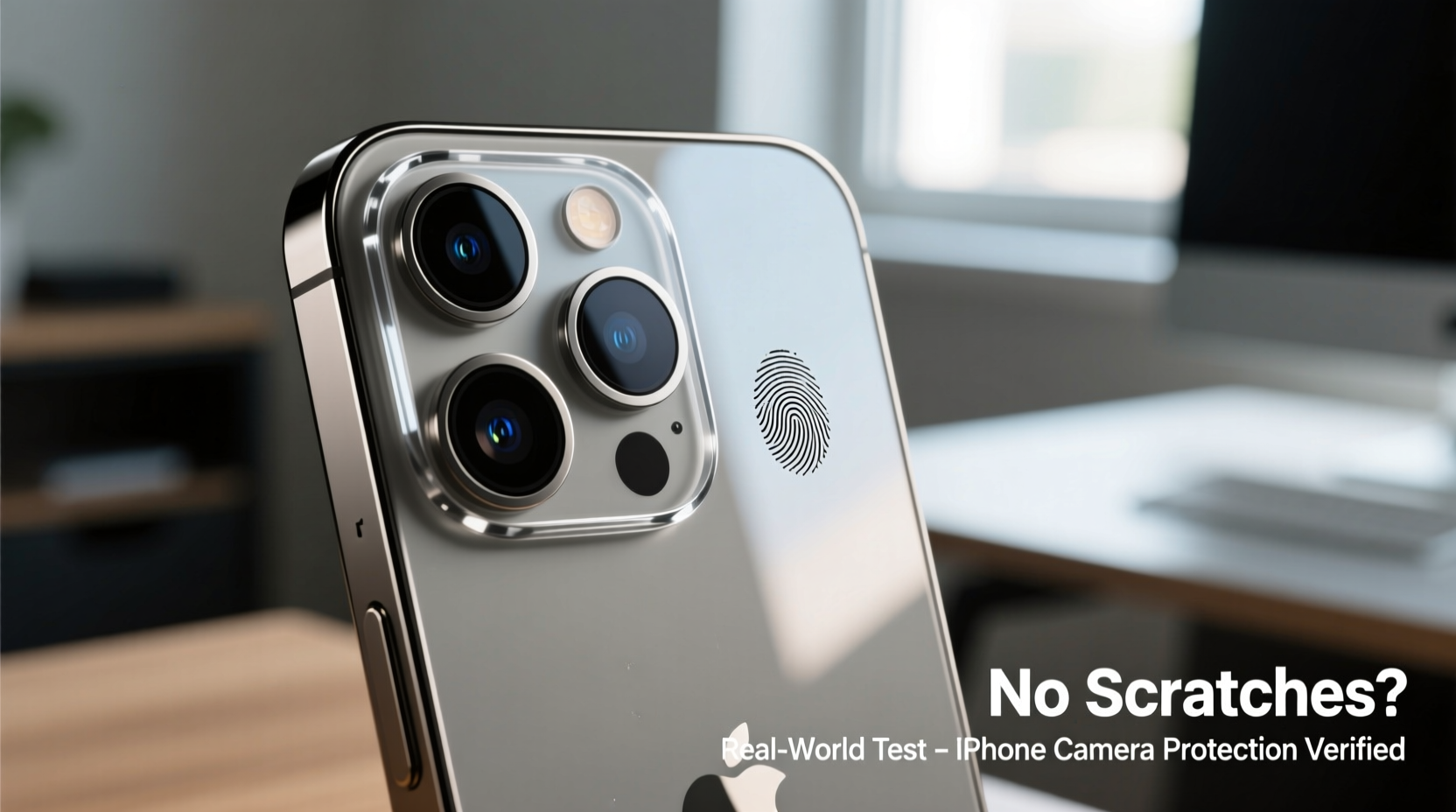
The iPhone’s rear camera module protrudes slightly from the back glass on most modern models. This design choice improves optical performance but creates a vulnerability. When placed on rough surfaces—concrete, gravel, wooden tables with grit, or even coarse fabric—the raised lenses make contact before the rest of the body. Over time, repeated exposure leads to micro-scratches, which accumulate and become visible.
Apple uses sapphire crystal for the lens cover on higher-end models, which is highly scratch-resistant (ranking 9 on the Mohs hardness scale). However, it’s not indestructible. Materials like quartz (found in sand), concrete, and certain metals rank between 7 and 8, meaning they can still cause abrasions under pressure. Lower-tier models may use hardened glass, which is more susceptible.
The misconception that screen protectors help stems from seeing them overlap the edges of the phone. But since screen protectors are applied only to the front face, they offer zero physical coverage to the rear-mounted camera.
How Screen Protectors Are Designed (and Why They Don’t Cover the Back)
Screen protectors are engineered specifically for the front display. Their primary purpose is to absorb impact, resist scratches, and preserve touchscreen sensitivity. Most are made from tempered glass or polyethylene terephthalate (PET) film, cut to match the exact dimensions of the iPhone’s screen.
Some full-coverage screen protectors extend slightly over the curved edges of OLED models, but this extension is minimal—typically less than 0.5mm—and only wraps around the front bezel. It does not reach the back of the phone. Even edge-to-edge designs stop well short of the rear housing where the camera sits.
In fact, adding material that extends toward the back would interfere with cases, create peeling issues, and compromise adhesion. Manufacturers prioritize functionality and longevity over speculative coverage.
“Screen protectors are precision-engineered for optical clarity and touch response. Any attempt to extend them toward the back would defeat their core purpose.” — Dr. Alan Zhou, Materials Engineer at MobileShield Labs
What Actually Causes Camera Scratches (And How to Prevent Them)
To understand prevention, you need to know the real culprits:
- Sand and grit: Tiny particles in pockets, bags, or on tables act like sandpaper when pressed against the lens.
- Keys and coins: Carrying your iPhone loose in a pocket with metal objects accelerates abrasion.
- Rough surfaces: Placing the phone on unfinished wood, stone countertops, or pavement invites scratches.
- Poor case design: Some third-party cases leave the camera module exposed or have recesses that trap debris.
Prevention isn’t about magic solutions—it’s about consistent habits and smart accessory choices.
Step-by-Step Guide to Protect Your iPhone Camera
- Use a high-quality case with raised edges: Choose one with a lip around the camera cutout that elevates the lenses above the surface.
- Avoid pocket carry with loose items: Use a dedicated pouch or keep keys in a separate compartment.
- Clean your case regularly: Debris trapped under or around the camera can grind into the lens over time.
- Place the phone carefully: Set it down gently on clean, smooth surfaces. Turn it face-up when possible.
- Inspect for damage: Check the lens weekly for early signs of scratching or residue buildup.
Case Study: Two Users, Same iPhone, Different Outcomes
Consider two users with identical iPhone 15 Pro models:
User A uses a minimalist silicone case with no camera lip. They carry their phone in a jeans pocket with keys and frequently set it face-down on restaurant tables. After six months, the camera lenses show visible webbing of fine scratches, especially on the telephoto lens.
User B uses a rugged OtterBox Defender case with a built-in camera shield. They store the phone in a jacket inner pocket away from metal objects and always place it face-up. After one year, the lenses remain pristine, with only minor smudges easily wiped away.
The difference isn’t luck—it’s behavior and equipment. Neither user applied a screen protector to the front, yet only User A experienced camera damage. This illustrates that screen protectors play no role in rear lens protection, while proper casing and handling do.
Comparison: Protection Methods That Work vs. Myths
| Method | Protects Camera? | Notes |
|---|---|---|
| Front screen protector | No | Covers only the display; no effect on rear camera. |
| Case with raised camera lip | Yes | Physically lifts lenses off surfaces; most effective solution. |
| Dedicated camera lens cap | Yes | Bulky but offers maximum protection; used by professionals. |
| Anti-scratch coating apps | No | Digital filters don’t change physical durability. |
| Back glass protector | Limited | Covers flat area but rarely extends over curved lens domes. |
Can Screen Protectors Indirectly Contribute to Damage?
Surprisingly, yes—in rare but documented cases. Some ultra-thick tempered glass screen protectors (especially third-party brands) add enough height to interfere with magnetic accessories like MagSafe wallets or chargers. If misaligned, these accessories can press unevenly against the phone’s back when attached, potentially causing micro-movements that grind debris into the camera area.
Additionally, users who rely heavily on a screen protector may develop a false sense of security, neglecting other protective measures. They might toss the phone into a bag with sand-covered beach towels or drop it into a gritty glove compartment, assuming “it’s protected.” This behavioral gap increases risk.
There’s also anecdotal evidence from repair technicians that phones with bulky front protection are more likely to land on their backs during falls due to altered weight distribution—though this remains unproven at scale.
Expert Recommendations for Real-World Protection
Industry experts agree: if you want to keep your iPhone camera scratch-free, focus on the back, not the front.
- Invest in a case with a recessed or elevated camera module design. Brands like Spigen, Catalyst, and UAG consistently engineer cases with deep cutouts and protective lips.
- Use a lens cleaning pen or microfiber cloth daily. Removing dust and oil prevents abrasive compounds from settling.
- Avoid cheap adhesive \"camera stickers.\" These yellow over time, distort photos, and peel unevenly, leaving residue.
- Consider a lens guard with optical clarity. Some aftermarket solutions attach directly to the lens housing with nano-adhesive, though installation requires precision.
“The best protection is invisible: good habits. No accessory replaces mindful usage.” — Lena Park, Senior Technician at iFixMobile NYC
FAQ: Common Questions About iPhone Camera Protection
Do all iPhone models have scratch-resistant camera lenses?
No. While flagship models like the iPhone Pro series use sapphire crystal—which resists scratches up to Mohs 9—not all lenses are covered with it. Ultra-wide lenses on some models use ceramic glass or hardened glass, which are more vulnerable. Always check Apple’s technical specifications for your specific model.
Can I apply a screen protector to the camera lenses?
Technically, yes—but it’s not recommended. Adhesives can degrade, trap moisture, or create reflections that ruin photo quality. Dedicated lens shields exist, but they must be optically clear and precisely aligned. Poor application leads to blurring, glare, or peeling.
Does AppleCare+ cover camera scratches?
No. Apple considers scratches and cosmetic damage as user wear and tear, not covered under warranty or AppleCare+. Physical damage from drops is covered, but only after paying a service fee, and only if the device remains functional.
Final Checklist: How to Keep Your iPhone Camera Scratch-Free
- ✅ Use a case with a raised bezel around the camera
- ✅ Never carry the phone loose with keys or coins
- ✅ Clean the lens and case weekly with a microfiber cloth
- ✅ Avoid placing the phone on rough or gritty surfaces
- ✅ Inspect the camera module monthly for early damage
- ✅ Skip gimmicky lens stickers or DIY screen protector hacks
- ✅ Store the phone in a clean, padded compartment when not in use
Conclusion: Stop Worrying About the Front, Protect the Back
Screen protectors serve an important role—they keep your display safe from drops, scuffs, and daily friction. But they do nothing to prevent iPhone camera scratches. Expecting them to is like wearing a helmet and expecting it to protect your shoes. The solution lies elsewhere: in thoughtful case selection, conscious handling, and routine maintenance.
Your iPhone’s camera is one of its most valuable features. A single scratch can cause lens flare, reduce image sharpness, or lower resale value. Yet protection doesn’t require expensive gadgets or complex rituals. It starts with recognizing where real risks come from—and addressing them directly.




 浙公网安备
33010002000092号
浙公网安备
33010002000092号 浙B2-20120091-4
Comments
No comments yet. Why don't you start the discussion?