
Smart plugs have transformed holiday lighting from a manual, often frustrating ritual into a seamless, scheduled, and even mood-responsive experience. Yet many homeowners hesitate—unsure whether plugging strings of incandescent or LED lights into a $25 Wi-Fi switch is safe, reliable, or truly worth the effort. The short answer is yes: smart plugs work exceptionally well with Christmas lights—but only when matched to your setup’s electrical profile, installed with intention, and managed with awareness of real-world limitations. This isn’t just about convenience; it’s about reducing fire risk, cutting energy waste, extending bulb life, and reclaiming control over seasonal decor without daily trips to the outlet.
How Smart Plugs Interact with Christmas Lights: The Technical Reality
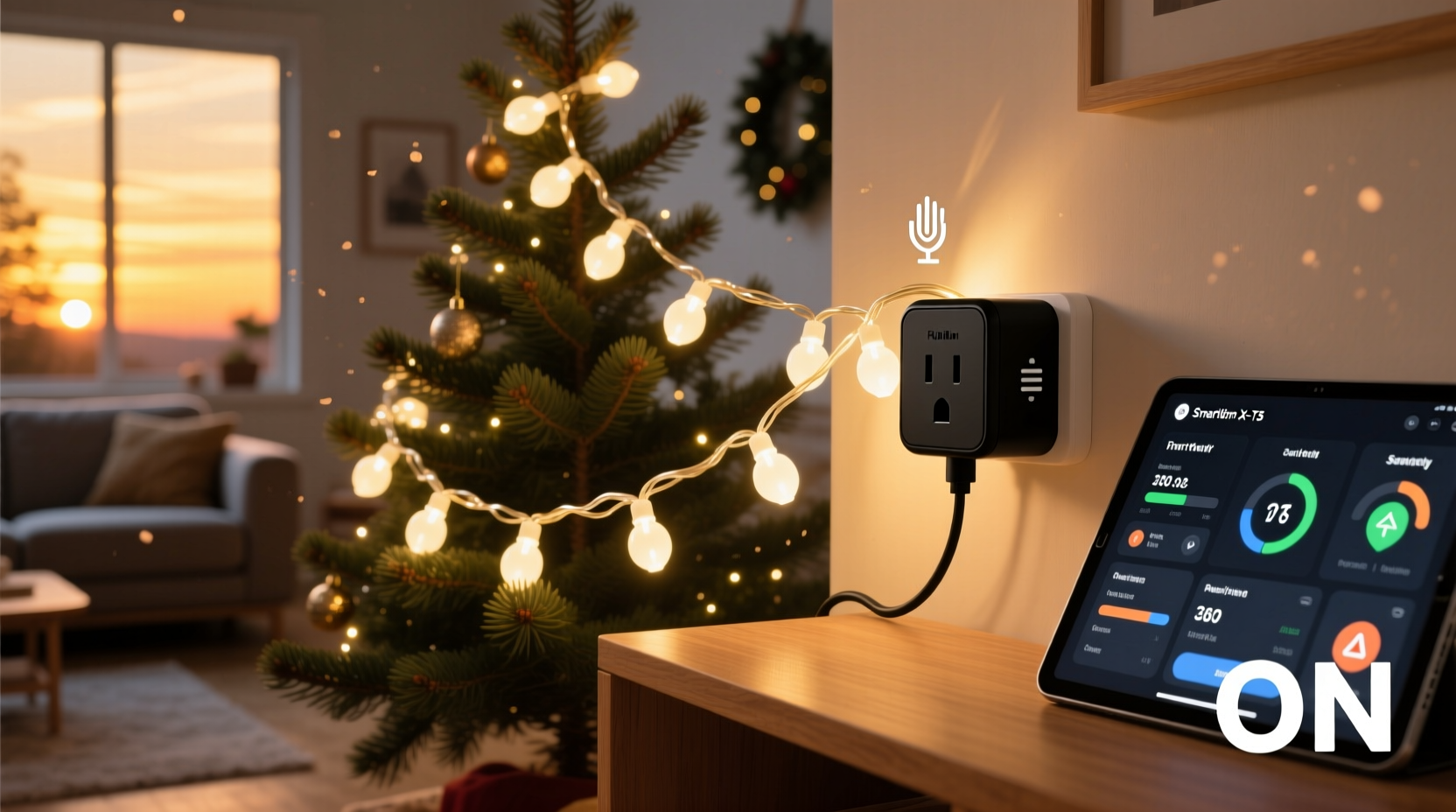
At their core, smart plugs function as remotely controlled switches that sit between your wall outlet and any plugged-in device. When you use one with Christmas lights, it doesn’t “communicate” with the lights themselves—it simply cuts or restores power to the entire string. That means timing, dimming, and color effects depend entirely on the lights’ built-in capabilities—not the plug. A basic smart plug cannot dim a non-dimmable LED string, nor can it cycle through chase patterns on a standard incandescent set. What it can do reliably is turn the whole circuit on or off at precise times, trigger based on location or voice command, and report energy usage (on models with monitoring).
The critical nuance lies in load compatibility. Most indoor smart plugs are rated for 15 amps (1800 watts) at 120V—sufficient for up to ten 100-light mini-incandescent strings (each drawing ~40–60W), or 30+ modern LED strings (typically 4–7W each). Outdoor-rated smart plugs often match this rating but add weatherproofing, surge protection, and GFCI compatibility—non-negotiable for porch, roof, or tree installations. Exceeding wattage limits causes overheating, premature failure, or tripped breakers. Worse, daisy-chaining multiple light strings into a single plug without checking cumulative draw remains the most common cause of mid-season outages—and a preventable fire hazard.
Safety First: What Can Go Wrong—and How to Prevent It
Christmas lights already account for an estimated 7% of December home fires, according to the U.S. Fire Administration. Introducing smart technology doesn’t inherently increase risk—but misapplication does. Overheated outlets, overloaded circuits, and incompatible devices compound existing vulnerabilities. Three scenarios demand immediate attention:
- Heat buildup from enclosed spaces: Placing a smart plug behind a thick garland, inside a tight junction box, or under insulation traps heat. Even brief operation at full load can exceed thermal cutoff thresholds, leading to shutdowns or component degradation.
- Moisture exposure without proper rating: Using an indoor-only plug on a covered patio—or worse, an uncovered deck—invites condensation, corrosion, and short circuits. Look for IP64 or higher (dust-tight and splash-resistant) and UL 1310 certification for outdoor use.
- Unprotected extension cord setups: Running a 50-foot extension cord from an indoor outlet to a front-yard tree, then plugging in a smart plug and six light strings, creates voltage drop and excessive amperage draw at the plug’s terminals. This stresses both the plug and the cord, increasing resistance—and heat—at connection points.
“Smart plugs are excellent tools—but they’re not magic. They inherit the safety profile of whatever you plug into them. If your lights are frayed, your extension cord is undersized, or your outlet is old and loose, the plug won’t fix those risks. It just adds another point of potential failure.” — Dr. Lena Torres, Electrical Safety Researcher, National Fire Protection Association
Maximizing Automation: Beyond Simple On/Off Scheduling
True automation goes far beyond setting a 5 p.m. start time. When paired thoughtfully with ecosystem integrations, smart plugs unlock layered, context-aware lighting that feels intuitive—not gimmicky. Consider these high-value applications:
- Sunrise/sunset triggers: Use geolocation-based routines (via Apple Home, Google Home, or Alexa) so lights activate precisely at dusk—even as sunset shifts weekly. No more remembering to adjust timers manually.
- Presence-aware dimming: Combine a smart plug with a motion sensor and smart bulb (for pathway lighting) or a dimmable LED string. When motion is detected near your front door after dark, the plug powers on low-level accent lighting—then fades to off after 90 seconds of stillness.
- Voice + scene integration: Assign “Goodnight” to a routine that turns off all exterior lights, locks doors, and arms security—without requiring separate commands. For holidays, create a “Cozy Evening” scene that powers porch lights, a fireplace LED strip, and a warm-white indoor string simultaneously.
- Energy-conscious cycling: Program 30-minute on/off cycles during overnight hours. This reduces heat buildup in LEDs (extending diode life) and cuts standby consumption by 40–60% versus leaving lights on continuously.
Note: Not all smart plugs support local execution or Matter/Thread protocols. For reliable, low-latency automation—especially across brands—prioritize Matter-certified devices (e.g., Nanoleaf, Aqara, or newer TP-Link Kasa models). These operate directly on your home network, eliminating cloud dependency and lag that can delay responses during peak holiday traffic.
Do’s and Don’ts: A Practical Comparison Table
| Action | Do | Don’t |
|---|---|---|
| Choosing a Plug | Select UL-listed, outdoor-rated (if needed), with real-time energy monitoring and scheduling via app | Buy unbranded plugs without safety certifications or thermal cutoffs |
| Wiring Setup | Use 12-gauge outdoor extension cords for runs >25 ft; plug no more than 3 LED strings per outlet circuit | Daisy-chain more than 3 incandescent strings or exceed manufacturer’s max string count |
| Placement | Mount plug in open air, away from direct rain, snow, or insulation; use a weatherproof outlet box if permanent | Hide plug behind wreaths, inside gutters, or beneath mulch where airflow is restricted |
| Maintenance | Inspect cord ends and plug housing monthly for cracks, discoloration, or warmth during operation | Assume “it’s working fine” and skip seasonal checks—especially after storms or temperature swings |
| Automation Logic | Set schedules with 10–15 minute buffers before/after sunset; use geofencing to disable lights when house is empty | Rely solely on fixed clock times year after year, ignoring daylight shift or travel plans |
Real-World Example: The Johnson Family’s Front-Yard Upgrade
The Johnsons in Portland, Oregon, had used the same set of 100-light incandescent mini-lights on their front porch for 12 years—plugged into a basic timer that failed every November. In 2023, they upgraded to four 200-light LED strings (total draw: 24W), a UL-listed outdoor smart plug with surge protection, and a heavy-duty 12-gauge extension cord routed through a weatherproof conduit. They configured the plug to activate at sunset (adjusted automatically), dim to 70% brightness at 11 p.m., and fully power down at 1 a.m.—reducing energy use by 65% versus their old all-night schedule. Crucially, they mounted the plug inside a ventilated NEMA 3R outdoor box, secured to the porch post, with the cord entry sealed using silicone grommets. After two holiday seasons, their lights remain bright, their plug shows no signs of wear, and their December electric bill dropped by $18—while eliminating three instances of forgotten manual shutoffs that previously led to early-morning neighbor complaints.
Step-by-Step: Installing and Optimizing Your Smart Plug for Holiday Lights
- Evaluate your circuit: Locate your home’s breaker panel and identify which breaker controls the outlet(s) you’ll use. Turn it off, then test with a lamp to confirm. Note its amperage (usually 15A or 20A).
- Calculate total load: Add wattage of all lights, extension cords (if applicable), and any other devices sharing the circuit. Keep total under 12A (1440W) for safety margin.
- Select and test the plug: Choose a plug rated for outdoor use if exposed, with UL/ETL listing and overload protection. Plug it in alone first—no lights attached—and verify app connectivity and basic on/off response.
- Connect lights safely: Plug lights into the smart plug before powering the outlet back on. Avoid twisting cords or forcing connections. Let cords hang loosely—not coiled—to dissipate heat.
- Configure intelligent scheduling: In your smart home app, create a sunset-triggered routine with gradual ramp-up (if supported), overnight dimming, and auto-off. Enable energy monitoring to track baseline usage and detect anomalies like sudden spikes (indicating failing components).
- Perform a 72-hour validation: Observe operation for three full days: check for warmth at plug base, verify timing accuracy across varying sunset times, and confirm remote control works during spotty Wi-Fi conditions.
Frequently Asked Questions
Can I use a smart plug with old incandescent lights?
Yes—but with strong caveats. Incandescents draw significantly more power and generate far more heat than LEDs. A single 100-light incandescent string uses ~40–60W; ten strings could approach 600W. While within most plug ratings, the sustained heat increases stress on internal relays and nearby wiring. Prioritize LED replacements for long-term reliability, lower fire risk, and better automation responsiveness.
Why did my smart plug stop working after two weeks of holiday use?
Most failures stem from thermal overload or moisture ingress—not software bugs. Check for discoloration or warping around the plug housing, a faint burning odor, or visible corrosion on prongs. Also verify the outlet itself isn’t loose or worn—poor contact creates arcing and localized heating that damages smart plug internals faster than any other factor.
Do smart plugs work with musical or synchronized light displays?
Only as master power switches—not for real-time sync. Musical controllers require constant, stable power to process audio input and coordinate light channels. A smart plug can turn the entire controller on/off at show start/end times, but never interrupt power mid-display. For synchronization, use the controller’s native scheduling or integrate it via Matter-compatible hubs that expose controller APIs.
Conclusion
Smart plugs don’t just make Christmas lights easier—they make them safer, smarter, and more sustainable. When selected with electrical rigor, installed with weather-aware precision, and programmed with thoughtful automation logic, they transform seasonal decor from a chore into a calm, controllable, and genuinely joyful part of your home rhythm. You gain peace of mind knowing lights won’t stay on accidentally through freezing nights, reduce energy waste without sacrificing ambiance, and extend the life of your investment through intelligent cycling and thermal management. The technology is mature, accessible, and proven—but its value emerges only when grounded in practical knowledge, not marketing hype.
Start small: pick one high-visibility location, audit your current setup, choose a certified plug, and follow the step-by-step validation. Then scale intentionally—not by adding more devices, but by deepening control. Your future self, standing in 15° weather at midnight to unplug a strand, will thank you.




 浙公网安备
33010002000092号
浙公网安备
33010002000092号 浙B2-20120091-4
Comments
No comments yet. Why don't you start the discussion?