
As holiday lighting becomes increasingly sophisticated, wireless controllers are now central to managing complex Christmas light displays. From synchronized color shifts to music-responsive effects, these systems rely on stable radio frequency (RF) communication. However, with growing numbers of smart home devices operating on shared bands like 2.4 GHz, signal interference has become a real concern. The question arises: do wireless Christmas light controllers actually reduce signal interference issues—or do they contribute to them? The answer lies in understanding modern controller design, frequency management, and deployment best practices.
Understanding Signal Interference in Holiday Lighting Systems
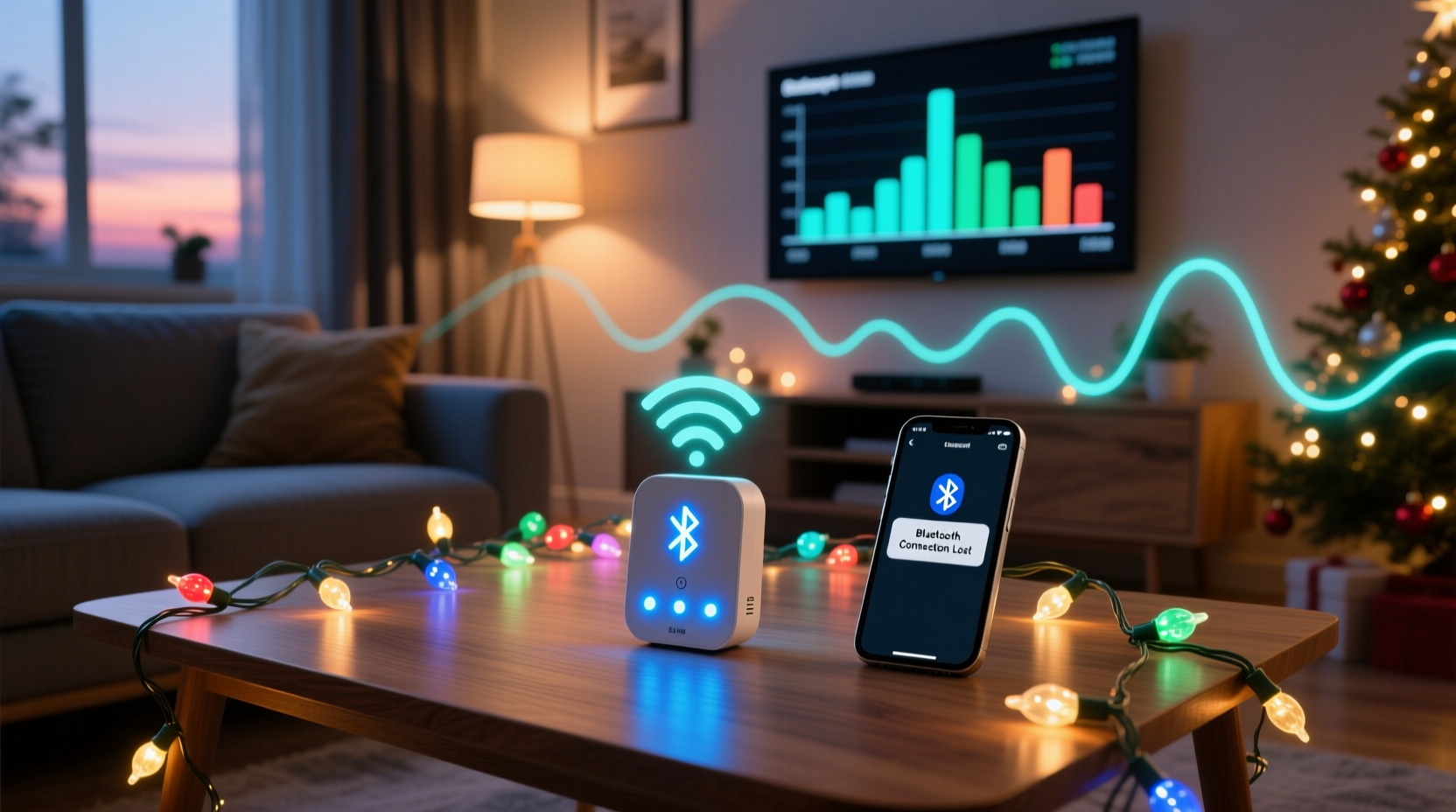
Wireless Christmas light controllers communicate using radio signals, typically over the 2.4 GHz ISM band—the same spectrum used by Wi-Fi routers, Bluetooth devices, baby monitors, and microwave ovens. When multiple devices transmit simultaneously, signals can collide, leading to dropped commands, delayed responses, or erratic behavior in light sequences.
Interference manifests in several ways:
- Packet loss: Commands from the controller fail to reach the receiver module.
- Latency: Delays between trigger actions (e.g., music beats) and light response.
- Crosstalk: One display inadvertently responding to another’s signal due to poor channel separation.
- Signal attenuation: Physical obstructions like walls, trees, or metal structures weaken transmission strength.
Early-generation wireless controllers were especially vulnerable to such problems because they used simple fixed-frequency transmission without dynamic adjustment. But today’s advanced systems incorporate technologies specifically designed to minimize interference—making them not just convenient, but more reliable than ever.
How Modern Controllers Mitigate Interference
Contemporary wireless Christmas light controllers don’t merely tolerate interference—they actively combat it through intelligent engineering. Several key features have been integrated into high-end models to enhance signal integrity and reliability.
Frequency Hopping Spread Spectrum (FHSS)
FHSS is one of the most effective anti-interference techniques. Instead of transmitting on a single fixed channel, FHSS-enabled controllers rapidly switch across multiple frequencies within the allowed band. If one channel is congested, the system skips it and continues communication on a clearer one.
“FHSS drastically improves resilience in dense urban environments where dozens of devices compete for bandwidth.” — Dr. Alan Reeves, RF Systems Engineer at HolidayTech Labs
Channel Selection & Auto-Scanning
Premium controllers allow users to manually select among 15–20 different channels or automatically scan for the least congested one during setup. This proactive selection reduces overlap with nearby networks and minimizes conflict.
Higher Transmission Power & Range Optimization
While regulatory limits cap maximum output, many controllers use efficient antennas and amplification circuits to maximize usable range. Directional antennas and signal repeaters further extend coverage while maintaining clarity.
Digital Encoding & Error Correction
Unlike older analog systems that could misinterpret noise as valid signals, modern digital controllers use encrypted packet transmission with checksum verification. If data corruption occurs, the receiver requests retransmission, ensuring command accuracy even under marginal conditions.
Comparing Controller Types: Which Minimizes Interference Best?
Not all wireless controllers are created equal. The level of interference resistance depends heavily on the technology used. Below is a comparison of common types based on their susceptibility to signal disruption.
| Controller Type | Frequency Band | Interference Resistance | Best Use Case |
|---|---|---|---|
| Infrared (IR) | N/A (light-based) | Low – requires line-of-sight; blocked by fog/snow | Indoor, short-range only |
| Fixed 433 MHz RF | 433 MHz | Moderate – less crowded than 2.4 GHz, but no dynamic tuning | Simple outdoor setups with minimal electronics nearby |
| 2.4 GHz Basic RF | 2.4 GHz | Low to Moderate – prone to congestion without scanning | Budget installations in low-RF areas |
| 2.4 GHz FHSS + Digital | 2.4 GHz (spread spectrum) | High – adaptive hopping and error correction | Large displays, urban neighborhoods, music sync |
| Wi-Fi / App-Based | 2.4 GHz or 5 GHz | Variable – depends on router quality and network load | Smart home integration, remote access |
| Zigbee / Z-Wave | Sub-GHz (e.g., 908 MHz in US) | Very High – dedicated protocols, mesh networking | Professional-grade, scalable installations |
For those serious about avoiding interference, Zigbee and FHSS-equipped 2.4 GHz controllers offer the strongest performance. While slightly more expensive, their long-term reliability pays off during peak viewing times when neighbors’ lights and networks are also active.
Real-World Example: Managing Interference in a Dense Suburban Display
Consider the case of Mark T., a holiday lighting enthusiast in suburban Chicago who runs a 12,000-light synchronized display viewed by thousands each season. In 2021, he experienced frequent glitches—lights freezing mid-sequence or triggering early—especially on weekend evenings.
Using a basic 2.4 GHz RF controller, his system operated on Channel 6, which overlapped with three neighboring Wi-Fi networks and a nearby public camera system. After consulting an RF specialist, Mark upgraded to a professional-grade controller using FHSS and automatic channel scanning. He also relocated the transmitter to an elevated position away from his home’s main electrical panel.
The results were immediate:
- No missed cues during musical routines
- Stable operation even when local schools hosted evening events (increasing ambient RF)
- Ability to expand to additional zones without degradation
This example illustrates that while hardware matters, proper configuration and placement are equally critical in reducing interference.
Step-by-Step Guide to Minimize Wireless Interference
To get the most out of your wireless Christmas light controller and avoid signal problems, follow this proven process:
- Assess Your RF Environment
Use a mobile app like Wi-Fi Analyzer (Android) or NetSpot (Mac/PC) to scan for active networks and signal strengths around your property. - Select the Right Controller
Choose a model with FHSS, channel selection, and digital encoding. Avoid bargain units with no technical specifications listed. - Position Transmitters Strategically
Elevate the transmitter above ground level and away from large metal objects, HVAC units, or power meters that emit electromagnetic noise. - Pair Devices in Place
Always pair (bind) your controller and receiver modules at their final installation locations to account for real-world obstacles. - Test Under Load Conditions
Run full tests during evening hours when neighborhood RF activity peaks—not just during daytime setup. - Use Repeaters or Boosters if Needed
For very large yards or multi-building displays, deploy signal repeaters compatible with your controller’s protocol. - Maintain Firmware Updates
Some smart controllers receive updates that improve signal handling algorithms or add new channels.
Checklist: Ensuring Reliable Wireless Performance
Before powering up your display each season, go through this checklist to prevent interference-related failures:
- ☐ Verify all controllers and receivers are securely paired
- ☐ Confirm firmware is up to date (for smart models)
- ☐ Test signal strength at maximum distance with temporary power
- ☐ Check for new sources of interference (new neighbor’s router, holiday inflatables, etc.)
- ☐ Ensure antennas are intact and properly oriented
- ☐ Replace corroded connectors or damaged cables
- ☐ Set controller to auto-scan mode or manually select clearest channel
- ☐ Perform end-to-end sequence test during high-usage hours
Common Misconceptions About Wireless Reliability
Despite technological advances, myths persist about wireless lighting systems:
- Myth: “All wireless signals are unreliable outdoors.”
Reality: Weather-resistant FHSS systems operate reliably in snow, wind, and rain when properly installed. - Myth: “More lights mean more interference.”
Reality: Light count doesn’t affect RF—controller signal strength and protocol do. - Myth: “If my phone connects, my lights will too.”
Reality: Phones use robust cellular/Wi-Fi stacks; small embedded controllers have limited processing and may drop packets silently.
Understanding these distinctions helps set realistic expectations and guides better purchasing decisions.
Frequently Asked Questions
Can I use multiple wireless controllers in the same yard without interference?
Yes, provided they operate on different channels or use frequency-hopping technology. Many systems support unique ID pairing, allowing dozens of independent zones to coexist. Just ensure physical separation between transmitters and avoid stacking all units in one enclosure.
Do Wi-Fi-based Christmas light controllers suffer more interference than RF ones?
They can, depending on your network setup. Wi-Fi controllers depend on router stability and bandwidth availability. During high-traffic periods (e.g., streaming video), commands may be delayed. For mission-critical synchronization, dedicated RF or Zigbee systems are generally more dependable.
What’s the typical range of a good wireless Christmas light controller?
A high-quality FHSS controller offers 100–300 feet of reliable range in open space. Obstacles like walls, trees, and fences reduce this by 30–70%. Using external antennas or repeaters can extend effective coverage beyond 500 feet.
Conclusion: Smart Controllers Are Part of the Solution
Wireless Christmas light controllers, particularly modern models equipped with adaptive technologies, do more than just eliminate cords—they actively reduce signal interference through intelligent design. Features like frequency hopping, digital encryption, and auto-channel selection make today’s systems far more resilient than their predecessors.
The key is choosing wisely and installing thoughtfully. A premium controller paired with strategic placement and regular maintenance transforms what was once a fragile link into a robust command center for your holiday display.
Whether you're illuminating a single tree or orchestrating a block-wide spectacle, investing in interference-resistant control technology ensures your lights shine brightly—and precisely on cue—throughout the season.




 浙公网安备
33010002000092号
浙公网安备
33010002000092号 浙B2-20120091-4
Comments
No comments yet. Why don't you start the discussion?