
The rollout of 5G networks has transformed mobile connectivity, offering faster download speeds, lower latency, and improved streaming quality. However, as users embrace this next-generation technology, a common concern has emerged: does 5G actually drain your phone battery faster? The short answer is yes—under certain conditions. But the full picture is more nuanced, involving network availability, signal strength, device hardware, and user behavior. Understanding these factors allows you to enjoy the benefits of 5G without sacrificing all-day battery performance.
Why 5G Can Increase Battery Consumption
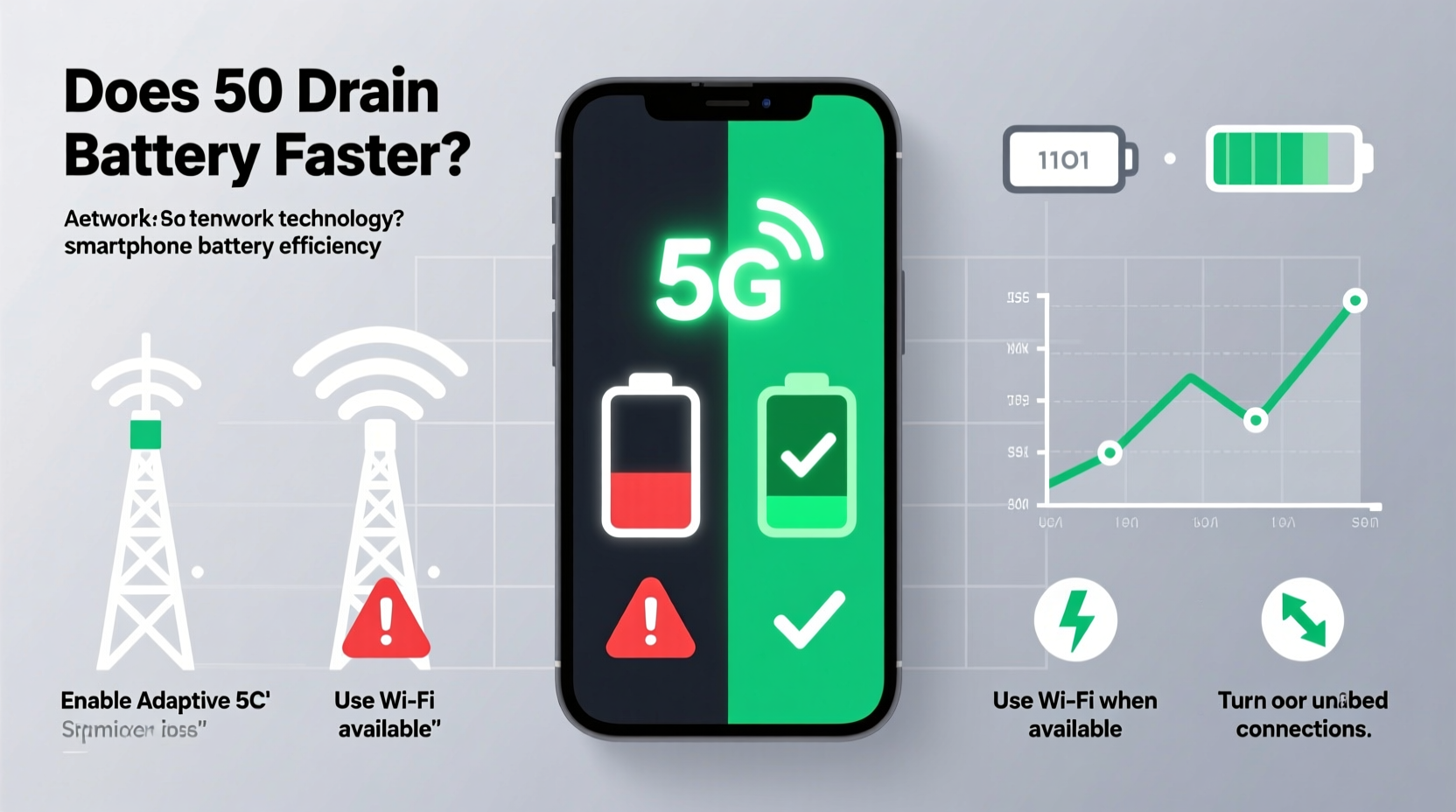
5G operates on higher frequency bands than previous generations (4G LTE), particularly in the millimeter wave (mmWave) spectrum. While these frequencies enable ultra-fast data transfer, they have limited range and struggle with obstacles like walls and trees. As a result, your phone may constantly search for or switch between 5G signals when coverage is inconsistent, leading to increased power draw from the modem and radio components.
In addition, 5G modems are more complex and energy-intensive. Even when not actively transferring large amounts of data, maintaining a 5G connection requires more background processing than 4G. Early 5G smartphones, especially those released between 2019 and 2021, often experienced significant battery degradation when using 5G continuously due to less efficient chipsets and thermal management.
Modern devices have improved significantly. Flagship phones now feature integrated 5G modems and advanced power-saving algorithms that reduce unnecessary strain. Still, real-world testing by Tom’s Guide found that switching from 5G to LTE can extend battery life by up to 30% under heavy usage scenarios.
“Early 5G implementations were notoriously inefficient. Today’s chipsets are much better, but signal instability remains a major factor in battery drain.” — Dr. Lin Zhao, Senior Analyst at MobileTech Insights
How Network Conditions Affect Battery Life
Battery impact isn’t just about whether 5G is enabled—it depends heavily on where you are and how strong the signal is. When your phone detects a weak 5G signal, it boosts transmission power to maintain connectivity, which consumes more energy. This effect is similar to shouting across a noisy room: the harder you try to be heard, the more effort it takes.
Urban areas with dense 5G infrastructure typically offer stable connections, minimizing battery strain. In contrast, rural or suburban locations may only have partial 5G coverage, forcing your phone into a constant cycle of connecting, dropping, and reconnecting—a process known as “network hunting.” This repeated activity can deplete your battery far faster than simply staying on a stable 4G LTE connection.
Device-Specific Factors That Influence Power Usage
Not all phones handle 5G the same way. Hardware design plays a critical role in determining how efficiently a device manages 5G-related power consumption. Key differences include:
- Modem integration: Phones with integrated 5G modems (e.g., Apple’s A-series chips or Qualcomm’s Snapdragon 8 Gen series) tend to be more power-efficient than older models with external modems.
- Antenna design: Better antenna placement improves signal reception, reducing the need for high-power transmissions.
- Software optimization: Manufacturers like Samsung and Google use adaptive networking features that automatically downgrade to 4G during low-activity periods.
- Battery capacity: Larger batteries naturally offset higher power demands, though they don’t eliminate inefficiencies.
For example, iPhone 15 models use Smart Data mode, which dynamically switches between 5G and LTE based on app usage. Similarly, recent Pixel devices employ Adaptive Connectivity, learning your habits to optimize network selection. These intelligent systems help balance speed and battery longevity.
Practical Strategies to Manage 5G Battery Drain
You don’t need to abandon 5G to preserve battery life. With thoughtful adjustments, you can harness its advantages while minimizing energy costs. Below are proven techniques to maintain performance without constant charging.
Step-by-Step Guide: Optimizing 5G Power Usage
- Assess your actual need for 5G. Ask yourself: Are you frequently downloading large files, streaming 4K video, or using cloud gaming? If not, LTE may suffice for most daily activities.
- Switch to LTE manually in low-coverage zones. Go to Settings > Cellular > Cellular Data Options > Voice & Data, then select LTE or “Allow More Time on LTE” (iOS), or choose “Preferred network type” and pick LTE (Android).
- Enable auto-switching features. Turn on Smart Data mode (iPhone) or Adaptive Connectivity (Pixel) to let your phone decide when to use 5G.
- Limit background app refresh for data-heavy apps. Apps like YouTube, TikTok, and Instagram often preload content over 5G, consuming both data and battery.
- Use Wi-Fi whenever possible. Wi-Fi is generally more power-efficient than any cellular network, including 5G. Connect to trusted networks at home, work, or public spaces.
- Turn off 5G overnight or during downtime. Use Airplane Mode or set a schedule via Digital Wellbeing (Android) or Screen Time (iOS) to disable cellular data during inactive hours.
Checklist: Daily 5G Battery Management Routine
- ✅ Check signal strength—if below 2 bars, consider switching to LTE
- ✅ Ensure Smart Data or Adaptive mode is enabled
- ✅ Disable 5G for non-critical apps in settings
- ✅ Charge before reaching 20% to avoid emergency power-saving modes
- ✅ Restart your phone weekly to clear network glitches
Comparative Overview: 5G vs. LTE Battery Impact
| Factor | 5G | LTE (4G) |
|---|---|---|
| Peak Speed | Up to 1–10 Gbps | Up to 100 Mbps |
| Latency | 1–10 ms | 30–50 ms |
| Average Battery Drain (per hour, active use) | 18–25% | 12–18% |
| Signal Stability in Rural Areas | Poor to moderate | Moderate to good |
| Best Use Case | High-bandwidth tasks (streaming, downloads) | General browsing, calls, messaging |
This comparison highlights that while 5G excels in speed and responsiveness, it comes at a cost in terms of consistent battery efficiency, especially outside well-covered urban centers.
Real-World Example: Managing 5G on a Commute
Consider Sarah, a marketing professional who commutes 90 minutes each way through mixed urban and rural zones. She noticed her phone often dropped from 100% to 40% by midday, despite minimal app usage. After reviewing her settings, she discovered her phone was stuck in a loop—constantly trying to latch onto 5G towers in areas with poor coverage.
She adjusted her settings to prefer LTE during her commute and enabled Smart Data mode. Within a week, her morning battery drop slowed significantly. By the time she reached the office, her phone still had 75% charge, allowing her to use 5G selectively for video calls and large file uploads without fear of premature shutdown.
Sarah’s experience illustrates how small changes can yield substantial improvements in battery endurance—even on modern devices.
Frequently Asked Questions
Is 5G always active once enabled?
No. Most modern smartphones use dynamic switching, meaning 5G activates only when needed. For instance, if you’re reading emails or using offline apps, the phone may stay on LTE to conserve power. However, some background processes might trigger brief 5G bursts, so complete deactivation requires manual setting changes.
Can I turn off 5G completely?
Yes. On iPhones, go to Settings > Cellular > Cellular Data Options > Voice & Data and select LTE. On Android devices, navigate to Settings > Network & Internet > Mobile Network > Preferred Network Type and choose LTE or 3G. Note that disabling 5G will prevent access to ultra-fast speeds, even in strong signal areas.
Does using 5G increase phone heat?
Yes, prolonged 5G usage—especially during downloads or streaming—can generate noticeable heat due to increased processor and modem activity. Excessive heat accelerates battery wear over time and may trigger thermal throttling, slowing performance. Keeping your phone cool and avoiding extended 5G sessions helps mitigate this.
Expert Recommendations for Long-Term Battery Health
Beyond managing network settings, long-term battery preservation involves holistic habits. Experts recommend:
- Keeping battery levels between 20% and 80% to reduce chemical stress.
- Using optimized charging features (available on iPhone and many Androids) that learn your routine and delay full charging until needed.
- Avoiding fast charging overnight, as sustained high voltage can degrade lithium-ion cells faster.
- Updating software regularly—manufacturers often release firmware updates that improve modem efficiency and fix bugs related to network power management.
“Battery longevity isn’t just about one setting. It’s the sum of how you use your device daily. Managing 5G wisely is one of the most impactful steps you can take.” — Priya Mehta, Lead Engineer at BatteryLife Labs
Conclusion: Balance Speed and Sustainability
5G does have the potential to drain your phone battery faster—but it doesn’t have to. With smarter settings, awareness of your environment, and selective usage, you can enjoy the speed and responsiveness of 5G without compromising all-day usability. The key is intentionality: use 5G when it adds real value, and fall back to LTE when it doesn’t.
As network coverage improves and hardware becomes more efficient, the trade-off between performance and power will continue to shrink. Until then, taking control of your phone’s connectivity settings empowers you to make informed choices that align with your lifestyle and priorities.




 浙公网安备
33010002000092号
浙公网安备
33010002000092号 浙B2-20120091-4
Comments
No comments yet. Why don't you start the discussion?