
Many internet users believe that switching their DNS (Domain Name System) server can dramatically boost their internet speed. From tech forums to social media, claims circulate about how using Google DNS or Cloudflare can make browsing faster, streaming smoother, and downloads quicker. But how much of this is true? Is changing your DNS a genuine performance upgrade or just digital folklore? This article dives deep into the technical mechanics of DNS, examines real-world scenarios, and separates fact from fiction.
Understanding DNS: The Internet’s Phonebook
The Domain Name System acts as the directory of the internet. When you type a website address like www.example.com into your browser, your device doesn’t know where to go unless it translates that domain into an IP address—such as 93.184.216.34. This translation process is handled by DNS servers.
By default, your Internet Service Provider (ISP) assigns a DNS server to your connection. However, you can manually configure your device or router to use third-party alternatives like:
- Google Public DNS:
8.8.8.8and8.8.4.4 - Cloudflare DNS:
1.1.1.1 - OpenDNS:
208.67.222.222 - Quad9:
9.9.9.9
The promise? Faster lookups, improved reliability, better security, and sometimes enhanced privacy. But does this actually translate to faster internet?
Myth: Changing DNS = Faster Internet Speed
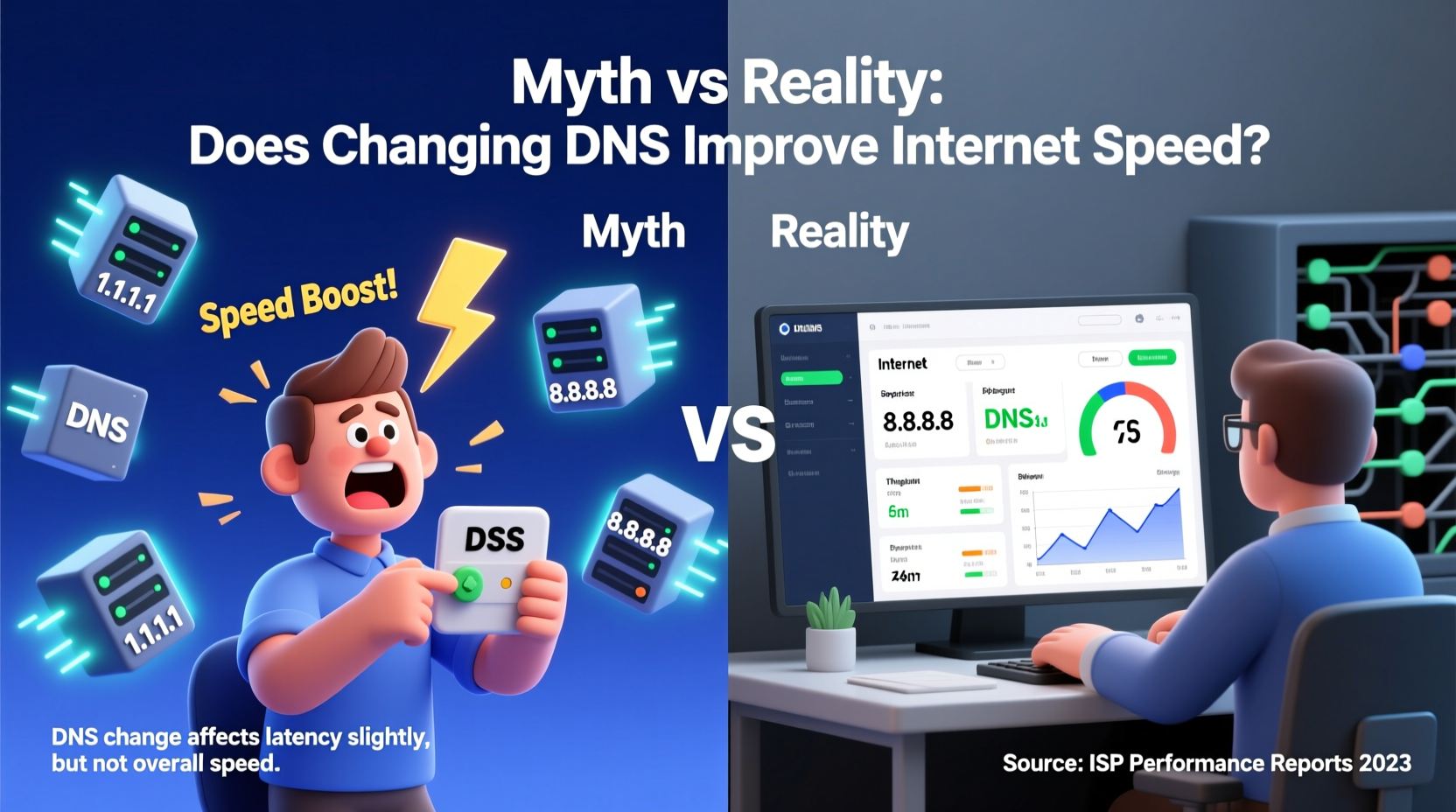
The most common misconception is that changing your DNS will make your entire internet connection faster—like upgrading from 50 Mbps to 100 Mbps. This is not accurate. DNS affects only one small part of the web request process: domain resolution.
Here's what happens when you visit a website:
- DNS Lookup: Your device queries a DNS server to get the IP address of the site.
- TCP Connection: Your device connects to the server at that IP.
- Data Transfer: Content (HTML, images, videos) is downloaded.
Only step 1 involves DNS. Even if this step is sped up by milliseconds, the rest depends on your actual bandwidth, network congestion, server location, and routing efficiency—all of which are unaffected by DNS changes.
In most cases, the difference in DNS lookup time between your ISP’s server and a public one is minimal—often less than 10–50 milliseconds. For daily browsing, this is imperceptible.
“Switching DNS might shave off a few milliseconds in page load time, but it won’t help if your broadband is throttled or your Wi-Fi signal is weak.” — Dr. Alan Chen, Network Infrastructure Analyst at NetMetrics Lab
When Changing DNS Can Help: Real-World Scenarios
While DNS changes don’t boost raw speed, they can improve your online experience under specific conditions.
Slow or Overloaded ISP DNS Servers
Some ISPs run outdated or overloaded DNS infrastructure. If your provider’s DNS frequently times out or responds slowly, switching to a high-performance alternative can noticeably reduce delays in loading new sites—especially those you haven’t visited recently.
Better Caching and Global Distribution
Services like Cloudflare and Google operate massive, globally distributed DNS networks with advanced caching. If you're far from your ISP’s DNS server, a geographically closer public DNS might resolve queries faster due to reduced physical distance.
Improved Uptime and Reliability
Public DNS providers typically offer higher uptime and redundancy. During ISP outages affecting internal DNS systems, using an external resolver keeps you browsing uninterrupted—even if other services fail.
Security and Filtering Features
Certain DNS services include built-in protections:
- Blocking known malware and phishing domains
- Content filtering for families or workplaces
- DNS-over-HTTPS (DoH) or DNS-over-TLS (DoT) for encrypted queries
These features enhance safety and privacy but don’t affect speed directly.
Reduced Latency for Frequent New Requests
If you regularly access obscure or newly registered domains that aren’t cached locally, a fast DNS resolver with broad coverage may return results more quickly than a slower ISP server.
dig example.com or online DNS benchmarkers to compare response times across different providers before switching.
When It Won’t Make a Difference
Despite the hype, changing DNS has zero impact in several common situations:
- Your ISP already uses fast upstream DNS: Many modern ISPs forward queries to Google or OpenDNS behind the scenes.
- You’re visiting cached sites: Browsers and operating systems store recent DNS results. The second visit to any site skips DNS lookup entirely.
- Bandwidth-heavy tasks: Streaming, gaming, or large downloads depend on throughput, not DNS speed.
- Poor Wi-Fi signal or network congestion: These bottlenecks dominate performance far more than DNS.
In short, if your internet feels slow during video calls or file transfers, DNS isn’t the culprit.
Step-by-Step Guide: How to Change Your DNS
If you want to test whether a DNS change improves your experience, follow these steps:
- Test Current Performance
Use a DNS benchmark tool (e.g., GRC’s DNS Benchmark or Namebench) to measure response times of your current DNS. - Choose a Public DNS Provider
Select one based on your needs:- Speed: Cloudflare (
1.1.1.1) or Google (8.8.8.8) - Security: Quad9 (
9.9.9.9) - Parental Control: OpenDNS Family Shield
- Speed: Cloudflare (
- Update Settings
Change DNS at the device or router level:- Windows: Network & Sharing Center → Change adapter settings → TCP/IPv4 → Use following DNS
- Mac: System Settings → Network → Advanced → DNS
- Router: Access admin panel (usually
192.168.1.1) → LAN/DHCP settings → Enter preferred DNS
- Flush DNS Cache
Run:- Windows:
ipconfig /flushdns - macOS:
sudo dscacheutil -flushcache
- Windows:
- Test Again
Visit new websites and observe loading behavior. Use speed tests focused on initial load time, not bandwidth.
Mini Case Study: Sarah’s Home Office Upgrade
Sarah, a freelance graphic designer in rural Pennsylvania, complained of slow website loading despite having a 100 Mbps fiber plan. Her ISP used legacy DNS servers hosted over 500 miles away.
After reading about public DNS options, she switched her router settings to use Cloudflare (1.1.1.1). Using a DNS benchmark, she found average query times dropped from 180ms to 32ms.
Result: New websites loaded visibly faster. However, her download speeds remained unchanged at ~98 Mbps, and video conferencing quality improved only slightly—mainly because audio sync became more consistent due to reduced initial handshake delay.
Sarah concluded: “It didn’t double my speed, but pages feel snappier when I open new tabs. Worth it for me.”
Comparison Table: Popular DNS Services
| Provider | DNS Addresses | Average Response Time* | Encryption (DoH/DoT) | Privacy Policy | Filtering Options |
|---|---|---|---|---|---|
| Google DNS | 8.8.8.8, 8.8.4.4 | ~35 ms | Yes (via Android/Chrome) | Data retained for 24–48 hours | No |
| Cloudflare | 1.1.1.1, 1.0.0.1 | ~28 ms | Yes (full support) | Anonymized within 24 hours | Malware blocking available |
| OpenDNS | 208.67.222.222, 208.67.220.220 | ~45 ms | Limited | Logs retained for 30 days | Extensive (family, enterprise) |
| Quad9 | 9.9.9.9, 149.112.112.112 | ~50 ms | Yes | No logging of client IPs | Blocks malware & phishing |
| ISP Default | Varies | ~60–150+ ms | Rarely | Often unverified | Limited or none |
*Global averages; actual performance varies by region.
Checklist: Should You Change Your DNS?
Answer these questions to decide:
- ✅ Are you experiencing frequent \"site not found\" errors or timeouts?
- ✅ Does your ISP have a reputation for poor network management?
- ✅ Do you value privacy and want encrypted DNS queries?
- ✅ Are you using devices that benefit from content filtering?
- ✅ Have benchmark tests shown significantly slower DNS response times?
If three or more apply, switching DNS is likely beneficial—not for speed, but for reliability, security, and consistency.
Frequently Asked Questions
Can changing DNS increase my download speed?
No. Download speed depends on your broadband plan and network conditions. DNS only resolves domain names and has no effect on data transfer rates.
Is public DNS safer than my ISP’s?
It depends. Providers like Cloudflare and Quad9 offer strong privacy policies and encryption. However, some public DNS services may log data or be subject to jurisdictional surveillance. Always review their privacy terms.
Will changing DNS affect my gaming performance?
Not significantly. While a faster DNS might shorten the time it takes to connect to a game server initially, in-game latency (ping) is determined by routing, distance, and bandwidth—not DNS resolution.
Conclusion: Reality Over Hype
Changing your DNS is not a magic bullet for slow internet. It won’t boost your bandwidth or eliminate buffering on Netflix. However, it can provide meaningful improvements in domain resolution speed, reliability, security, and privacy—especially if your ISP’s DNS is outdated or poorly maintained.
The truth lies in nuance: DNS optimization is a marginal gain, not a transformation. It’s akin to upgrading from a rotary phone to a smartphone—not because it makes your voice travel faster, but because the interface is smarter, faster, and more secure.
Before chasing DNS changes, ensure your fundamentals are solid: a reliable router, strong Wi-Fi signal, updated firmware, and an appropriate internet plan. Then, if needed, fine-tune with a better DNS as part of a holistic approach to network health.




 浙公网安备
33010002000092号
浙公网安备
33010002000092号 浙B2-20120091-4
Comments
No comments yet. Why don't you start the discussion?