
It’s a habit many smartphone users swear by: double-tapping the home button or swiping up to close every app running in the background. The belief is simple—fewer apps mean more speed, better battery life, and a smoother experience. But does this actually work? The answer isn’t as straightforward as it seems. In fact, modern smartphones are designed to manage apps intelligently, and force-closing them may do more harm than good. Let’s dive into how background apps truly affect performance, what happens when you close them, and whether this long-standing habit is based on myth or reality.
How Modern Smartphones Handle Background Apps
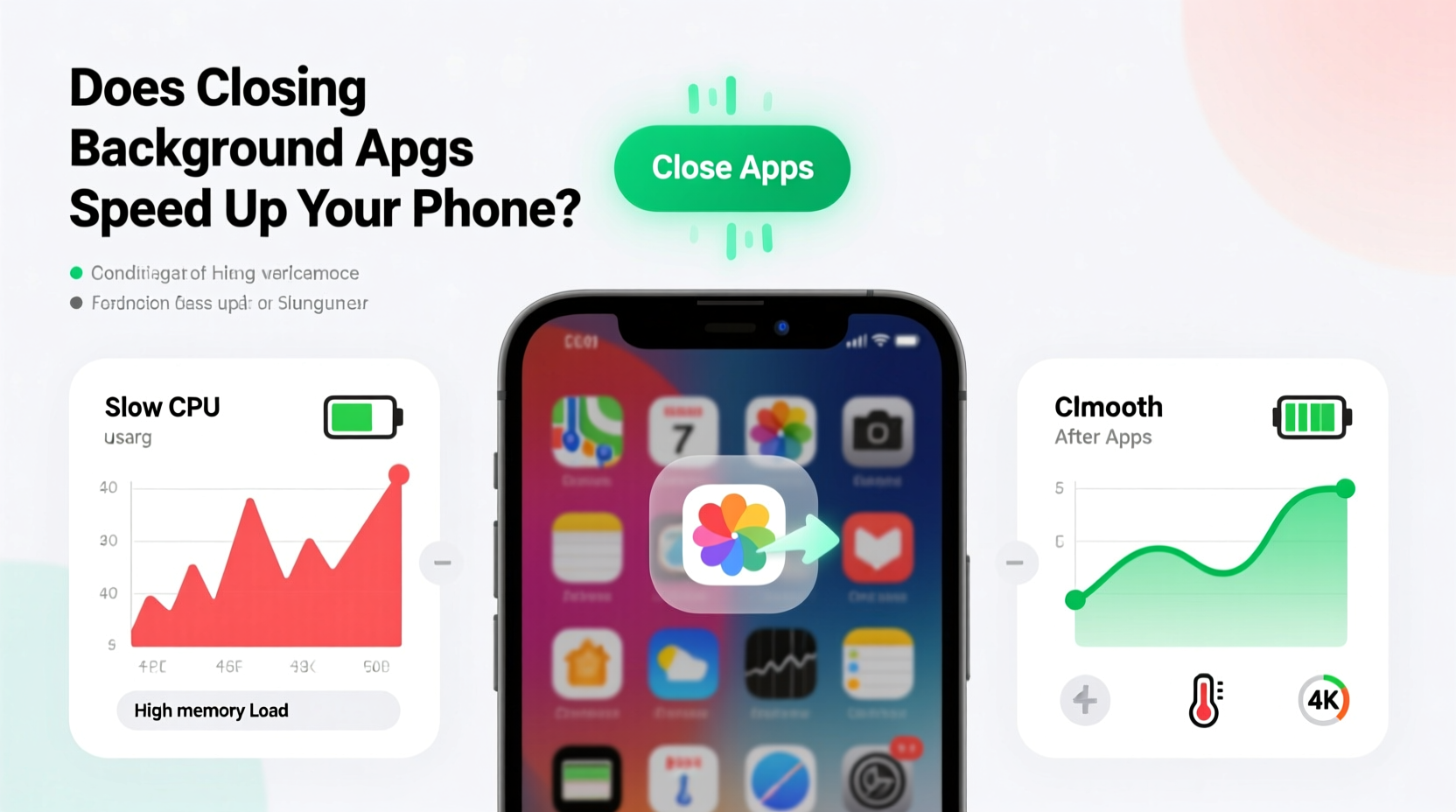
Smartphone operating systems like iOS and Android have evolved significantly over the past decade. Today, they use sophisticated memory and power management systems that prioritize efficiency and user experience. When you switch away from an app, it doesn’t continue running at full capacity. Instead, it enters a suspended or “frozen” state—essentially paused in the background so it can resume quickly when reopened.
This behavior is intentional. Launching an app from scratch requires more processing power and energy than resuming one that’s already loaded in RAM. Think of it like pausing a movie versus rewinding and restarting it each time. The system keeps frequently used apps in memory not because they’re actively draining resources, but because doing so improves responsiveness.
iOS, for example, uses a feature called App Nap that suspends background processes unless they’re performing essential tasks like playing music or tracking location. Android employs a similar model through its Activity Manager and Doze mode, which restricts background activity when the device is idle.
“Modern mobile OSes are built to optimize resource usage automatically. Manually killing apps often triggers unnecessary reload cycles that consume more battery.” — Dr. Lin Chen, Mobile Systems Researcher, MIT Media Lab
The Myth of the “Always Running” App
One of the biggest misconceptions is that apps sitting in the recent apps list are actively consuming CPU power and battery. In reality, most are simply cached in memory. RAM (Random Access Memory) is not a battery-draining resource—it’s a workspace. Having free RAM doesn’t improve performance; in fact, underutilized RAM means your phone isn’t working efficiently.
When you force-close all your background apps, you’re clearing out this cache. The next time you open those apps, they must reload entirely—fetching data from storage, reinitializing components, and reconnecting to servers. This process uses more CPU, network, and battery than simply resuming from a suspended state.
Battery drain typically comes from active processes like GPS tracking, constant notifications, media playback, or poorly coded apps that run background services unnecessarily—not from apps merely being present in the recents menu.
When Closing Apps Might Actually Help
While force-closing apps isn’t generally beneficial, there are specific situations where it makes sense:
- An app is misbehaving: If an app is frozen, crashing repeatedly, or using excessive battery, closing it can stop the issue temporarily.
- You suspect malicious behavior: Rarely, a rogue app might run background tasks without permission. Closing it and reviewing its permissions is a smart move.
- You're troubleshooting: Restarting apps can help resolve glitches, especially after an OS update or app installation.
- Your phone has very limited RAM: Devices with 2GB or less of RAM may struggle with multitasking, making manual management slightly more useful.
Even in these cases, closing the app is a short-term fix. For recurring problems, consider uninstalling the app, updating it, or contacting support.
Real Example: The Overheating Weather App
Sarah noticed her iPhone was getting unusually warm and draining battery fast—even when she wasn’t using it. She opened the Battery settings and saw that a weather app was consuming 40% of her battery over 4 hours, despite only opening it once that morning. After force-closing the app, the temperature dropped and battery usage normalized.
Upon investigation, she discovered the app had a bug causing it to refresh location data every 30 seconds instead of hourly. She reported the issue to the developer and switched to a more reliable alternative. This case shows that while most background apps behave properly, exceptions exist—and monitoring battery usage is far more effective than routinely closing apps.
What Actually Slows Down Your Phone?
If closing background apps isn’t the solution, what causes slowdowns? The real culprits are often overlooked:
- Full storage: When your phone’s storage is nearly full (above 85–90%), the system struggles to manage temporary files and cache, leading to lag.
- Outdated software: Older versions of iOS or Android may lack performance optimizations and security patches.
- Too many widgets or live wallpapers: These continuously refresh and use GPU/CPU resources.
- Background services: Syncing email, cloud backups, and location tracking can accumulate strain over time.
- Aging hardware: Phones older than 3–4 years may naturally slow down due to wear and software demands.
| Issue | Signs | Solution |
|---|---|---|
| App in background | Appears in recents list | No action needed—this is normal |
| App using high battery | Battery section shows >20% usage over 3 hours | Review permissions, update, or uninstall |
| Phone overheating | Device hot to touch, battery drains fast | Check for rogue apps, avoid direct sun, restart |
| Laggy interface | Delays when opening apps or scrolling | Free up storage, restart, update OS |
| Poor app launch speed | Apps take longer to load than before | Clear cache, reinstall problematic apps |
Best Practices for Optimal Phone Performance
Rather than obsessing over background apps, focus on sustainable habits that genuinely improve speed and longevity. Here’s a checklist of proven actions:
- ✅ Keep your operating system updated
- ✅ Free up storage (aim for 15–20% free space)
- ✅ Limit auto-syncing for email and social media
- ✅ Disable location services for non-essential apps
- ✅ Restart your phone weekly to clear temporary glitches
- ✅ Use built-in tools like iOS Low Power Mode or Android Adaptive Battery
- ✅ Uninstall apps you no longer use
Step-by-Step: Diagnose Real Performance Issues
- Open battery settings: Check which apps are consuming power abnormally. On iPhone: Settings > Battery. On Android: Settings > Battery > Usage.
- Identify outliers: Look for apps using disproportionate battery without justification (e.g., a calculator using 30% over 5 hours).
- Review permissions: Go to privacy settings and disable unnecessary access (location, camera, background refresh).
- Update or remove: Update the app first. If the problem persists, uninstall and find an alternative.
- Restart your device: A fresh boot clears RAM, stops rogue processes, and resets network connections.
- Monitor changes: Use the phone normally for 24 hours and reassess battery and performance.
Frequently Asked Questions
Does closing apps save battery?
Generally, no. Closing apps forces them to reload later, which uses more energy than resuming from a suspended state. However, if a specific app is malfunctioning and running in the background, closing it can prevent unnecessary battery drain.
Should I restart my phone regularly?
Yes. A weekly restart helps clear temporary system files, stop lingering processes, and apply pending updates. It’s more effective than daily app-swiping and takes only 30 seconds.
Is it bad to leave apps open for days?
No. Modern phones are designed to handle long-lived app states. As long as the apps aren’t actively running tasks, they remain in low-power suspension. The system will automatically purge them from memory if needed for other processes.
Expert Insight: What Engineers Say
Apple and Google engineers have consistently stated that manual app management is unnecessary. Craig Federighi, Apple’s SVP of Software Engineering, once said in an interview: “The whole reason we show apps in the switcher is so you can get back to them quickly. If you kill them, you’re just making the phone work harder next time.”
Similarly, Dave Burke, former VP of Engineering at Android, noted: “Our job is to make the system manage resources invisibly. Users shouldn’t have to babysit their apps.”
“The illusion of control leads people to close apps thinking they’re helping. In reality, they’re disrupting a finely tuned system.” — Dr. Alicia Torres, Human-Computer Interaction Specialist, Stanford University
Conclusion: Stop Closing Apps—Start Optimizing Smarter
The habit of closing background apps is rooted in outdated assumptions about how smartphones work. Today’s devices are engineered to manage memory and power dynamically, making manual intervention not only unnecessary but counterproductive. Rather than chasing phantom slowdowns, focus on real factors: software updates, storage management, and identifying genuinely problematic apps.
Performance optimization isn’t about micromanaging every open app—it’s about trusting the system while applying smart, evidence-based practices. Let your phone do its job. Close apps only when they misbehave, and redirect your attention to habits that truly matter.




 浙公网安备
33010002000092号
浙公网安备
33010002000092号 浙B2-20120091-4
Comments
No comments yet. Why don't you start the discussion?